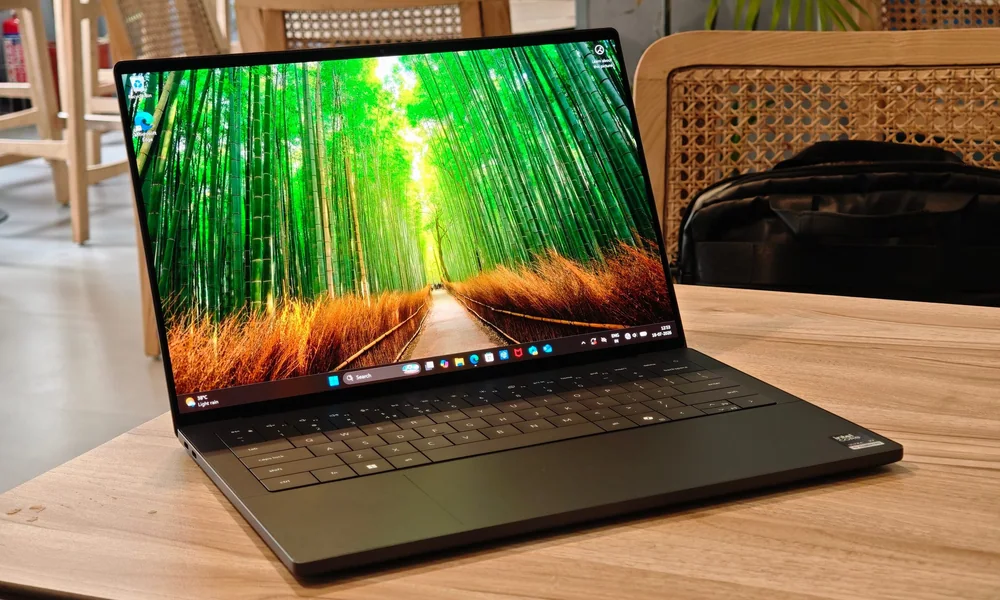
A $1,500 budget can buy a noticeably better screen, longer comfort, and more sustained performance if you spend it in the right places.
At $1,500, you are no longer stuck with -good enough- parts across the board. You can usually afford a laptop that feels faster in daily use, looks better for hours of reading, and holds up longer before it starts to feel cramped on RAM or storage. The trap is spending the money on the wrong kind of performance. A dedicated GPU (a separate graphics chip) and heavier cooling can be great for creators and gaming, but it often costs you weight, fan noise, and battery life. The best use of $1,500 depends on what you do for long sessions, not what looks impressive on a spec list.
Reading time: 9 minutesBest for: Shoppers who want a laptop that feels premium and stays fast for years without paying flagship prices
Where the $1,500 tier feels different day to day
The biggest daily upgrade at this budget is usually the display. You are more likely to get higher brightness, better color, and a panel that stays readable off-angle, which matters if you work in bright rooms or share your screen in person. A better screen reduces eye strain because you are not constantly fighting low brightness, washed-out contrast, or uneven backlighting. Build quality and input devices also improve in ways you notice every hour. Keyboards tend to feel more stable, touchpads track more accurately, and hinges wobble less when you type. Speakers and webcams often jump from -barely acceptable- to -actually usable,- which matters if you take calls without a headset. These are ownership upgrades: they do not show up in a benchmark, but they change whether you enjoy using the laptop.
Performance: CPU, RAM, and cooling determine whether it stays fast
CPU (processor) choice affects responsiveness and how quickly heavy tasks finish, but cooling decides whether that speed lasts. Thin laptops can be quick in short bursts and then throttle, meaning they slow down to avoid overheating during long exports, big code builds, or extended video calls. If you do sustained work, a slightly thicker laptop with better cooling can feel faster in real life than a thinner model with a similar CPU. RAM (memory) is the upgrade that prevents the most -mystery slowdowns.- Too little RAM forces the laptop to shuffle data to storage, which makes multitasking feel sticky when you have many tabs, chat apps, and a big document open. At $1,500, it is reasonable to prioritize enough RAM for your workload now and later, especially because many modern laptops have soldered RAM that cannot be upgraded. If you keep laptops for several years, extra RAM is often a better long-term bet than a small CPU bump.
Storage and ports: the upgrades that prevent future frustration
SSD storage affects both capacity and daily feel. A fast SSD makes booting, waking, and app launches snappy, but capacity is what keeps you from playing storage Tetris a year from now. Large photo libraries, offline files, and creative projects eat space quickly, and running near full storage can slow updates and make file management annoying. Ports decide how clean your setup is. At this budget, you can often find laptops with more flexible USB-C ports, sometimes with higher-end connectivity that supports docks and multiple monitors more reliably. If you use USB-A accessories, SD cards, or wired Ethernet, having the ports built in saves you from dongles that get lost and cause flaky connections. Think of ports as a quality-of-life feature that you either enjoy every day or complain about every day.
When a dedicated GPU is worth paying for and when it is not
A dedicated GPU (a separate graphics chip) matters when your apps use it for real work: video editing timelines, 3D modeling, rendering, some photo workflows, and gaming. The cause and effect is straightforward: more GPU power can raise frame rates, speed certain exports, and keep complex scenes smooth. But it also increases heat, which pushes fan noise up and battery life down, and it often forces a thicker chassis. If your workload is mostly web, office, and calls, a laptop with integrated graphics (graphics built into the CPU) is usually the better ownership experience. You get quieter operation, longer battery life, and a lighter bag, and you can still handle light creative tasks. The mistake at $1,500 is paying for GPU muscle you rarely use, then living with the downsides every single day.
What this guide helps you understand
Spend $1,500 on the parts you touch and stare at daily, then buy only the performance your apps can actually use.
Write down your heaviest weekly task (exporting video, large spreadsheets, coding builds, gaming) and your most common daily task (calls, docs, browsing), then choose a configuration that supports the heavy task without making the daily task worse through weight, noise, or battery tradeoffs.
Technique notes
If the laptop has soldered RAM or a non-upgradeable SSD, treat your initial configuration as your final configuration and buy the headroom you will want in two years, not just what feels fine today.