Pickori
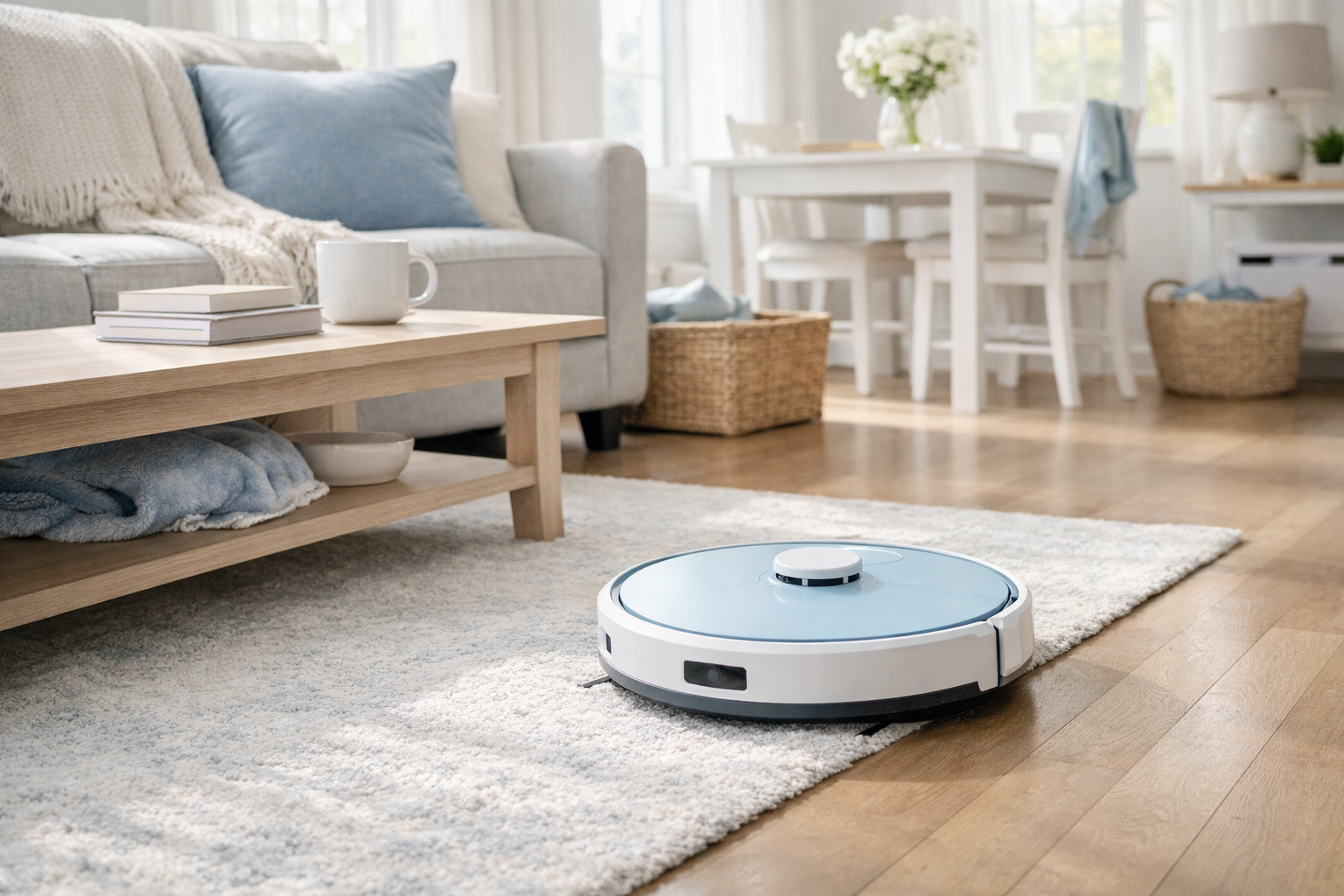
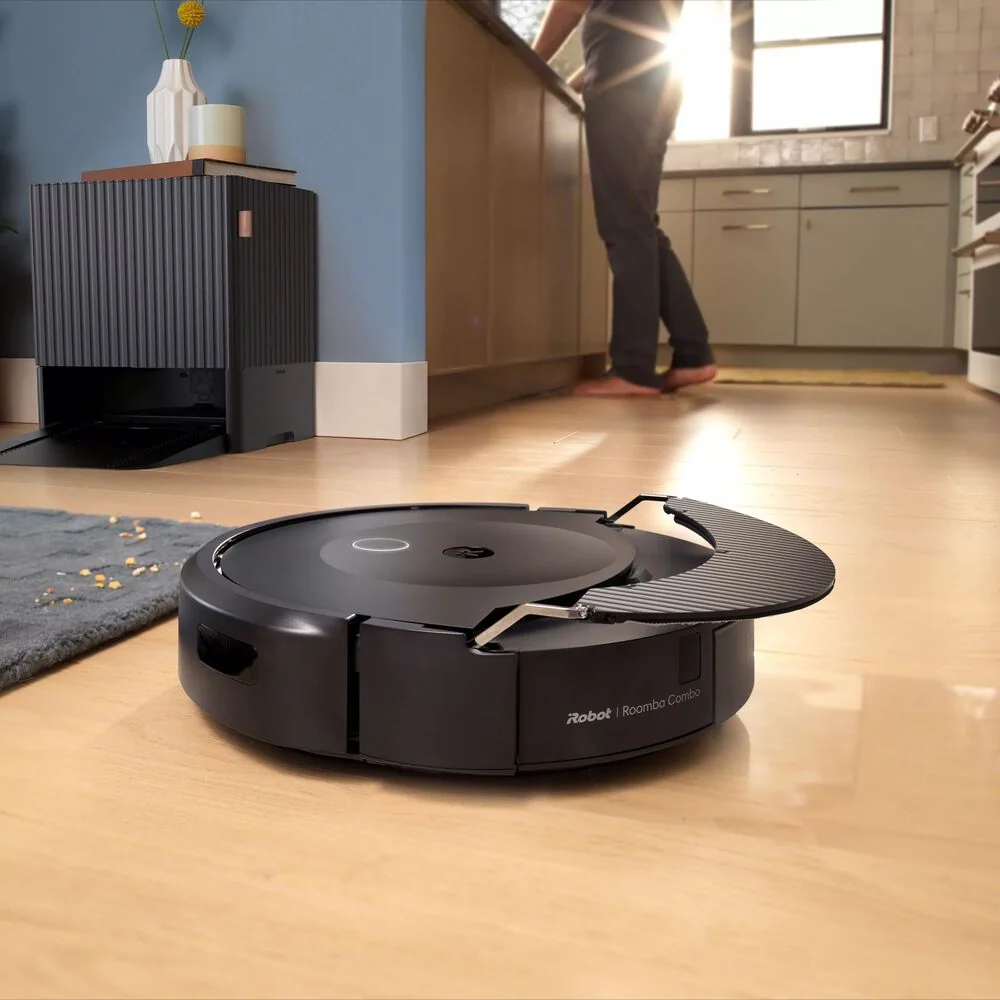
A robot vacuum cleaning a lived-in living room with hard floors and a rug

Robot Vacuum Research

Robot Vacuums

Robot vacuums handle the daily crumbs, dust, and pet hair that pile up between deeper cleanings. Pickori’s rankings, use-case guides, and ownership advice help you find a robot that fits your floors, layout, and tolerance for maintenance.

Robot vacuums keep floors under control when you cannot vacuum every day

A robot vacuum is basically a low, self-driving vacuum that runs on a schedule and returns to a dock to recharge. The practical win is consistency: it picks up the everyday grit that makes floors look dull and carpets feel dirty, especially in kitchens, entryways, and pet zones.

Performance depends less on one big spec and more on how the robot deals with your home. Mapping and navigation determine whether it cleans efficiently or wanders. Brush design and suction determine whether it can lift hair and grit from carpet or just skim hard floors. And ownership is real: you will empty bins, clean brushes, replace filters, and occasionally rescue a stuck robot. The right one is the one you will actually keep running.

Types of robot vacuums

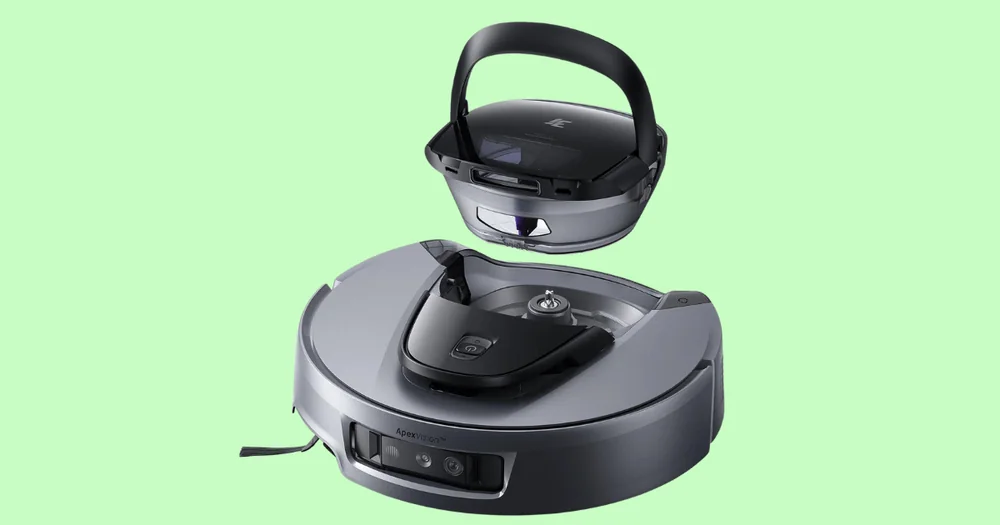
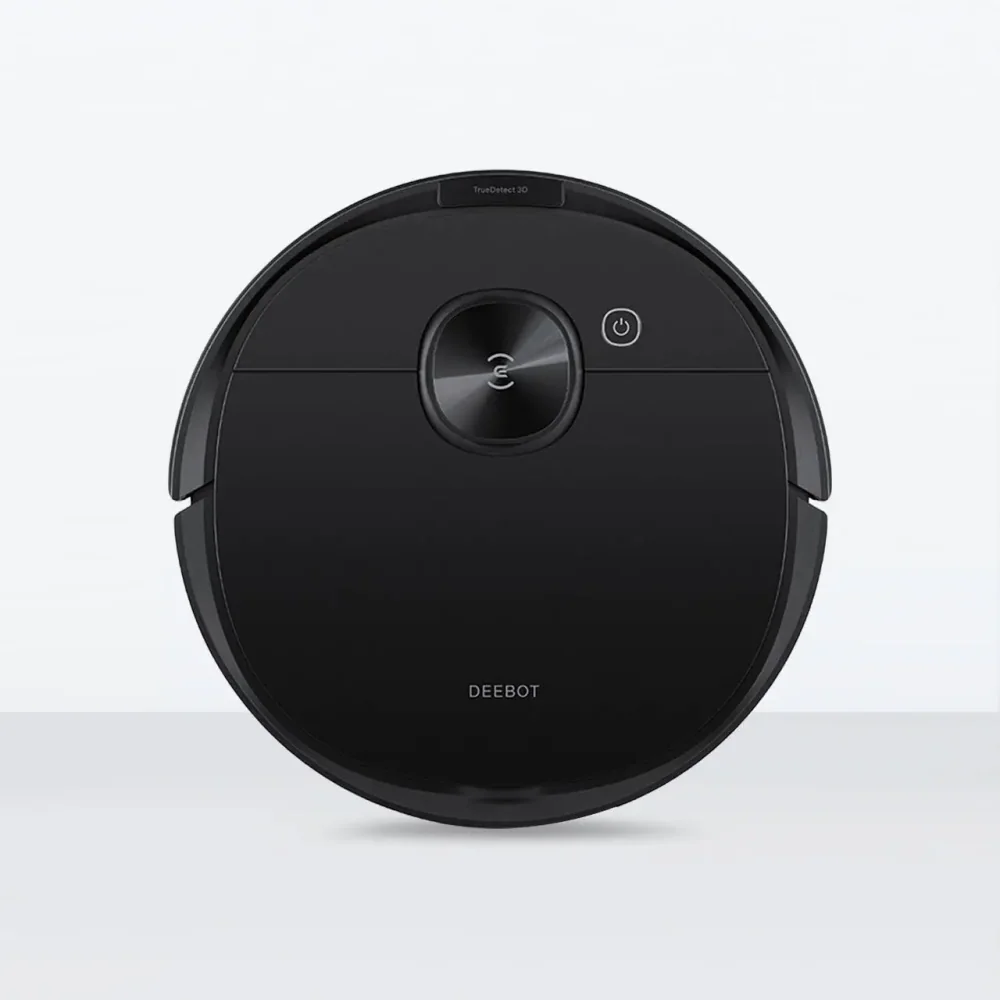
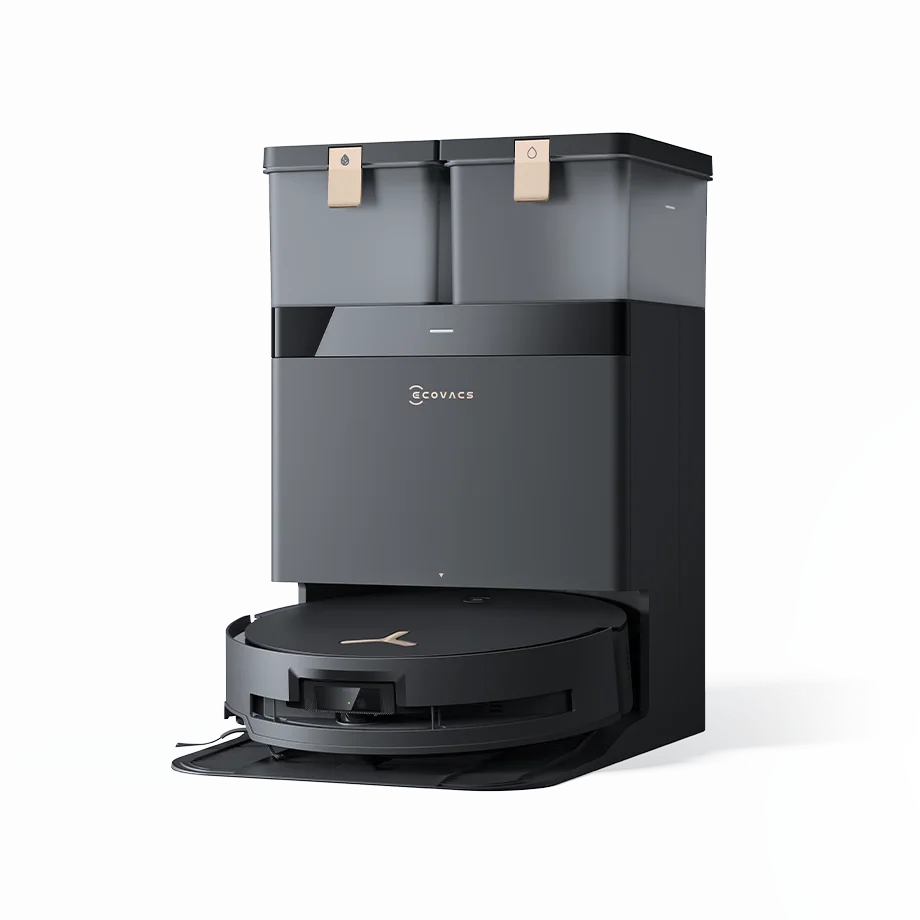
Ecovacs Deebot X8 Pro Omni

Vacuum-only robot

Vacuums debris into an onboard bin using a roller brush and suction, then returns to a charging dock.

Best for: Homes that want hands-off daily pickup and do not need mopping, or prefer to mop separately.
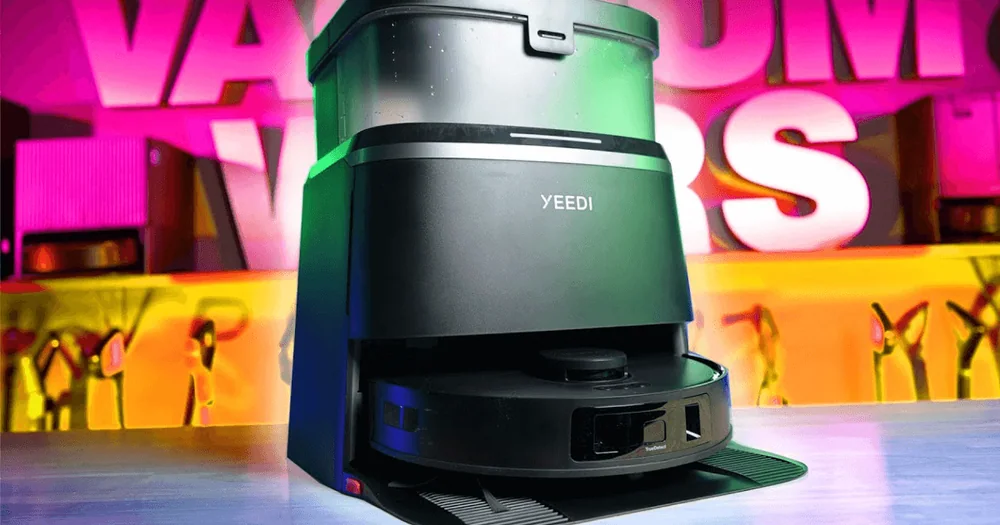
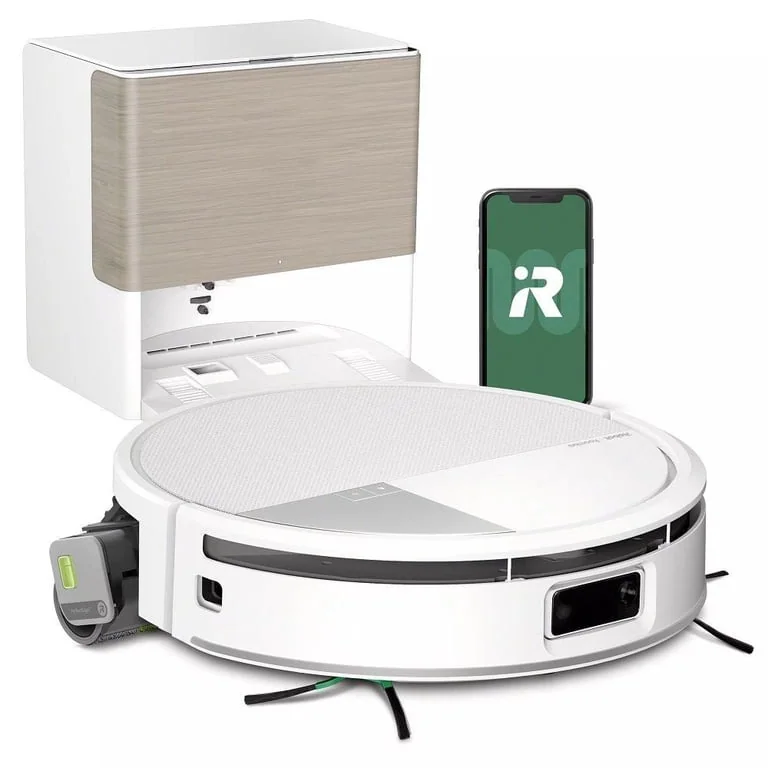
Yeedi M12 Pro Plus Robot Vacuum and Mop

Robot vacuum with mop pad

Vacuums, then drags a damp pad behind it. Some use a small water tank to keep the pad wet.

Best for: Hard-floor homes that want light maintenance mopping for footprints and fine dust, not sticky spills.
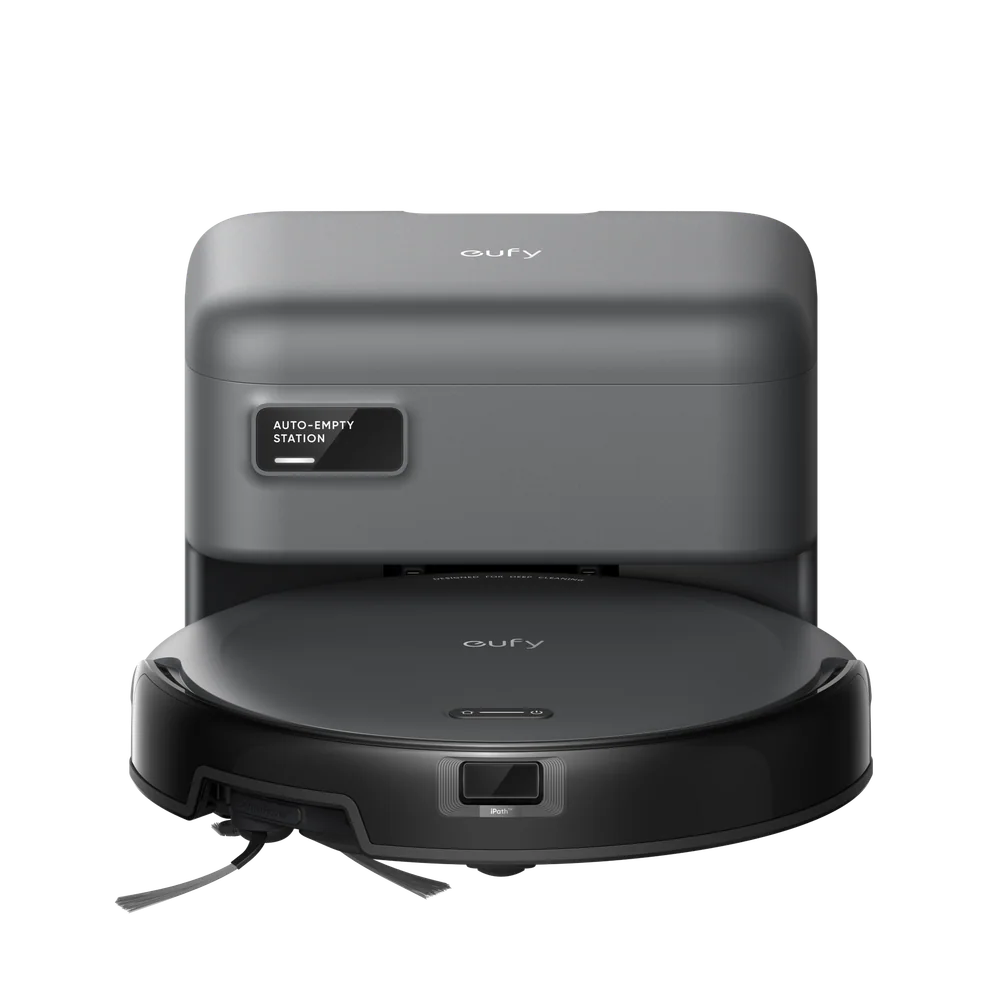
Eufy C10 Robot Vacuum

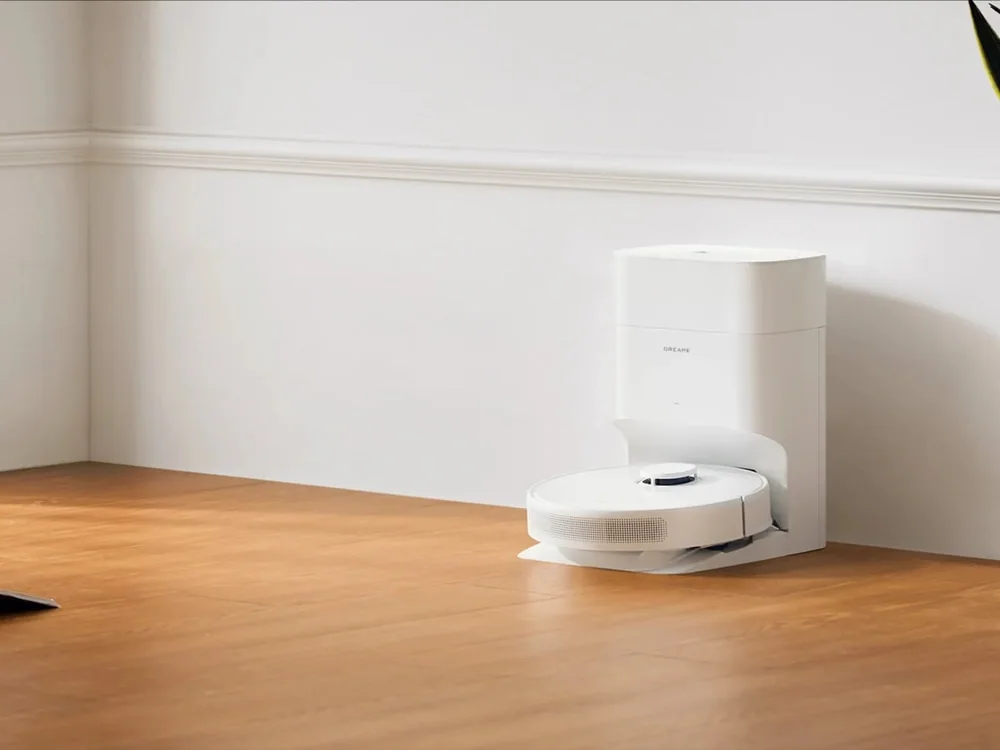
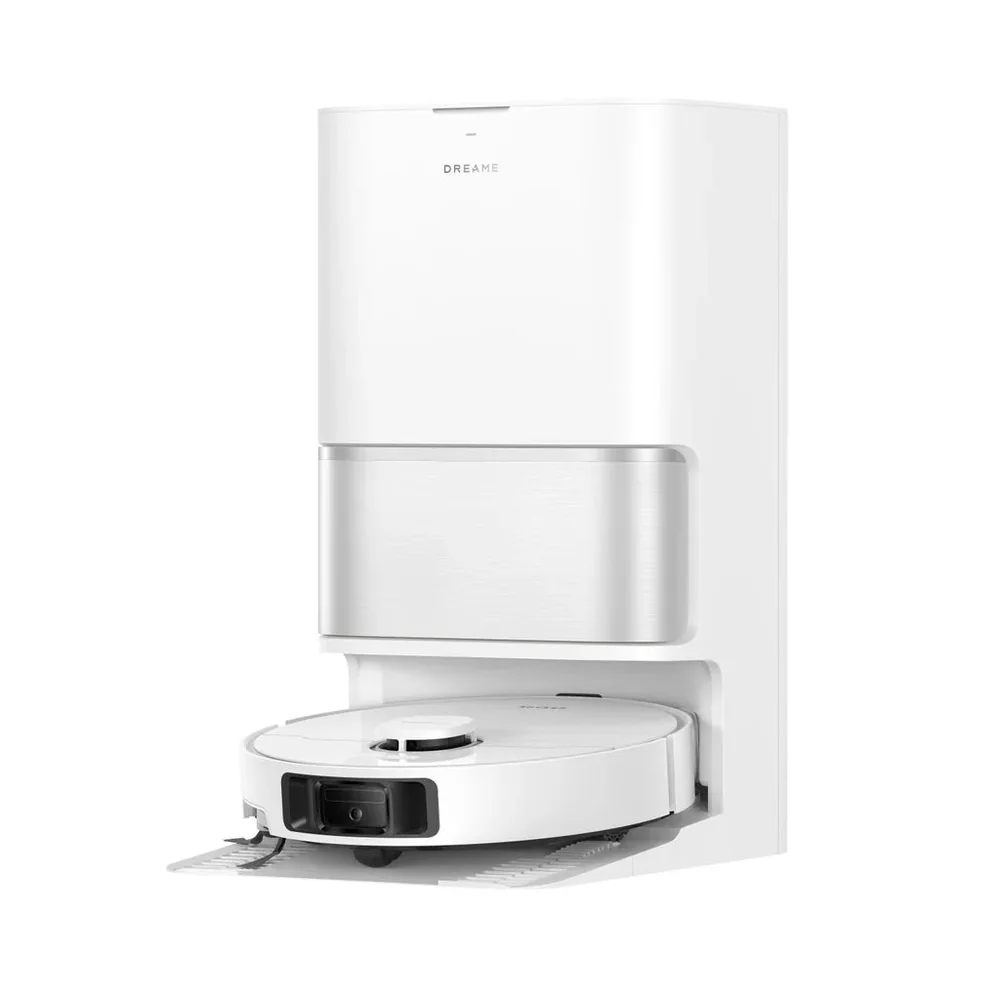
Robot vacuum with self-empty base

Docks into a larger base that sucks the robot’s bin into a sealed bag or bagless canister.

Best for: Busy households, pet owners, and anyone who hates emptying a small bin every run.
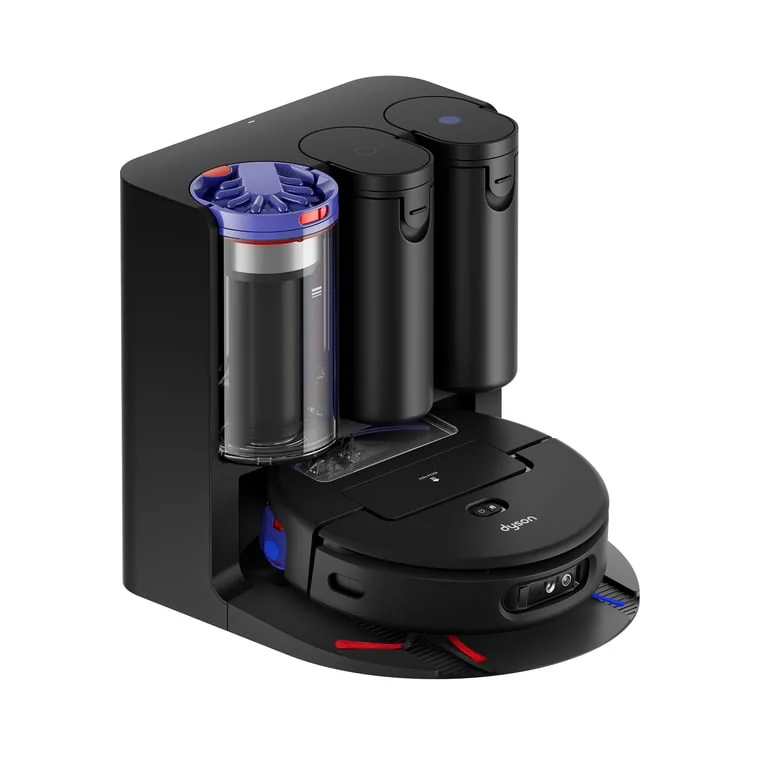
Dyson Spot+Scrub Ai

Robot vacuum and mop with docked pad washing

Uses a dock that can refill water and wash and dry the mop pads so the robot can mop more consistently.

Best for: Hard-floor heavy homes that want mopping to be more than an occasional add-on, and are willing to maintain a larger dock.

Robot Vacuum Buying Guides and Comparisons

Product reviews

In-Depth Robot Vacuums Reviews

Start with the newest reviews and substantial refreshes, then open the complete directory when you need a specific model.

Browse all 52 in-depth robot vacuum reviewsEvery full product review, organized by brandView complete archive

3i1 review

Dreame6 reviews

Dyson2 reviews

Ecovacs4 reviews

eufy1 review

Eufy6 reviews

Eureka2 reviews

iRobot6 reviews

Lefant1 review

Mova2 reviews

MOVA1 review

Narwal4 reviews

OKP1 review

Roborock5 reviews

Samsung1 review

Shark4 reviews

SwitchBot1 review

Tapo1 review

TP-Link1 review

Yeedi2 reviews

Practical ownership help

Setup, maintenance, and troubleshooting guides for robot vacuum ownership

Robot vacuums work best when your home and your routine are set up for them.
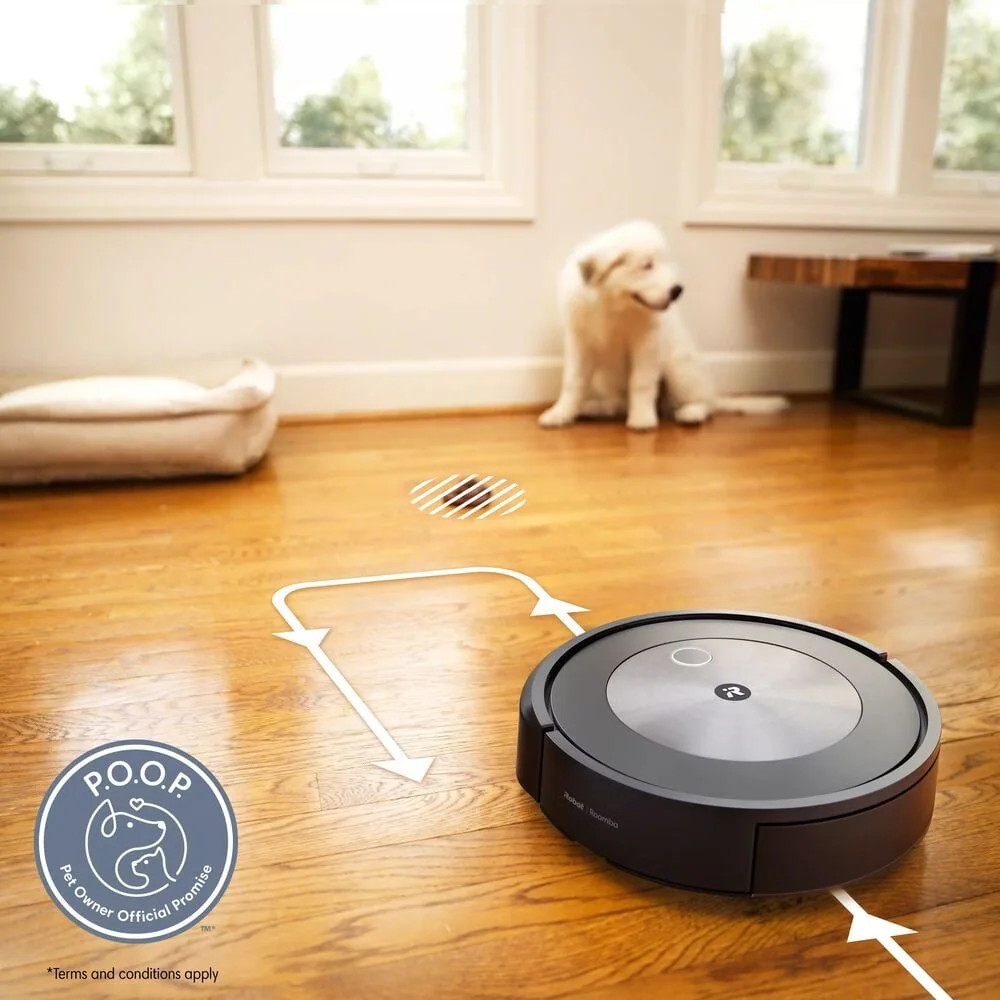
iRobot Roomba j7+
Practical guide Robot Vacuum Dock Placement That Prevents Missed Runs and Charging Errors Place the dock where the robot can see it, reach it, and make solid charging contact so scheduled runs actually happen. Read the guide →
Roborock Saros 10R
Practical guide Robot Vacuum Mapping Edits: Rooms, Zones, and No-Go Lines That Actually Work Create a stable map and use room labels, zone cleans, and no-go tools to prevent repeat cleaning mistakes. Read the guide →
iRobot Roomba Combo 10 Max
Practical guide Robot Vacuum Battery Care and What to Do When Runtime Drops Understand normal battery aging and restore runtime by reducing drag, improving airflow, and fixing charging problems. Read the guide →
iRobot Roomba j7+
Practical guide Robot Vacuum Safety in Real Homes: Kids, Pets, Cords, and Messy Accidents Set up simple habits and home tweaks that prevent tangles, stuck robots, and the messes that make people stop using their robot vacuum. Read the guide →
iRobot Roomba Combo 10 Max
Setup guide Robot Vacuum Setup: What to Do in the First Week Set up your robot vacuum so it docks reliably, maps cleanly, and runs on a schedule without constant rescues. Read the guide →
Roborock Saros 10R
Care guide Robot Vacuum Maintenance Schedule (Brushes, Filters, Sensors) Keep your robot vacuum cleaning strongly and smelling fresh with a simple routine for brushes, filters, and sensors. Read the guide →
iRobot Roomba Max 705
Ownership guide Self-Empty Bases: Bags vs Bagless and What Ownership Feels Like Understand how self-empty bases work, why they are loud, and the real tradeoffs between bagged and bagless systems. Read the guide →
iRobot Roomba Combo 10 Max
Use-case tutorial Robot Vacuums for Pet Hair: A Realistic Playbook A practical routine for keeping pet hair under control without constant rescues, tangles, and bin overflows. Read the guide →
iRobot Roomba j7+
Flooring guide Hardwood, Rugs, and Transitions: Getting Consistent Cleaning How to tune a robot vacuum for mixed floors so it cleans evenly without scattering debris or getting stuck on transitions. Read the guide →
Roborock Saros 10R
Feature guide Robot Vacuum Mopping: What It Can Do and What It Cannot A clear guide to robot mopping systems, what results to expect, and how to avoid streaks and smelly pads. Read the guide →
Roborock Saros 10R
Practical tips How to Make a Robot Vacuum Less Annoying (Noise and Timing) Use scheduling, simple maintenance, and a few home tweaks to cut the noise you notice most without sacrificing clean floors. Read the guide →
iRobot Roomba Combo 10 Max
Troubleshooting Robot Vacuum Keeps Getting Stuck: A Troubleshooting Checklist Find the specific reason your robot gets stuck and fix it with targeted changes to your floors, map, and maintenance. Read the guide →
Roborock Saros 10R
Use-case tutorial Robot Vacuums for Large Rooms and Multi-Room Homes Get better coverage in bigger layouts by planning for battery limits, smart scheduling, and map management across rooms and floors. Read the guide →
Roborock Q7 M5
Use-case tutorial Robot Vacuums for Small Spaces: What Matters More Than Power In a small home, the best robot vacuum is the one that fits your layout, dock space, and daily habits, not the one with the biggest power claims. Read the guide →
Roborock Q7 M5
Buying checklist Easy-to-Use Robot Vacuums: A Checklist for Low-Fuss Cleaning -Easy to use- means fewer failed runs, simpler controls, and maintenance you can do quickly without making a mess. Read the guide →
Roborock Q7 M5
Ownership guide Easy-to-Clean Robot Vacuums: What Makes Maintenance Faster The easiest robot vacuums to maintain are designed to empty cleanly, shed hair without a fight, and keep the dock from becoming a dirt magnet. Read the guide →

Learn the Category

Understand Robot Vacuums Before You Buy

Plain-English guides to sizing, features, setup, maintenance, and the questions that change which robot vacuum makes sense.

Roborock Saros 10R
Robot vacuum advice What Makes a Robot Vacuum Easy to Live With How to choose a well-rounded robot vacuum that cleans consistently on mixed floors without becoming a daily chore to own. Read the guide →
Roborock Saros 10R
Robot vacuum advice What Makes One Robot Vacuum Quieter Than Another What actually makes a robot vacuum feel quieter in a home, from cleaning modes to dock behavior and scheduling. Read the guide →
Roborock Saros 10R
Robot vacuum advice What Makes a Robot Vacuum Easy to Use What -easy to use- really means for robot vacuums, from setup and mapping to maintenance you can do in minutes. Read the guide →
Roborock Saros 10R
Robot vacuum advice How Robot Vacuums Handle Large Rooms How to choose a robot vacuum that can cover big open areas without getting lost, quitting early, or slowly degrading its map over time. Read the guide →
iRobot Roomba j7+
Robot vacuum advice What Matters Most for Pet Hair What actually matters for pet hair pickup, how to avoid constant tangles, and what maintenance you should expect with different coat types. Read the guide →
iRobot Roomba Combo 10 Max
Robot vacuum advice How to Choose a Robot Vacuum for a Small Home How to pick a robot vacuum that fits tight layouts, avoids getting stuck, and stays convenient without a bulky dock or complicated setup. Read the guide →
Roborock Saros 10R
Robot vacuum advice How Robot Vacuums Clean Hardwood Floors What matters most for hardwood is controlled pickup, smart edge work, and a setup that prevents grit from being pushed around or left in corners. Read the guide →
Roborock Q7 M5
Robot vacuum advice Where Budget Robot Vacuums Cut Corners Budget robot vacuums can keep floors consistently clean if you match navigation, brushes, and bin handling to your home. Read the guide →
Roborock Q7 M5
Robot vacuum advice How Much Robot Vacuum Maintenance to Expect The easiest robot vacuums to live with are the ones you can empty, de-hair, and refresh in minutes, so you keep them running on schedule. Read the guide →
Roborock Saros 10R
Robot vacuum advice How Robot Vacuum Obstacle Avoidance Works Obstacle avoidance is what turns a robot vacuum from a weekend project into something you can run on a normal day without constant rescues. Read the guide →

Category Knowledge

How Robot Vacuums Work

The details below explain why robot vacuums behave differently and which differences you are likely to notice at home.

Category knowledge

What Makes a Robot Vacuum Easy to Live With

How to choose a well-rounded robot vacuum that cleans consistently on mixed floors without becoming a daily chore to own.

A robot vacuum is best at maintenance cleaning: the frequent pickup that keeps grit from building up in entryways, kitchens, and pet zones. The -best overall- choice is rarely the one with the biggest suction claim. It is the one that covers your home reliably, handles your common messes, and does not demand constant rescues, detangling, and bin emptying. For most mixed-floor homes, the winning balance is: solid mapping (so it cleans room by room), a brush setup that can pull debris from rugs without tangling constantly, and an ownership setup you will actually keep up with. If you hate emptying a tiny bin or you have pets, a self-empty base often matters more than small differences in cleaning power.

Navigation and mapping is how the robot understands your home and plans its path. Basic robots tend to bounce around until the battery runs low, which can leave some areas gritty while other areas get repeated passes. Mapping robots build a floor plan so they can clean room by room, return to missed spots, and resume after charging. In a typical home, that translates to more consistent coverage and fewer -it ran for an hour and the kitchen still looks dirty- moments.

Look for controls that fit your routine: room selection, zone cleaning (like -just the entryway-), and no-go zones for problem areas. No-go zones are especially useful around pet bowls, kids’ play areas, and cable-heavy corners. Obstacle avoidance is separate from mapping. It helps the robot steer around objects like shoes and cords, but it is not magic. If your floors are often cluttered, better avoidance reduces babysitting, but you will still get the best results by doing a quick pickup before scheduled runs.

Suction numbers are easy to market and hard to compare across brands. What usually decides real-world cleaning is the brush and roller design: the parts that agitate carpet and pull debris into the airflow. A roller that keeps steady contact with the floor can lift grit from low-pile rugs better than a robot that simply moves air. Side brushes help sweep debris from edges into the main path, but they can also flick larger crumbs if the robot moves too fast or the brush is too stiff.

If you have pets or long hair, plan for hair wrap. Some rollers tangle less, but none are truly -no maintenance.- The practical question is how often you will need to clear the roller and whether the design makes that quick. Also consider your thresholds and rug edges. A robot that struggles to climb onto rugs will underperform no matter how strong it is on paper. For mixed floors, you want stable transitions, decent edge pickup, and a roller that does not choke on hair after two runs.

What this means when shopping: Pick a robot vacuum by matching navigation, brush design, and dock style to your floors and daily habits, not by chasing the biggest suction claim.

Category knowledge

What Makes One Robot Vacuum Quieter Than Another

What actually makes a robot vacuum feel quieter in a home, from cleaning modes to dock behavior and scheduling.

Robot vacuums make two kinds of noise: the steady cleaning noise while they vacuum, and the short, sharp noise when a self-empty base evacuates the bin. -Quiet- is not only about the lowest possible sound level. It is about whether the robot can clean effectively at a lower power setting, whether it avoids getting stuck and grinding in place, and whether you can schedule the loud parts for times they bother you less. A quiet-feeling setup usually combines efficient navigation (less time running), a brush that does not chatter on hard floors, and smart scheduling. If you work from home, have a sleeping baby, or share walls with neighbors, the best strategy is often to run more frequent, shorter cleans at lower power, then do a higher-power run when you are out.

During cleaning, noise comes from airflow (the fan moving air), brush contact with the floor, and rattling debris in the bin. Higher suction modes usually mean more fan noise, but they can also shorten cleaning time if they pick up better in one pass. On hard floors, a stiff brush or an aggressive side brush can add a tapping or chattering sound that feels louder than the fan itself, especially on tile grout lines or uneven wood.

The dock can be the loudest moment in the whole experience. Self-empty bases use a powerful suction motor to pull debris out of the robot’s bin, and that burst can be startling even if it only lasts a few seconds. If quiet is your priority, think about when that emptying happens and whether you can control it. Some households prefer a non-emptying dock to avoid that peak noise, even if it means more frequent manual emptying.

Perceived loudness is how disruptive the noise feels, not just how loud it is. A robot that runs for 120 minutes at a moderate volume can feel more annoying than one that runs for 45 minutes a bit louder. Mapping helps here because you can clean only the rooms that need it. For example, you can run the kitchen and entryway after dinner, then do bedrooms mid-day, instead of letting the robot wander everywhere every time.

If your robot offers power levels, start with the lowest setting that still keeps up with your daily debris. On hard floors, lower power often works fine if you run it more often. Save higher power for rugs, pet zones, or weekly deeper maintenance. Also consider timing around the dock. If you have a self-empty base, schedule the run so the emptying happens when you are in another room, on a call break, or out of the house.

What this means when shopping: A quiet robot vacuum setup is mostly about efficient cleaning at lower power and controlling when the dock makes its loudest noise.

Category knowledge

What Makes a Robot Vacuum Easy to Use

What -easy to use- really means for robot vacuums, from setup and mapping to maintenance you can do in minutes.

An easy-to-use robot vacuum is one you can set up quickly, trust to run on schedule, and maintain without turning it into a weekend project. Ease of use is not just about the app. It is about how often the robot gets stuck, how simple it is to empty and clean, and whether the robot’s features match your home so you are not constantly troubleshooting missed rooms and tangled brushes. Most frustration comes from a mismatch: a robot without good mapping in a multi-room home, weak obstacle handling in a cluttered space, or a tiny bin in a pet household. The easiest robot is usually the one that reduces decisions. You want predictable room-by-room cleaning, simple controls for no-go zones, and maintenance steps that are obvious and quick.

Easy setup starts with a clean first mapping run. Mapping is the robot building a floor plan so it can clean efficiently. For the first run, open doors you want included, turn on lights if your robot uses a camera for navigation, and clear obvious hazards like charging cables and socks. A good map makes everything else easier: room naming, room-specific schedules, and targeted cleans when you spill crumbs in one area.

No-go zones and keep-out areas are the -set it and forget it- tools that prevent daily rescues. Use them around pet bowls, delicate floor lamps, toy bins, and cable nests. If your home changes often, like kids moving toys room to room, obstacle avoidance helps, but it works best as backup, not as permission to leave clutter everywhere. The easiest ownership experience comes from a robot that can run while you are busy, not one that requires a pre-cleaning scavenger hunt every time.

The biggest ease-of-use divider is whether you will empty a small bin by hand. Robot bins fill fast with pet hair, long hair, and gritty debris. If you skip emptying, performance drops because airflow is restricted and the robot may leave trails. A self-empty base reduces how often you touch dust and hair, which is a major quality-of-life improvement for many owners.

That said, a self-empty base adds its own tasks: occasional bag changes or canister cleaning, and making room for a larger dock. If you want the simplest day-to-day routine, prioritize easy access to the robot’s bin, a base that seals well (so dust does not puff out), and clear indicators for when the base needs attention. The easiest system is the one you will maintain on time, because neglected bins and filters quickly turn -smart cleaning- into -why is it not picking anything up.-

What this means when shopping: Ease of use comes from reliable mapping, the right dock choice, and maintenance steps you will actually do on schedule.

Category knowledge

How Robot Vacuums Handle Large Rooms

How to choose a robot vacuum that can cover big open areas without getting lost, quitting early, or slowly degrading its map over time.

Large rooms expose what robot vacuums are really good at and what they are not. In a big open living area, a robot that cleans in neat rows can keep floors consistently presentable with very little effort from you. A robot that wanders, misses zones, or gets confused by open space can run for a long time and still leave grit where you notice it most, like around the kitchen island and main walkways. For big spaces, the winning features are not flashy. You want stable mapping (a saved floor plan the robot can reliably reuse), recharge-and-resume (it returns to the dock, recharges, then continues where it left off), and a system that can hold enough dirt to finish a long run. The best setup is usually a daily or every-other-day schedule that prevents buildup, so each run is easier and faster.

Mapping is the robot’s saved floor plan. In large rooms, mapping matters because the robot needs a reference to clean efficiently instead of re-discovering the space every time. Look for room-by-room cleaning and the ability to name rooms, set schedules by room, and create no-go zones. Those tools let you target the high-traffic areas more often without running a full-house marathon every day. If your home has multiple floors, make sure it can store more than one map so you are not constantly re-mapping.

Open layouts can confuse weaker navigation because there are fewer landmarks. Big blank walls, wide open floors, and repeating furniture shapes can lead to drift, where the robot’s idea of where it is slowly gets off. You will notice this when it starts missing strips, bumping more than it used to, or -forgetting- a room boundary. Help the map stay accurate by keeping the dock in a consistent spot, leaving a little clearance around it, and avoiding frequent dock moves. If you rearrange furniture, run a full clean to let the robot update the map.

Battery life is not just a number. In large rooms, what matters is whether the robot can finish the job without you babysitting it. Recharge-and-resume means the robot returns to the dock when low, recharges, then continues the same cleaning session. Without it, a big-space run can end halfway through, and you are left with inconsistent results. Also pay attention to cleaning modes. Higher suction and deeper carpet modes drain batteries faster, so a robot that -covers the whole house- on low power may not do the same on your rugs.

A practical approach is to schedule frequent maintenance cleans instead of occasional deep cleans. Daily pickup keeps debris from building up, which reduces the time the robot needs per run and lowers the chance it fills the bin early. If you have a mix of hard floors and rugs, consider splitting schedules: run the kitchen and entry daily, then run the full open area a few times a week. This keeps the robot from spending its entire battery budget on the dirtiest zones and quitting before it reaches the quieter corners.

What this means when shopping: Choose for stable mapping, recharge-and-resume, and dirt capacity so a long run finishes consistently instead of looking random.

Specs That Matter When Choosing Robot Vacuums

These specifications affect how robot vacuums perform, fit, and feel to own after the first week.

Navigation and mapping

How the robot understands your home and plans its path. Basic models bounce around; mapping models build a floor plan so they can clean room by room.

Why it matters: Better navigation usually means better coverage, fewer missed areas, and fewer -it ran for an hour and the kitchen is still gritty- moments. It also affects whether you can set no-go zones and room schedules.

Obstacle avoidance

Sensors and cameras that help the robot detect and steer around objects like cords, shoes, and pet bowls instead of pushing into them.

Why it matters: This is the difference between a robot you can run while you live your life and a robot that requires a pre-cleaning pickup routine. It matters most in kid and pet homes and in rooms with charging cables.

Brush and roller design

The parts that physically agitate carpet and pull debris into the airflow. Some use a single roller, some use dual rollers, and some add a side brush for edges.

Why it matters: Brush design drives real-world pet hair performance and how often you will cut hair off the roller. It also affects how well the robot cleans along baseboards and in corners.

Dock and bin system

Where the dirt goes and how often you deal with it: a small onboard bin you empty by hand, or a base that stores debris in a larger bag or canister.

Why it matters: A self-empty base can turn a robot vacuum from -nice but needy- into something you actually run daily. The tradeoffs are more space, more noise during emptying, and ongoing bag costs if it uses bags.

Claims that need context

-Replaces your vacuum-: Robot vacuums are great at maintenance cleaning, but they do not usually replace deep carpet cleaning, stairs, upholstery, or edge and corner detailing. Plan on a regular full-size vacuum session, just less often.

-Perfect for pet hair-: Pet hair success depends on brush design, bin capacity, and how often you run it. Long hair and fluffy undercoat can wrap around rollers and clog air paths, which turns -pet hair- into -pet hair maintenance.-

-Mops like a real mop-: Most robot mops are for light, frequent wiping. They struggle with dried-on spills and sticky kitchen messes unless the system has enough water management, pad pressure, and repeat passes, plus you keep pads clean.

Brands in the Category

Robot Vacuum Brands Explained

Use these brand notes to narrow the field, then open the linked reviews for the model-specific details.

iRobot Roomba Combo 10 Max
Brand guide

iRobot

iRobot’s Roomba lineup here is about dependable day-to-day cleaning, with options that range from vacuum-only premium picks to combo models that vacuum and mop in one routine. The reviewed models also include a clear choice for homes where avoiding pet accidents is part of the job, not a bonus.

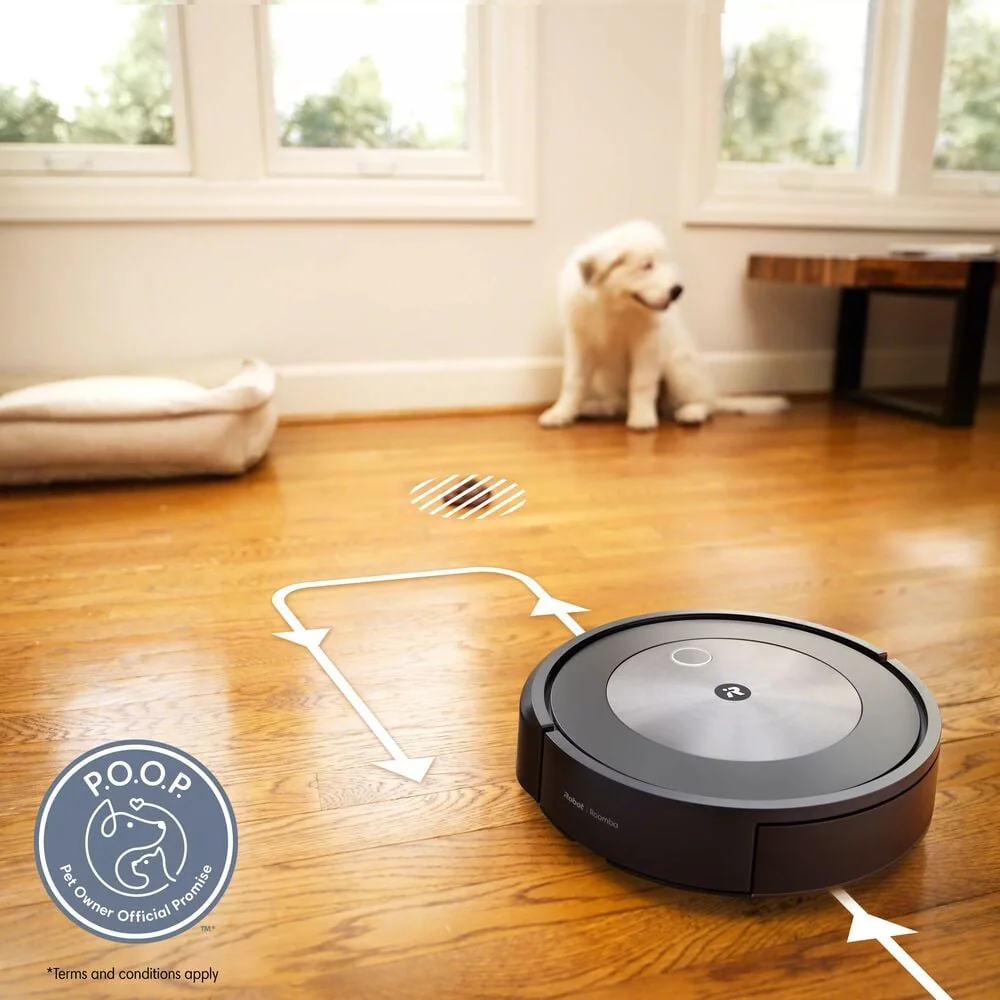
What to know: Pick iRobot if you want a Roomba-style experience tailored to your home: Roomba Combo 10 Max for hands-off vacuuming plus real mopping, Roomba S9+ or Roomba Max 705 for a quieter premium feel, and Roomba j7+ if pet waste avoidance matters as much as pickup.

Roborock Saros 10R
Brand guide

Roborock

Roborock’s reviewed models cover the spectrum from budget-friendly daily cleaning to premium whole-home performance, with a strong emphasis on mapping and obstacle avoidance. Several picks are positioned for people who want a high-end vacuum and mop that stays easy to live with.
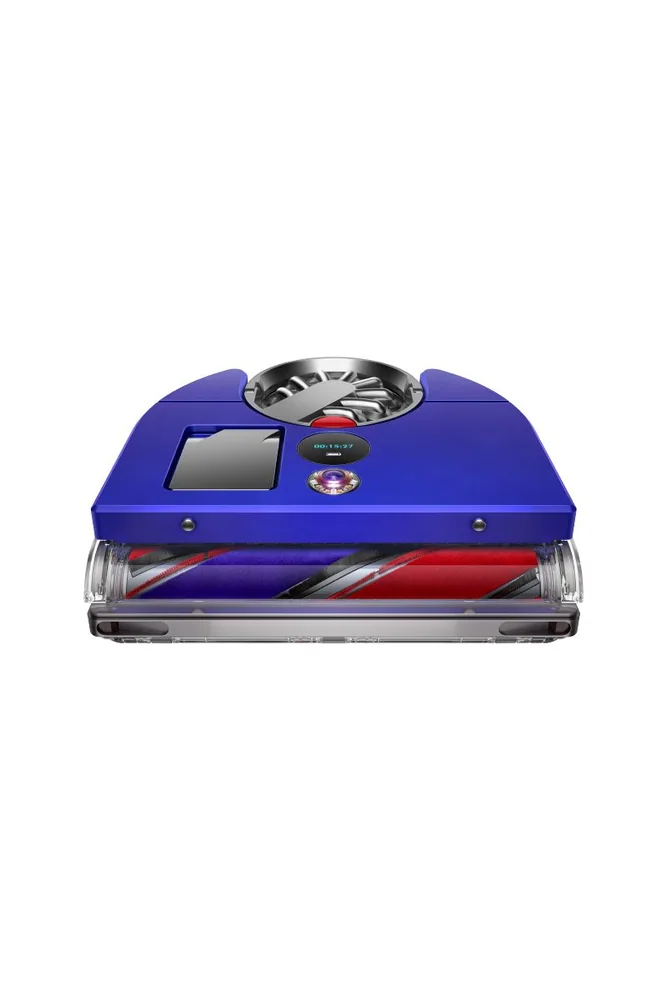
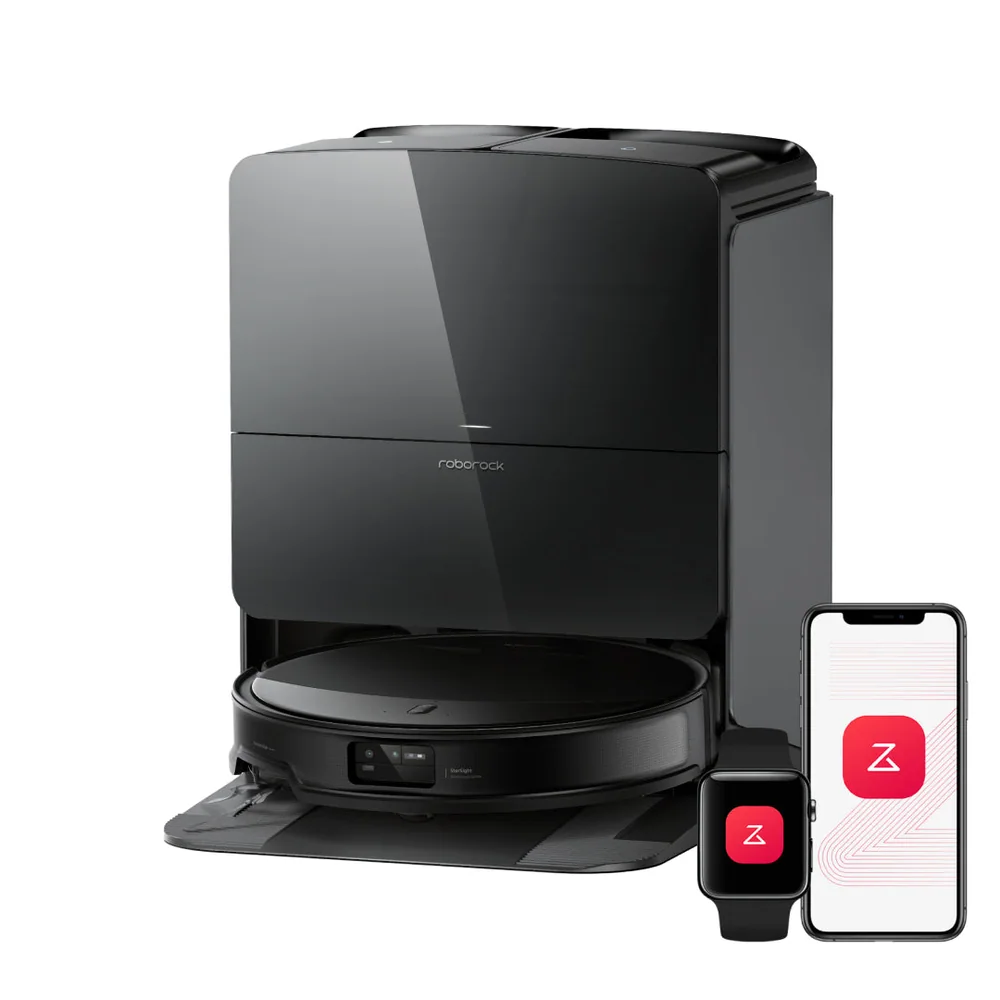
What to know: Roborock fits shoppers who want thorough hard-floor pickup and confident navigation: Saros 10R for premium whole-home cleaning, Qrevo CurvX for a quieter high-end vacuum-mop, Qrevo S5V when multi-floor mapping and organization are the bigger need, and Q7 M5 when you want strong everyday cleaning on a budget.

Dyson 360 Vis Nav
Brand guide

Dyson

Dyson’s robot picks here are aimed at premium cleaning power and smart controls, especially for hard-floor homes. The focus is on suction and airflow plus features like mapping, scheduling, and spot cleaning.
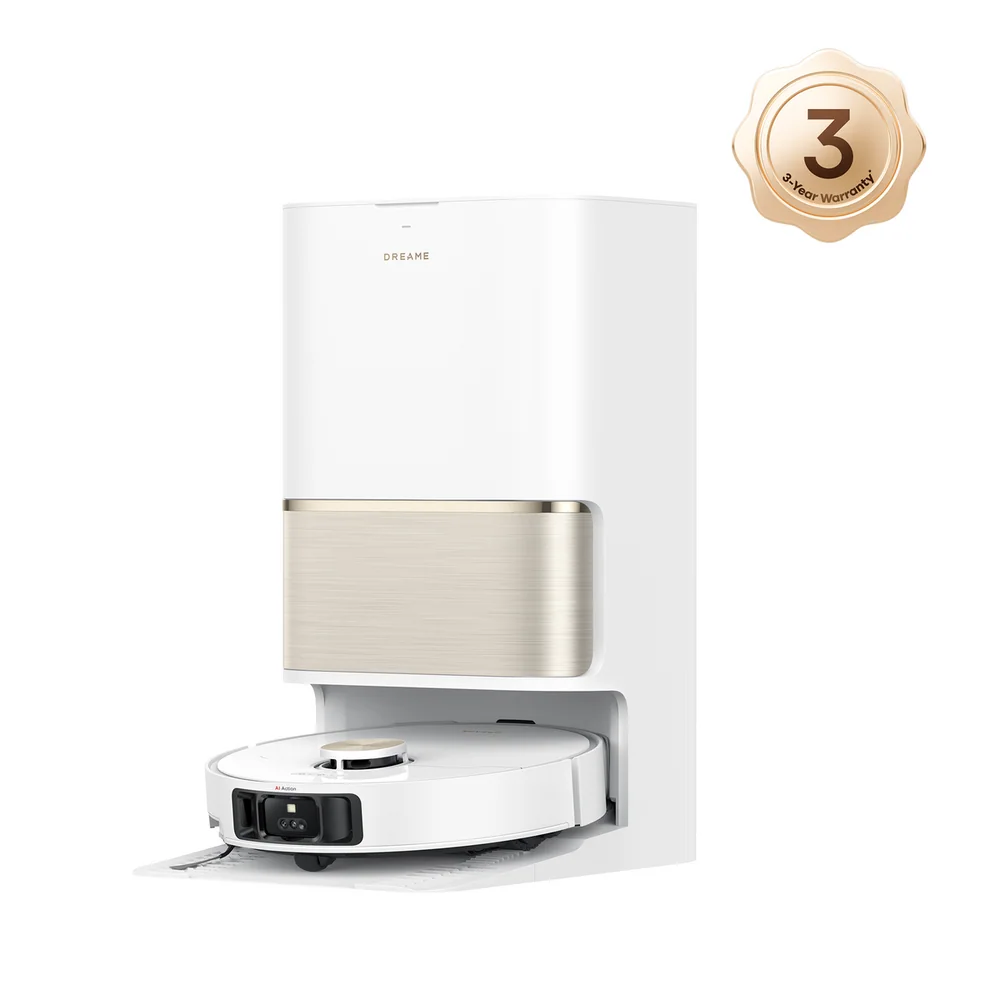
What to know: Choose Dyson if your priority is strong cleaning on bare floors with a full set of smart features: 360 Vis Nav for shoppers who mainly want suction and airflow plus mapping and scheduling, and Spot+Scrub Ai for hard-floor homes that want a premium hybrid that avoids obstacles well and keeps daily mess under control.

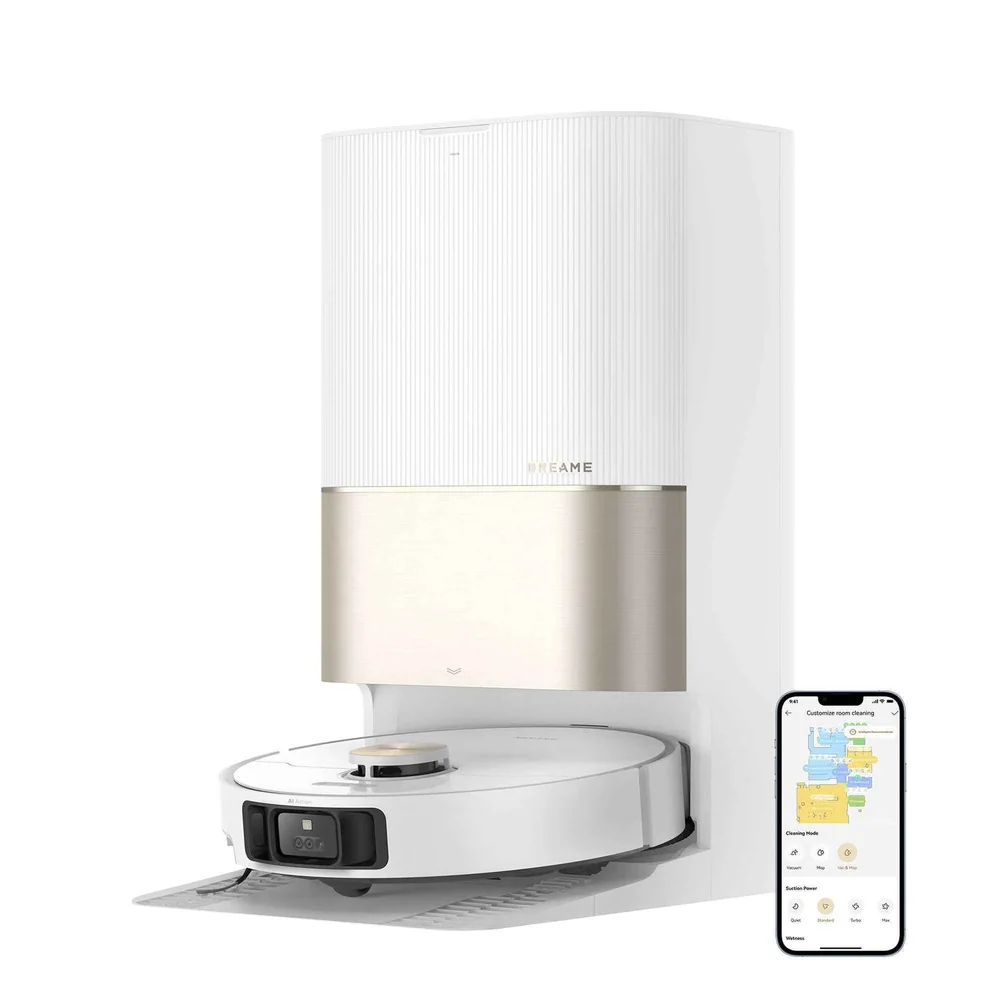
Dreame L50 Ultra
Brand guide

Dreame

Dreame’s reviewed lineup leans into feature-forward ownership, with models that prioritize navigation, room detection, and zone cleaning as much as raw pickup. It also includes a budget option that emphasizes convenience through self-emptying.
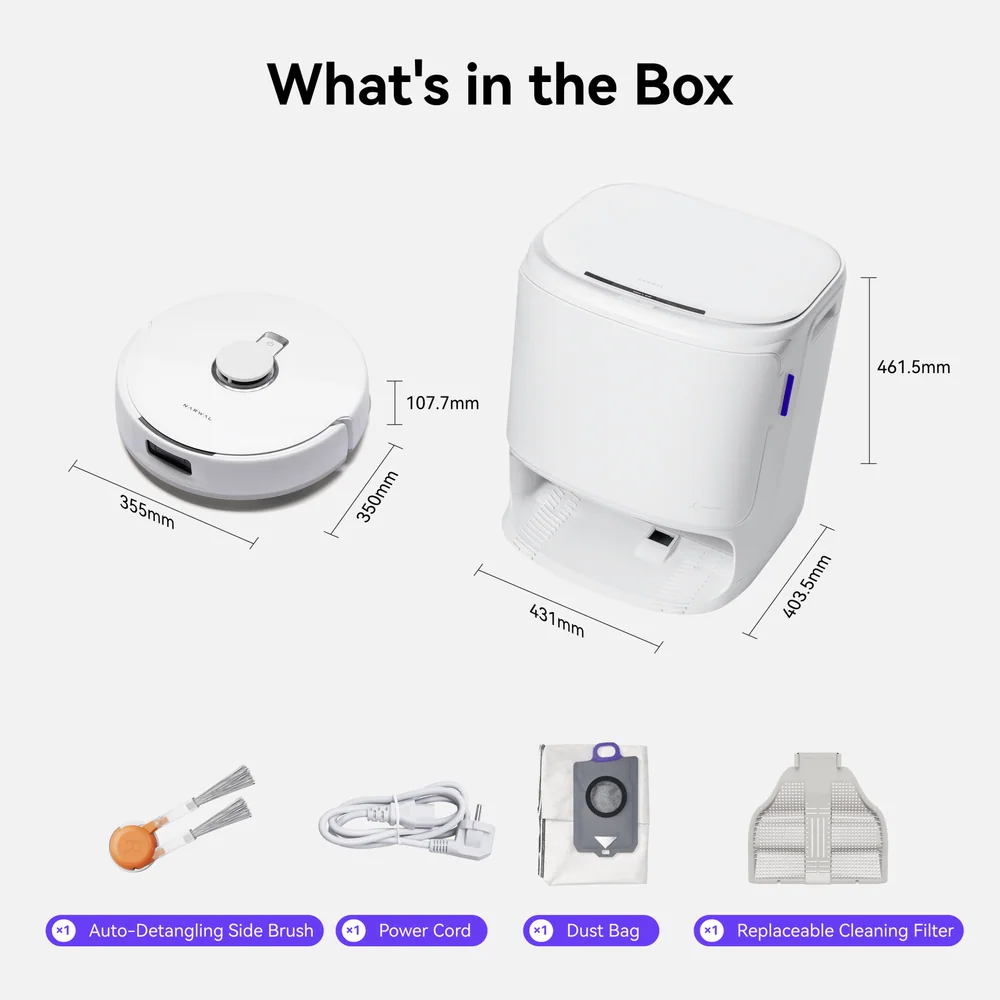
What to know: Dreame makes sense for shoppers who care about automation and control: L50 Ultra if precise mapping and flexible zone cleaning come first, X40 Ultra or X50 Ultra if you want a feature-heavy premium setup, and D10 Plus Gen 2 Robot Vacuum and Mop if you want solid everyday cleaning with the quality-of-life upgrade of self-emptying.

Narwal Freo X10 Pro
Brand guide

Narwal

Narwal’s reviewed models are notably mop-forward, including options that prioritize mopping performance and quieter operation. The lineup also includes a carpet pet-hair oriented pick for homes where fur is the constant challenge.
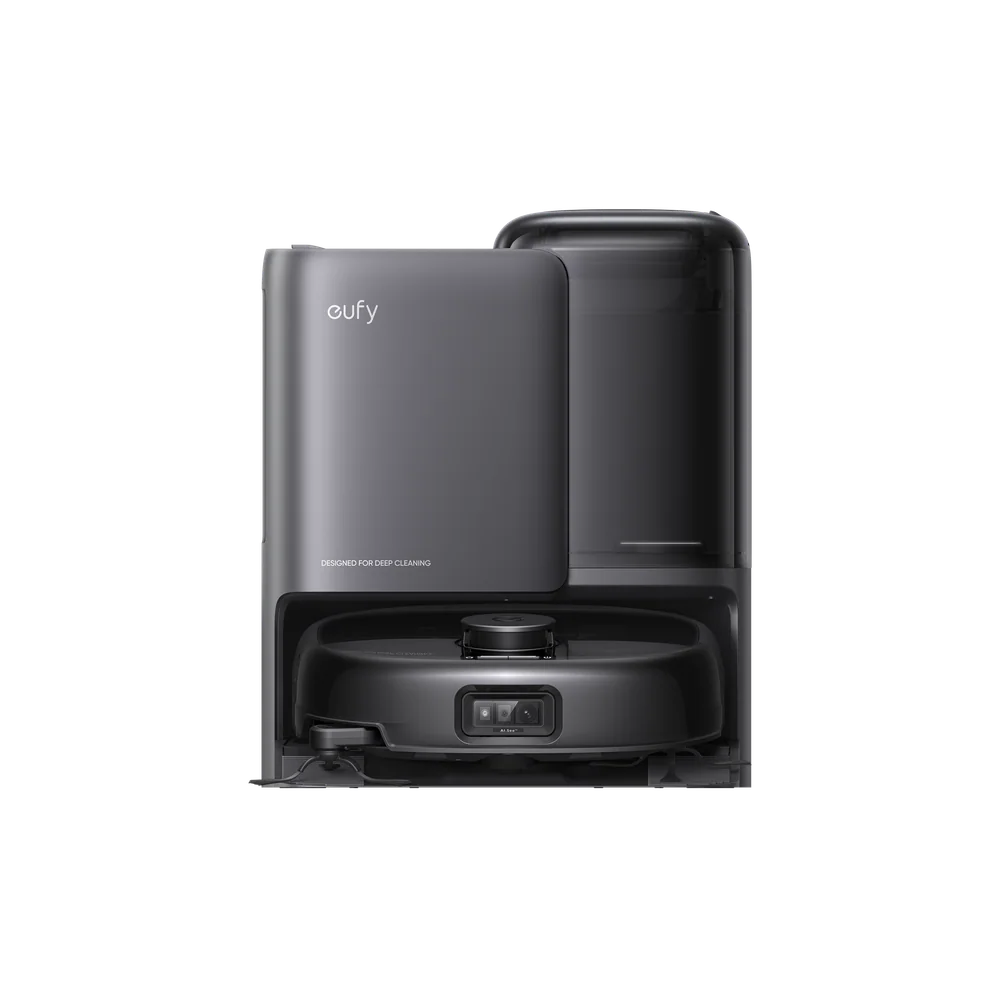
What to know: Go Narwal if mopping is a priority or you want a quieter routine: Freo X10 Pro for a mop-first combo, Freo Pro for a quiet mop-centric approach, Flow 2 if you want newer automation that still feels approachable day to day, and Freo Z Ultra for carpet-heavy homes battling pet hair.

Eufy Robot Vacuum Omni E25
Brand guide

Eufy

Eufy’s models here focus on practical, app-friendly automation across value, midrange, and more advanced dock-based combos. The reviewed picks include a standout for self-cleaning roller-mop mopping without jumping to the most expensive tier.
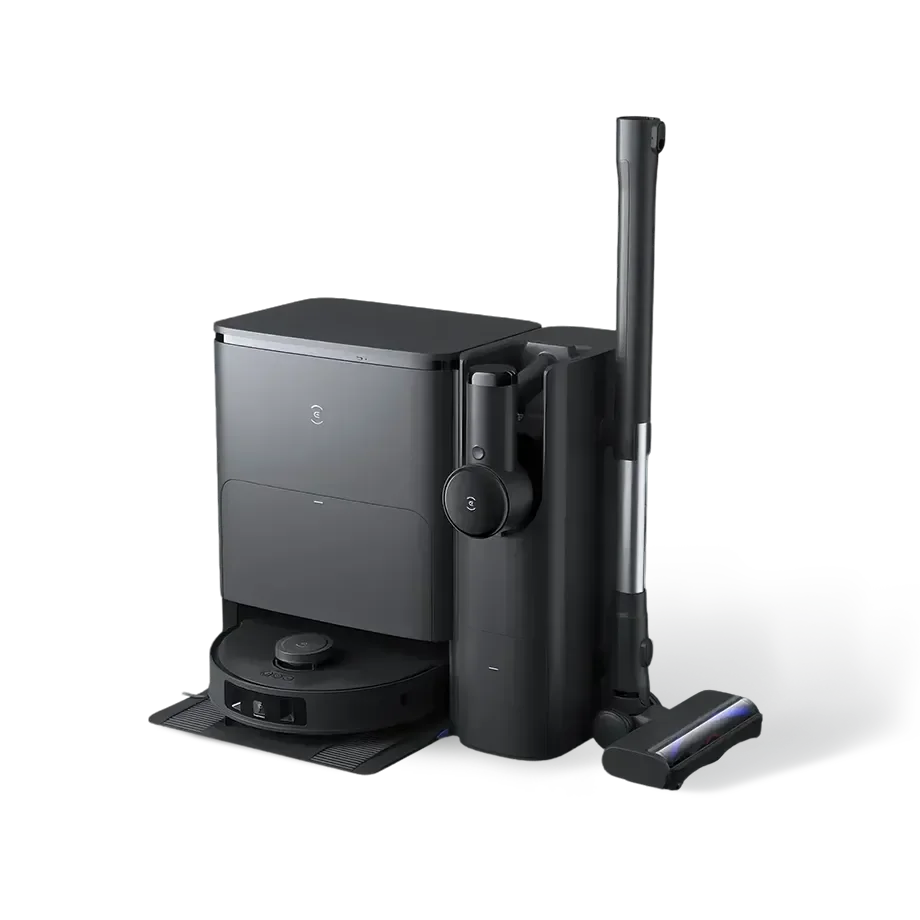
What to know: Eufy fits busy households that want straightforward automated cleaning: Omni E25 for effective self-cleaning roller-mop mopping at a lower price tier, X10 Pro Omni for simple app-controlled vacuum-and-mop cleaning on mostly hard floors, C10 T2292 for compact value with mapping and scheduling, and Omni C28 for a midrange all-in-one choice for hardwood homes.

Ecovacs Deebot T30S Combo
Brand guide

Ecovacs

Ecovacs’ reviewed lineup is centered on true combo cleaning, including quieter options and premium dock systems that handle more of the maintenance. Several models are positioned for hardwood homes where mopping performance is as important as vacuuming.
What to know: Choose Ecovacs if you want an all-in-one setup with strong dock support: Deebot Ozmo N8 Pro+ for a quieter self-emptying vacuum-mop, Deebot T30S Combo when you want a true all-in-one cleaner, Deebot X9 Pro Omni for mopping-focused hardwood areas like kitchens and entryways, and Deebot X8 Pro Omni if you want the closest thing to hands-off floor care with a dock that handles emptying and pad washing and drying.

Eureka NERE10SW
Brand guide

Eureka

Eureka’s picks here cover value-focused robot vacuuming and a more premium vacuum-and-mop option with obstacle detection and a high-end dock. The emphasis is on practical everyday features without requiring a flagship setup to feel worthwhile.

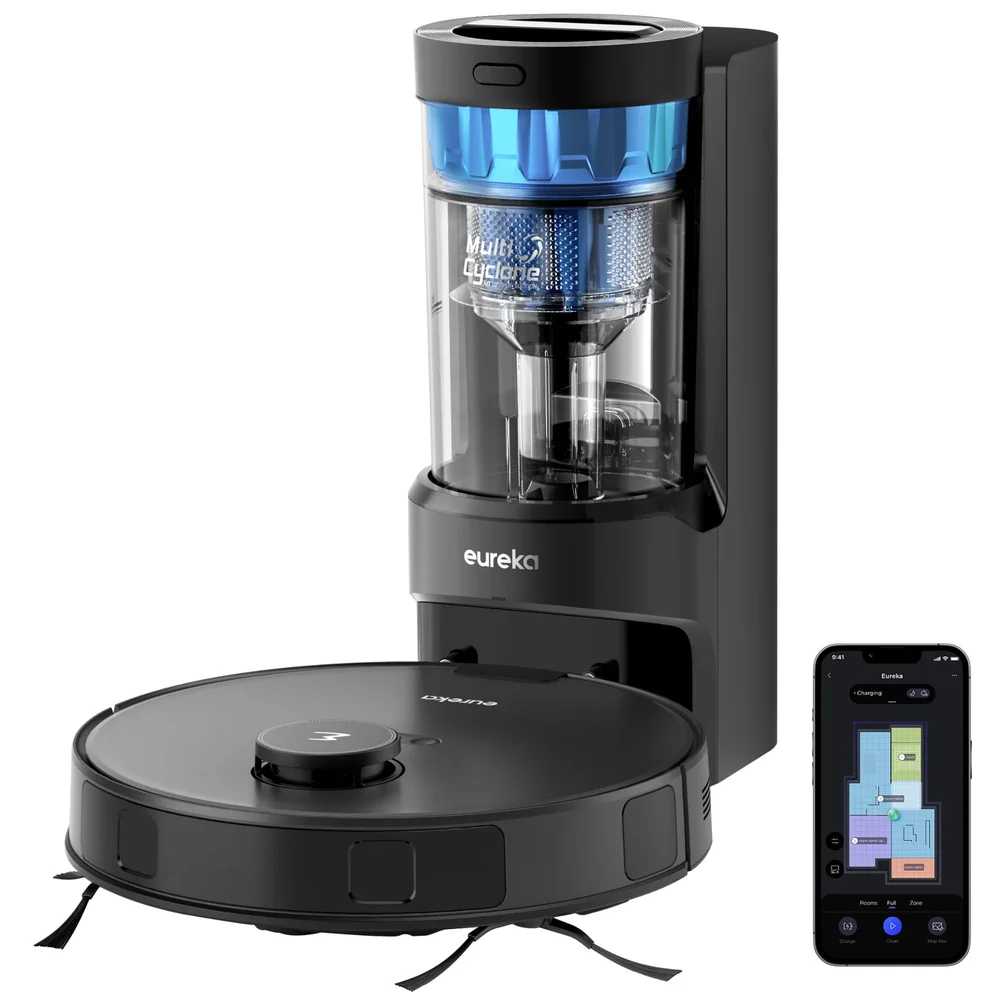
What to know: Eureka is a good fit if you want solid basics or a targeted upgrade: NERE10SW for capable everyday cleaning without needing a premium dock system, and J15 EVO Ultra Robot Vacuum and Mop for hardwood homes that want a higher-end dock plus stronger obstacle detection in a combo routine.

How to Choose a Robot Vacuum

  • Navigation and mapping: Better navigation usually means better coverage, fewer missed areas, and fewer -it ran for an hour and the kitchen is still gritty- moments. It also affects whether you can set no-go zones and room schedules.
  • Obstacle avoidance: This is the difference between a robot you can run while you live your life and a robot that requires a pre-cleaning pickup routine. It matters most in kid and pet homes and in rooms with charging cables.
  • Brush and roller design: Brush design drives real-world pet hair performance and how often you will cut hair off the roller. It also affects how well the robot cleans along baseboards and in corners.
  • Dock and bin system: A self-empty base can turn a robot vacuum from -nice but needy- into something you actually run daily. The tradeoffs are more space, more noise during emptying, and ongoing bag costs if it uses bags.

Robot Vacuums FAQ

Should I get a robot vacuum or a robot vacuum-mop combo?

Get a robot vacuum-mop combo if you have lots of hard flooring and you actually want routine mopping, not just vacuuming. If your home is mostly carpet, a vacuum-first robot vacuum is usually the better use of money and will be simpler to maintain.

How much does obstacle avoidance matter in a robot vacuum?

It matters a lot if you have kids, pets, charging cables, or clutter on the floor. Strong obstacle avoidance reduces rescues, prevents smearing messes, and makes it realistic to run scheduled cleanings when you are not home.

What is the real benefit of a self-emptying dock?

A self-emptying dock turns a robot vacuum into something you can run for days with minimal attention. Without it, you will empty the bin often, especially with pets or lots of tracked-in debris.

Are roller-mop robot vacuums better than pad-style mopping?

Roller-mop designs can be a better fit for frequent hard-floor messes because they are built around more active mopping and self-cleaning. Pad-style mopping can still be useful for light upkeep, but it is usually more superficial.

What maintenance should I expect with a robot vacuum?

Plan on clearing hair from brushes and checking wheels and rollers regularly. Some robot vacuums make hair removal easier than others, and heavy shedders can turn brush cleaning into a frequent chore.

What actually makes a robot vacuum -quiet- in day-to-day use?

Two things: the sound level while it is cleaning and how the dock sounds when it empties the dustbin or handles mop-pad chores. Some robot vacuums are fairly quiet on the floor but get loud at the dock, so pay attention to both if you plan to run it during work calls or at night.