Battery and recharge behavior: what to expect
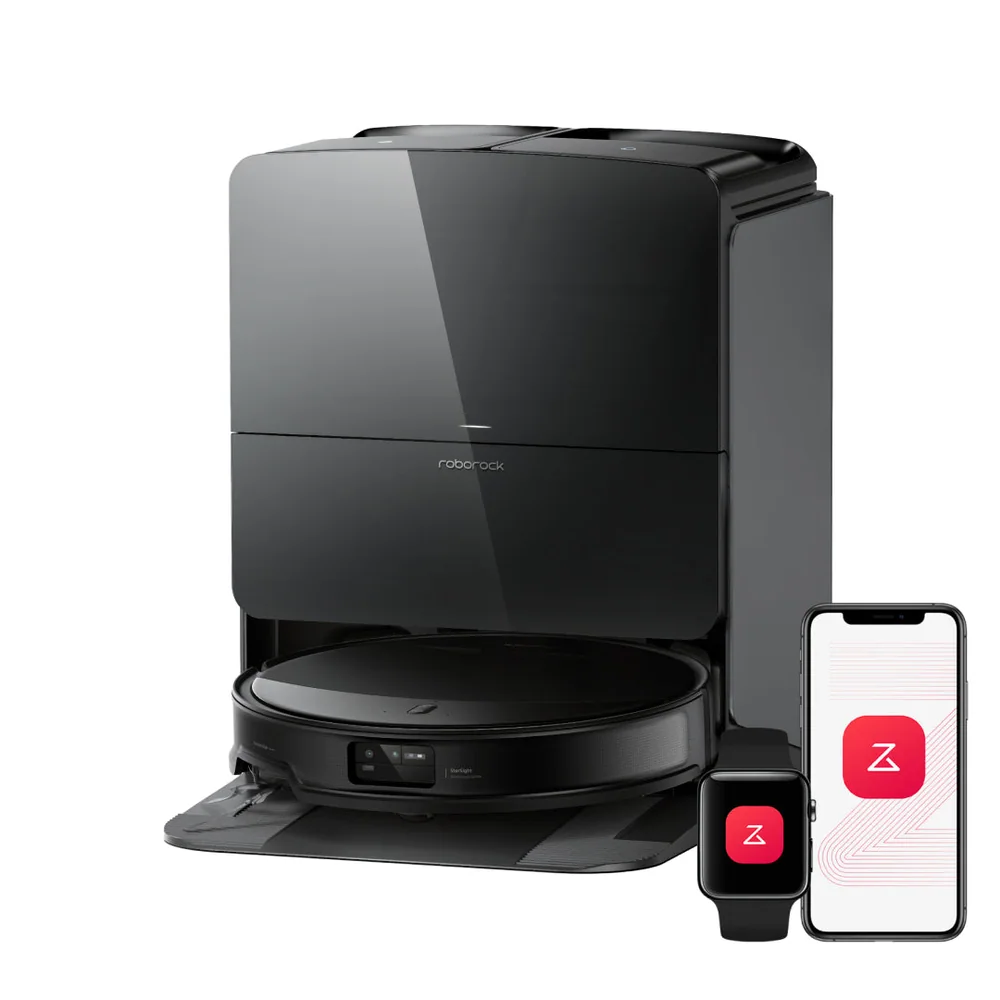
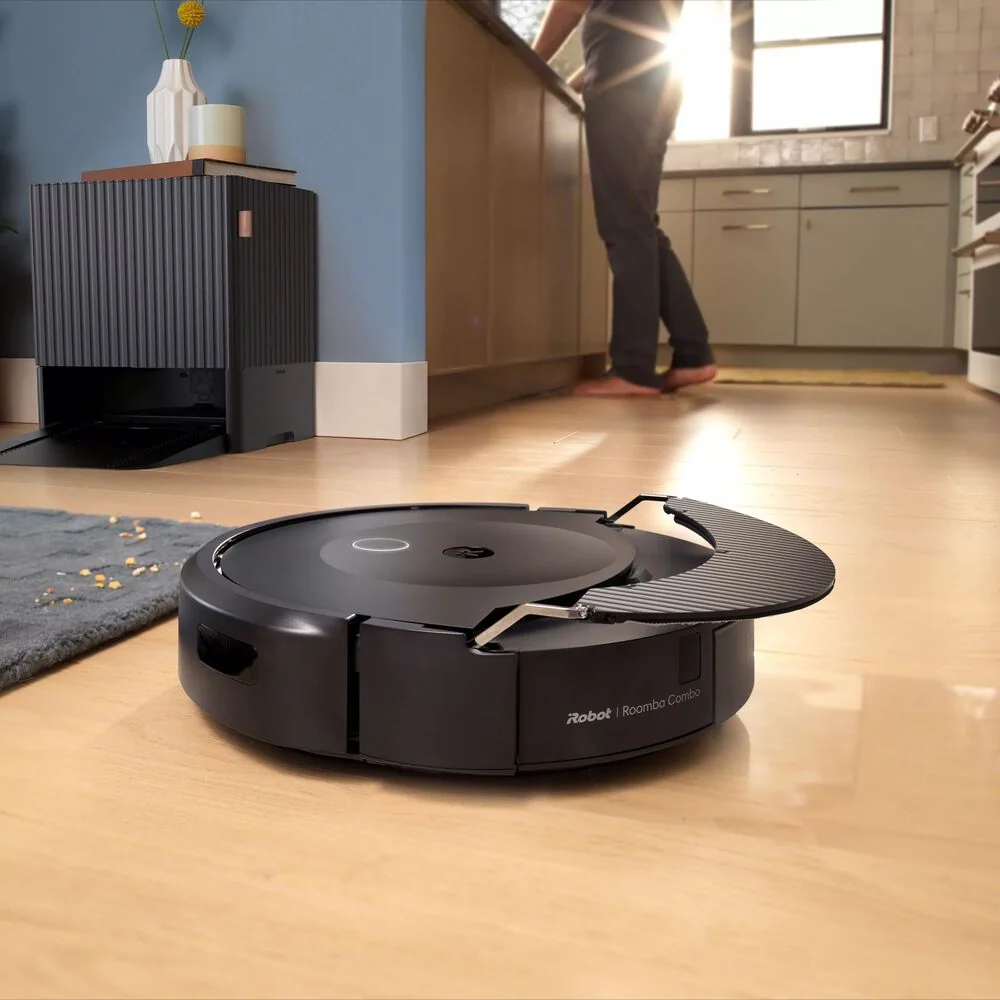
Robot vacuums manage big spaces by cleaning until the battery gets low, returning to the dock, then resuming. This is often called recharge and resume. It sounds simple, but it affects your expectations. A large job may happen in chunks, with quiet cleaning time followed by travel time back to the dock, then more cleaning later. If your robot does not resume reliably, you can end up with a clean perimeter and a dirty center, or a clean first half of the house and untouched back rooms.
To make recharge behavior work for you, keep the dock easy to reach. If the robot has to cross a thick rug or a threshold to dock, it may fail when the battery is low. Also pay attention to power modes. Higher suction can improve carpet pickup, but it drains the battery faster and increases the chance of a mid-room stop. In large homes, it is often better to run more frequent sessions at moderate power than to demand one long, high-power run.
Room-by-room scheduling that prevents timeouts
Room-by-room scheduling is the most practical tool for big layouts. Instead of asking the robot to clean everything, you assign smaller jobs it can finish before it needs to recharge. This reduces timeouts and improves consistency because the robot completes a room, then moves on. It also helps with clutter. A dining room with chair legs and a playroom with toys can be scheduled when you know the floor will be clear.
A good approach is to split the home into -daily- and -rotating- rooms. Daily rooms are kitchens, entryways, and pet feeding areas. Rotating rooms are bedrooms, offices, and formal spaces. If your robot supports multiple passes, use them selectively. For example, run a single pass in low-traffic rooms and a double pass in the kitchen. The result is a home that looks evenly maintained, not a home where the robot spends all its time in the easiest open area.
Multiple floors: carrying, extra docks, and map switching
Most robot vacuums cannot climb stairs, so multi-floor use means you either dedicate a robot to a floor or carry it. Carrying works fine if you keep expectations realistic. You will need to place the robot on the correct floor, start the job, and make sure it can find a dock or at least finish without needing to recharge. Some people keep the dock on the main floor and do short, manual-start sessions upstairs.
If your robot supports multi-map, it can store separate floor plans and switch between them. That reduces confusion and improves coverage, but it still depends on consistent starting conditions. Start the robot in a clear area, not wedged between furniture. If you use an extra dock, place it where the robot can approach straight on, with open space around it. If you do not use a dock on the second floor, plan smaller room cleans so the robot does not die under a bed.
Keeping high-traffic zones cleaner than the rest
In a big home, -clean everywhere equally- is not the goal. The goal is to keep grit from spreading. High-traffic zones act like grit factories: entryways bring in sand, kitchens create crumbs, and pet areas shed hair. If those zones stay clean, the rest of the house stays cleaner with less effort. Use targeted cleans after predictable events, like after dinner, after the kids come in from outside, or after the dog’s heavy-shedding season starts.
Use boundaries to protect problem areas. No-go zones keep the robot out of cord-heavy corners and delicate rugs, which prevents stuck events that waste battery. If your robot supports zone cleaning, draw a small rectangle over the worst area and run it more often than full-house cleans. Also keep an eye on bin capacity. Large homes generate more debris per run, and a full bin reduces airflow and pickup. A self-empty base can make frequent cleaning realistic without constant emptying.