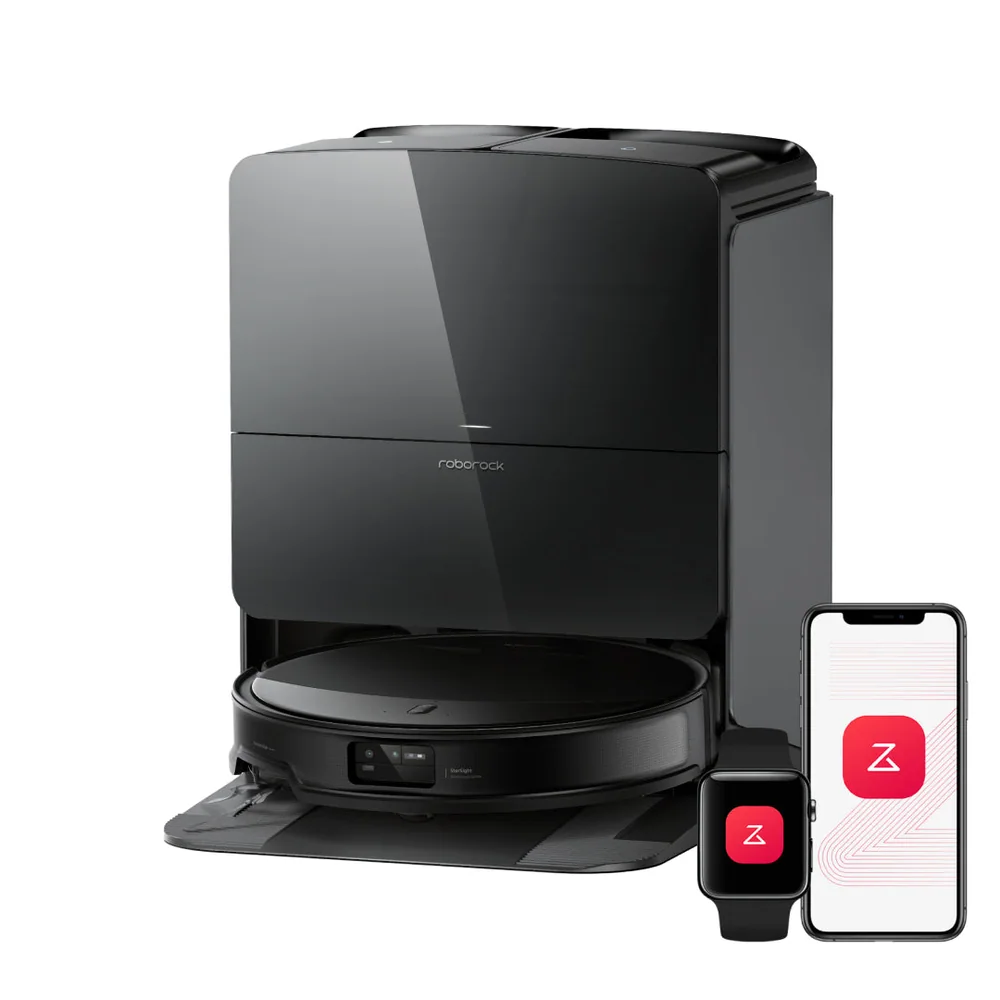
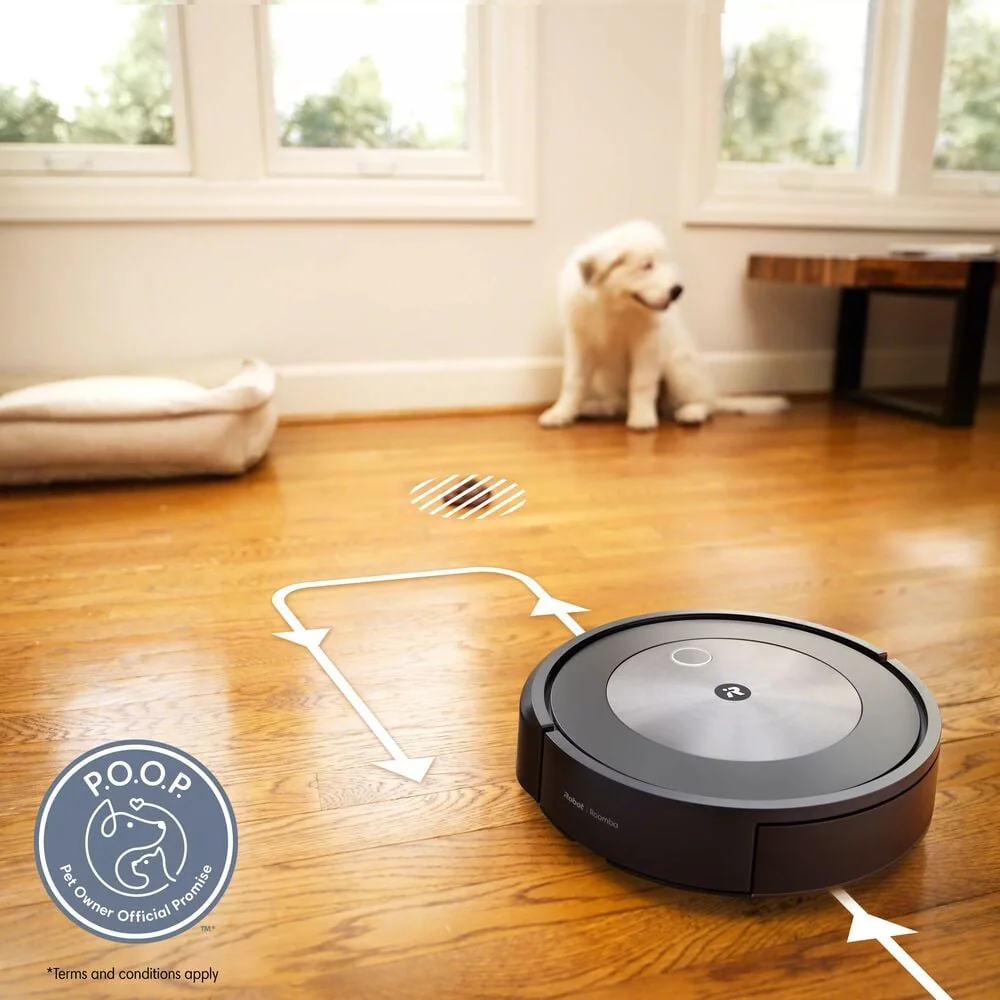
Which sounds are normal: fan vs brush vs dock emptying
Most robot vacuum noise comes from three places. The fan (the suction motor) is a steady whoosh that usually gets louder on carpet or in higher power modes. The brush or roller adds a lower, scratchy sound that changes when it hits thicker rugs or picks up grit. Then there is dock emptying on self-empty models, which is a short, very loud burst as the base sucks debris out of the robot’s bin. That dock cycle is often the single most annoying sound because it is sudden and sharp.
If the sound has changed recently, treat it as a clue. A higher pitch whine can mean a clogged filter or air path, which forces the fan to work harder. A thumping or ticking often points to something stuck in the roller, like a twist tie, a small toy, or hair wrapped around the ends. A grinding sound can come from a worn roller bearing or debris caught near the brush housing. Fixing these does not just reduce noise. It also improves pickup and prevents the robot from timing out mid-clean.
Scheduling around calls, naps, and TV time
The easiest way to make a robot vacuum less annoying is to run it when you are least sensitive to it. If you work from home, schedule cleans for the start of a meeting-heavy block so it finishes before calls begin, or run it during a lunch break when you can tolerate a little noise. If the dock emptying is the worst part, schedule the run to end when you are out of the room, or set the robot to clean but delay auto-empty until a later time if your app allows it.
Think in zones, not just time. Kitchens and entryways get gritty fast, so a short daily run there can reduce the need for longer, noisier whole-home sessions. Bedrooms and nurseries can be scheduled less often and at predictable times. If your robot supports room-by-room cleaning, you can also avoid the living room during TV time and still keep the rest of the house maintained. Consistency matters more than marathon runs.
Night runs: what can go wrong and how to prevent it
Night runs sound appealing because you are not watching the robot. The problem is that many -stuck- events happen when the floor is darker, clutter is harder to detect, and you are not awake to rescue it. Common night issues include the robot eating a charging cable, getting hung up on a rug fringe, wedging under a low sofa, or failing to dock and beeping until you notice. If the dock is in a bedroom or hallway, that can be more disruptive than daytime cleaning.
If you want overnight cleaning, set it up like a routine. Do a quick cable sweep, keep pet toys in a bin, and make sure the dock area is clear so it can return without bumping around. Consider limiting night runs to hard-floor zones with fewer traps, like a kitchen with chairs pushed in. Also pay attention to the dock emptying behavior. If it auto-empties immediately after a run, that loud burst may happen at 2 a.m. unless you change the setting or schedule.
Floor prep that reduces rattles and clacks
A lot of perceived noise is impact noise, not suction noise. Side brushes can flick debris into baseboards, the bumper can tap chair legs repeatedly, and the robot can clack over thresholds or tile transitions. Small changes help: secure loose threshold strips, flatten curled rug corners, and remove lightweight items that get pushed around, like pet bowls or floor vents that are not seated well. If a rug fringe is constantly getting grabbed, fold it under or use a rug pad that keeps the edge stable.
Furniture clearance matters too. If the robot barely fits under a couch, it can scrape and get louder every pass. Either block that area with a no-go zone or raise the furniture slightly if that is practical. Also keep the robot’s wheels and caster clean. Hair and thread wrapped around the small front wheel can create a chatter that sounds like something is broken. A two-minute cleanup can turn an irritating run into a forgettable one.