
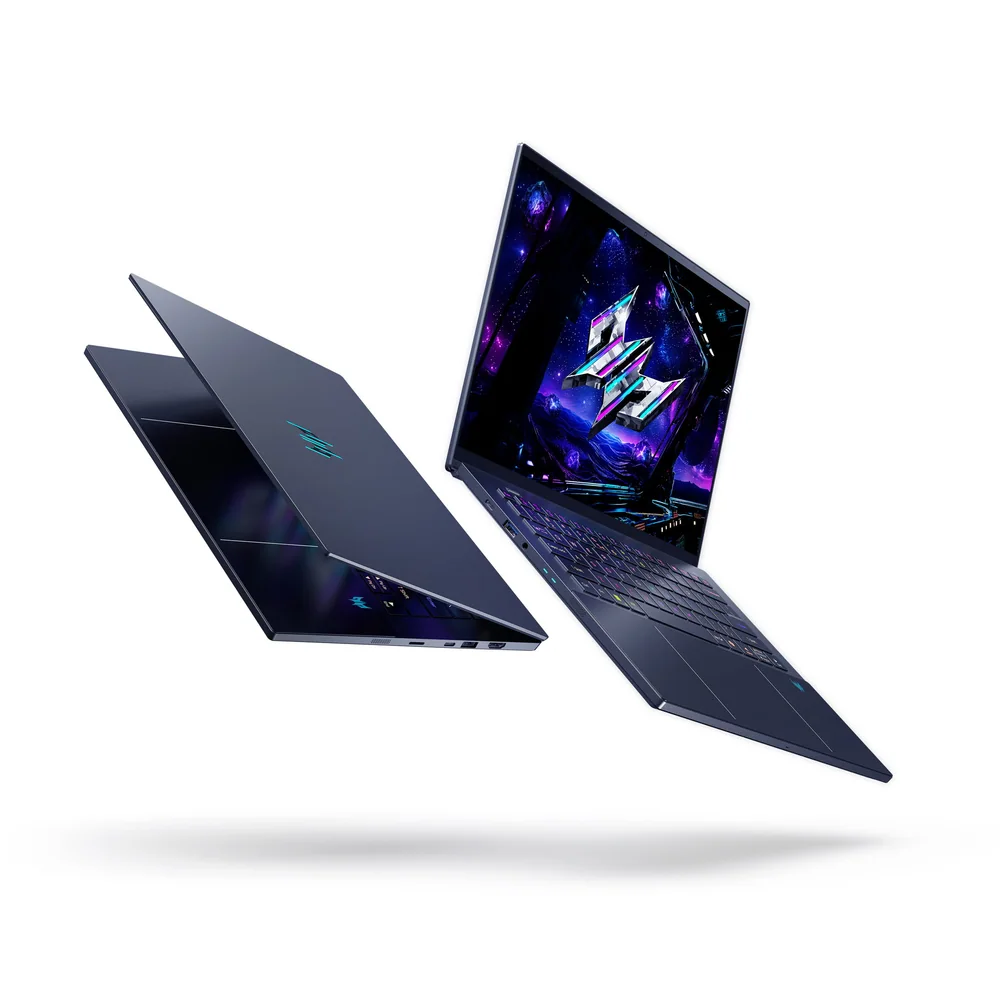
What to know first
- Intel Core Ultra 9 288V, 32GB LPDDR5X, 1TB SSD, and an RTX 5070 (8GB GDDR7, 110W) headline the spec sheet
- 14.5-inch OLED touchscreen at 2880x1800 with a 120Hz refresh rate, though one review flagged a visible raster pattern
- Haptic Gorilla Glass touchpad ships with a pressure-sensitive stylus, but the pen works only on the pad, not the screen
- One independent test measured the GPU running throttled relative to its rated power
- Battery runtime estimates vary widely across independent measurements, from under 7 hours to over 10
- 3.5 pounds and 23mm thick with a milled aluminum chassis, Thunderbolt 4, and Wi-Fi 7
A creator's gaming laptop, or a gamer's creator laptop
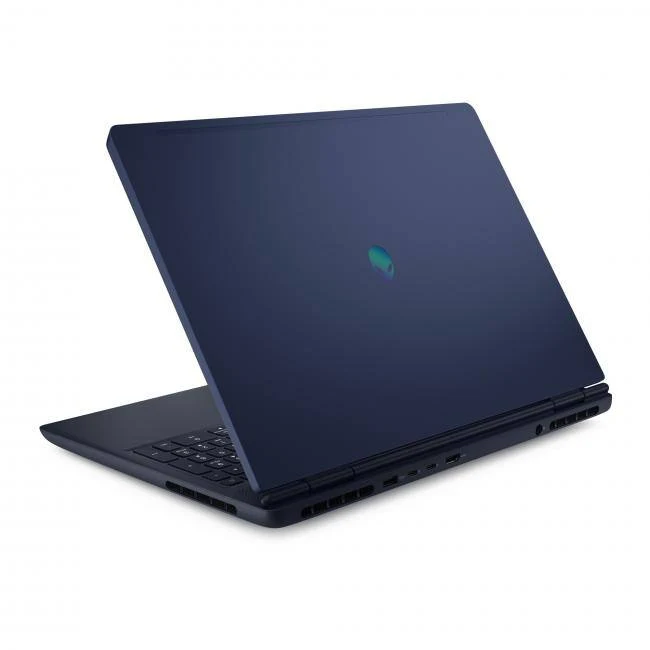
Acer built the Predator Triton 14 AI to answer a question most gaming laptops don't bother asking: what if this thing also had to look good in a client meeting? The result splits the difference between a portable workstation and a discrete-graphics gaming machine, wrapped in a black CNC-milled aluminum shell that trades the usual gamer-laptop bravado for something closer to restrained.
That balancing act shows up everywhere in the spec sheet. The Intel Core Ultra 9 288V is an efficiency-minded chip from Intel's Lunar Lake generation, paired with an RTX 5070 mobile GPU for the graphics muscle. Acer isn't chasing the biggest number in either category, it's chasing a laptop thin enough to carry daily that still has a discrete GPU inside, which is a genuinely harder engineering problem than just stuffing in the fastest parts available.
At 3.5 pounds and 23mm thick, it sits in the same size class as ultraportables that don't even bother with dedicated graphics. Getting a gaming-capable machine into that footprint required real compromises, and how you feel about those compromises will decide whether this laptop makes sense for you.
The touchpad and screen do the heavy lifting
The haptic touchpad is the most interesting thing about this laptop, and not because haptic touchpads are novel. Acer ships an active stylus designed specifically for the pad, supporting tilt and 4096 pressure levels, essentially turning the trackpad into a miniature graphics tablet for detail work in design software. It's a genuinely clever use of space on a laptop this size, letting creative work happen without adding a second input device to your bag.
The 14.5-inch OLED panel at 2880x1800 with a 120Hz refresh rate is the other headline feature, and on paper it's hard to beat for a laptop this size. One independent review called the display near the brightest in its field, which matters if you work near windows or in bright rooms where lesser panels wash out. That same review, though, flagged the screen as showing a visible raster effect that hurts perceived image quality, along with low-frequency PWM flicker that could bother sensitive eyes. A gorgeous spec sheet number doesn't guarantee a gorgeous panel in practice, and this is a case where the two independent findings don't fully agree.
Connectivity is a genuine strength regardless of the screen debate. Two USB-C ports (one supporting Thunderbolt 4), two USB-A ports, full-size HDMI, and a microSD slot mean you're not reaching for a dongle for most everyday peripherals, which is not something every 14-inch gaming laptop manages.
Living with the keyboard, the charger, and the fan
Typing and clicking feel considered here. The keyboard is described as responsive with well-laid-out keys, and the touchpad, once its haptic response is turned up, becomes more intuitive to tap and click without the mushiness that plagues some haptic implementations. The per-key RGB backlighting and the color-cycling logo on the lid are pure gamer flourish, adjustable through Acer's PredatorSense software if you'd rather keep things subdued for the office.
Charging comes with a catch worth knowing before you travel. The laptop ships with a 140-watt power adapter, and lower-wattage USB-C chargers will mostly work but charge more slowly, with one tester reporting the connection periodically dropping altogether when using an underpowered brick. If you're used to grabbing whatever USB-C charger is nearest, this laptop wants you to pack its own.
One independent evaluation describes the fan as loud once the system is pushed. A separate reviewer noted that the six-speaker system became uncomfortably loud at close range past 30 percent volume, so both cooling noise and speaker volume deserve attention in a quiet room.
The heat, the throttling, and the RAM you can't add
The most alarming single finding in the research is a thermal event one tester documented after running benchmarks: the laptop's underside climbed to 144 degrees Fahrenheit while idling, hot enough to risk burns, before the unit was shut down. Acer had no explanation and the issue didn't return after a reboot in that same test, so it's worth treating as a single documented incident rather than an expected failure mode, but it is a finding that should make a prospective buyer ask a retailer about return policies before committing.
More directly relevant to daily gaming is throttling. The RTX 5070 here is configured at a maximum graphics power of 110 watts, and published measurements found the GPU running throttled during performance evaluation, meaning framerates fell short of what the same GPU delivers in laptops with more thermal headroom. If gaming performance is your primary reason for buying, that gap between spec sheet and delivered performance is the single fact that should change your decision.
Add to that a soldered 32GB of LPDDR5X memory that can't be upgraded later, and a slower card reader noted in one review, and the picture that emerges is a laptop optimized hard for thinness and design at the expense of some performance headroom. None of these are dealbreakers on their own, but together they're the reason to think carefully about whether the chassis and screen justify the price over a less compact alternative with fewer compromises.
The specs that matter
This is an efficiency-focused processor rather than the highest raw-performance chip Intel makes, which fits a thin chassis but means heavy multi-core workloads won't be its strong suit.
110 watts is on the lower end for this GPU tier, and published measurements found it running throttled, so expect solid but not high-end frame rates in demanding games.
Plenty for multitasking and creative apps today, but you can't add more later, so buy the configuration you'll need long term.
Fast boot and load times day to day, though heavy gamers or video editors may want to budget for external storage over time.
Sharp and bright for both work and gaming, though one independent review noted a visible raster effect and PWM flicker worth checking in person if you're sensitive to it.
Light enough for daily carry, but one reviewer called it the heaviest laptop in its size class, so it won't feel as featherweight as a similarly sized ultrabook.
Lower-wattage chargers charge slower and may disconnect intermittently, so plan to travel with the included brick.
Who this product fits
The freelance illustrator who also games on weekends
The haptic touchpad and pressure-sensitive stylus give you a real digital drawing surface built into the laptop, useful for detail work without carrying a separate tablet. Weekend gaming will look great on the OLED screen even if frame rates fall short of a full-power RTX 5070 desktop replacement.
The frequent flyer who wants one laptop for everything
Broad port selection including Thunderbolt 4 and a microSD slot means fewer dongles in your bag, and the compact 3.5-pound body is manageable for daily carry, though you'll want to pack the 140-watt charger rather than rely on a hotel's USB-C adapter.
The competitive gamer chasing frame rates above all else
This isn't the laptop for you. Published measurements found the RTX 5070 running throttled in this chassis, and a similarly priced Acer model with a lower-end graphics card reportedly delivered roughly double the gaming performance in one comparison, meaning a larger, less design-focused laptop will get you more consistent frame rates for the same graphics tier.
What else to compare
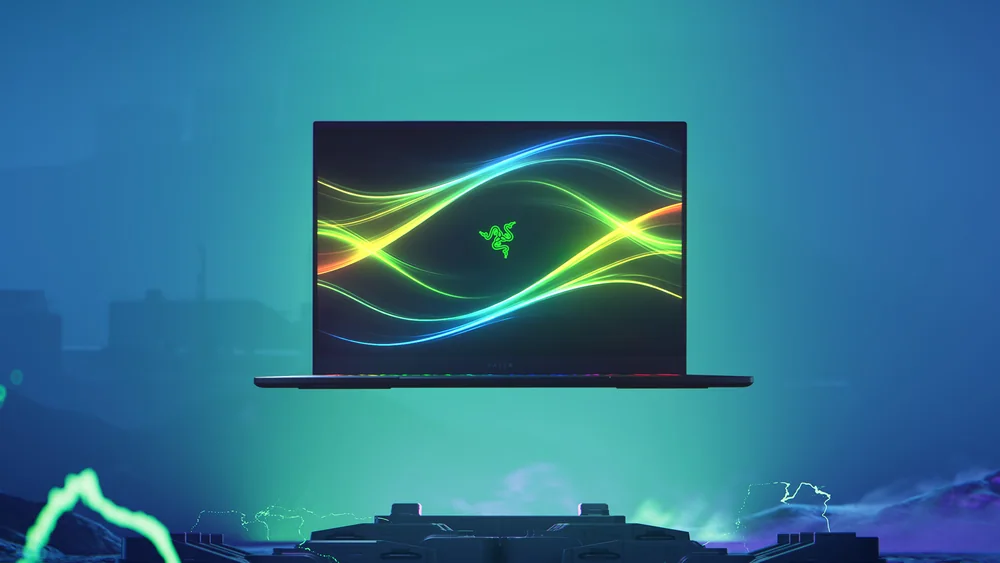
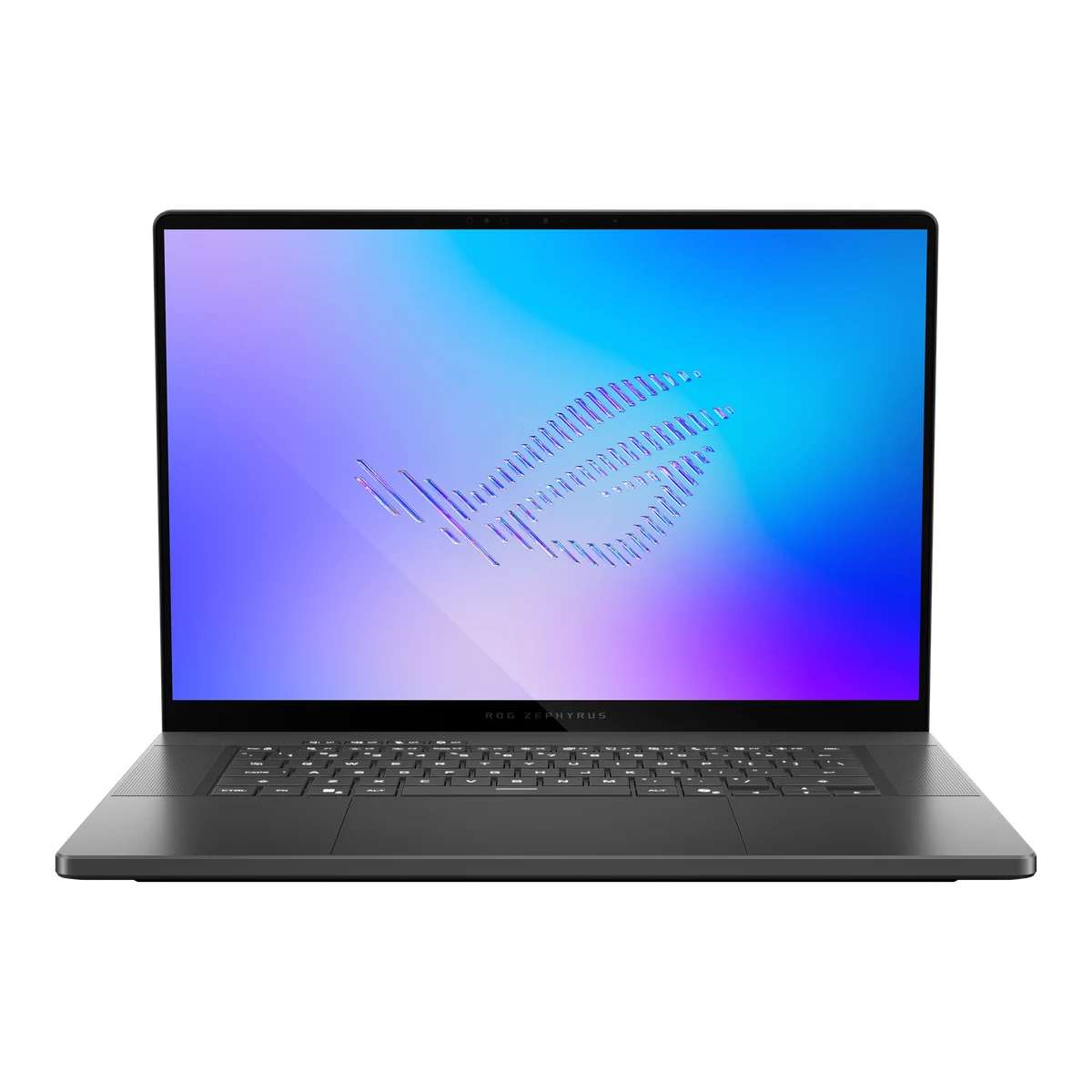
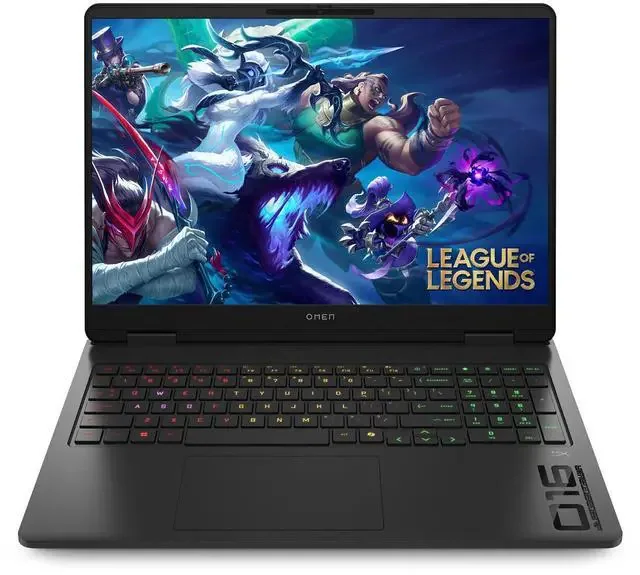
If raw gaming performance matters more than chassis design, it's important to compare thicker 14-inch or 16-inch gaming laptops with the same GPU tier before deciding.
Acer Predator Triton 14 AI FAQ
Can the stylus be used on the screen instead of just the touchpad?
No. The included stylus is designed exclusively for the haptic touchpad, not the OLED display. For onscreen touch input, you'll use your finger, which one reviewer found easier for quick sketches anyway.
Is the RTX 5070 in this laptop as fast as in other laptops with the same GPU?
Not necessarily. The GPU here is configured at 110 watts of maximum graphics power, and published measurements found it running throttled during performance evaluation, so frame rates may trail laptops that give the same RTX 5070 more thermal headroom.
How long does the battery actually last?
Independent measurements disagree meaningfully: one test recorded about 6 hours 50 minutes of YouTube playback at full brightness, another measured roughly 10 hours 21 minutes, and a third found 645 minutes of video (about 10 hours 45 minutes) and 172 minutes of gaming. Expect real-world battery life to depend heavily on brightness and workload rather than one fixed number.
Can I upgrade the RAM or storage later?
The 32GB of LPDDR5X memory is soldered to the board and cannot be upgraded, so choose your configuration carefully at purchase. Storage on the evaluated unit was a 1TB SSD, and M.2 drives are generally more replaceable than soldered memory, though check specifics before assuming an easy swap.
Does the laptop run hot?
One independent tester documented the chassis underside reaching 144 degrees Fahrenheit after a benchmarking session, hot enough to be concerning, though Acer had no explanation and the issue didn't recur after a reboot in that test. Multiple reviews also note the fan gets loud under sustained load, which is worth factoring into where you'll use this laptop.
Worth it for the chassis, or the GPU?
Acer clearly built the Predator Triton 14 AI around the idea that a gaming laptop can also be a laptop you're proud to carry into a coffee shop or a client pitch. On that front, it succeeds: the milled aluminum build, the haptic stylus touchpad, and the bright OLED screen deliver an ownership experience that feels considered rather than assembled from a parts bin.
Where it falls short is the part gamers actually buy an RTX 5070 laptop for: consistent, unthrottled graphics performance. Published measurements found the GPU running below its rated ceiling, one review documented an alarming thermal spike, and battery life estimates swing widely depending on who measured it. If the chassis and screen are the draw, this laptop delivers them convincingly. If frame rates are the priority, a larger, less design-forward gaming laptop with the same GPU tier will likely serve you better.