
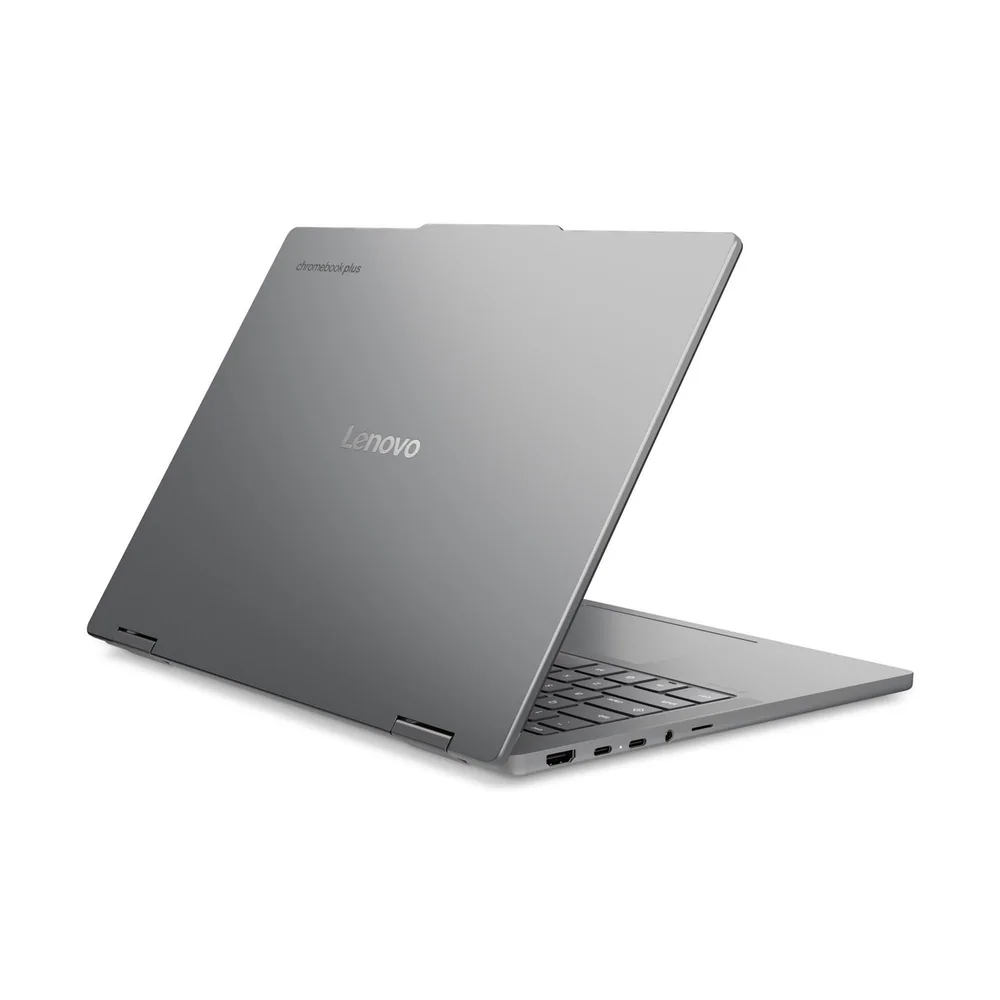
What to know first
- Premium Chromebook build with an aluminum polycarbonate chassis, not the usual budget-plastic vibe.
- 14-inch OLED touch screen is the headline feature and a clear upgrade over typical Chromebook displays.
- High-end Chromebook specs: MediaTek Kompanio Ultra 910, 16GB LPDDR5X RAM, 256GB UFS storage (in the main configuration currently sold).
- Supports on-device AI features via an NPU (usefulness depends on the apps and features you actually use).
- Rapid Charge support is listed, including a claim of 0% to 80% in about an hour.
- The big downside is straightforward: it is expensive for a Chromebook.
What the Lenovo Chromebook Plus 14 is
The Lenovo Chromebook Plus 14 is a 14-inch ChromeOS laptop aimed at people who do most of their work in the browser. Think schoolwork, email, Google Docs, web apps, and cloud-first workflows where you do not want to manage a full Windows or macOS setup.
What makes it different from the average Chromebook is that it is built and specced like a premium machine. Lenovo pairs a higher-end MediaTek processor with 16GB of memory and a 256GB UFS drive, and it wraps it in an aluminum polycarbonate chassis instead of the usual cheap-feeling Chromebook build.
It is also part of the Chromebook Plus tier. In plain terms, it is meant to feel faster, look better, and hold up better than the entry-level models people buy mainly because they are inexpensive.
Why it stands out
The OLED touch display is the biggest day-to-day upgrade. OLED is known for deep blacks and strong contrast, so text looks clearer and movies look better in darker scenes than they do on the washed-out screens common on budget Chromebooks. If you spend hours reading, writing, or watching video on your laptop, this screen is a real quality-of-life improvement.
Performance is the other reason this model gets attention. The configuration currently sold is listed with a MediaTek Kompanio Ultra 910 processor, 16GB of LPDDR5X memory, and 256GB of UFS storage. For ChromeOS, that is a serious setup. More RAM matters when you are juggling lots of tabs, multiple web apps, and video calls without the laptop feeling bogged down.
Lenovo also positions this model as supporting NPU-powered on-device AI. That does not automatically change how you use a Chromebook, but it does mean the hardware is built for newer ChromeOS features that can run locally instead of relying entirely on the cloud.
Finally, the physical laptop matters here. A durable aluminum polycarbonate chassis and a comfortable keyboard are not flashy specs, but they are what make a laptop feel like something you can carry every day without babying it.
What it is like to own
If you already like ChromeOS, ownership is the point. You open the lid, sign in, and you are basically in your workspace. For school and web-first jobs, that quick, low-maintenance routine is why people buy Chromebooks in the first place.
The Lenovo Chromebook Plus 14 is aimed at people who type a lot and carry their laptop daily. The evidence here is the emphasis on a comfortable keyboard and a more premium, durable chassis. That is the difference between a laptop you put up with and one you can use for long writing sessions.
Charging should be less of a hassle than on many thin laptops. Lenovo lists Rapid Charge support, including a claim that it can go from zero to 80% within an hour. The practical benefit is simple: you can top up between classes or meetings instead of hunting for an outlet all afternoon.
Storage is also more generous than what you see on many Chromebooks. With 256GB of UFS storage in the main configuration, you have more breathing room for offline files and Android apps than the tiny drives that force constant cleanup.
What to know before you buy
The biggest catch is price. This is a luxury-leaning Chromebook, and that means it costs more than most Chromebooks. If your whole reason for buying ChromeOS is affordability, this model can feel like it is solving a different problem.
The other catch is the operating system itself. ChromeOS is great when your apps are web-based, but it is not a drop-in replacement for Windows or macOS if you rely on specific desktop software. Before you buy, make sure the apps you need are available as web apps, Android apps, or otherwise fit your workflow.
Finally, configurations can change. There is mention of a lower-priced model with 12GB of memory and 128GB of UFS storage being listed as coming soon at one point. If you are shopping based on specs, confirm which version you are actually buying.
The specs that matter
Best when your work lives in the browser and cloud apps. It is simpler to live with than a full Windows or macOS setup, but you need to be sure your required apps fit ChromeOS.
This is the main chip behind how responsive the laptop feels in everyday use. A stronger Chromebook CPU helps when you have lots of tabs open, video calls running, and multiple web apps going at once.
RAM is what keeps multitasking smooth. 16GB is a big deal for ChromeOS if you keep dozens of tabs open and bounce between docs, email, and meetings.
More storage means less babysitting your drive. UFS is flash storage, so it is built for quick app launches and a responsive feel compared with slower, bargain-basement storage.
OLED is a visible quality upgrade for contrast and color. Touch support is handy for scrolling, tapping through apps, and casual use, especially if you like interacting directly with the screen.
Fast charging can make daily life easier. It can mean quick top-ups during breaks instead of carrying a charger everywhere.
This is part of why the laptop feels premium. A sturdier chassis tends to hold up better in backpacks and daily commuting than the flexy plastic builds common in cheaper Chromebooks.
Who this product fits
You want a premium-feeling laptop, but you only need ChromeOS
The Lenovo Chromebook Plus 14 is for someone who likes ChromeOS but does not want a laptop that feels like a compromise. You get a nicer chassis, a comfortable keyboard, and higher-end specs that make everyday browsing and docs feel more responsive.
You are a student who types constantly and carries your laptop everywhere
A compact 14-inch Chromebook with a more durable build and a comfortable keyboard fits daily schoolwork. Rapid Charge support also matches the reality of charging between classes instead of camping near an outlet.
You want a better screen for reading, writing, and streaming
The OLED touch display is the main draw. If you are coming from a typical budget Chromebook screen, the stronger contrast and richer color are easy to see in everyday use.
What else to compare
If ChromeOS is not a perfect fit or you want more traditional laptop flexibility, these are the 14-inch alternatives worth considering.
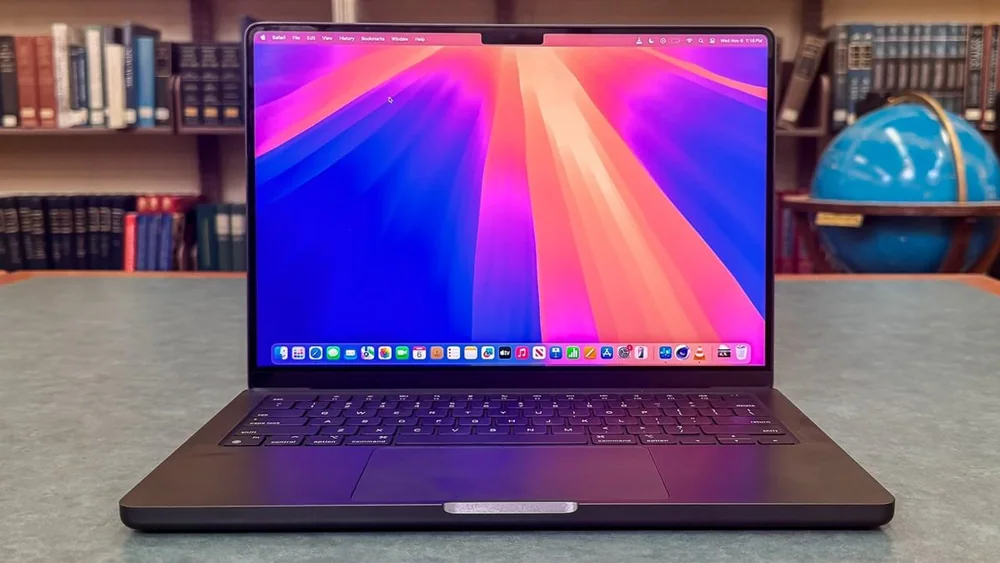
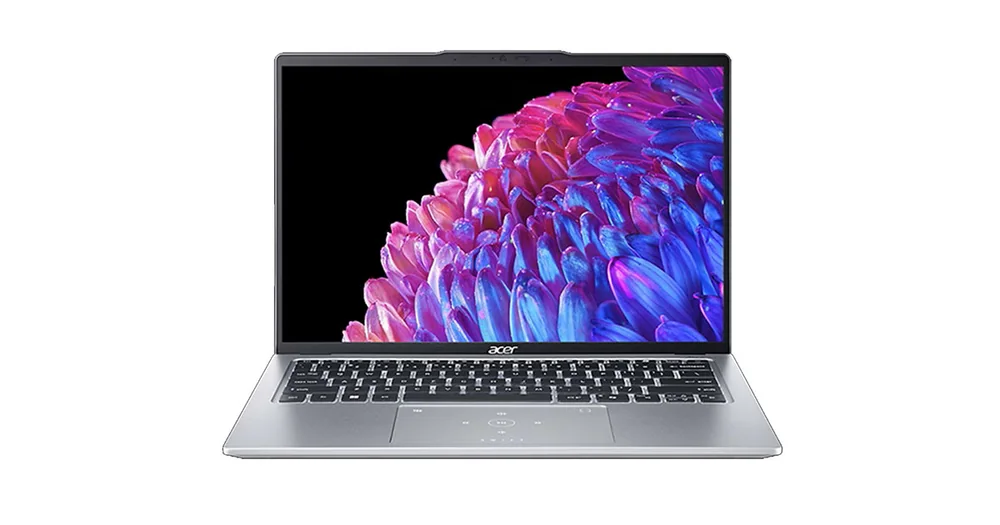
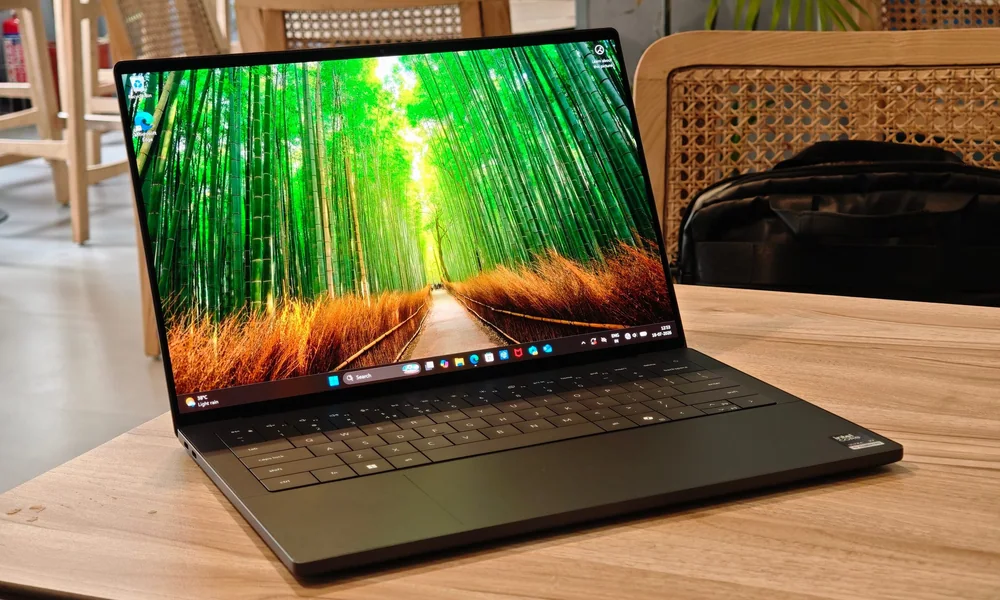
Lenovo Chromebook Plus 14 FAQ
Is the Lenovo Chromebook Plus 14 good for school?
Yes, if your schoolwork is web-first. It is built for ChromeOS tasks like docs, research, and cloud apps, and it is a more premium, durable Chromebook for daily carry.
Can the Lenovo Chromebook Plus 14 replace a Windows laptop?
Sometimes, but not automatically. ChromeOS is great for browser-based work, but if you rely on specific Windows-only desktop apps, confirm you can do your work with web apps or Android apps before buying.
What configuration is sold for the Lenovo Chromebook Plus 14?
The main configuration described includes a MediaTek Kompanio Ultra 910 processor, 16GB of LPDDR5X memory, a 256GB UFS drive, and an OLED touch screen. There has also been mention of a lower-priced model with 12GB of memory and 128GB of UFS storage.
What does an OLED touch screen change on a Chromebook?
OLED typically gives you deeper blacks and stronger contrast than the screens on many budget Chromebooks, which can make text and video look cleaner. Touch support adds a more phone-like way to scroll and tap through apps when you want it.
Does the Lenovo Chromebook Plus 14 have fast charging?
Lenovo lists Rapid Charge support and claims it can charge from zero to 80% within an hour. The practical goal is quick top-ups during the day.
Should you buy the Lenovo Chromebook Plus 14?
Buy the Lenovo Chromebook Plus 14 if you want a premium-feeling 14-inch laptop and you already know ChromeOS fits your life. The OLED touch screen, higher-end MediaTek chip, and 16GB of RAM are upgrades you will notice every day if you live in tabs, docs, and video calls.
Skip it if your main goal is saving money with ChromeOS. This model is priced like a luxury Chromebook, and it only makes sense if you value the nicer screen, stronger performance, and better build enough to pay for them.