What most built-in sensors detect (and what they miss) in plain language
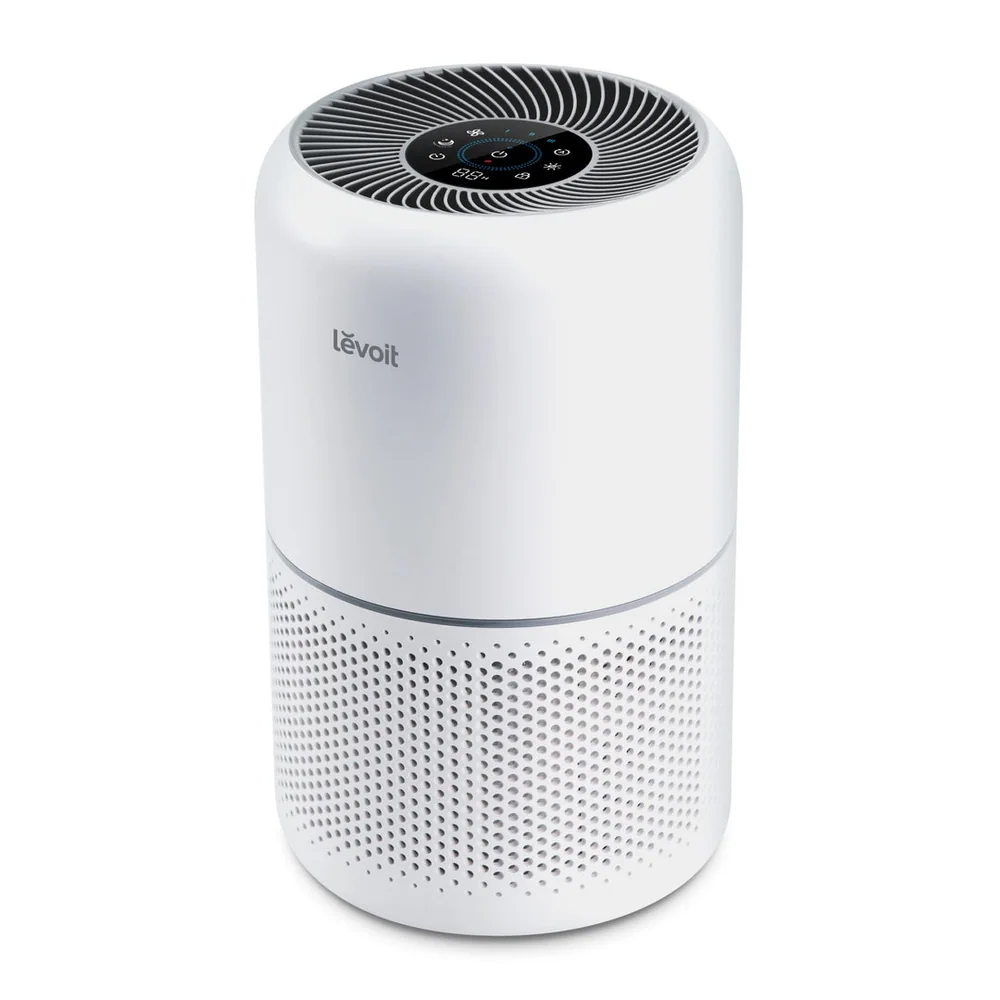
Most built in sensors are particle sensors. They estimate how many airborne particles are in the air, often focusing on fine particles that stay suspended. That can make auto mode helpful for dust events, smoke particles, and general indoor activity. If you vacuum, fluff bedding, or bring in outdoor air with pollen, the sensor may notice and increase the fan speed. This is the best case for auto mode: particles rise, fan rises, particles fall, fan drops.
What many sensors miss is just as important. Many do not directly measure odors and gases, so cooking smells can linger even if the purifier stays calm. Some sensors also struggle with certain particle types or with humidity effects, where steam or high moisture can make the sensor think the air is dirtier than it is. Auto mode can also be slow to react if the purifier is placed where air does not mix well, such as in a dead corner or behind furniture.
Placement that helps the sensor and the purifier: distance from walls, vents, kitchens, and litter boxes
A purifier needs room to pull air in and push clean air out. If the intake is too close to a wall or blocked by furniture, airflow drops and the sensor samples a small pocket of air instead of the room. Give the unit open space on the intake side and do not aim the exhaust directly into a wall where it bounces back into the intake. Good placement helps both cleaning performance and sensor accuracy because the purifier is actually processing room air, not just recirculating its own output.
Avoid placing the purifier right next to a strong, localized source if you want stable auto behavior. Next to a stove, it may surge every time you cook, then calm down even though the rest of the room still smells. Next to a litter box, it may run hard constantly because it is sampling the worst air in the home. A better approach is to place it where air from the source passes through on its way to the rest of the room, while still keeping the unit accessible for filter changes and prefilter cleaning.
How to check if auto mode is doing its job using simple observations and repeatable scenarios
Use repeatable scenarios to see how your auto mode behaves. For particles, try a controlled event like making the bed, shaking a throw blanket, or vacuuming a small area nearby. You should see or hear the purifier respond within a reasonable time, then gradually settle back down. If it never ramps up, the sensor may be too far from the action, blocked, or simply not sensitive enough. If it ramps up and stays high for a long time in a normal room, it may be placed too close to a constant source or in a spot with poor air mixing.
Also watch what happens during everyday life. If you regularly see dust on surfaces and the purifier rarely leaves its lowest speed, auto mode may be prioritizing quiet over cleaning. If you have allergy symptoms at night and auto mode stays low, that is another clue. Auto mode is not a promise of adequate airflow. It is a convenience feature. You still need to confirm that the purifier spends enough time at a speed that actually moves meaningful air through the filters.
When to override auto: smoke events, cleaning days, guests, and nights when you need steady airflow
Override auto during smoke events. Smoke can change quickly, and you usually want fast particle reduction, not a gradual response. Set a higher manual speed for a few hours, then reassess. Do the same on cleaning days, especially when vacuuming, dusting, or doing laundry that sheds lint. Those activities create short, heavy particle loads that benefit from a planned boost. If you wait for auto mode to notice and react, you may spend the whole time breathing the stirred up particles.
Guests and busy evenings are another time to override. More people means more movement, more door opening, and often more cooking. Auto mode may respond, but it may also oscillate, which can be annoying. A steady medium setting can be more comfortable and more effective. At night, if you need consistent airflow for allergies or you sleep with the door open, choose a stable speed you can tolerate rather than trusting auto mode to decide. Consistency often beats cleverness for overnight comfort.