What "power limit" actually controls
The GPU power limit is a cap on how much electrical power the laptop will feed the GPU for sustained work. You may see it described as watts, TGP, or similar wording. When a game loads the GPU heavily, the laptop tries to run the GPU as fast as it can within that cap. Higher caps often mean higher sustained clock speeds, which can translate to higher frame rates, especially at higher resolutions or with demanding effects. Power limits also shape consistency. If a laptop starts strong but then heats up, it may reduce power to stay within safe operating temperatures. That reduction is often called throttling, and it shows up as frame rate dips or less stable performance. A lower power limit can sometimes feel smoother if it is paired with cooling that can hold it steadily, while an aggressively high limit in a thin chassis can lead to louder fans and more fluctuation.
Why cooling and chassis size change everything
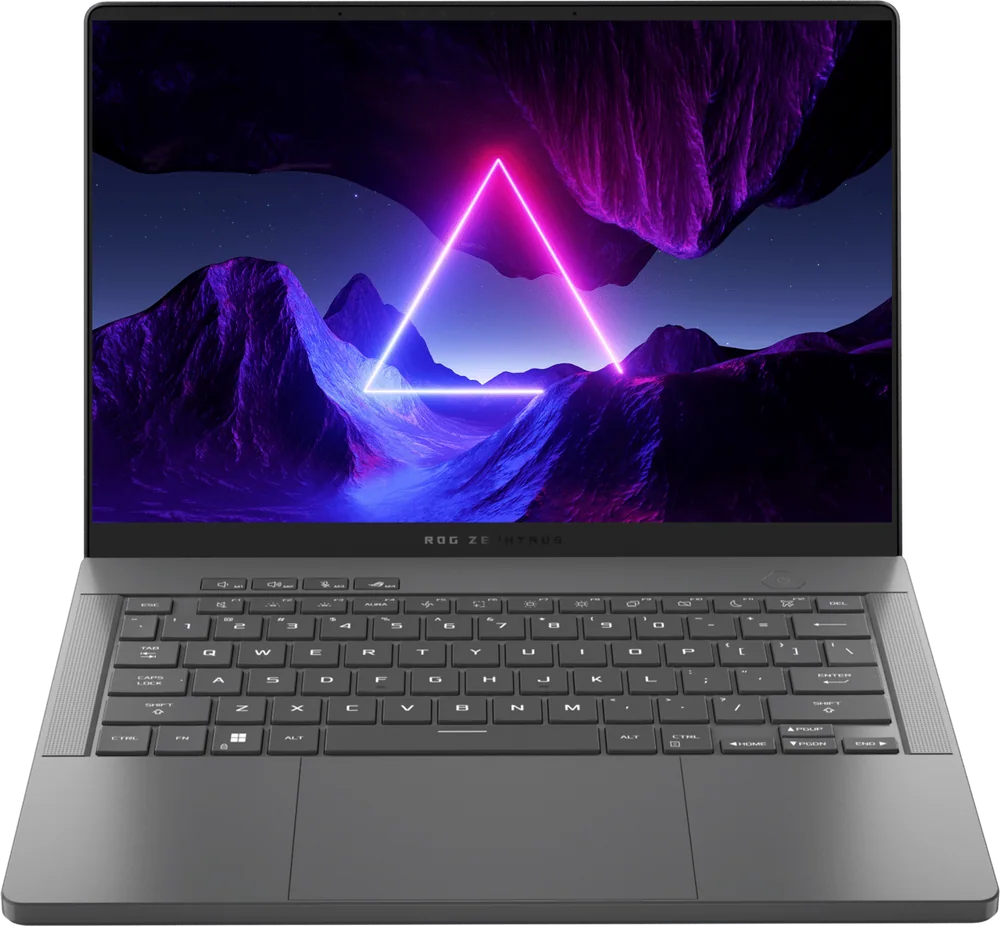
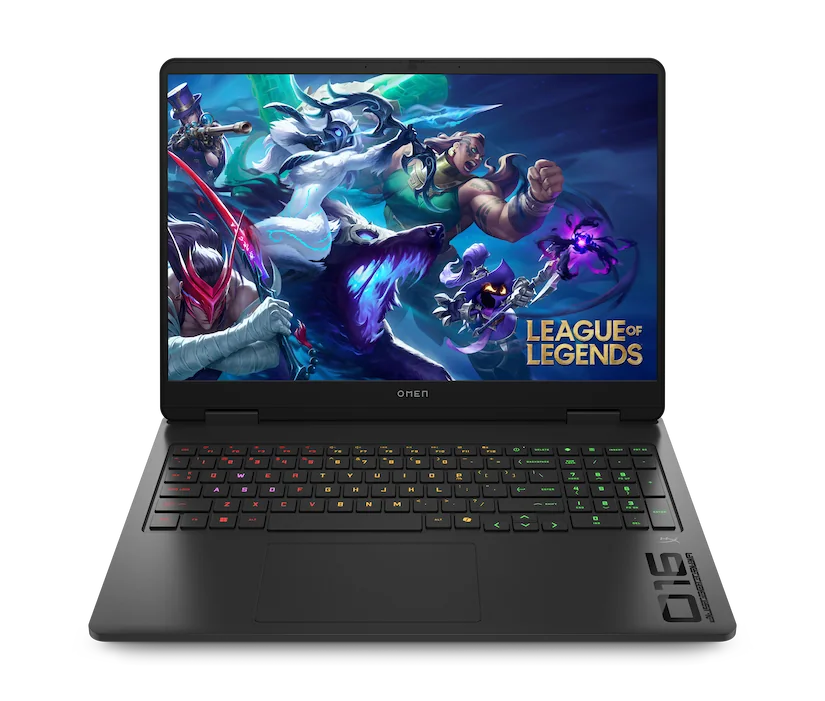
Cooling is the system that moves heat away from the GPU and out of the laptop. Bigger laptops can fit larger heatsinks, more heat pipes, larger fans, and more vent area. That extra capacity helps the GPU hold higher power for longer without hitting temperature limits. The result is usually better sustained frame rates, not just better peak numbers. Thin laptops can still be fast, but they have less room to store and move heat. To compensate, they may use higher fan speeds, tighter power limits, or more aggressive temperature targets. That can mean more fan noise, warmer surfaces, or performance that varies more with room temperature and how you place the laptop. If you game in a warm room or you often play long sessions, cooling headroom matters more than it does for short matches.
How to compare laptops when specs are vague
Manufacturers do not always make power limits easy to find, and marketing terms can blur the details. When you cannot get a clear wattage number, look for indirect signals: laptop thickness and weight, the size of the power brick, and whether the model line is known for higher performance modes versus portability. Also pay attention to whether the laptop offers multiple performance profiles, because some ship in a quieter default mode that limits power until you change settings. When comparing two laptops with the same GPU name, assume the heavier, thicker design is more likely to sustain higher performance, but verify with the information you can find. If you plan to use an external monitor and push higher settings, sustained GPU power matters more. If you mostly play esports titles, you may be CPU limited at times, and the GPU power difference may be less noticeable than screen quality, response time, and input feel.
Ownership consequences: noise, battery behavior, and longevity of performance
Higher sustained GPU power usually means more heat to remove, which often means more fan noise. If you share a room, stream with an open mic, or simply dislike loud fans, a slightly lower power limit can be a better daily experience. Also remember that gaming laptops typically reduce performance on battery. Even if the GPU could run at high wattage, the laptop often caps power when unplugged to protect the battery and manage heat, so "portable gaming" is usually a compromise. Power and heat also affect maintenance needs. Dust buildup in vents and fans reduces airflow, which makes the laptop run hotter and throttle sooner. That means a laptop that felt fast when new can feel less consistent later if it is not kept clean. Plan on periodic vent cleaning, and consider how easy the bottom panel is to remove if you want deeper cleaning. The goal is not maximum watts on day one, it is stable performance month after month.