
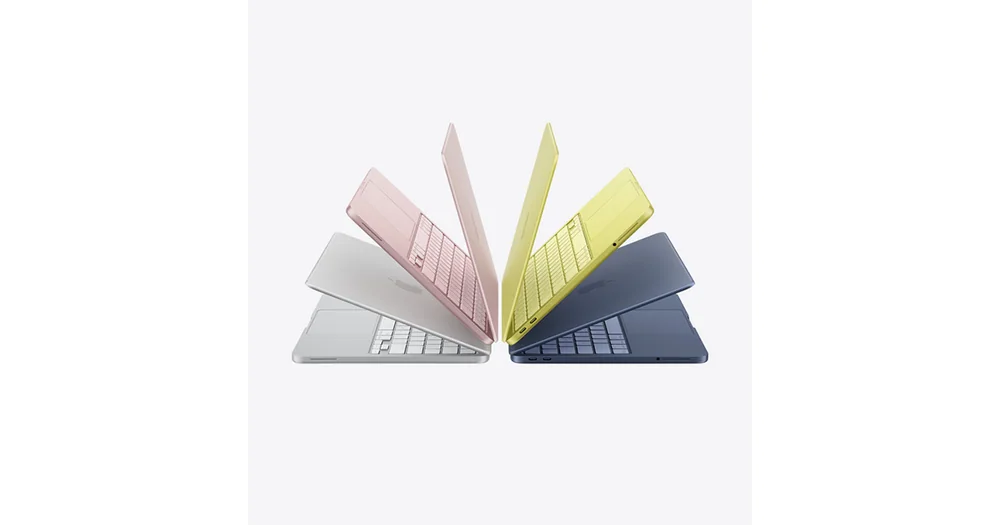
What to know first
- Lower-cost Mac laptop positioned for school and everyday productivity
- Uses an Apple A18 Pro chip and is plenty for typical student workloads
- Very portable at 2.7 pounds with a 13-inch display
- Base 256GB storage can fill up quickly if you keep lots of photos, videos, or big apps locally
- Limited ports, and one USB port is USB 2.0
- No keyboard backlighting, and Touch ID may cost extra depending on configuration
What the Apple MacBook Neo is
Apple MacBook Neo is Apple’s lower-cost Mac laptop aimed at students and everyday users who want macOS without stepping up to a MacBook Air. Think of it as a school-first Mac: light, simple, and built for the daily grind of documents, web research, video calls, and streaming.
The core idea is simple. You get a premium-feeling aluminum MacBook body and a 13-inch display in a machine that is meant to be affordable by Apple standards. That 13-inch size also matters in real life because it fits better on cramped lecture-hall desks and small tables.
Inside, the Neo uses an Apple A18 Pro chip with a 6-core CPU and 5-core GPU, paired with 8GB of RAM. That points it at everyday computing, not heavy-duty creative work or engineering workloads that keep huge projects open all day.
Why it stands out
The main reason to buy the Apple MacBook Neo is simple: it is a lower-cost way to get the Mac experience. If you want macOS for school and you want a laptop that feels like a MacBook, this model is built around that goal.
It is also described as being built like a “real” MacBook, with a rigid aluminum body and a premium look and feel. For a student laptop that lives in backpacks and gets handled all day, that kind of build can matter as much as raw specs.
Performance is strong for basic computing and schoolwork. The A18 Pro chip is described as having enough power for multitasking across apps and tabs, productivity work, and lighter creative tasks like photo editing.
The display is another reason this laptop makes sense for school. One source lists it as a 13-inch Liquid Retina panel at 2408 x 1506 with a 60Hz refresh rate. In day-to-day use, that sort of resolution helps with long reading and writing sessions, and it makes videos and presentations look cleaner.
What it is like to own
Day to day, the Apple MacBook Neo is built around portability. At 2.7 pounds, it is easy to carry from class to class. The 13-inch size also makes it easier to use in tight spaces, like small desks or crowded libraries.
The ownership experience is also shaped by what Apple left out. There is no keyboard backlighting, which matters if you study at night, sit in dim lecture halls, or like working in a darker dorm room. Touch ID is also not guaranteed at the base level in all configurations and can cost extra, which affects how convenient it is to log in quickly.
Ports are the other daily-use reality check. The Neo has a limited selection of physical ports, and one USB port is only USB 2.0. Expect to use adapters for common stuff like HDMI, and do not buy this laptop expecting fast wired transfers from every port.
If you plan to dock at a desk, note that the Neo is described as supporting only one external display at a time. One monitor is enough for plenty of students. If you want two external monitors for research, writing, and reference material all at once, this is a real limitation.
What to know before you buy
Start with storage. The base configuration is listed with a 256GB SSD, and that can fill up fast. If you keep lots of photos and videos locally, download big games, or install large creative apps, you will hit the ceiling sooner than you think.
Next, be honest about memory. The Neo is listed with 8GB of RAM, and that is the main reason it is positioned for typical schoolwork rather than heavier majors and pro workflows. If you keep dozens of tabs open, run multiple big apps at once, and live in background tasks, 8GB can feel tight.
Finally, do not buy it expecting high-end connectivity. The Neo is described as lacking Thunderbolt support, having limited ports, and including one USB 2.0 port. If your day includes fast external drives, lots of accessories, or a multi-monitor desk setup, you will be happier with a different laptop.
The specs that matter
The processor sets the ceiling for everyday responsiveness and demanding coursework. Clock speed is only one part of performance, but the exact chip helps shoppers compare the right configuration.
Memory determines how comfortably the laptop can keep browser tabs, documents, video calls, and school apps open together.
Storage capacity determines how quickly local files and applications force you to manage space; SSD storage is also faster than eMMC or UFS storage.
The graphics processor matters for games, 3D work, video effects, and some technical applications. Integrated graphics are normally enough for documents, streaming, and basic creative work.
Screen size and resolution affect reading comfort and split-screen work, while brightness, panel type, and refresh rate shape how the display looks and feels.
Battery capacity and measured or rated runtime help estimate whether the laptop can cover a class day without a charger. Real runtime changes with brightness and workload.
Weight matters when the laptop travels between classes every day; larger screens usually trade some portability for working space.
Ports and wireless support determine which monitors, drives, chargers, and campus accessories work without extra adapters.
Who this product fits
You want the cheapest modern-feeling Mac for college
Apple MacBook Neo is positioned for exactly this. It is meant to handle the core school workload (Docs, slides, research, video calls) in a portable 13-inch, 2.7-pound package without paying for a higher-end MacBook.
You already use an iPhone and want everything to feel connected
If you are already in Apple’s ecosystem, the MacBook Neo is an easy fit as your daily school computer. It is built to deliver a full macOS experience at a lower cost than other Apple laptops.
You plan to work at a dorm desk with one monitor
The Neo can drive one external display, which is enough for a clean, simple desk setup. If your ideal setup is a laptop plus one monitor for writing and studying, it matches that use well.
You do a lot of late-night studying
This is where the Neo’s cost-cutting can annoy you. It does not include a backlit keyboard, so typing in dim rooms is less comfortable than on many other laptops.
What else to compare
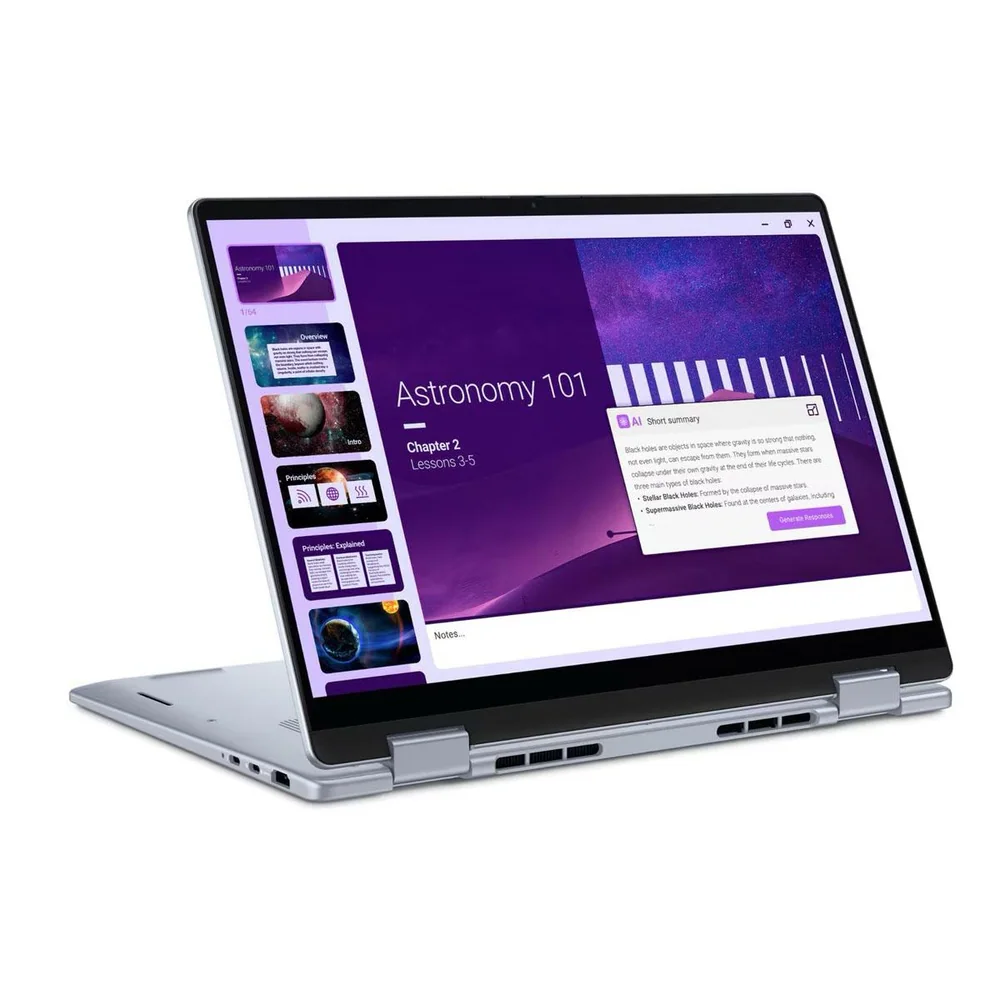
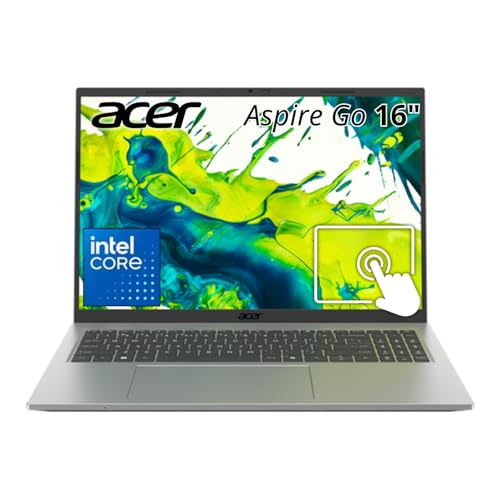
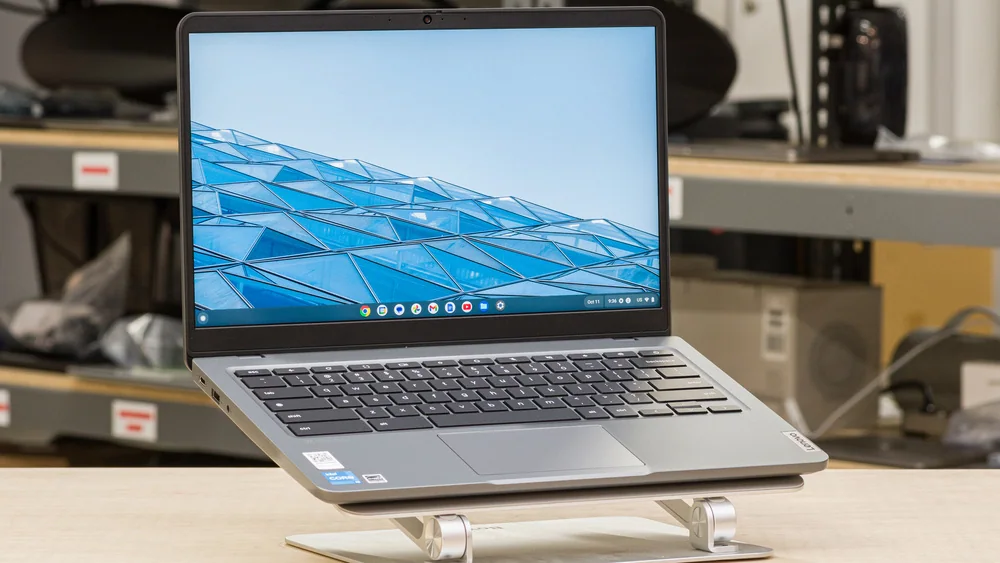
If the Apple MacBook Neo’s limits hit your daily workflow, these are the directions that make more sense.
Apple MacBook Neo FAQ
Is the Apple MacBook Neo good for college?
Yes, it fits typical college work like writing, presentations, research, and everyday apps. It is also very portable at 2.7 pounds with a 13-inch display that works well on small desks.
Is 8GB of RAM enough on the Apple MacBook Neo?
8GB can be enough for standard student workloads, but it is the spec that will feel tight first if you multitask heavily. If you keep lots of apps and tabs open all the time, you may want a laptop with more memory.
Does the Apple MacBook Neo have a backlit keyboard?
No. If you often work in low light, that is one of the most noticeable everyday compromises on this model.
Does the Apple MacBook Neo support Thunderbolt?
No, it is described as lacking Thunderbolt support. That matters most if you want high-end docks, very fast external storage setups, or more desk connectivity.
How much storage does the Apple MacBook Neo have?
Configurations are listed with 256GB to 512GB SSD storage, with 256GB as the baseline. 256GB can fill up quickly if you store lots of media or big apps locally, so plan on cloud storage or consider more capacity if you can.
Can the Apple MacBook Neo run two external monitors?
No, it is described as supporting only one external display at a time. If a dual-monitor setup is important to you, you should choose a different laptop.
Should you buy the Apple MacBook Neo?
Buy the Apple MacBook Neo if you want a genuinely nice Mac laptop for school and everyday life, and you would rather save money than pay for premium extras. It is positioned to deliver the core macOS experience with a 13-inch Liquid Retina display, a lightweight 2.7-pound build, and enough performance for the work most students do.
Skip it if your laptop needs are already drifting into power-user territory. The 8GB of RAM, limited ports (including a USB 2.0 port), lack of Thunderbolt, no keyboard backlighting, and one-external-display limit are all real constraints. If any of those sound like daily annoyances, you will be happier stepping up to a different model.