
What to know first
- Battery life is the main reason to buy it (20 hours, 6 minutes in one documented configuration).
- It is a mainstream 14-inch Windows 2-in-1 aimed at school and everyday productivity.
- A documented configuration includes an Intel Core Ultra 7 256V with 16GB RAM and a 1TB SSD.
- The documented display is a 14-inch 2560 x 1600 IPS touchscreen with a 90Hz refresh rate, but brightness is a known weak spot.
- Wi-Fi 7 and Bluetooth 5.4 are built in for newer routers and accessories.
- A 1440p webcam is a real upgrade for video calls.
What the Dell 14 Plus 2-in-1 is
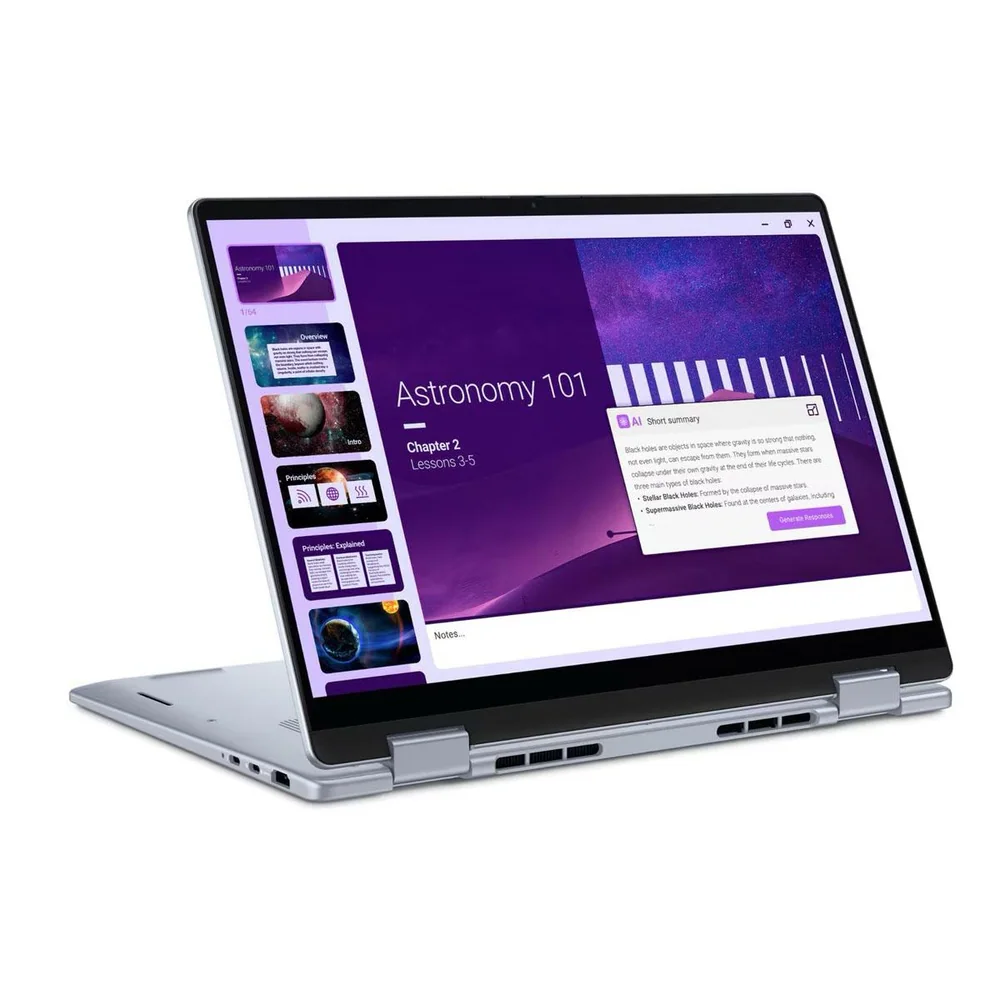
The Dell 14 Plus 2-in-1 is a 14-inch Windows convertible built for everyday work and school. It is meant to be your one laptop for writing, research, spreadsheets, video calls, and streaming, with the flexibility of a 2-in-1 hinge so you can fold it into tent or tablet-style positions when that is more convenient.
This model sits in the mainstream middle of the market. It is not trying to be the thinnest, the lightest, or the most powerful. The focus is on the basics that make a laptop feel good to use: a responsive CPU, enough memory for multitasking, fast SSD storage, and battery life that lets you leave the charger at home more often.
In the configuration with the clearest documentation, it is built around an Intel Core Ultra 7 256V processor with 16GB of RAM and a 1TB SSD, running Windows 11 Home. For most shoppers, that combination avoids two common headaches: running out of memory when you multitask and running out of storage after a few months of downloads and updates.
Why it stands out
Battery life is the headline feature. In one documented configuration, the Dell 14 Plus ran for 20 hours and 6 minutes on a standardized battery rundown. In real life, battery life drops with higher brightness, lots of video calls, and heavier apps. Starting from a number like this still matters because it gives you a lot of cushion for long days.
It also lands in the right place for everyday performance. With an Intel Core Ultra Series 2 (Lunar Lake) chip and Intel Arc integrated graphics in the documented configuration, it is set up for the work most people actually do: big browser sessions, Google Docs, Word, PowerPoint, Slack or Teams, and light photo work.
The rest of the package is modern in the ways that show up every day. The documented configuration includes a 14-inch 2560 x 1600 IPS touchscreen with a 90Hz refresh rate, Wi-Fi 7, Bluetooth 5.4, and a 1440p webcam. That translates to smoother scrolling, clearer video calls, and better wireless support on newer networks.
What it is like to own
The 14-inch size is a sweet spot for a lot of people. It is easy to carry, but it still feels like a real laptop when you are typing at a desk. In the documented configuration, it weighs 3.42 pounds. That is not ultralight, but it is still a normal carry for a mainstream 14-inch machine.
If you type a lot, pay attention to the keyboard layout. This line is often described as comfortable to use, but the layout is also described as tighter and more stylized than what some people prefer. If you are coming from a roomier keyboard and you are sensitive to key spacing, it is worth checking before you commit.
For calls and classes, the 1440p webcam is a quality-of-life upgrade over the 1080p cameras that still show up on plenty of laptops. And with Wi-Fi 7 and Bluetooth 5.4, it is ready for newer routers and modern wireless accessories without feeling behind the curve.
What to know before you buy
The biggest limitation is the display brightness. The documented screen is a 14-inch IPS touchscreen at 2560 x 1600 with a 90Hz refresh rate, which is a nice set of specs. It is also described as not bright enough. That matters if you work near windows, in bright classrooms, or you simply like running your screen at high brightness.
Weight is the other reality check. At 3.42 pounds in the documented configuration, it is portable, but it is not in the ultralight class. If your top priority is carrying comfort and you want something that disappears in your bag, you will likely be happier with a purpose-built ultralight model.
Finally, watch for configuration confusion. Some coverage focuses on the Dell 14 Plus clamshell model (often labeled DB14250) rather than the Dell 14 Plus 2-in-1 specifically. If you are buying for a specific feature like a particular screen or battery behavior, make sure the listing matches the exact model and configuration you expect.
The specs that matter
This is the main chip that keeps Windows feeling responsive. For typical school and office work, it is positioned to handle heavy multitasking without the sluggishness you get from entry-level CPUs.
16GB is the difference between “fine with a few tabs” and “comfortable with lots of tabs plus apps.” If you live in your browser, this helps the laptop stay smooth.
A 1TB SSD gives you room for school files, photos, and a bunch of apps without immediately playing storage cleanup games. SSD storage also keeps boot and app launches snappy.
The higher resolution makes text and UI elements look sharper, and 90Hz can make scrolling feel smoother. IPS is a common, reliable panel type for everyday use, but brightness still matters for working in bright rooms.
Wi-Fi 7 can help on newer networks with speed and congestion, and Bluetooth 5.4 is useful for stable connections to earbuds, mice, and keyboards.
A sharper webcam makes you look clearer in Zoom and Teams calls, which matters for online classes, interviews, and remote work.
This is the spec that changes your routine. You can plan on long stretches away from an outlet, even if your own use comes in lower than the headline number.
Who this product fits
You want one Windows laptop for college
The Dell 14 Plus 2-in-1 fits the “do everything” student job: lots of browser tabs, Office apps, PDFs, and video calls. The standout battery life means you are less likely to carry a charger from class to class.
You commute and work in coffee shops or shared spaces
A 14-inch chassis is easy to carry and set up on small tables. With 20+ hours of documented battery endurance in one configuration, you can work long sessions without planning your day around outlets.
You want a convertible for casual tablet-style use
The 2-in-1 design lets you fold it back for tent mode on a kitchen counter or tablet-style browsing on the couch. It is not a tiny tablet replacement, but it gives you more flexibility than a standard clamshell.
What else to compare
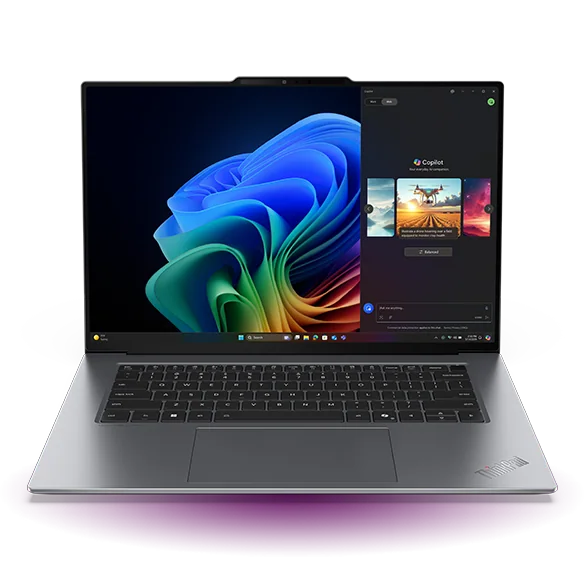
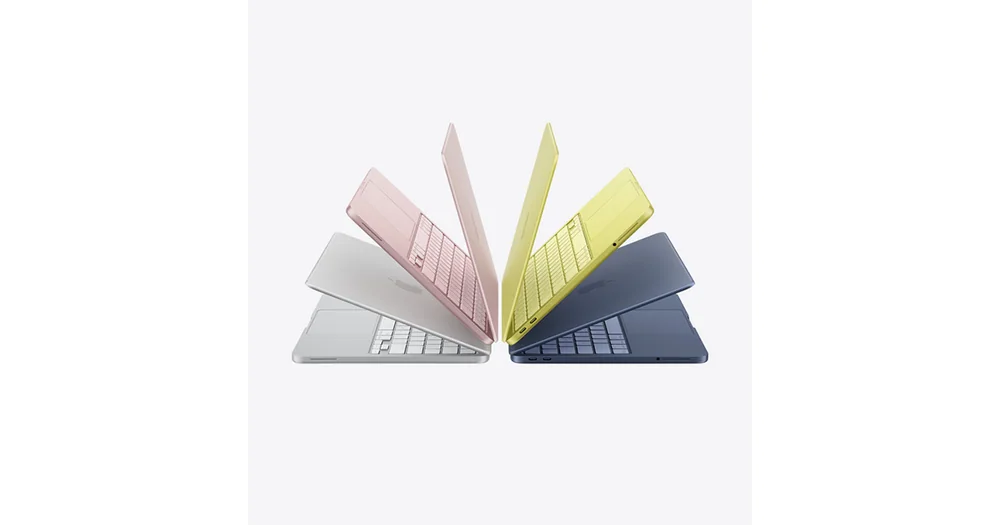
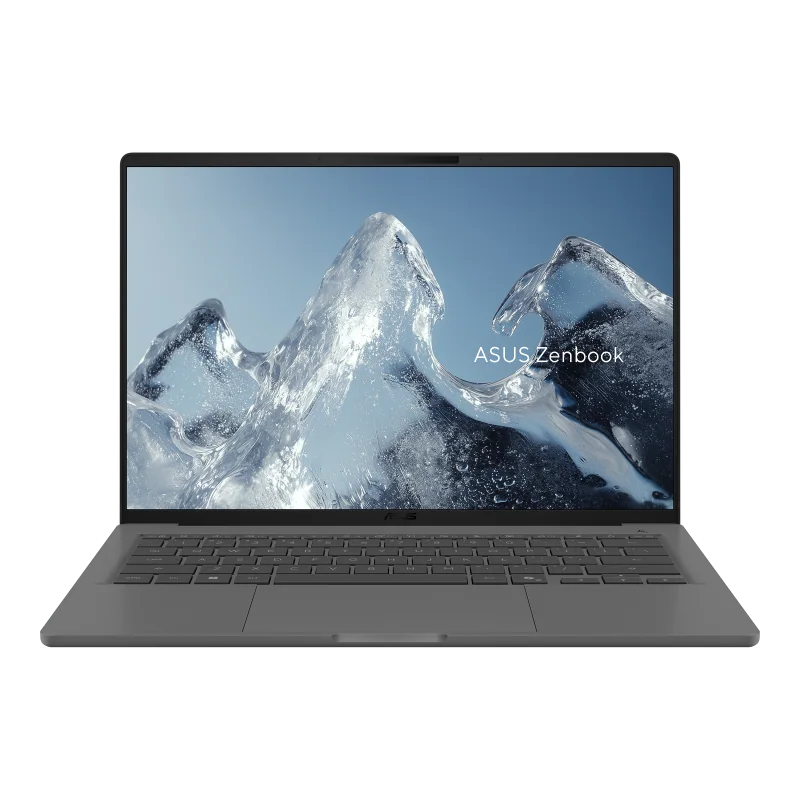
If you like the idea of a 14-inch 2-in-1 but want a different priority, these are the directions that make the most sense.

Dell 14 Plus 2-in-1 FAQ
Is the Dell 14 Plus 2-in-1 good for college students?
Yes. It fits everyday student work like writing, research, presentations, and video calls. The biggest practical advantage is long battery life in a documented configuration, which is exactly what most students benefit from.
How is the battery life on the Dell 14 Plus 2-in-1?
In one documented configuration, it lasted 20 hours and 6 minutes on a standardized battery rundown. Your results will vary with brightness, video calls, and heavier apps, but it is clearly built to run a long time away from an outlet.
Does the Dell 14 Plus 2-in-1 have enough RAM for multitasking?
A documented configuration includes 16GB of RAM, which is a comfortable amount for multitasking. It is a good baseline for lots of browser tabs plus Office apps and chat tools.
Is the Dell 14 Plus 2-in-1 display good?
The documented configuration has a 14-inch 2560 x 1600 IPS touchscreen with a 90Hz refresh rate, which is a solid everyday setup on paper. The main concern is brightness, which is described as an area where it could be better.
Is the Dell 14 Plus 2-in-1 lightweight?
In the documented configuration, it weighs 3.42 pounds. That is portable for a mainstream 14-inch laptop, but it is not in the ultralight class.
Should you buy the Dell 14 Plus 2-in-1?
Buy the Dell 14 Plus 2-in-1 if you want a sensible 14-inch Windows convertible that covers school and everyday productivity and then goes further on battery life than most. The documented Core Ultra 7, 16GB RAM, and 1TB SSD configuration is the kind of setup that should stay comfortable for normal use for a long time.
Skip it if your screen needs are demanding or you want something truly light. A brighter, more premium 14-inch 2-in-1 like the HP OmniBook X Flip 14 can be the better daily experience. If your priority is a capable, mainstream laptop that can run a long time away from an outlet, the Dell 14 Plus 2-in-1 is a smart buy.