Explore Laptops for more buying guides, in-depth reviews, comparisons, and practical advice.
These are Pickori’s recommendations for the best 2-in-1 laptops in 2026. The list covers the most common ways people actually use a 2-in-1: a portable 14-inch flip for school and daily work, a detachable Surface for tablet-first travel, and a couple of Chromebook and value-leaning options for lighter needs.
Pickori may earn a commission from affiliate links.
1
Best Midrange Flip
HP OmniBook X Flip 14
HP OmniBook X Flip 14 is the easiest 2-in-1 to recommend for most people because it nails the stuff you feel every day: a premium-feeling build, a sharp OLED touch display with pen support, and battery life that comfortably gets through a typical school or work day. It’s also genuinely flexible as a convertible, so it works as a laptop at a desk and as a tented screen for watching videos. Skip it if gaming or heavy workstation work is the plan, since it’s built for light to moderately demanding tasks.
Excellent for school and everyday carry: compact design and all-day style battery life
OLED touch display with pen input support for notes, markup, and casual creative work
Great for media consumption in tent mode or tablet mode thanks to the 2-in-1 hinge
Not a gaming-focused machine: integrated graphics can handle some titles at low settings, but many demanding games will struggle
Not a workstation replacement: designed for light to moderate workloads, with RAM limits that can matter for intensive work
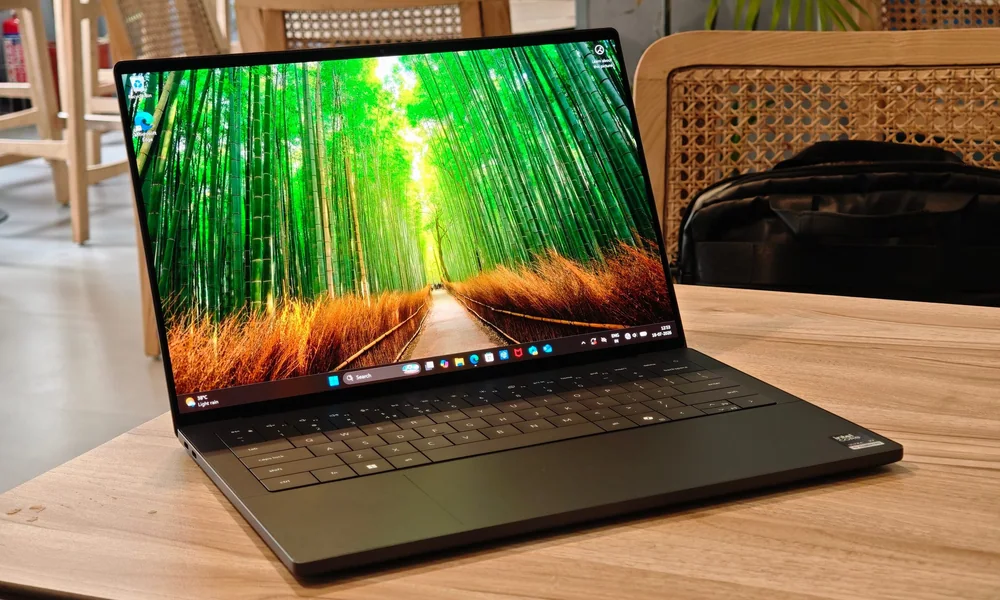
Dell XPS 14 (2026) is the move if you want a premium Windows laptop experience and you strongly prefer a touchscreen, but you are not married to the full 360-degree convertible lifestyle. The big appeal here is the refreshed design paired with Intel Core Ultra efficiency and speed improvements. If you specifically want a true 2-in-1 that regularly folds into tablet or tent mode, the HP OmniBook X Flip 14 is the clearer fit.
Premium touchscreen laptop positioning for buyers who want a high-end Windows machine
Updated design with a focus on practicality
Intel Core Ultra (Panther Lake) platform called out for boosts to speed and efficiency
Better match for “touchscreen laptop” shoppers than tablet-first detachable buyers
Microsoft Surface Pro 11 is the best fit for people who want a tablet first and a laptop second, without giving up Windows. It’s the kind of 2-in-1 you grab for travel, couch browsing, and meetings, then snap into laptop mode when you need real typing and multitasking. If you know you’ll live in laptop mode most of the time, a flip-style convertible like the HP OmniBook X Flip 14 tends to feel simpler day to day.
Detachable design that prioritizes tablet portability while still aiming to replace a laptop
Strong fit for on-the-go use where you want a real tablet form factor
Regularly positioned as a leading choice in the detachable 2-in-1 category
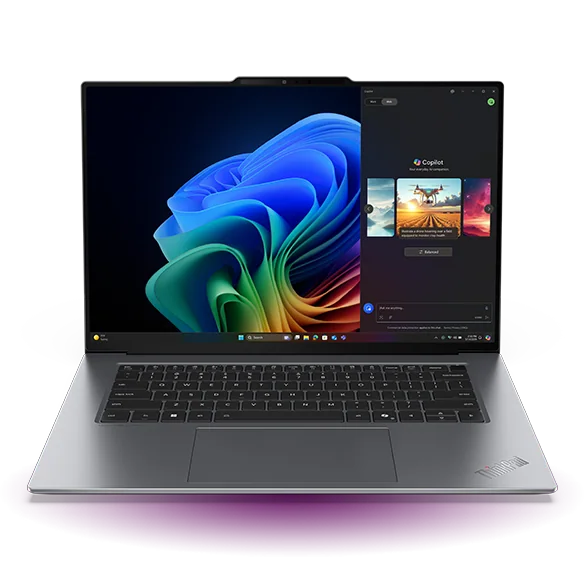
Lenovo ThinkPad X9 15 Aura Edition is for shoppers who want a bigger, business-leaning touchscreen laptop that still overlaps with 2-in-1 shopping priorities like portability and battery life. It stands out for long runtimes in lighter use and excellent media battery life, which matters if you’re often away from an outlet. It’s not built as a gaming machine or a heavy workstation, so buy it for everyday productivity, not intensive creation workloads.
Excellent for school style use: thin, light, and built to last around 15 hours in light tasks
Excellent for media: nearly 19 hours of video playback is the kind of battery life you notice on trips
15-inch screen for people who want more room for documents and multitasking
Not designed for gaming beyond lighter expectations at low settings
Not ideal as a workstation: aimed at light to moderately demanding work, with RAM limits for intensive workloads
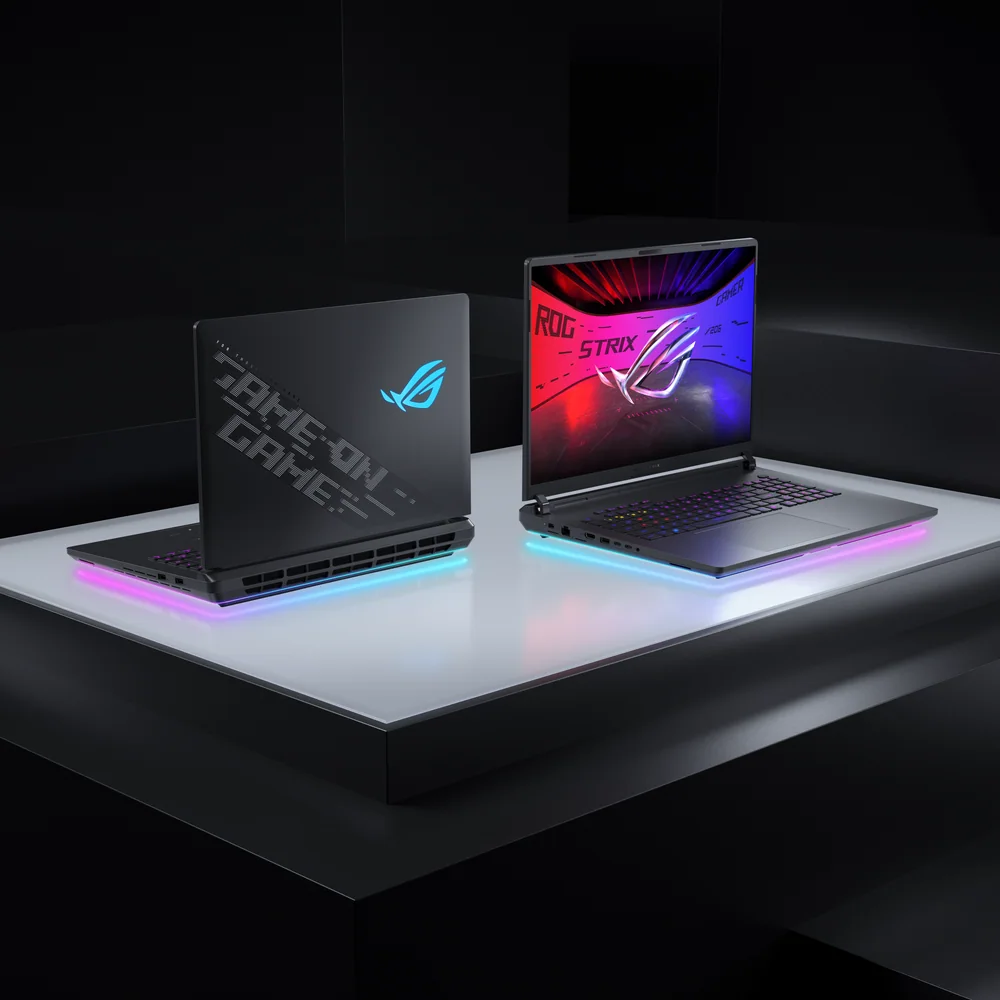
Asus ROG Strix SCAR 18 (2026) is only here for a very specific shopper: someone who wants a standout, big-screen productivity setup and is intentionally shopping for something unusual. The problem is that the product-specific details that would justify it as a true 2-in-1 recommendation are not well established in the provided record. If you want a well-supported 2-in-1 choice, stick with the HP OmniBook X Flip 14 for a classic convertible or the Surface Pro 11 for a detachable.
Positioned as a specialty, productivity-focused option for power users who want extra screen space
Included for its distinctive hybrid form-factor angle, not as a default recommendation
If you need a clearly documented 2-in-1 experience, the higher-ranked models are safer choices
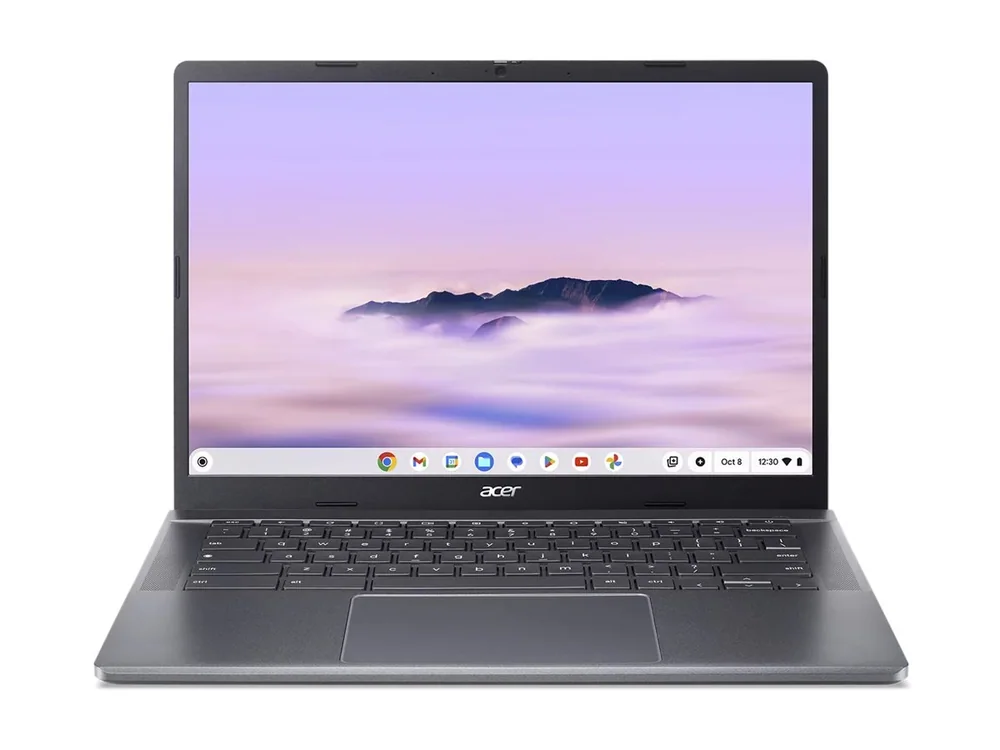
Acer Chromebook Plus 514 is the practical choice when the goal is a lower-cost touchscreen convertible for everyday tasks. It’s aimed at the kind of use most people actually do on a secondary computer: browsing, docs, email, and streaming. If you need full Windows apps or you’re buying one machine to do everything, the Windows convertibles higher up the list are the better bet.
Lower-cost convertible direction for basic daily computing
Touchscreen and 2-in-1 style flexibility for casual use
Best fit when ChromeOS matches your apps and workflow
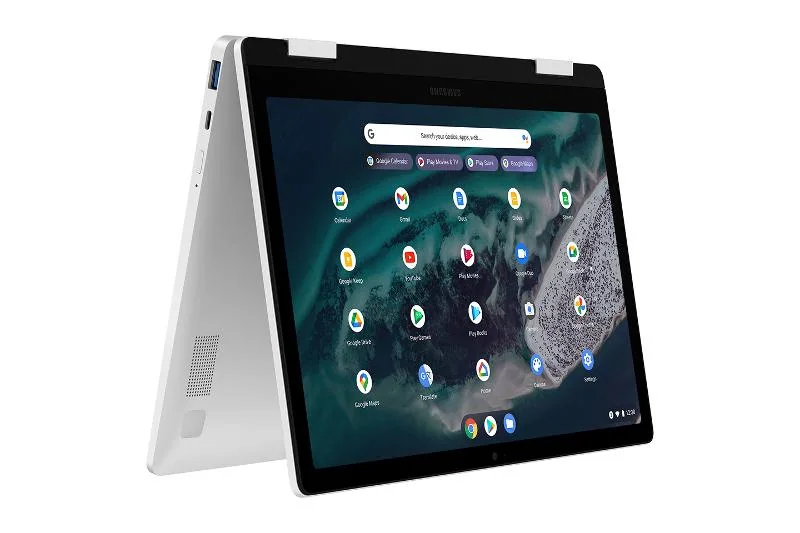
Samsung Galaxy Chromebook 2 360 is the straightforward pick for people who already know they want ChromeOS in a 360-degree convertible. It gives you the familiar Chromebook simplicity with the flexibility to fold back for reading, streaming, or quick touch interactions. If you’re trying to replace a Windows laptop, don’t force it, go with a Windows 2-in-1 like the HP OmniBook X Flip 14 or a Surface Pro.
ChromeOS-first 2-in-1 for shoppers who want a convertible Chromebook
360-degree hinge for laptop, tent, and tablet-style positions
A clean non-Windows option when your work lives in the browser and Google apps
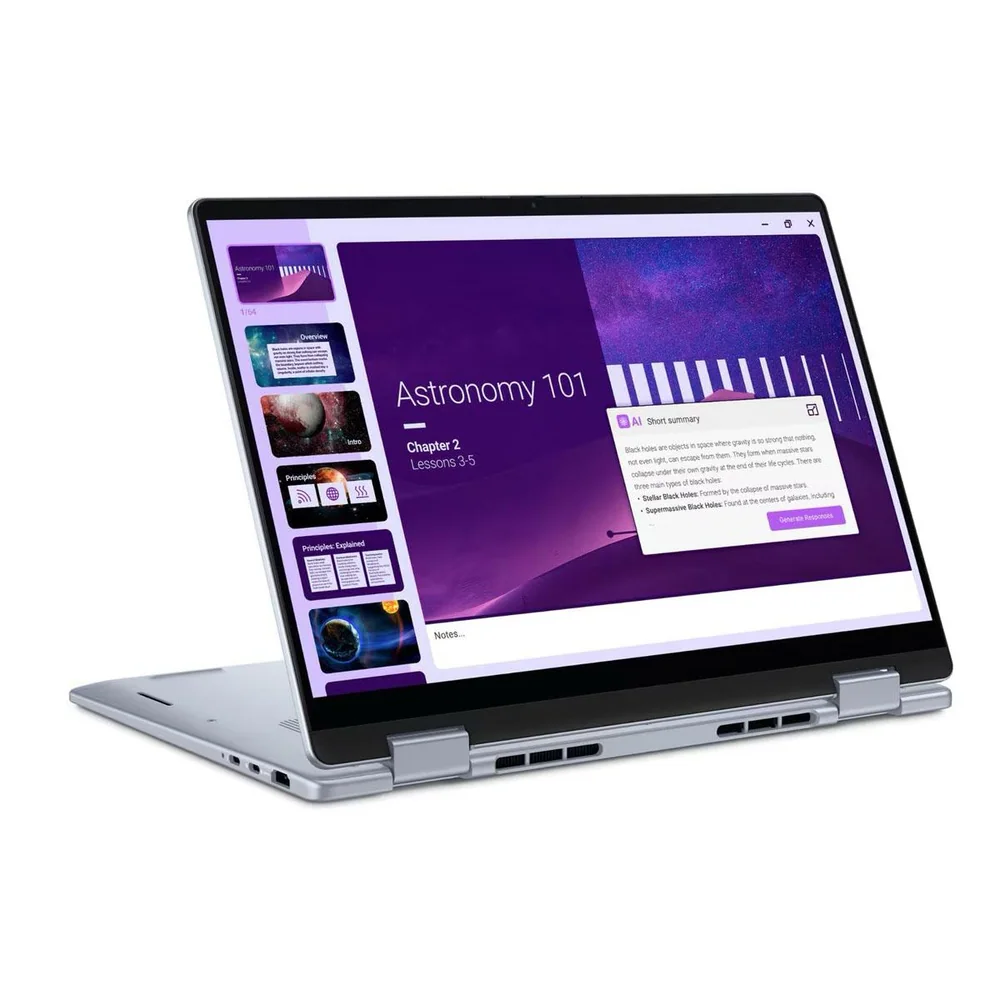
Dell 14 Plus 2-in-1 is the value play if you want a mainstream 14-inch convertible that still feels capable for everyday work. The core appeal is simple: strong all-around performance without pushing you into premium territory. If you care more about a top-tier display and a more premium feel, the HP OmniBook X Flip 14 is the nicer daily experience.
Strong performance positioned at a more approachable level
Great all-rounder for schoolwork and general productivity
Portable 14-inch size that makes sense for commuting and backpacks
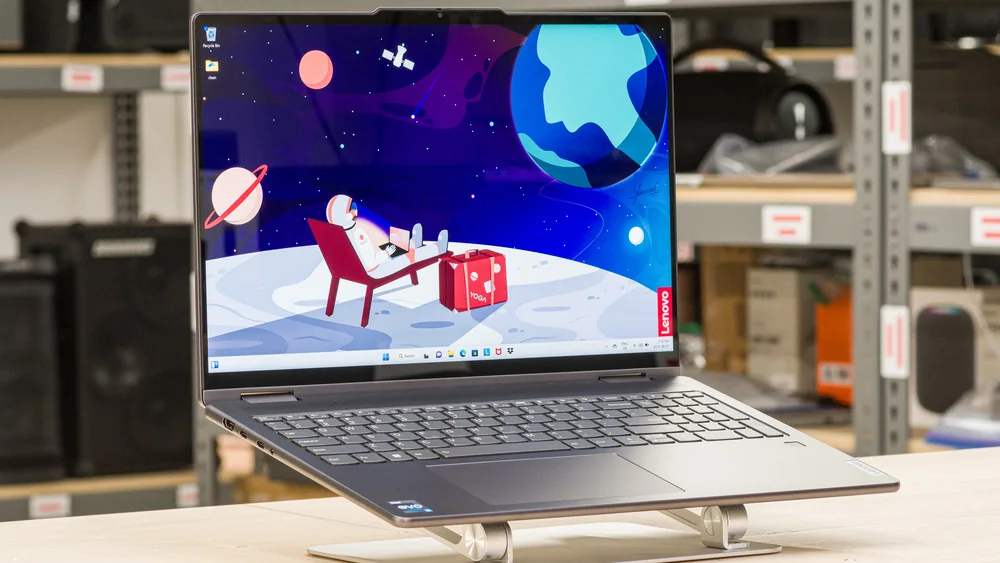
Lenovo Yoga 7i 16 (2023) is for people who like the idea of a 2-in-1 but refuse to work on a small screen. A 16-inch convertible is great for spreadsheets, side-by-side documents, and using it as a big tented display for movies. Just know you’re buying an older model year here, so if you want the most current designs and platforms, the newer 14-inch and 15-inch options above will feel more up to date.
16-inch convertible format for buyers who prioritize screen space
Better fit for desk-heavy work and media than ultra-portable tablet-style use
Mid-range positioning for large-screen shoppers who still want a 2-in-1 hinge
Microsoft Surface Pro 12 is a good match for frequent travelers who want a compact detachable that can credibly stand in for a laptop when needed. It’s the same basic idea as the Surface Pro 11: tablet convenience first, Windows productivity second. If you want the more established detachable recommendation in this list, Surface Pro 11 is the safer starting point.
Compact detachable design aimed at travel and on-the-go use
Windows tablet-first approach with laptop replacement potential
Best for people who want a true tablet form factor, not just a laptop that flips around
Should I buy a flip-style 2-in-1 or a detachable like the Surface Pro?
Pick a flip-style convertible (like HP OmniBook X Flip 14) if you’ll type a lot and want the simplest “normal laptop” feel. Choose a detachable (Surface Pro 11 or Surface Pro 12) if you want a real tablet experience for travel, reading, and handheld use, and you only sometimes need laptop mode.
Are these 2-in-1 laptops good for gaming?
Most of the models here are not gaming-first. The HP OmniBook X Flip 14 and Lenovo ThinkPad X9 15 Aura Edition can run some demanding games at 1080p on low settings, but many titles will be too intensive to run smoothly.
What is the best 2-in-1 laptop for school?
HP OmniBook X Flip 14 is the best all-around school choice in this list because it’s compact, lasts through a typical school day, and has a sharp OLED touch display with pen support. Lenovo ThinkPad X9 15 Aura Edition is also excellent if you want a larger screen and very long battery life.
Is a Chromebook 2-in-1 a good idea instead of Windows?
Yes, if your work is mostly browser-based and you’re happy living in ChromeOS. Samsung Galaxy Chromebook 2 360 and Acer Chromebook Plus 514 make the most sense for lighter everyday use, but they are not the best fit if you need full Windows apps.
Do I need a 15-inch or 16-inch 2-in-1?
Only if you’ll actually use the extra space. Bigger 2-in-1s like the Lenovo ThinkPad X9 15 Aura Edition and Lenovo Yoga 7i 16 (2023) are great for multitasking and media, but they’re less tablet-like than a 14-inch flip or a detachable Surface.