
What to know first
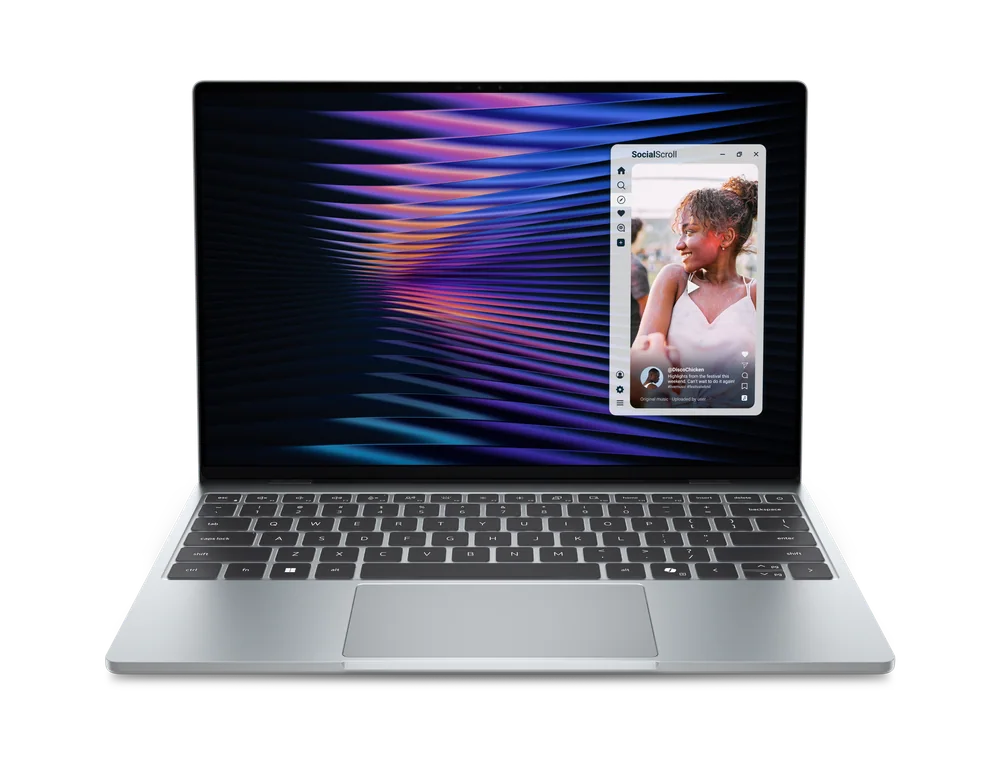
- All-metal chassis and very light weight (2.2 pounds) make it a strong daily carry.
- 13.4-inch 2560 by 1600 IPS touch screen with 120Hz refresh rate is a standout feature for the price class.
- Buy the 16 GB memory configuration if you want it to stay comfortable for multitasking over time.
- Ports are minimal: two USB-C total, plus no headphone jack.
- Wireless is modern: Wi-Fi 7 and Bluetooth 6 are listed for this model.
What the Dell XPS 13 (DX13260) is
Dell XPS 13 (DX13260) is a 13-inch class Windows ultraportable built for everyday life: writing papers, email and Slack, lots of browser tabs, streaming, and getting real work done without lugging around a bigger laptop. It is a budget-friendly way into the XPS look and feel, with an all-aluminum chassis and a very compact footprint.
This model is not trying to be a gaming laptop. It can fit into a “light gaming” life because it has capable performance for its class, but the point of the XPS 13 is portability and a premium build in a small bag-friendly size.
The configuration you pick matters more than usual because the base model can come with 8 GB of memory. For most shoppers, the 16 GB configuration is the smarter buy if you want smooth multitasking now and less frustration later.
Why it stands out
The biggest reason to pay for the Dell XPS 13 (DX13260) instead of a cheaper plastic laptop is how it’s built. The chassis is all aluminum, and the whole machine is extremely light at 2.2 pounds. That changes how often you actually take it with you, and how it feels when you use it every day.
The screen is another clear upgrade. You get a 13.4-inch IPS touch display at 2560 by 1600 resolution, and it runs at up to 120Hz with variable refresh support. In plain English: text looks crisp, and scrolling and cursor movement look smoother than on a typical 60Hz laptop.
It also checks a lot of the daily comfort boxes that matter more than spec-sheet bragging rights: a backlit keyboard and a responsive trackpad are both called out as strengths. If you type a lot, that’s not a small thing.
Finally, the wireless connectivity is current. Wi-Fi 7 and Bluetooth 6 are listed, which is what you want if you plan to keep the laptop for years and you use modern routers and Bluetooth accessories.
What it is like to own
Day to day, the Dell XPS 13 (DX13260) is built around a simple workflow: open it, type comfortably, and move on. The backlit keyboard is a practical win for late-night work, and the smooth 120Hz touch screen makes the laptop feel more “high-end” than you would expect from a budget ultraportable.
Port life is the part you need to plan around. This XPS 13 has only two USB-C ports, and it drops the headphone jack. If you use wired headphones, you will need a USB-C adapter, and that adapter will take up one of your two ports. If you also need to charge at the same time, you are immediately in hub territory.
Storage and memory choices affect ownership, too. A 512 GB SSD is a comfortable baseline for school and work files, but memory is the bigger long-term decision. If you keep lots of tabs open, live in video calls, or bounce between apps, 16 GB is the configuration that makes the laptop feel like it is keeping up with you instead of the other way around.
What to know before you buy
Do not buy this laptop assuming you can “make do” with 8 GB of RAM. That configuration exists, and it is the one most likely to feel slow when you multitask. If you want the Dell XPS 13 (DX13260) to stay pleasant for years, prioritize the 16 GB version.
The port situation is not a minor nitpick. Two USB-C ports can be fine if you are all-in on wireless accessories and cloud storage. But if you plug in a USB-A flash drive, use HDMI for presentations, or want wired audio, you will be living with adapters. And because there is no headphone jack, wired audio always costs you a port.
If your goal is gaming first, this is not the right tool. It fits “light gaming on the side,” not sustained, graphics-heavy gaming. For that, you will be happier with a laptop designed around gaming performance and cooling.
The specs that matter
This is the difference between a laptop you carry every day and one you leave at home. At 2.2 pounds, it is genuinely easy to commute with.
The higher resolution makes text and UI elements look sharper, and IPS is a solid all-around panel type for consistent color and viewing angles.
Scrolling web pages and moving windows looks smoother than on a standard 60Hz screen. It is a quality-of-life upgrade you notice immediately.
RAM is what keeps multitasking from feeling cramped. 16 GB is the safer choice for lots of browser tabs, schoolwork, and staying comfortable for years.
512 GB is enough space for school and work files plus a healthy set of apps. SSD storage also keeps the laptop feeling snappy in daily use.
You will likely need a hub or adapters for USB-A, HDMI, and wired headphones. With only two ports, accessories can crowd out charging quickly.
Modern wireless helps future-proof the laptop for newer routers and Bluetooth peripherals, and it can improve reliability in busy Wi-Fi environments.
Who this product fits
You want a Windows laptop for college that you will actually carry
Dell XPS 13 (DX13260) makes sense if you are walking across campus or commuting and want something light, sturdy, and comfortable to type on. Choose the 16 GB version so it stays smooth through years of multitasking.
You work in coffee shops and care about screen quality
The 2560 by 1600 touch display gives you crisp text, and the 120Hz refresh rate makes everything feel more fluid. It is a noticeable upgrade over basic 1080p, 60Hz panels.
You mostly do everyday tasks but play a few lighter games
This XPS 13 is a better fit if gaming is occasional and you still want a thin, premium-feeling laptop. If you want to play demanding games regularly, you should move to a gaming-focused model instead.
You use wired headphones and present on HDMI often
This is where the XPS 13 can become annoying. With no headphone jack and only two USB-C ports, you will be juggling adapters or a hub, and you can run out of ports fast when you also need to charge.
What else to compare
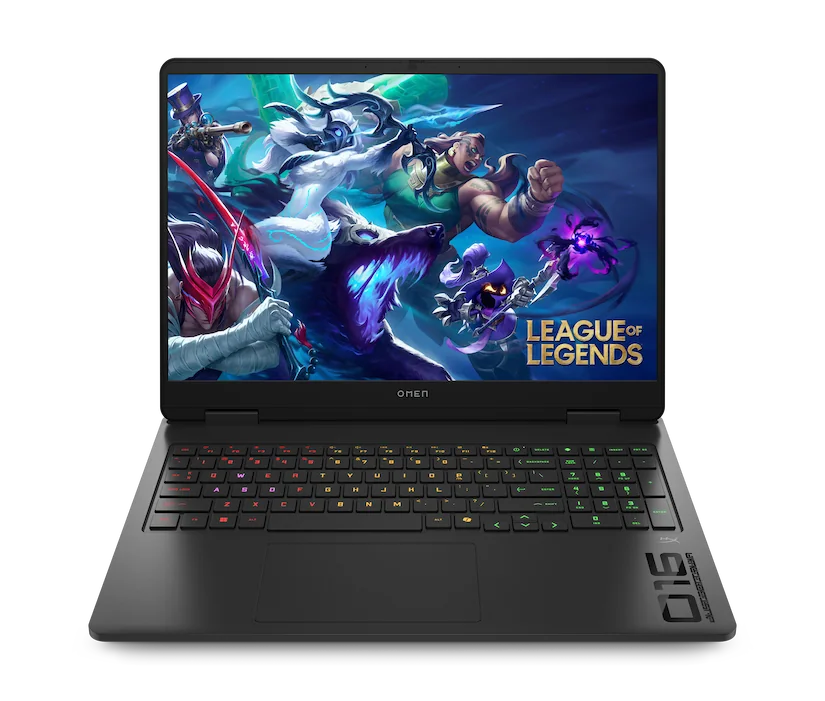
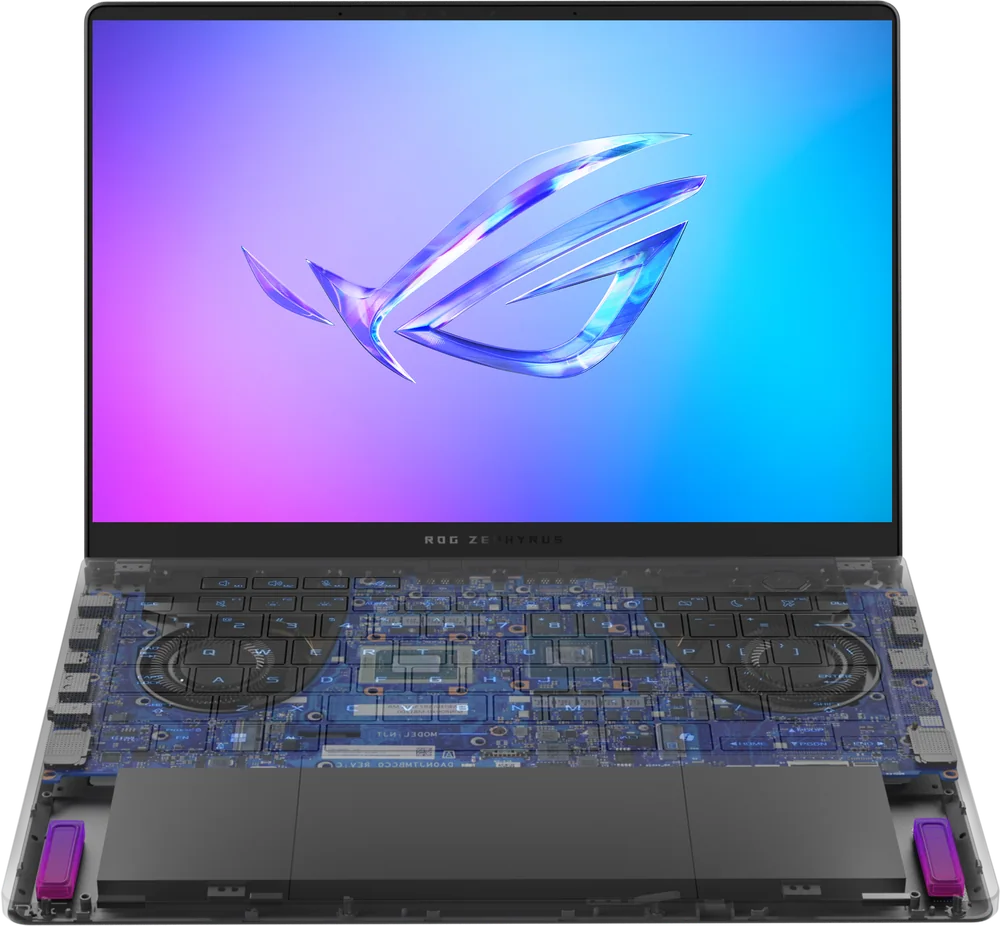
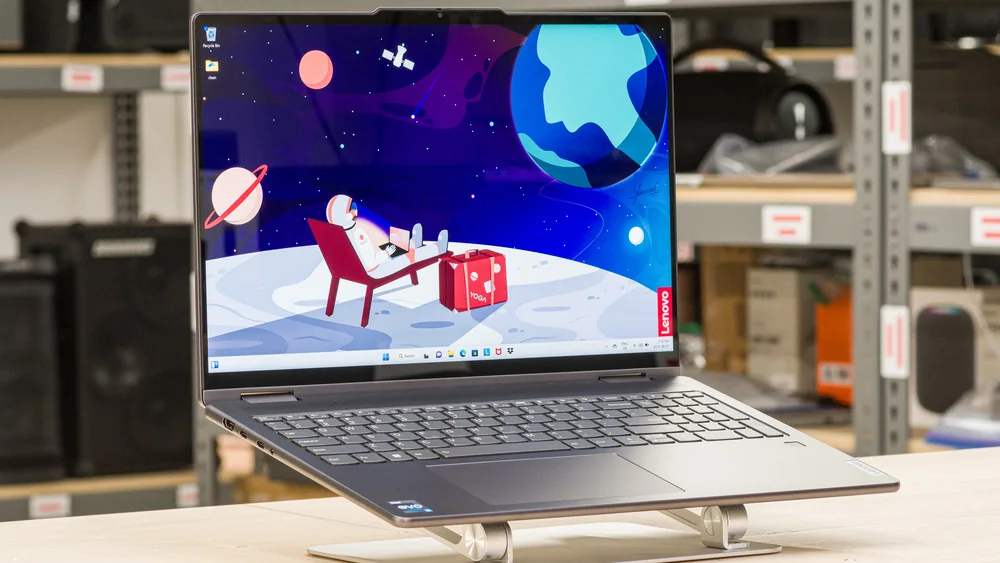
If the Dell XPS 13 (DX13260) is close but not quite right, these are the more purpose-built options to consider.
Dell XPS 13 (DX13260) FAQ
Is the Dell XPS 13 (DX13260) good for light gaming?
Yes, as long as you mean occasional, lighter games and not demanding AAA titles. This model is a thin-and-light everyday laptop first, with enough performance for casual gaming on the side.
Should I buy the 8GB or 16GB Dell XPS 13 (DX13260)?
Buy the 16 GB configuration if you can. The 8 GB version is much more likely to feel slow when you multitask, and it is the one that is least likely to age well over a few years.
Does the Dell XPS 13 (DX13260) have a headphone jack?
No. If you use wired headphones, you will need a USB-C to 3.5 mm adapter, and it will take up one of the laptop’s USB-C ports.
How many ports does the Dell XPS 13 (DX13260) have?
It is limited to two USB-C ports. If you need USB-A, HDMI, or wired audio, plan on using adapters or a USB-C hub.
What is the screen like on the Dell XPS 13 (DX13260)?
It has a 13.4-inch IPS touch display with 2560 by 1600 resolution and a 120Hz refresh rate. In everyday use, that means sharp text and smoother motion than a typical 60Hz laptop screen.
Should you buy the Dell XPS 13 (DX13260)?
Buy the Dell XPS 13 (DX13260) if you want a small Windows laptop that feels premium in the ways that matter: sturdy all-metal build, very light weight, a sharp touch screen, and a comfortable backlit keyboard. It is a strong choice for school, commuting, and everyday work, and it can handle light gaming as a side hobby.
Skip it if ports are central to your setup. Two USB-C ports and no headphone jack is a real constraint, not a footnote. And if you are tempted by the 8 GB version to save money, do not. The 16 GB configuration is the one that makes this XPS 13 feel like a smart long-term buy.