
What to know first
- Framework Laptop 13’s defining feature is that it’s designed to be opened, repaired, and upgraded.
- The Expansion Card system lets you swap ports based on what you actually use.
- Parts are designed to be accessible and clearly labeled, with guided replacements.
- It is thin-and-light for a modular laptop, with battery life aimed at a full workday.
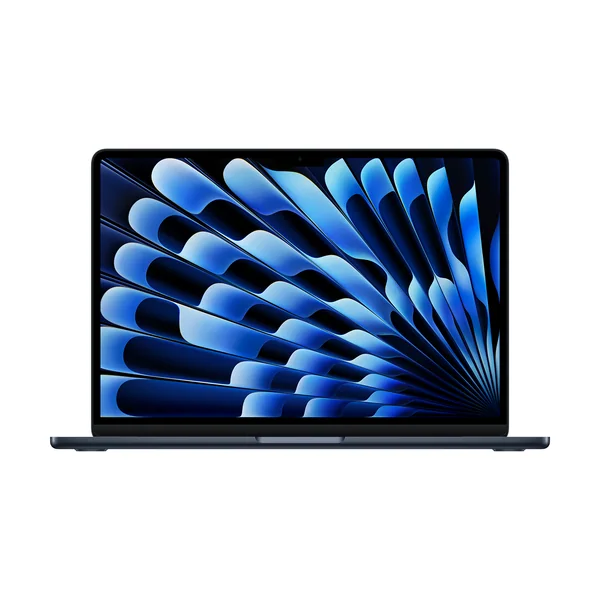
- If you want a conventional sealed premium laptop, a MacBook Air style option is the simpler path.
What the Framework Laptop 13 is
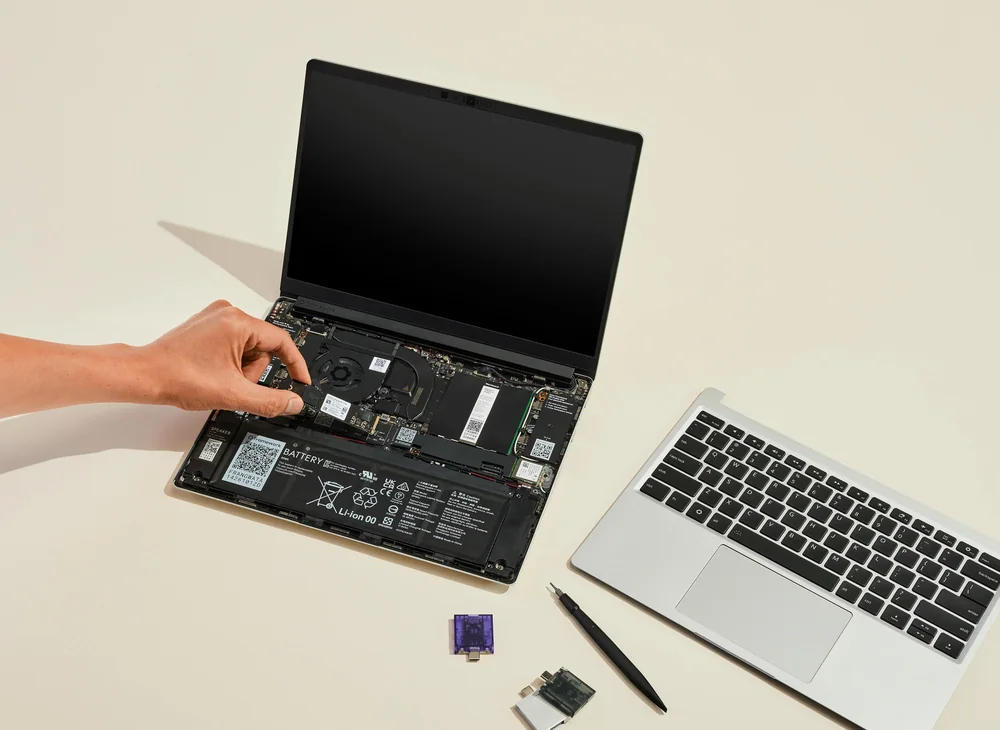
Framework Laptop 13 is a 13-inch class Windows laptop built around one big idea: you should be able to repair and upgrade your own computer without treating it like a glued-shut black box. Instead of assuming you will replace the whole laptop when a port fails or your needs change, Framework designs the machine so you can get inside, swap parts, and keep going.
That changes what you are paying for. You are not just buying a screen, keyboard, and processor. You are buying a long-term ownership model where the laptop is meant to be maintained, not discarded. For a lot of people, that is the difference between a laptop that lasts a couple of years and one you can keep relevant much longer.
It is also a practical remote-work laptop because it is thin-and-light for a modular design and aims at full workday battery life. So you are not forced into a chunky “repairable” machine that feels like a compromise every time you put it in a bag.
Why it stands out
The standout feature is repairability that is designed in from the start. Components are meant to be accessible and clearly labeled, and the system is supported with step-by-step guidance for replacements. That matters because most thin laptops are built to discourage repairs, which turns small failures into expensive problems.
The second big differentiator is the Expansion Card port system. Instead of living with whatever ports the manufacturer decided were “enough,” you can swap the ports you need. If you are bouncing between home office, coworking spaces, and conference rooms, that flexibility can save you from carrying a dongle for every situation.
Framework Laptop 13 is also a strong fit for people who want to upgrade rather than replace. Memory and storage are the classic examples: your workload grows, your browser tab count grows, and suddenly the laptop you bought a few years ago feels tight. With this machine, the design is centered on the idea that you can change what needs changing.
If you care about sustainability and right-to-repair, Framework Laptop 13 is one of the clearest ways to put that preference into an actual purchase. The product is built around that value, not just marketed with it.
What it is like to own
Day to day, the biggest difference is psychological as much as practical: you do not have to treat the laptop like a sealed appliance. If something goes wrong, or if you want to expand storage or memory, the machine is designed to be opened and worked on. Parts are labeled, and the replacement process is meant to be guided rather than mysterious.
The Expansion Card system is the other daily-life win. It lets you set up the laptop for how you actually work. For example, you can keep the ports you use most often on the machine and swap in a different set when you travel or present. That is a small thing until you are the person hunting for the right adapter five minutes before a meeting.
As a remote-work laptop, it is positioned to be portable for a modular design and to last a full workday on a charge. That is the baseline most people need for video calls, docs, and a browser-heavy day, even though real battery life always depends on brightness, calls, and how hard you push the machine.
What to know before you buy
Framework Laptop 13 makes the most sense when you actually want to use its modularity. If you are the kind of owner who never upgrades anything and would rather replace the whole laptop when it feels old, you may be happier with a more conventional sealed premium laptop.
Also, do not treat any “up to” battery life style expectations as a promise. Real-world battery life drops with higher screen brightness, lots of video calls, and heavier multitasking. Framework positions this laptop for a full workday, but your day might be heavier than the typical marketing scenario.
Finally, if your priority is the most power for the money in a traditional productivity laptop, a conventional premium model can be the simpler buy. Framework’s value is long-term ownership and flexibility, not being the most straightforward spec sheet deal.
The specs that matter
You can choose ports based on your real life (for example, different needs at a desk vs. In a conference room) instead of living with fixed ports or carrying a hub all the time.
When something breaks or you want to upgrade, you are not stuck with a sealed laptop that turns a small issue into a big bill or a full replacement.
This is a sweet spot for portability while still giving you enough screen space for documents and side-by-side work.
This gives a realistic baseline for a productivity setup. 16 GB helps with multitasking, while 256 GB storage is workable if you are not keeping huge local media libraries.
That is comfortably in the carry-everywhere range for commuting, coffee shops, and moving around the house during the workday.
For remote work, you want a laptop that can handle a day of docs, email, and calls without living on the charger. Just remember that brightness and video calls can cut battery life down.
Who this product fits
You work remote and hate dongles
Framework Laptop 13’s Expansion Card system lets you set up the ports you actually need for your setup. If you bounce between a home desk, a coworking space, and meeting rooms, swapping ports is often easier than carrying a pile of adapters.
You want to keep one laptop for years
If your plan is to maintain a laptop instead of replacing it, Framework Laptop 13 is built for that. The design focuses on accessible, labeled components and guided replacements, so upgrades and fixes are part of ownership, not a last resort.
You multitask hard and expect your needs to grow
When your workload grows, the laptop you bought a few years ago can start feeling cramped. Framework Laptop 13 is aimed at letting you upgrade key components over time so you can adapt without buying a whole new machine.
What else to compare
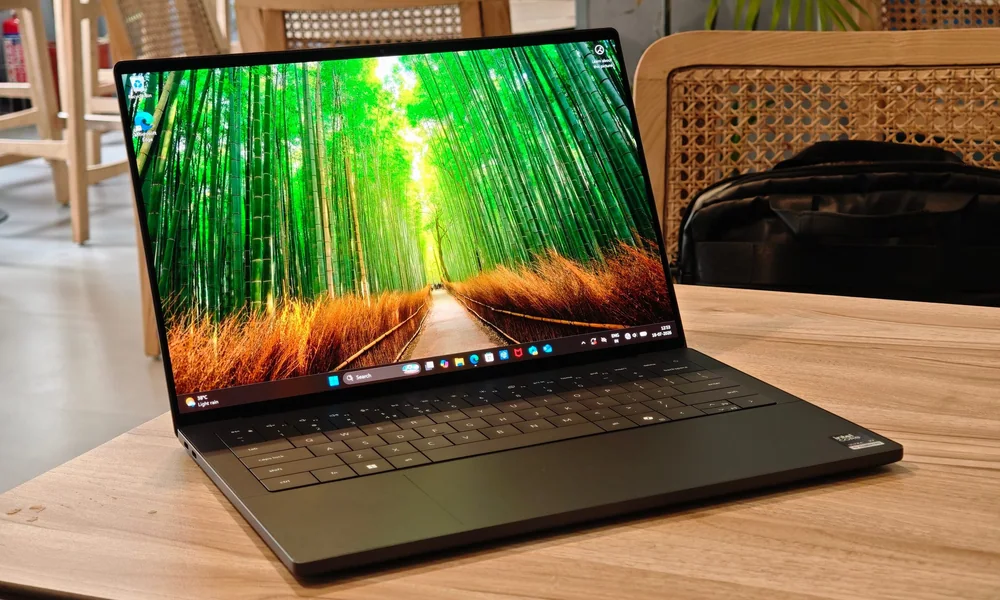
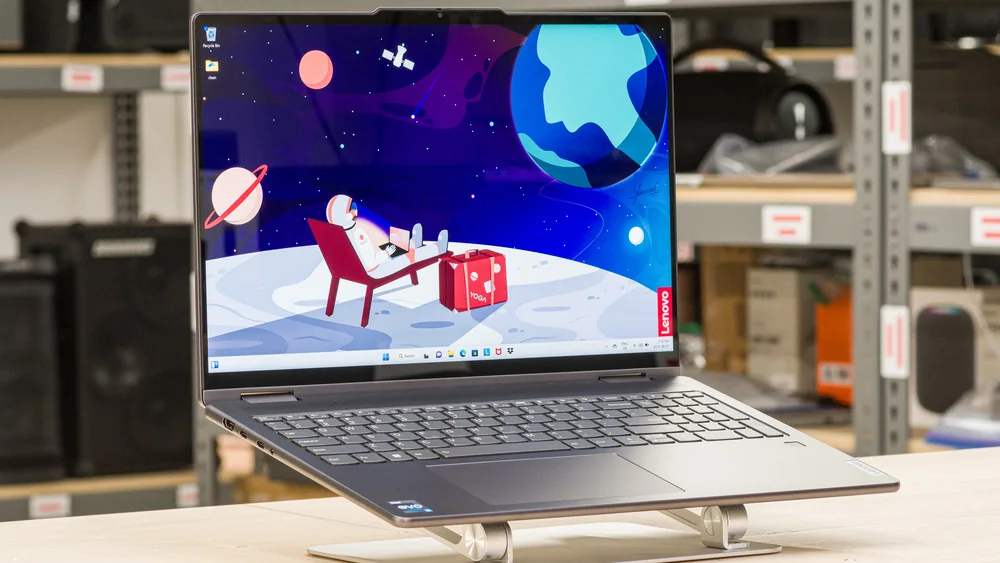
If you like the idea of Framework Laptop 13 but want a more conventional experience or a different form factor, these are the clearer alternatives.
Framework Laptop 13 FAQ
What makes the Framework Laptop 13 different from most laptops?
It is designed to be repaired and upgraded, with accessible, clearly labeled components and guided replacements. It also uses swappable Expansion Card ports so you can change which ports the laptop has.
Is the Framework Laptop 13 good for remote work?
Yes, it is a strong remote-work fit if you value long-term ownership. It is thin-and-light for a modular laptop and aims at a full workday of battery life, which is what most remote workers need for docs, email, and video calls.
Do I need to be a tech expert to own a Framework Laptop 13?
You do not need to be an expert to use it like a normal laptop. The modular design is there when you want it, and the parts are meant to be clearly labeled with step-by-step guidance for replacements.
Is battery life on the Framework Laptop 13 actually a full day?
Framework positions it for a full workday, but battery life always depends on how you use a laptop. Higher brightness, lots of video calls, and heavier multitasking can reduce runtime compared with light-use claims.
When does a MacBook Air make more sense than the Framework Laptop 13?
If you want the most conventional sealed-and-sleek ultraportable experience, a MacBook Air style laptop is more straightforward. It is the better fit when you do not care about repairs or upgrades and just want a simple, fixed configuration.
Should you buy the Framework Laptop 13?
Buy the Framework Laptop 13 if you want control over your laptop long after checkout. The repairable, upgradeable design and the Expansion Card port system are practical advantages that change what ownership feels like, especially if you plan to keep the machine for years.
Skip it if you want a sealed premium laptop that is as simple as possible out of the box, or if your main goal is maximum performance per dollar in a traditional design. Framework Laptop 13 is for people who want a laptop they can maintain, not a laptop they will replace on schedule.