Pickori

10 Best Laptops for Remote Work of 2026

Published

These are Pickori’s recommendations for the best laptops for remote work in 2026, covering everyday productivity, frequent travel, long video calls, flexible 2-in-1 use for notes and presentations, and long-term ownership with repairable designs.

10 Products ResearchedIndependent ResearchClear Buying Guidance
1
Apple MacBook Air 13-inch (M4, 2025)
Best Overall Value

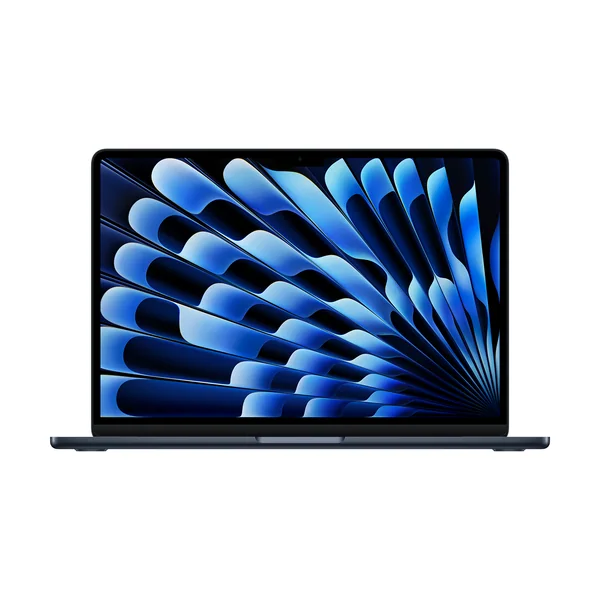
Apple MacBook Air 13-inch (M4, 2025)

Apple MacBook Air 13-inch (M4, 2025) fits most remote workers who want a light, dependable laptop that can go all day without drama. The big win is the combination of portability, a sharp display, and battery life that comfortably covers a full workday and then some, plus a silent design that stays unobtrusive on calls. Skip it if gaming is a priority, since macOS game support and native Apple silicon support can be limiting.

  • Strong choice for general productivity in a travel-friendly size
  • Long battery life for unplugged workdays
  • Silent fanless design for quiet rooms and video calls
  • Sharp display and a large, easy-to-use touchpad for daily work
  • Not a great fit if your downtime depends on broad game compatibility
Check price on Amazon Read the full Apple MacBook Air 13-inch (M4, 2025) review →
2
Apple MacBook Air 13-inch (M5)
Best Overall

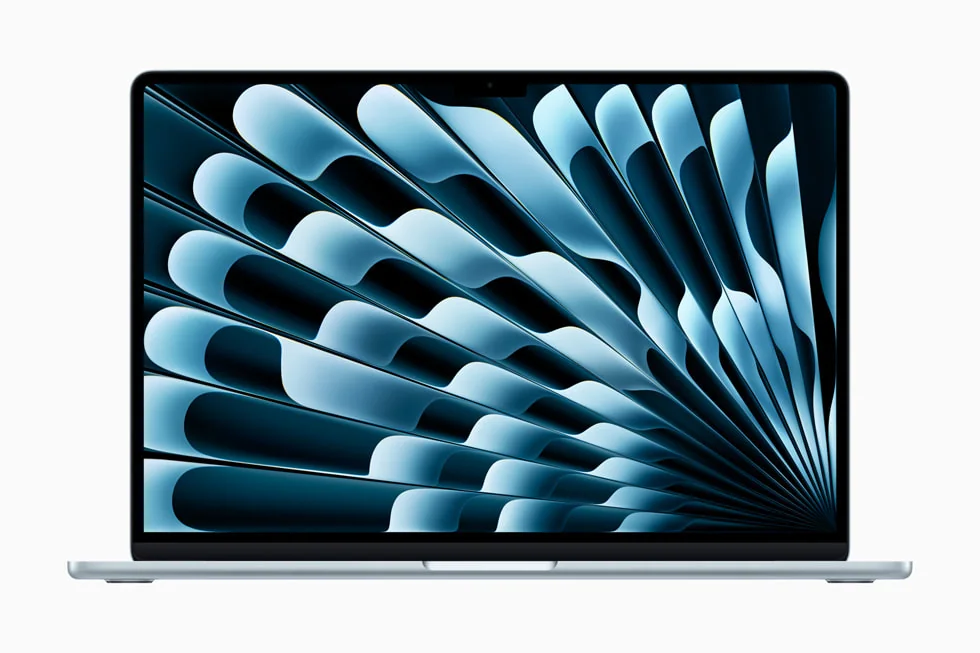
Apple MacBook Air 13-inch (M5)

Apple MacBook Air 13-inch (M5) makes sense for remote workers who want a compact laptop that feels premium and stays reliable for everyday multitasking. It earns its spot with long battery life, a sharp display, a strong webcam, and a polished trackpad and keyboard experience that matters when you live in email, docs, and meetings. If you need a machine for heavy workstation-class work, the entry-level performance profile is better suited to productivity than sustained, highly intensive workloads.

  • Excellent everyday productivity laptop with a premium build
  • Battery life that can stretch through long workdays
  • Strong webcam for frequent video calls
  • Sharp display and a large haptic touchpad for comfortable daily use
  • Not the right target for highly intensive workstation workloads in base configurations
Check price on Amazon Read the full Apple MacBook Air 13-inch (M5) review →
3
Lenovo Yoga 7i 16 (2023)
Best 2-in-1

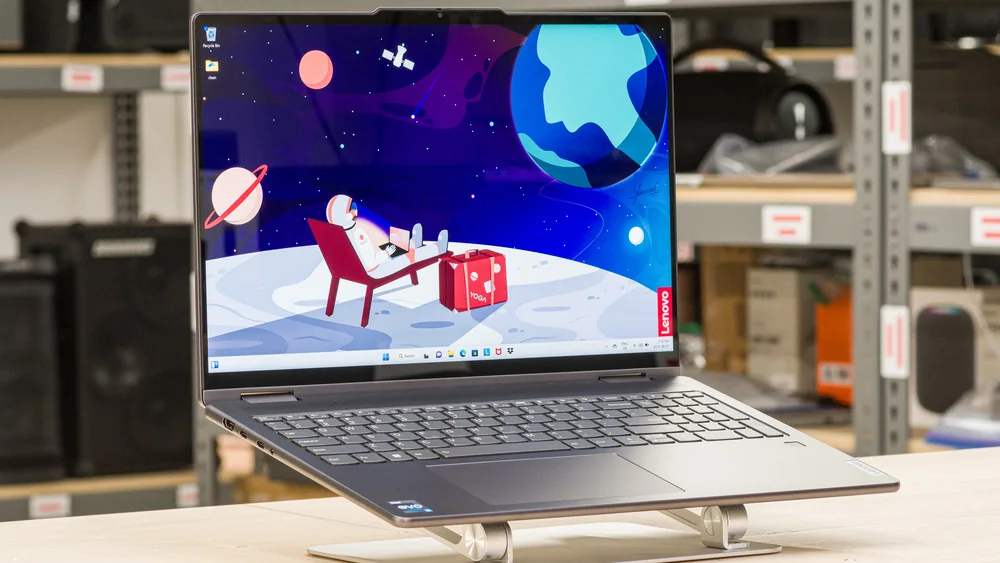
Lenovo Yoga 7i 16 (2023)

Lenovo Yoga 7i 16 (2023) works best for remote workers who want a convertible laptop for note-taking, presenting, and switching between laptop and tent modes at home. It delivers a solid day-to-day experience in a thin, premium-feeling aluminum design, plus battery life that holds up well for media and downtime. Treat it as a productivity-first 2-in-1, not a workstation replacement, and be aware the finish can scratch if you toss it into a bag unprotected.

  • Convertible 2-in-1 flexibility for notes, presentations, and couch work
  • Thin, easy-to-carry design with a premium-feeling aluminum chassis
  • Battery life that holds up well for video playback
  • Performance varies by configuration, so don’t buy it expecting consistent gaming results
  • Finish can be prone to scratching in backpacks and travel
Check price on Amazon Read the full Lenovo Yoga 7i 16 (2023) review →
4
HP OmniBook X Flip 14
Best Convertible 2-in-1

HP OmniBook X Flip 14

HP OmniBook X Flip 14 is the move for remote workers who want a premium-feeling 2-in-1 with a great OLED screen and the freedom to use touch and pen input. It’s especially good for working from different spots around the house because it stays portable, lasts through a full day, and can flip into tent mode for watching or presenting. Don’t buy it expecting workstation muscle, since it’s built for light to moderately demanding work and tops out at 32GB of soldered RAM.

  • OLED display with touch and pen support for flexible work styles
  • Portable 2-in-1 design that works well in laptop, tent, or tablet modes
  • Battery life that can cover a typical day away from an outlet
  • Good fit for productivity and media, not a gaming-focused machine
  • Not designed for highly intensive workstation workloads
Check price on Amazon Read the full HP OmniBook X Flip 14 review →
5
Dell XPS 14 (2026)
Best Battery Life Premium Portable

Dell XPS 14 (2026)

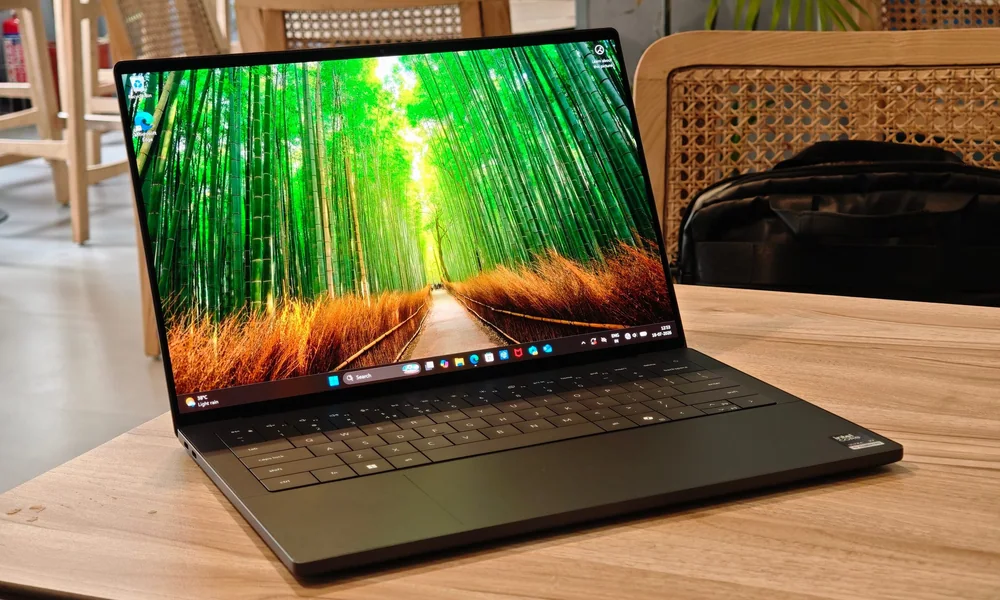
Dell XPS 14 (2026) suits remote workers who want a premium Windows laptop for long days away from a charger. The appeal here is a refreshed, more practical design paired with a big jump in speed and efficiency, which translates into standout battery life for travel and back-to-back meetings. If you’re shopping primarily on value, this is more of a premium alternative than a budget workhorse.

  • Premium Windows laptop aimed at mobile professionals
  • Strong efficiency-focused performance for everyday work
  • Battery life built for long unplugged days
  • Good fit for travel-heavy schedules and meeting-heavy days
Check price on Amazon Read the full Dell XPS 14 (2026) review →
6
Acer Swift 14 AI
Best Value

Acer Swift 14 AI

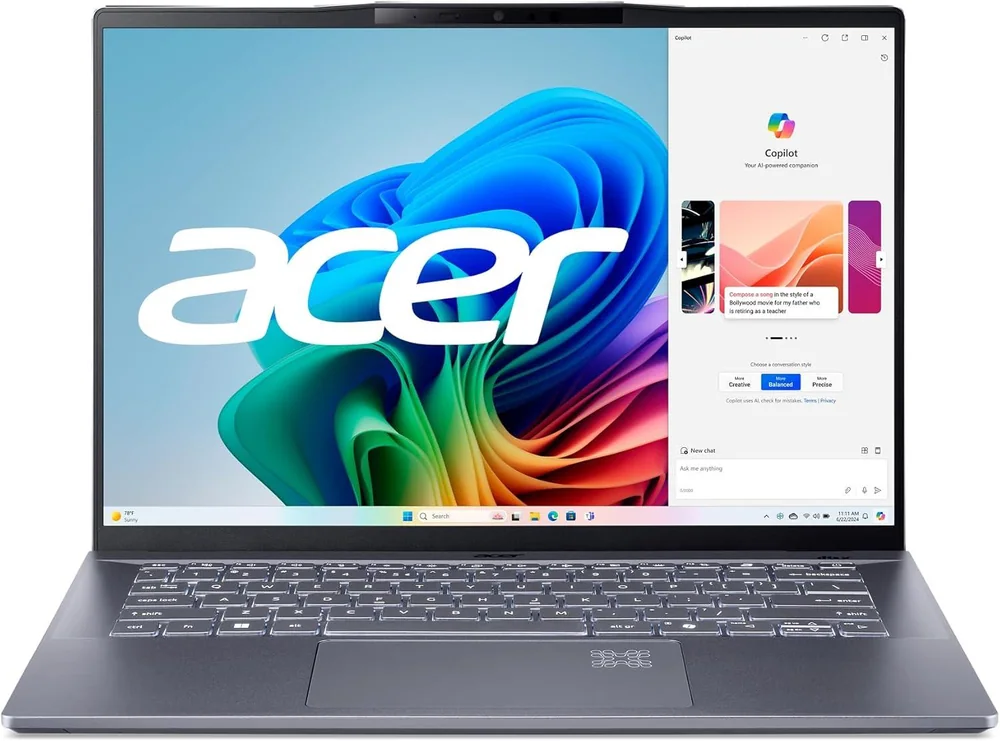
Acer Swift 14 AI is for remote workers who want a well-rounded Windows laptop that covers the basics without paying for a premium badge. It’s easy to carry, lasts through a typical workday, and gives you a sharp, bright-enough display for split-screen work. It’s not meant for gaming or heavy workstation use, so keep expectations focused on productivity, calls, and general office tasks.

  • Strong value for general productivity and daily remote-work tasks
  • Portable build that’s easy to commute with
  • Battery life that can get through a typical workday
  • Sharp display with enough space for split-screen multitasking
  • Not designed for demanding gaming or workstation-class workloads
Check price on Amazon Read the full Acer Swift 14 AI review →
7
Microsoft Surface Laptop 6 laptop
Best Windows Ecosystem Pick

Microsoft Surface Laptop 6

Microsoft Surface Laptop 6 is best for remote workers who want to stay all-in on Windows and keep the experience simple and cohesive. The reason to choose it is straightforward: it’s built to feel smooth and consistent for day-to-day Windows work, with battery life that supports a full day of productivity. The catch is that the supporting detail here is thinner than for the top-ranked laptops, so if you want the most clearly proven value or battery story, the Acer Swift 14 AI or Dell XPS 14 (2026) are safer bets.

  • Good fit for Windows-first remote work and everyday productivity
  • Designed around a smooth Windows 11 experience
  • Battery life positioned for full-day use
  • Consider a better-documented value pick if you want a more evidence-heavy recommendation
Check price on Amazon Read the full Microsoft Surface Laptop 6 review →
8
Framework Laptop 13
Best Repairable / Upgradable

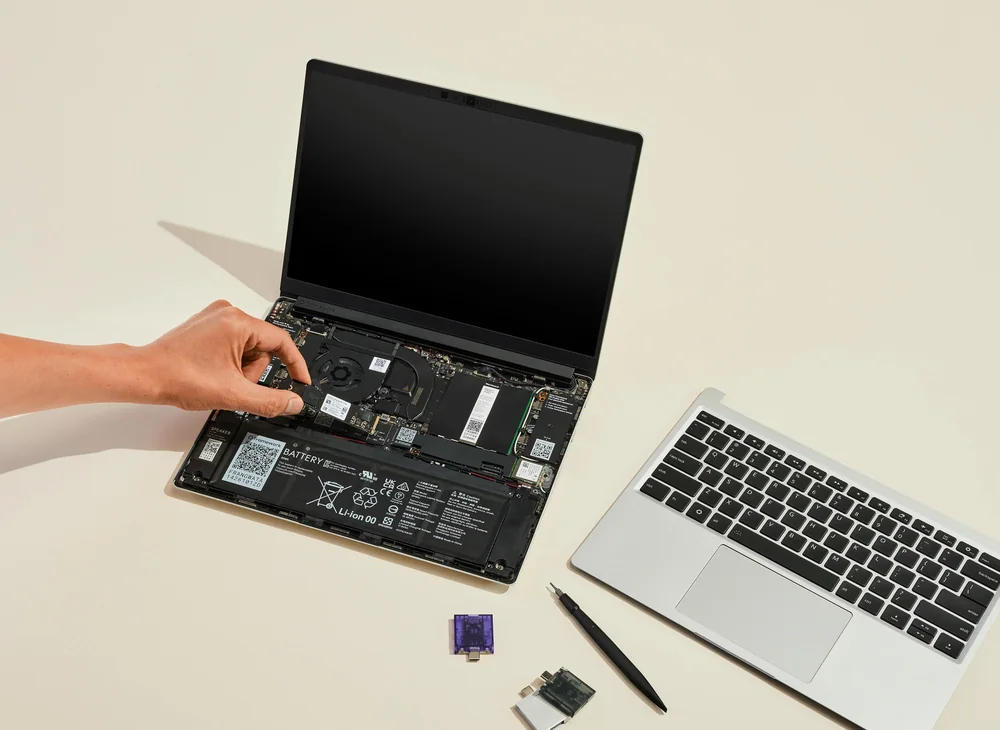
Framework Laptop 13

Framework Laptop 13 is for remote workers who care about keeping a laptop running for years, not replacing it when a port breaks or your needs change. The standout advantage is how easy it is to open, repair, and upgrade, plus the flexibility of swappable expansion ports. If your priority is the most conventional, sealed-and-sleek ultraportable experience, the MacBook Air models above will feel more straightforward.

  • Best choice here for repairability and long-term ownership
  • Easy access design for upgrades and fixes
  • Swappable expansion ports for practical flexibility
  • A sensible pick when longevity matters more than a sealed premium chassis
Check price on Amazon Read the full Framework Laptop 13 review →
9
Asus Zenbook S14 OLED
Best Portable

Asus Zenbook S14 OLED

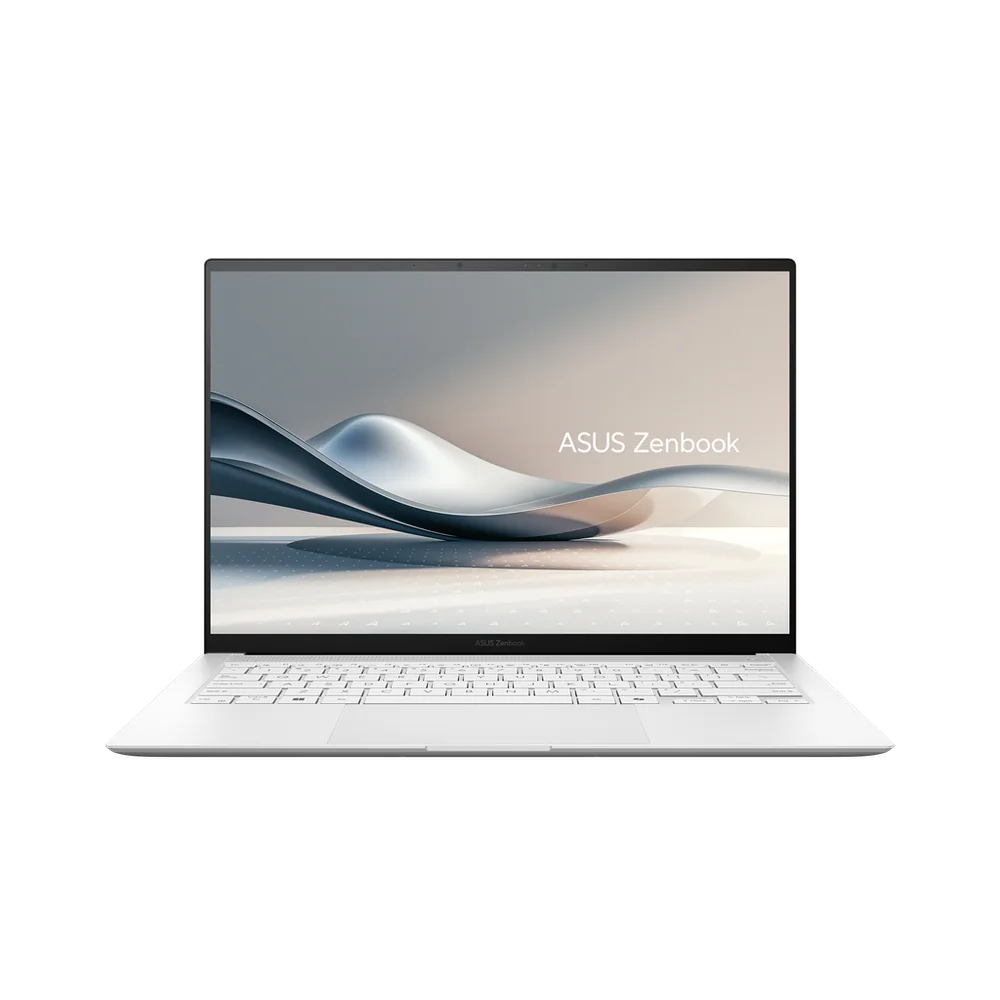
Asus Zenbook S14 OLED is aimed at remote workers who want a lightweight, premium-feeling laptop with an OLED screen for lots of travel and coffee-shop work. It earns a place on this list for covering the portability and display side of the remote-work equation. The limitation is simple: the product-specific detail here is sparse compared with the top recommendations, so treat it as a style-and-portability lean rather than the most fully supported all-around work choice.

  • Portable premium laptop direction for frequent travel
  • OLED display for a richer screen experience
  • Best when portability and screen quality matter most
  • Less product-specific performance detail than the top-ranked laptops
Check price on Amazon Read the full Asus Zenbook S14 OLED review →
10
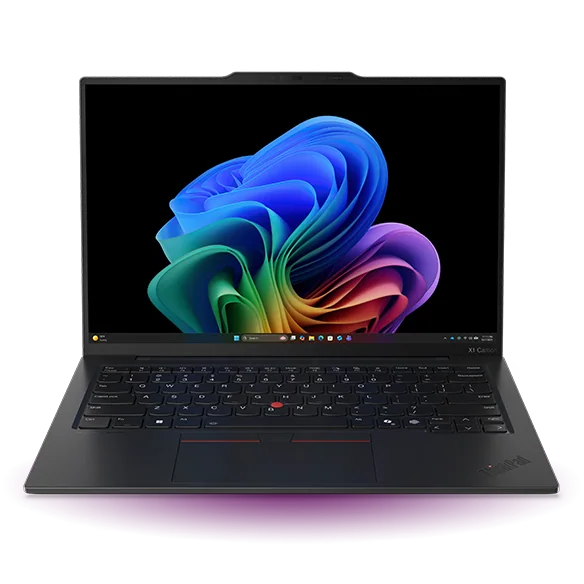
Lenovo ThinkPad X1 Carbon Gen 13 Aura Edition
Best Work Laptop Overall

Lenovo ThinkPad X1 Carbon Gen 13 Aura Edition

Lenovo ThinkPad X1 Carbon Gen 13 Aura Edition is for remote workers who type all day and want a business-class laptop that stays light in a bag. The core reason to buy it is the ultralight carbon-fiber design paired with the ThinkPad reputation for a work-ready build. Expect a premium price level, so it makes the most sense when you’re prioritizing a top-tier business laptop experience over value.

  • Ultralight carbon-fiber design for commuting and travel
  • Business-ready build for corporate remote work
  • Great fit for long typing days and heavy email and document workloads
  • Premium pricing can be a deciding factor versus value-focused laptops
Check price on Amazon Read the full Lenovo ThinkPad X1 Carbon Gen 13 Aura Edition review →

FAQ

What matters most in a laptop for remote work?

For most remote workers, the biggest quality-of-life wins are battery life that lasts a full workday, a comfortable keyboard and touchpad, and a webcam that holds up for frequent calls. Portability matters a lot if you move between home, office, and travel.

Should I choose a MacBook Air or a Windows laptop for remote work?

Choose a MacBook Air if you want a quiet, portable laptop with long battery life and you’re comfortable in macOS. Choose Windows if your job depends on Windows-only apps or you want more variety in form factors like 2-in-1 convertibles.

Is a 2-in-1 laptop actually useful for working from home?

Yes, if you take handwritten notes, mark up documents, present in tight spaces, or like switching to tent mode for calls and media. If you never use touch or pen input, a standard clamshell laptop is usually the simpler buy.

When is a repairable laptop worth it?

A repairable, upgradeable laptop makes sense if you plan to keep the same machine for many years, want to replace parts instead of the whole laptop, or like the idea of changing ports and components as your needs evolve.

Do I need a workstation-class laptop for remote work?

Most people don’t. If your day is mostly browser tabs, documents, spreadsheets, and video calls, a strong productivity laptop is enough. Workstation-class needs show up with heavy video editing, 3D work, or other sustained, intensive workloads.