
What to know first
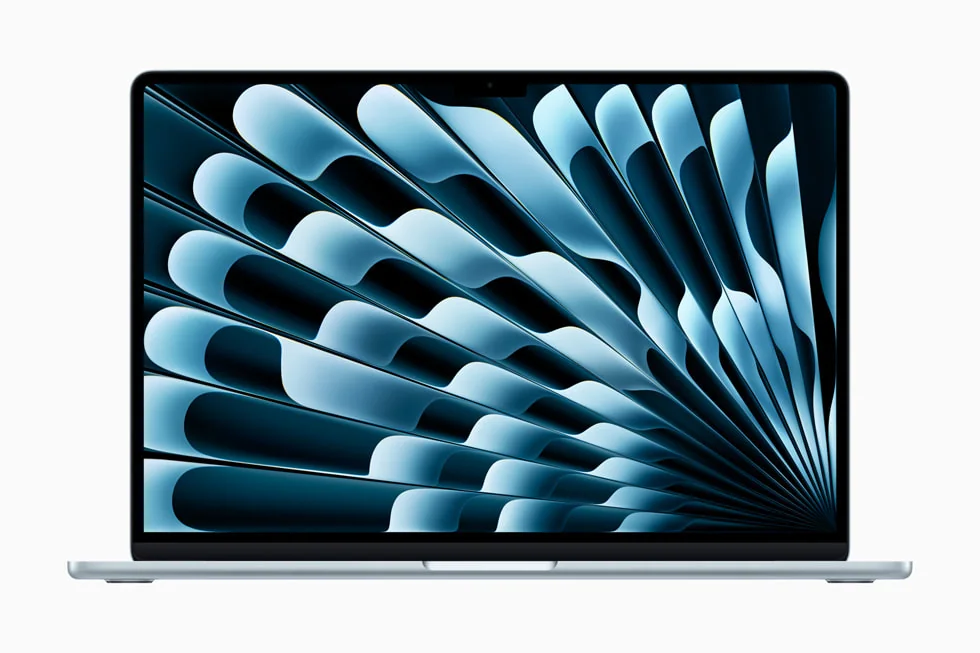
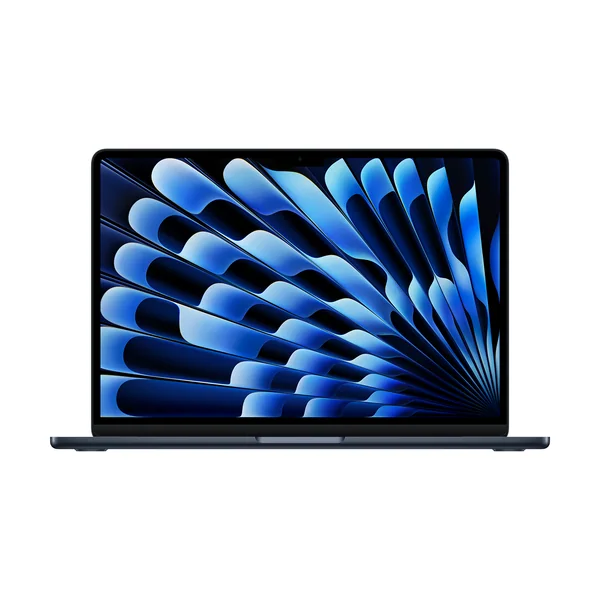
- The Apple MacBook Air 13-inch (M4, 2025) is a premium 13-inch ultraportable built for everyday productivity.
- Battery life is strong enough to comfortably cover a full workday and then some for typical remote-work use.
- It is fanless, so it stays silent, which is a real quality-of-life win on calls and in quiet spaces.
- It is not a great fit for gaming because macOS support and native Apple silicon support can be limiting.
- If you want the newest Air generation, there is an M5 version to consider instead.
What the Apple MacBook Air 13-inch (M4, 2025) is
The Apple MacBook Air 13-inch (M4, 2025) is Apple’s small, thin-and-light Mac laptop aimed at people who want a dependable daily computer, not a bulky workstation. Think schoolwork, remote work, travel, and general home use where you are constantly opening browser tabs, writing, joining calls, and bouncing between apps.
In day-to-day terms, it is the laptop you grab when you want your computer to disappear into your routine. You are not managing fan noise, you are not hunting for an outlet halfway through the day, and you are not lugging around a heavy charger just to feel safe.
It also fits the “premium but mainstream” Mac buyer. You are paying for a polished build, a sharp display, and the overall Mac experience in a size that is easy to live with.
Why it stands out
The biggest reason to buy the Apple MacBook Air 13-inch (M4, 2025) is that it covers the stuff most people actually do on a laptop, all day long, in a body that is easy to carry. For remote work and campus life, that mix of portability and battery life is what keeps it feeling “effortless” instead of “fine.”
The fanless design is not just a spec sheet detail. It means the laptop stays silent, which is great if you work in a quiet room, share space with other people, or spend a lot of time on video calls and do not want a laptop that constantly announces itself.
It is also a strong everyday multitasking machine for typical productivity. If your workload is lots of browser tabs, documents, messaging apps, and video meetings, this laptop stays responsive without you having to babysit it.
The main limitation is not performance for normal work. It is gaming compatibility. If you want a laptop that can reliably play the broad library of PC games, macOS and native Apple silicon support can be a frustrating place to start.
What it is like to own
For a lot of people, ownership comes down to three things: how often you carry it, how often you plug it in, and whether it annoys you during calls. The Apple MacBook Air 13-inch (M4, 2025) is built around those daily realities. It is sized for constant carry, and its battery life is positioned to handle a full workday without drama.
The fanless design helps it blend into your environment. In a library, a shared office, or a bedroom desk setup, silence is a real comfort feature. It is one less distraction when you are trying to focus or when you are on a call and want your mic to pick up you, not your laptop.
If you are coming from an older laptop that gets hot, loud, and needs a charger nearby, the “change” here is that you can treat it more like a notebook. Bring it, open it, work, close it. You are not constantly managing the machine.
What to know before you buy
Do not buy the Apple MacBook Air 13-inch (M4, 2025) as a gaming-first laptop. Even if the hardware can run some demanding titles, macOS game support and how uneven native Apple silicon support can be will limit what you can play and how smoothly it runs.
Also, be honest about whether you want the newest generation. There is a MacBook Air 13-inch (M5) option in the market, and if you are the kind of buyer who keeps a laptop for many years, starting with the newest chip can be the simpler long-term decision.
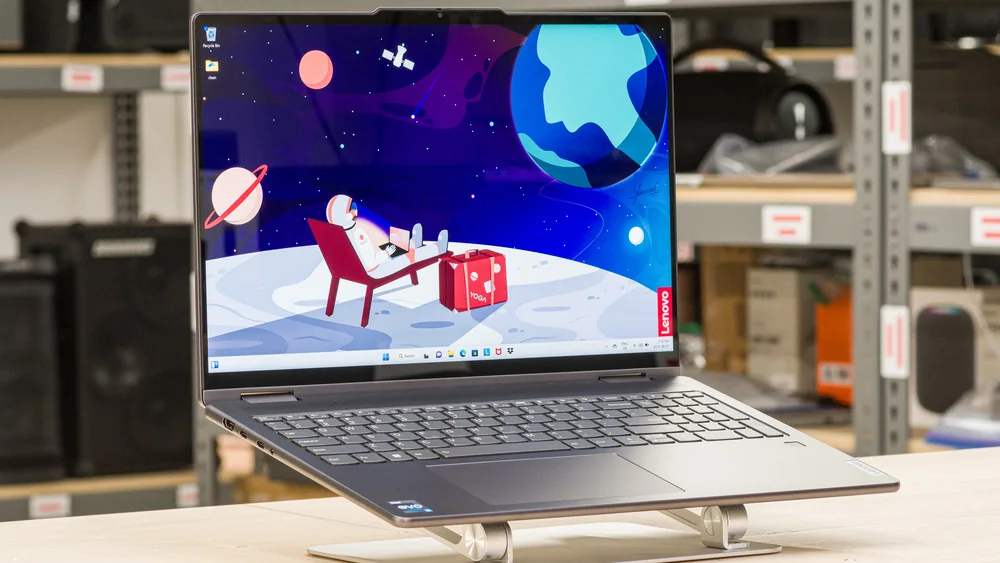
Finally, if you want a touchscreen or a 2-in-1 that flips into tablet mode for note-taking, this is not that style of laptop. A convertible Windows 2-in-1 will make more sense for that workflow.
The specs that matter
A 13-inch laptop is easier to carry all day and fits better on small desks, cafe tables, and airplane trays. It is the size that makes “bring it everywhere” realistic.
No fan noise is a quality-of-life upgrade if you take lots of calls, work in quiet rooms, or share space with other people. It also means one less moving part to think about.
This is what lets you work from the couch, a conference room, or a coffee shop without carrying a charger everywhere or hunting for outlets.
If your day is browser tabs, documents, spreadsheets, messaging, and video calls, this laptop stays smooth and responsive without needing a heavier machine.
Even if you are not a hardcore gamer, this matters if you expect your laptop to play the same library your friends play on Windows. Compatibility can be the dealbreaker, not raw speed.
Who this product fits
You work remote and bounce between calls, docs, and 30 browser tabs
The Apple MacBook Air 13-inch (M4, 2025) is built for this. You get a light laptop that stays quiet on calls and has the battery life to get through a full workday without planning around outlets.
You are a college student carrying your laptop across campus all day
This is a classic “campus carry” size. It is easy to bring to class, the library, and study groups, and it is positioned to last through a day of typical schoolwork without constant charging.
You want a premium Mac experience in the smallest practical size
If you like macOS and want a higher-end feel than a value-focused student Mac, the Apple MacBook Air 13-inch (M4, 2025) is the straightforward upgrade without jumping to a heavier Pro-style laptop.
What else to compare
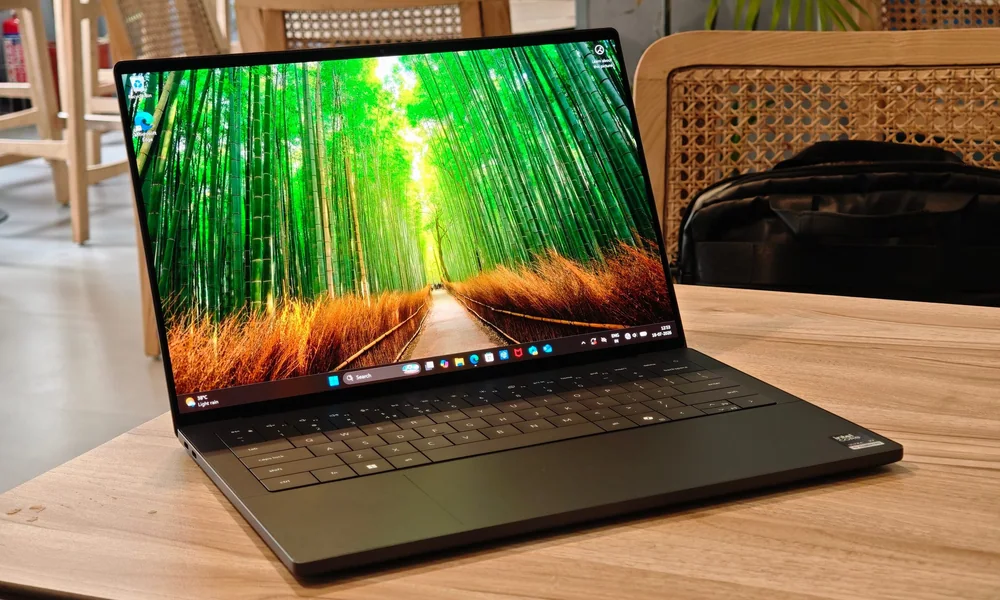
If the Air is close but not quite right, these are the alternatives that make the most sense depending on how you work.

Apple MacBook Air 13-inch (M4, 2025) FAQ
Is the Apple MacBook Air 13-inch (M4, 2025) good for remote work?
Yes. It is a strong fit for general productivity in a travel-friendly size, with battery life that can cover a full workday and then some. The fanless design also keeps it silent on calls.
Is the Apple MacBook Air 13-inch (M4, 2025) good for college students?
Yes, if you want a premium, lightweight campus laptop. It is sized for all-day carry and is an ideal ultraportable for typical student work like papers, presentations, and everyday multitasking.
Can you game on the Apple MacBook Air 13-inch (M4, 2025)?
It is not a great choice if gaming is a priority. The bigger issue is compatibility, since macOS game support and native Apple silicon support can be limiting and inconsistent depending on the title.
What is the biggest reason to pay for the Apple MacBook Air 13-inch (M4, 2025) instead of a cheaper laptop?
You are paying for the daily experience: a premium ultraportable that is easy to carry, stays silent, and can run through a full workday on battery for typical productivity use. If those things matter to you, it feels like money well spent.
Should I buy the Apple MacBook Air 13-inch (M4, 2025) or the MacBook Air 13-inch (M5)?
If you want the newest generation, the M5 model is the cleaner choice. The M4 Air still makes sense if you want the Air experience and the price is right for you, but the M5 is the newer option in the lineup.
Should you buy the Apple MacBook Air 13-inch (M4, 2025)?
Buy the Apple MacBook Air 13-inch (M4, 2025) if you want a small, premium Mac that you can carry all day and use all day. It is a strong fit for remote work and school because it stays quiet, handles everyday multitasking well, and has battery life that can comfortably cover a full workday and then some.
Look elsewhere if you want a gaming laptop, a 2-in-1 convertible, or you simply want the newest MacBook Air generation. But if your priority is a dependable, portable Mac for real life work, this model is a safe, practical buy.