
What to know first
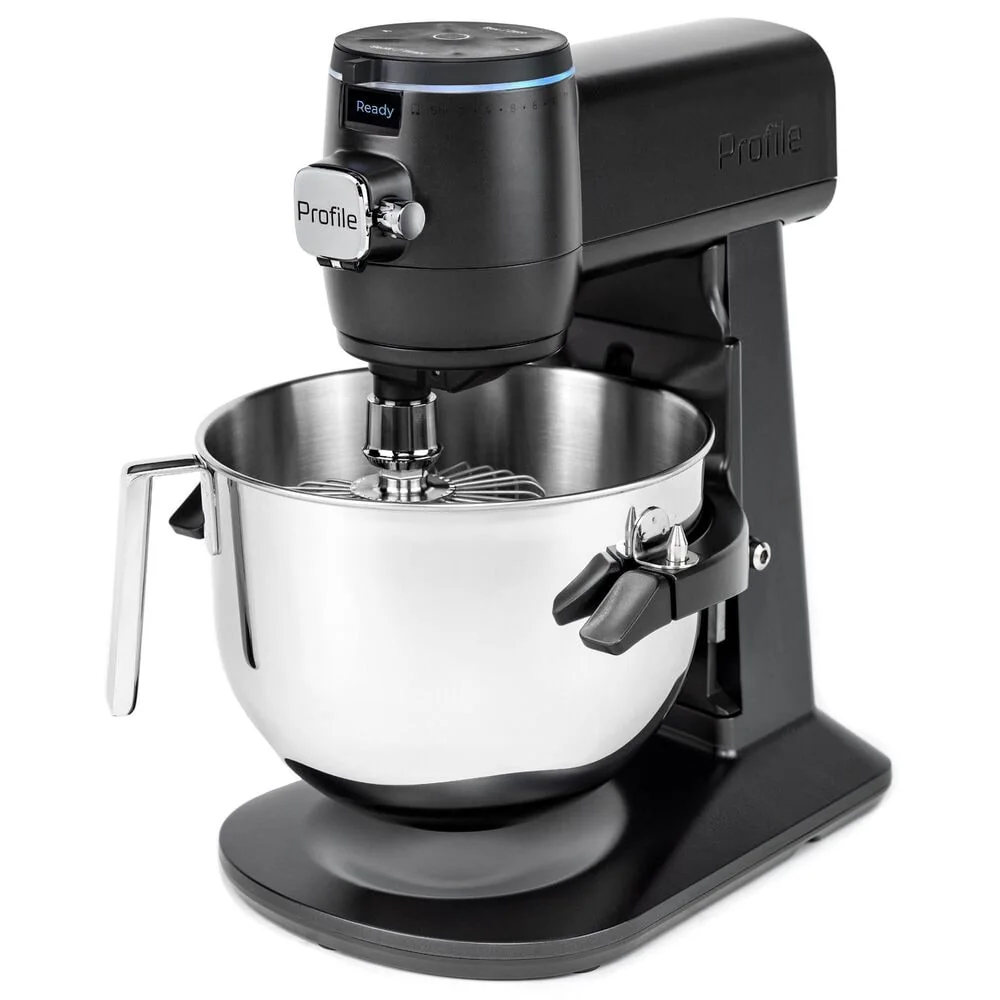
- Big-capacity bowl: 7.4 quarts is aimed at larger batches, not just weeknight frosting.
- Built-in smart scale lets you weigh ingredients in the bowl or in another container.
- Auto Sense uses motor torque feedback and can shut off automatically for supported app recipes.
- 58 settings plus a front-facing digital display for speed, time, and weight.
- Voice control works with Alexa and Google Home, and the mixer supports WiFi connectivity.
- It is heavy at 32 pounds, so plan on a permanent counter spot.
What the GE Profile Smart Stand Mixer is
The GE Profile Smart Stand Mixer is a premium, connected stand mixer built around the idea that mixing can be guided and partially automated. Instead of treating the mixer as a purely mechanical tool, GE adds a built-in scale, a digital display, WiFi connectivity, and app-based guided recipes through SmartHQ.
Capacity is a big part of the pitch. The bowl is 7.4 quarts, which is the size you buy when you want breathing room for bigger cookie batches, thicker doughs, or doubling recipes without flirting with overflow.
Physically, it is not a small appliance you tuck away. The mixer is listed at 32 pounds, and its size is roughly 17.17 x 9.9 x 13.5 inches (depth, width, height) in one set of published specs. Another GE listing shows dimensions as 17.07 inches high x 11.33 inches wide x 14 inches deep, so expect a large footprint either way.
Why it stands out
The built-in scale is the feature that changes day-to-day baking the most. Instead of pulling out a separate scale, you can weigh ingredients directly in the mixing bowl (or in another container) as you build a recipe. That is faster, it cuts down on dishes, and it fits the way a lot of modern recipes are written.
Auto Sense technology is the other big differentiator. GE describes it as actively monitoring texture and viscosity through motor torque feedback, then optimizing mixing and shutting the mixer off when a guided recipe is complete (based on recipes available in the app). In plain terms, it is trying to remove the “Did I mix this enough?” guesswork for recipes that are supported in SmartHQ.
This mixer also leans into control options. You get a front-facing digital display that shows speed, time, and ingredient weight, plus a built-in timer and an auto shutoff when the timer ends. If you like hands-free cooking, it also supports voice control with Alexa and Google Home.
Finally, it is designed to evolve. GE Profile Connect+ supports over-the-air updates, which is how features like Guided Recipes can be added or improved over time. If you like the idea of your appliances getting better instead of staying frozen on day one, that matters.
What it is like to own
Plan your space first. At 32 pounds, the GE Profile Smart Stand Mixer is easiest to live with when it has a dedicated counter spot. If you store a mixer in a lower cabinet and haul it out occasionally, this weight can be a dealbreaker.
The control experience is more like a modern appliance than a classic stand mixer. Instead of relying only on a dial, you have a digital display up front, a built-in timer, and the option to use the SmartHQ app for guided recipes. If you already cook with a phone or tablet nearby, the workflow makes sense. If you want to set a speed and walk away without any screens involved, it can feel like extra steps.
Attachments are straightforward: the mixer comes with a flexible beater, a spiral dough hook, and a geared whisk (also described in one listing as commercial-grade stainless steel dishwasher-safe attachments including a beater, dough hook, and 11-wire whip). Either way, the practical point is that the core tools for batters, dough, and whipping are included, and they are designed to be easy to remove with a quick-release style mechanism.
One feature that is genuinely useful for sticky dough is Reverse Mode. GE positions it as a way to reduce tangling and help with bowl scraping by backing the attachment up, then moving forward again. It is a specific fix for a specific annoyance, and it will matter most if you make doughs that like to climb.
What to know before you buy
This is a tech-forward mixer, so the best experience depends on whether you will actually use the tech. Auto Sense completion and shutoff are tied to recipes available in the SmartHQ app, and guided recipes are part of the connected experience. If you never want to open an app while baking, you are paying for features you will not use.
The size and weight are real commitments. With a roughly 14 to 17 inch depth and about 17 inches of height depending on which published dimensions you reference, it needs a practical home. If you have low cabinets, measure carefully, and remember you will also be lifting the arm to add ingredients and swap attachments.
The motor is listed at 650 watts, which puts it firmly in the “serious mixer” category on paper. What you should focus on is whether the bowl size, included attachments, and the way you plan to use SmartHQ and Auto Sense match the recipes you make most often.
The specs that matter
A bowl this large is built for bigger batches and thicker mixes without crowding the bowl. It can be less satisfying for tiny jobs like a very small frosting batch where a smaller bowl keeps ingredients closer to the beater.
This is a high-powered spec for a stand mixer and signals a premium build. In real life, it mainly tells you the mixer is designed to handle demanding mixing tasks, not exactly how any one dough will behave.
More settings usually means finer control. That helps when you want to start slowly to avoid flour clouds, then dial up speed, or hold a specific speed for a finicky mixture.
You can measure ingredients as you add them, which speeds up baking and reduces cleanup. It also supports gram-based recipes without extra tools.
For supported recipes, it is meant to reduce under-mixing and over-mixing by stopping at the right time. That is most helpful when you are learning new bakes or multitasking.
This is the main reason to pay for this model. If you like guided workflows and smart-home control, you will use these features. If you do not, a simpler mixer will feel easier.
It is heavy and takes up real counter space. The upside is stability. The downside is storage and moving it around.
Who this product fits
You bake by weight and hate extra tools
The GE Profile Smart Stand Mixer lets you weigh ingredients directly in the bowl with its built-in scale, so you can follow gram-based recipes without pulling out a separate scale and without dirtying extra dishes.
You want the mixer to tell you when to stop mixing
With SmartHQ guided recipes and Auto Sense, the mixer can monitor changes through motor torque feedback and shut off when the recipe is complete (for supported recipes). That helps when you are not sure what “done” looks like yet.
You want a modern, connected kitchen setup
If you already use Alexa or Google Home and like app-driven appliances, this mixer fits right in with WiFi connectivity, voice control, and over-the-air updates that can add or improve features like guided recipes.
You regularly make larger batches
A 7.4-quart bowl gives you room to scale up cookie dough, cake batter, or other big mixes without riding the rim of the bowl. It is a better fit for doubling recipes than smaller, everyday mixers.
What else to compare
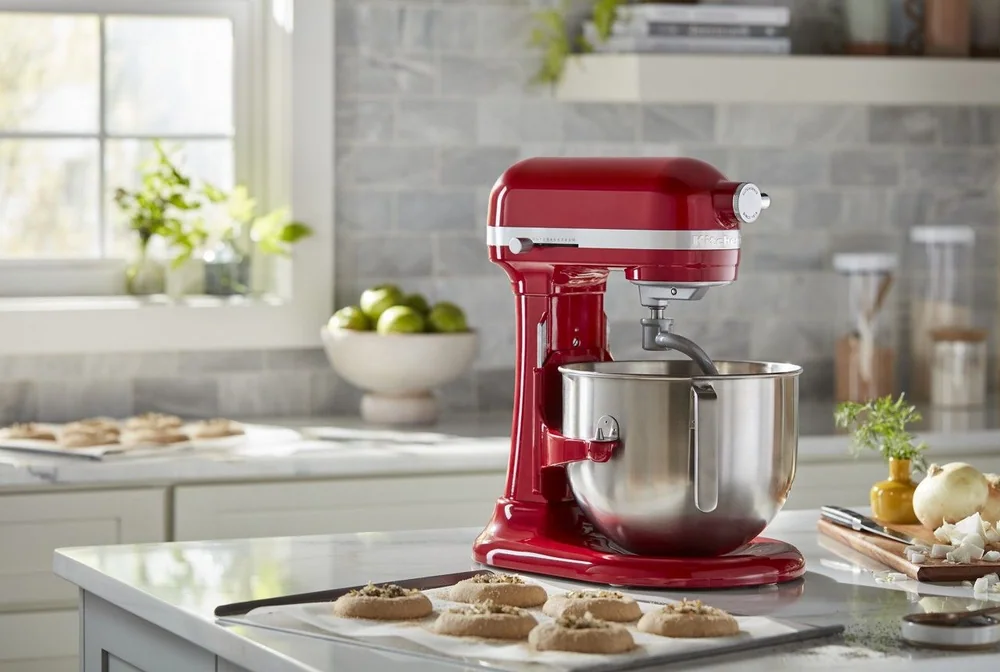
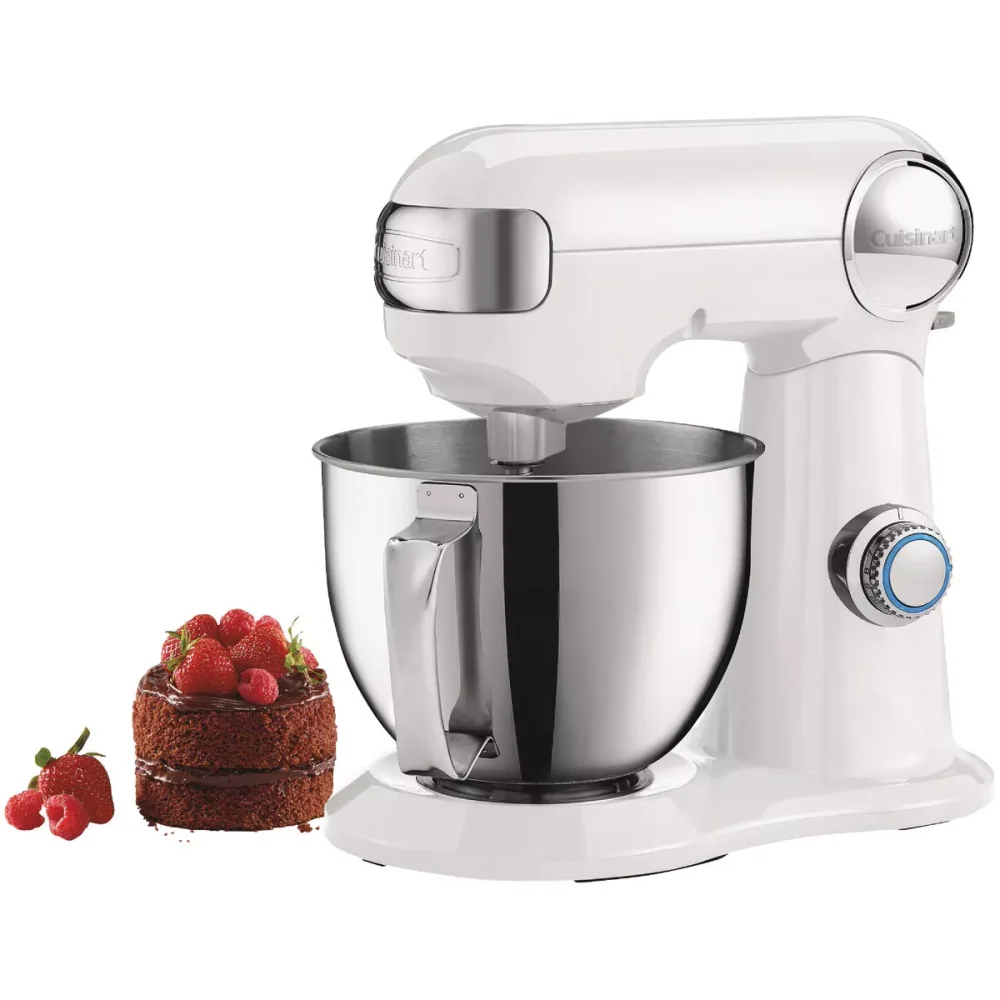
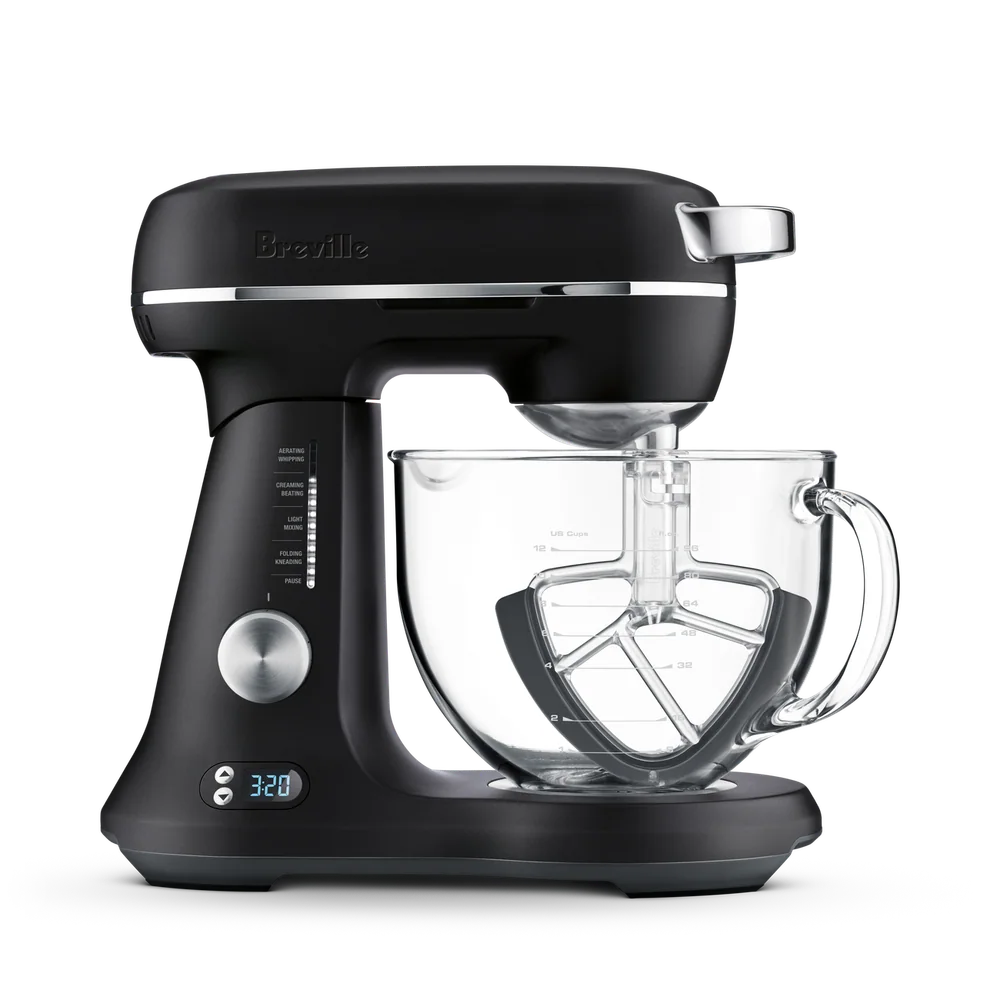
If you like the idea of a premium mixer but do not want the smart features, these are the more traditional directions to consider.
GE Profile Smart Stand Mixer FAQ
Does the GE Profile Smart Stand Mixer have a built-in scale?
Yes. It has a built-in smart scale that can weigh ingredients right in the mixing bowl or in another container. In everyday use, that means fewer tools on the counter and faster measuring for baking by weight.
What is Auto Sense on the GE Profile Smart Stand Mixer?
Auto Sense is GE’s feature that monitors changes in texture and viscosity using motor torque feedback. For recipes available in the SmartHQ app, it can optimize mixing and shut the mixer off when the recipe is complete.
Can you control the GE Profile Smart Stand Mixer with your voice?
Yes. It supports voice control with Alexa and Google Home. It also has WiFi connectivity and works with the SmartHQ app for guided recipes and other connected features.
How big is the GE Profile Smart Stand Mixer?
Published dimensions vary slightly by listing, but it is a large mixer. One set lists it as 17.17 x 9.9 x 13.5 inches (depth, width, height), and another lists 17.07 inches high x 11.33 inches wide x 14 inches deep.
How heavy is the GE Profile Smart Stand Mixer?
It is listed at 32 pounds. That weight usually means better stability while mixing, but it also makes the mixer less convenient to move in and out of a cabinet.
What attachments come with the GE Profile Smart Stand Mixer?
It comes with the core attachments for everyday baking: a beater, a spiral dough hook, and a whisk (described as a geared whisk in one spec list). GE also describes the attachments as dishwasher-safe stainless steel.
Should you buy the GE Profile Smart Stand Mixer?
Buy the GE Profile Smart Stand Mixer if you want a premium stand mixer that actively helps you bake. The built-in scale, guided recipes, Auto Sense shutoff, and voice control are not fluff if you will use them. They change the workflow in a way traditional mixers do not.
Skip it if you want the simplest possible stand mixer experience. This is a 32-pound, app-capable machine designed for people who like modern controls and guidance. If that sounds like you, the GE Profile Smart Stand Mixer makes sense.