
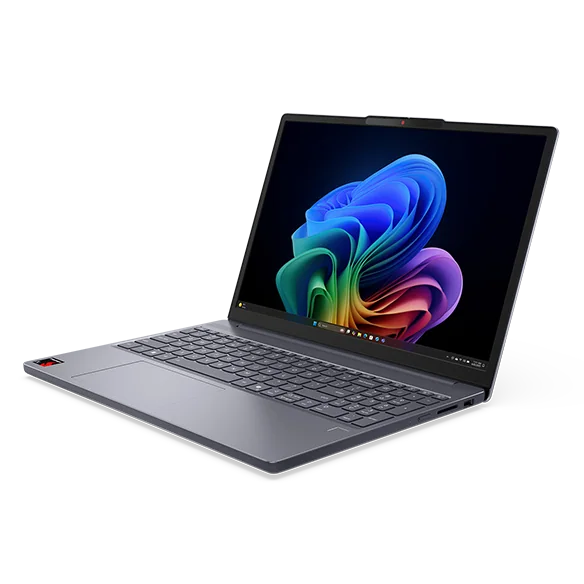
What to know first
- Standout battery life for the money (one configuration is documented at nearly 30 hours in a battery rundown).
- Uses a Qualcomm Snapdragon X (X1-26-100) processor aimed at efficient everyday performance.
- 15-inch class screen with 1920 x 1200 resolution and a 60Hz IPS panel.
- Wi-Fi 7 and Bluetooth 5.4 are built in.
- Budget build choices show up in the screen quality and keyboard comfort.
What the Lenovo IdeaPad Slim 3x 15 is
The Lenovo IdeaPad Slim 3x 15 is a budget Windows 11 laptop built around Qualcomm’s Snapdragon X platform. The point of this kind of laptop is simple: stretch battery life way beyond what most cheap Windows laptops manage, while still feeling quick enough for everyday work.
This is a 15-inch class machine (15-inch screen size) with a 1920 x 1200 display. That extra vertical space versus a 1920 x 1080 screen is handy for schoolwork and office tasks because you see more of a page or spreadsheet without scrolling as much.
Where it fits best is basic productivity and general home use. Think: writing papers, Google Docs, email, web browsing, streaming, and video calls. It’s not designed as a graphics-heavy creative laptop, and it’s not trying to be a premium ultrabook.
Why it stands out
Battery life is the reason to consider the Lenovo IdeaPad Slim 3x 15. One documented configuration ran for 29 hours and 54 minutes in a standardized battery rundown. That is the kind of number that changes how you use a laptop day to day. You stop planning your seat around outlets and stop packing a charger for short trips.
It also has enough performance for typical productivity work. The configuration that’s been documented pairs a Snapdragon X (X1-26-100) processor with 16GB of RAM and a 512GB SSD, which is a sensible baseline for school and everyday multitasking. In plain terms, that’s the difference between a laptop that bogs down with a bunch of tabs and one that stays responsive.
You’re also getting modern wireless: Wi-Fi 7 and Bluetooth 5.4. Wi-Fi 7 won’t magically speed up your internet if your home network is older, but it’s a nice bit of future-proofing if you upgrade your router later or use newer networks at school or work.
What it is like to own
Day to day, the Lenovo IdeaPad Slim 3x 15 is about not thinking about the battery. For students, that can mean taking notes all day and still having power left at night. For remote work, it can mean moving around the house or working in a bright room without keeping the charger tethered to your desk.
The keyboard is a known comfort compromise. If you mostly type in bursts, it’s easier to live with. If you write for hours, the tighter layout can be a dealbreaker, so it’s worth paying attention to return policies or trying a similar Lenovo keyboard in person before committing.
The touchpad is mechanical rather than haptic. That’s not automatically bad, but it usually feels more “budget laptop” than “premium laptop,” and it’s one of the places where you notice the price class.
Portability is reasonable for a 15-inch laptop: one documented weight is 3.52 pounds, and the chassis is described as reasonably sturdy. It’s not featherweight, but it’s not a backbreaker either.
What to know before you buy
The screen is the big weak spot. The Lenovo IdeaPad Slim 3x 15 uses a 1920 x 1200 IPS panel at 60Hz, but the bigger issue is that the display quality is described as disappointing. If you’re sensitive to screen quality, work with photos, or just want a punchy, high-contrast display, this is not the laptop to buy sight unseen.
Configuration shopping matters. Lenovo sells multiple configurations, including at least one with a 512GB SSD and another with a 1TB SSD. If you’re buying this laptop for school, 512GB is a comfortable starting point for most people, but you should still double check what you’re actually ordering because listings can vary.
Finally, this is a Windows-on-Arm style laptop (Snapdragon). That’s part of why the battery life is so strong. It can also be a reason some people prefer to stick with Intel or AMD, depending on the apps they rely on. If you use specialized software for school or work, confirm it runs the way you need on your setup before you commit.
The specs that matter
This chip is designed for efficient everyday speed. In real life, that usually means a laptop that feels responsive for web and Office work while helping deliver unusually long battery life.
16GB is a practical amount for multitasking. It helps when you keep lots of browser tabs open, run Office apps, and jump between school or work tools without the laptop feeling bogged down.
SSD storage keeps the laptop feeling snappy for booting and launching apps. Capacity determines how long you can go before you have to manage space for downloads, photos, and school files.
1920 x 1200 gives you a bit more vertical room than 1080p, which is nice for documents and spreadsheets. The bigger concern is quality: this screen is a known compromise, so it’s not the best choice if you care about color and overall “nice screen” feel.
Wi-Fi 7 is a modern standard that can pair well with newer routers and networks over the life of the laptop. Bluetooth 5.4 is useful for stable connections to earbuds, mice, and keyboards.
For a 15-inch laptop, this is a manageable carry for commuting or campus. It’s not ultra-light, but it’s reasonable for a bigger screen.
Who this product fits
You’re a student who’s tired of carrying a charger
The Lenovo IdeaPad Slim 3x 15 is built for exactly this. Its standout battery life means you can get through long days of notes, research, and writing without planning your schedule around outlets.
You want a cheap Windows laptop for email, docs, and streaming
With a Snapdragon X processor, 16GB of RAM, and an SSD in common configurations, it’s set up for everyday responsiveness. The main thing you’re paying for is not having to charge constantly.
You work in web apps and bounce between rooms all day
If your work is mostly browser-based, this laptop’s long runtime is the quality-of-life upgrade. You can move from desk to couch to conference room without the battery anxiety that comes with many budget Windows laptops.
What else to compare
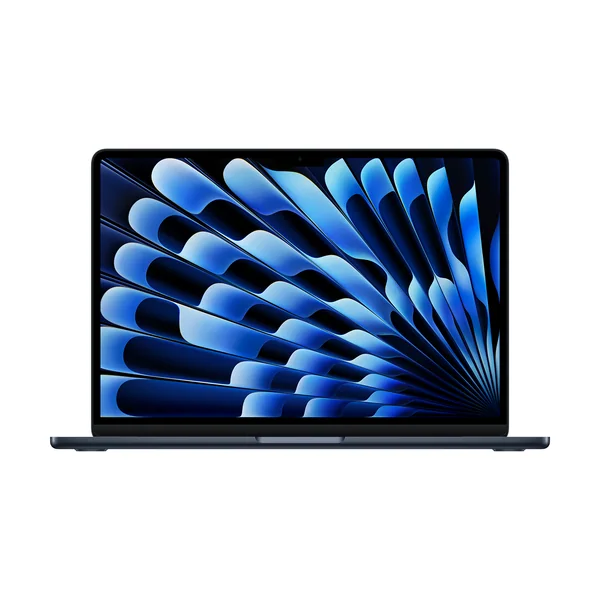
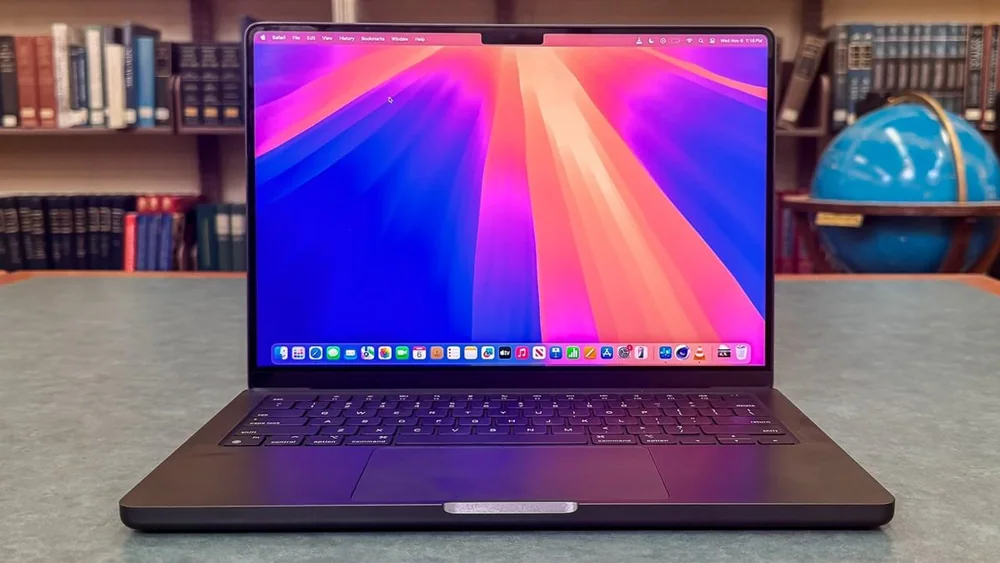
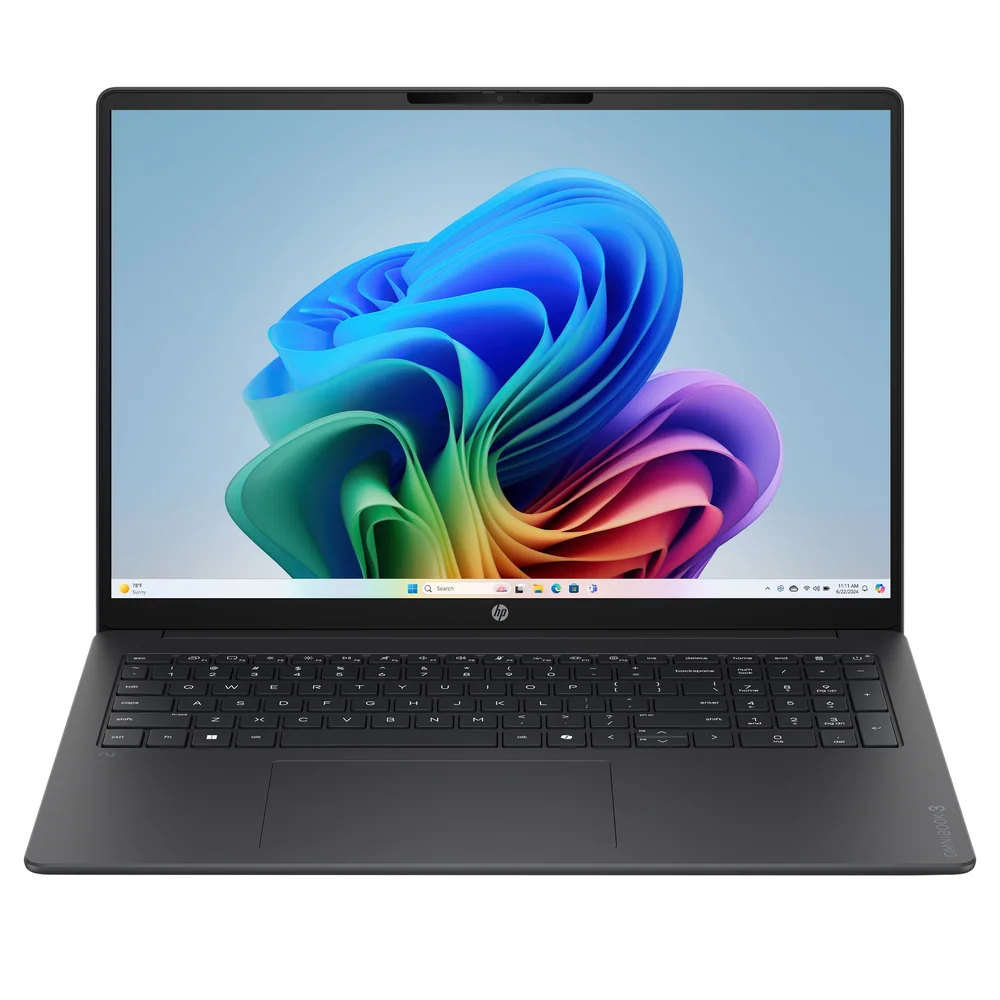
If the IdeaPad Slim 3x 15 isn’t the right fit, these are the models I’d look at next.
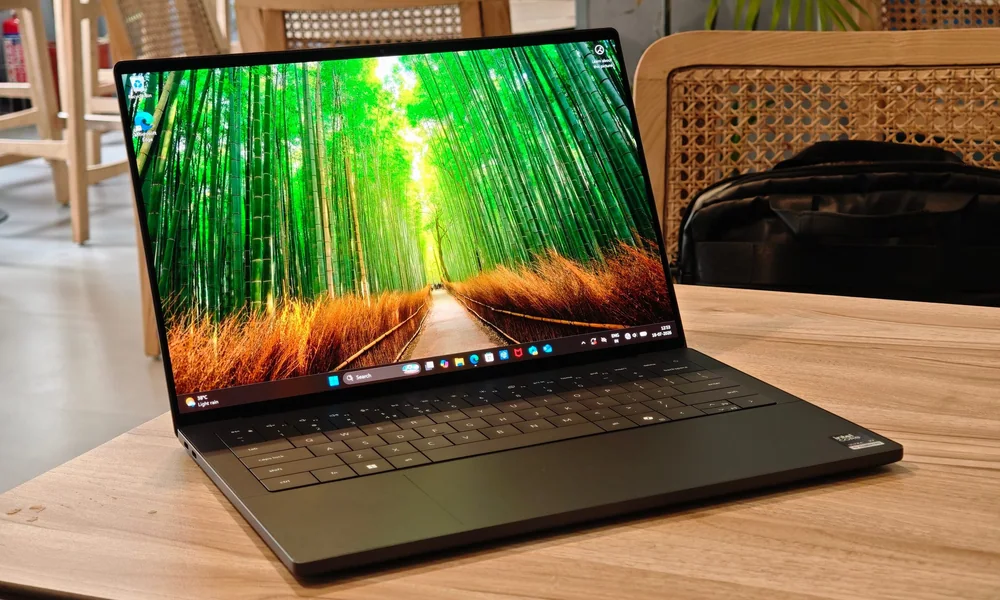
Lenovo IdeaPad Slim 3x 15 FAQ
Is the Lenovo IdeaPad Slim 3x 15 good for battery life?
Yes. A documented configuration lasted 29 hours and 54 minutes in a standardized battery rundown, which is exceptional for a budget laptop. Real life battery will vary with brightness, video calls, and heavier apps, but the core strength here is endurance.
What are the main downsides of the Lenovo IdeaPad Slim 3x 15?
The screen quality is a known weak point, and the keyboard is described as cramped. It also uses a mechanical touchpad rather than a haptic one, which can feel less premium.
What configuration should I look for with the Lenovo IdeaPad Slim 3x 15?
Pay close attention to the exact listing. Documented configurations include a Snapdragon X (X1-26-100) with 16GB of RAM and either a 512GB SSD or a 1TB SSD. If you want a smoother multitasking experience, 16GB RAM is a sensible baseline.
Is the Lenovo IdeaPad Slim 3x 15 good for photo or design work?
It’s not the best match if display quality matters to you. The panel is a 1920 x 1200 IPS screen at 60Hz, but the bigger issue is that the display is described as disappointing, which is a problem for color-sensitive work.
Does the Lenovo IdeaPad Slim 3x 15 have modern Wi-Fi?
Yes. It supports Wi-Fi 7 and Bluetooth 5.4. You will get the most benefit from Wi-Fi 7 if you use it with a Wi-Fi 7 router or network.
Should you buy the Lenovo IdeaPad Slim 3x 15?
Buy the Lenovo IdeaPad Slim 3x 15 if you want maximum battery life for minimum money and your laptop life is mostly writing, browsing, and streaming. In that lane, it makes a ton of sense, and the Snapdragon X setup is the whole reason it can run so long.
Skip it if you know you’re picky about screens or you type for hours every day and hate tight keyboards. The battery life is the headline, but you’re still buying a budget laptop, and the display and keyboard are where you’ll feel that budget most.