
Pickori

Practical guide

Stand Mixer Speeds and Tools Guide

Pair fold, low, medium, and high speeds with the right attachment while respecting model-specific limits.

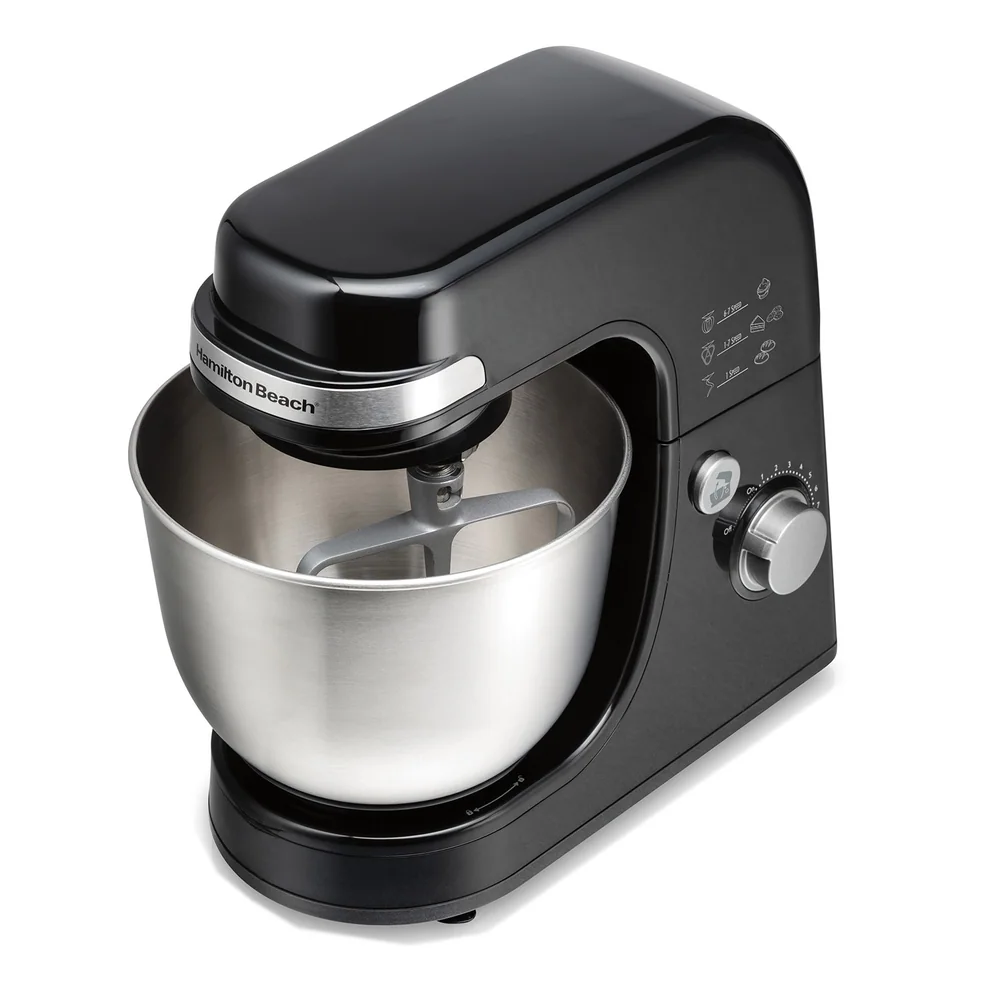
Hamilton Beach Seven-Speed Mixer

Use fold or stir to begin

The lowest setting helps combine dry and wet ingredients, fold delicate additions, and reduce flour clouds. Add dry ingredients gradually and use a shield when provided.

A low-speed start is not automatically the approved kneading speed. Some models specify one exact setting for dough.
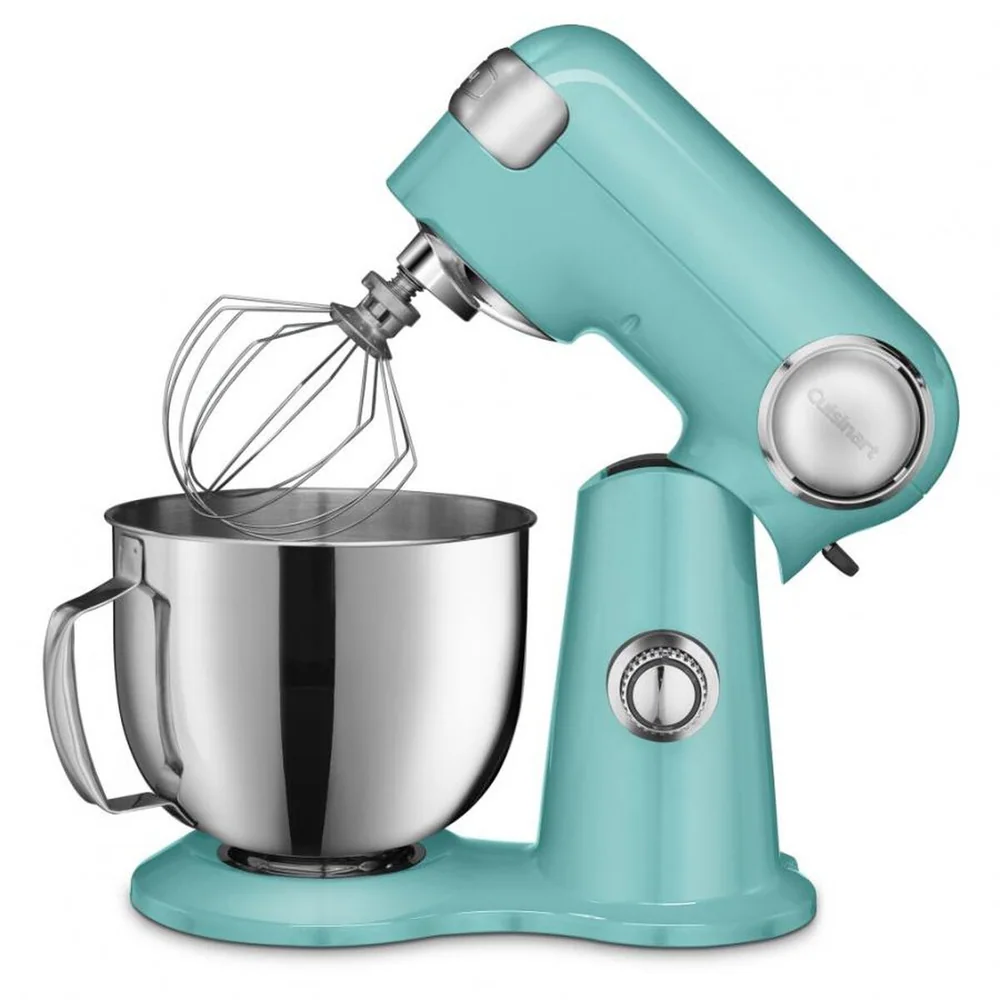
Use low-to-medium for general mixing

A flat beater commonly creams butter, mixes cake batter, combines cookies, and mashes cooked foods at low or medium settings. Follow the recipe so aeration and gluten development do not overshoot.

Stop and scrape as needed. More speed does not correct a cold ingredient, oversized batch, or wrong attachment.

Reserve high speed for light mixtures

Whipping cream and egg whites usually uses a whisk and a higher speed once the ingredients are safely combined. Watch continuously because the final stage can change quickly.

Confirm minimum quantities so the whisk reaches the mixture, and do not use a wire whisk in dense batter or dough.

Change settings with control

Start at the lowest suitable speed and raise it without skipping across the control roughly. Turn the mixer off before changing the bowl or tool.

If a tool strikes the bowl, the mixer changes sound, or the load stops circulating, switch off and diagnose the setup rather than increasing speed.

Products that fit this practical guide

As an Amazon Associate I earn from qualifying purchases.

More from Stand Mixers

← Back to Stand Mixers