A specific section heading
A 14 inch gaming laptop is the easiest to carry, but it is also the hardest size to cool quietly. Cooling is the system of heatsinks, heat pipes or a vapor chamber (a flat heat spreader), fans, and vents that pulls heat away from the CPU and GPU. In a smaller chassis, those parts are tighter and the fans often need to spin faster. The result can be higher fan noise, warmer surfaces, and more performance swings in long matches or open world games.
If you travel, pay attention to the whole carry kit. A compact laptop can still come with a large power brick, and that brick can matter more than the laptop in your backpack. Also check port placement. On smaller laptops, ports can be crowded, which makes a mouse, headset, and external monitor cable fight for space. If you plan to game on an external display, confirm you have the right video output (HDMI or USB-C with DisplayPort) without needing adapters that stick out and get bumped.
A specific section heading
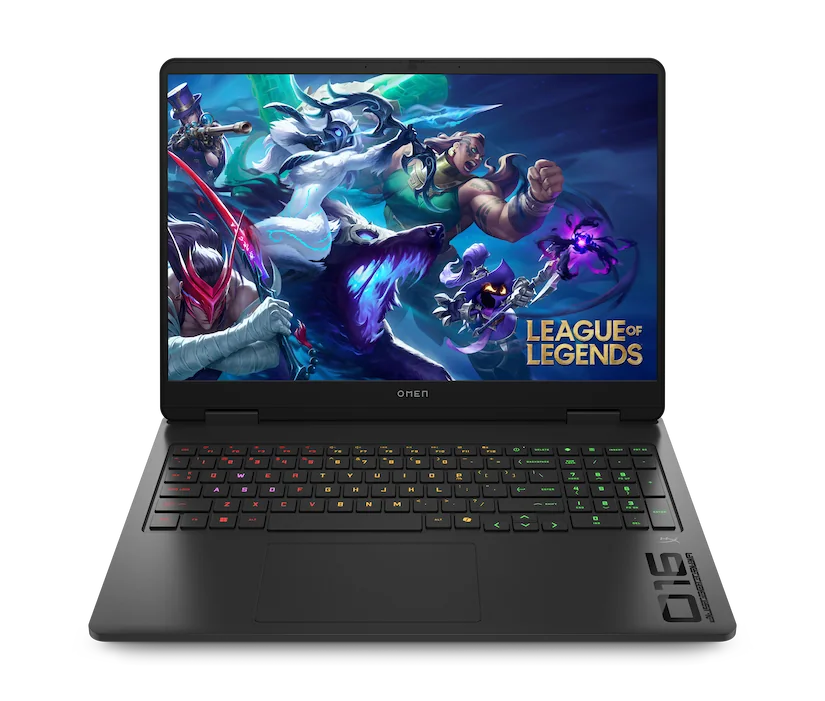
A 15 inch gaming laptop is often the middle ground: still portable, but with more room for cooling and a larger battery than many 14 inch designs. This size is common, which means you will see a wide range of build quality and power limits. The power limit is how many watts the laptop allows the GPU to use for sustained work. Two laptops with the same GPU name can feel very different if one is tuned for lower power to control heat.
Use 15 inch when you want one machine to do everything: school or work by day, gaming at night, and occasional travel. The buying trap is paying for a very high refresh rate screen (how many times per second the display updates) while choosing a GPU that cannot reach those frame rates in your actual games. If you mostly play esports titles, a fast screen can make sense. If you play heavier AAA games, you may prefer a better GPU and cooling over extreme refresh rates you rarely hit.
A specific section heading
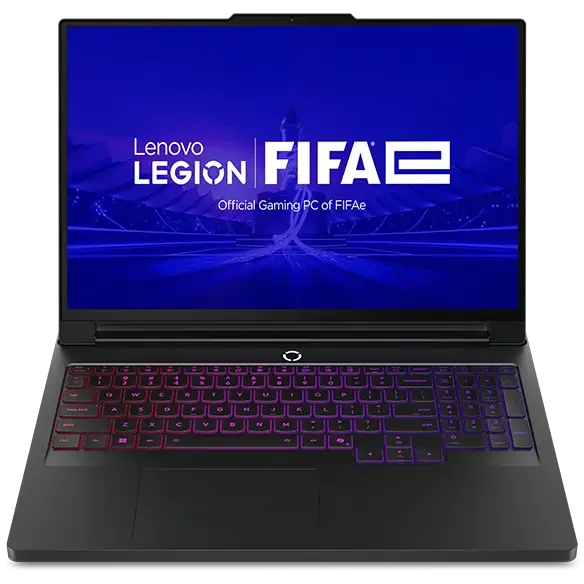
A 16 inch gaming laptop is where many people land if they want desktop-like comfort without going all the way to an 18 inch chassis. The extra space often allows better sustained performance because the cooling system can be larger and the vents can breathe more easily. That matters because gaming loads are long and steady. When heat builds up, laptops can throttle, meaning they reduce clock speeds to stay within safe temperatures, which shows up as dips in frame rate.
Think about how you actually sit and play. A 16 inch screen is easier on your eyes at typical desk distance, and it is more comfortable for games with small UI elements like strategy, RPGs, and shooters with detailed maps. It also tends to pair well with higher resolution panels, but resolution increases GPU workload. If you want 1440p or similar, a 16 inch size is a good match, but only if the GPU and its power limit are strong enough to keep frame rates where you want them.
A specific section heading
An 18 inch gaming laptop is usually a semi-permanent desk machine. The benefit is consistency: larger fans can move more air at lower speeds, and bigger heatsinks can absorb and shed heat more effectively. That can mean steadier performance, less throttling, and sometimes less annoying fan pitch, even if the laptop is still loud under full load. The tradeoff is obvious: weight, footprint, and a charger that can feel like a second device.
Choose 18 inch when you want the laptop to replace a desktop and you have the space for it. Measure your desk depth and think about airflow. If the rear vents are pushed against a wall or the laptop sits on a soft surface, it will run hotter and louder. Also plan your external setup. Many 18 inch models are great with external monitors, but you still need the right ports and bandwidth. If you stream, dock, or run multiple displays, prioritize port layout and video outputs as much as raw GPU specs.