
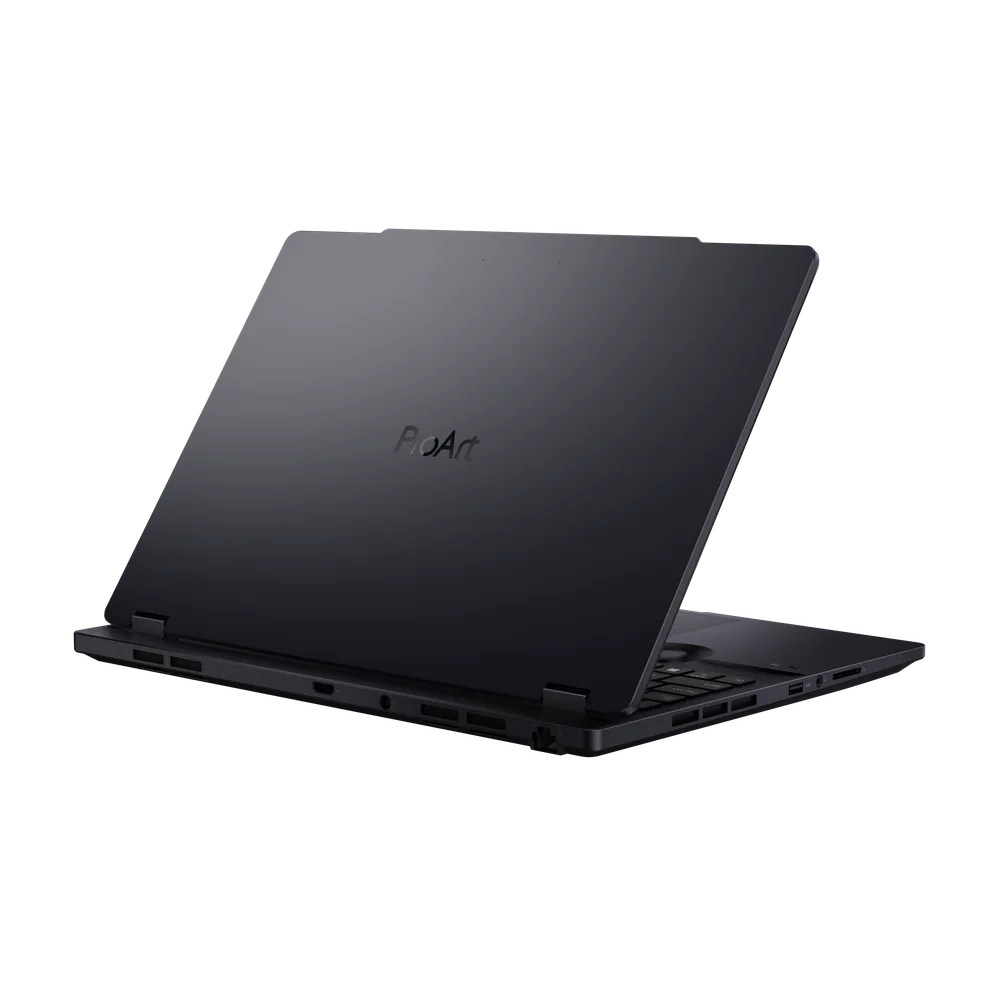
What to know first
- This is a 16-inch, workstation-leaning Windows creator laptop built around an OLED display.
- It is positioned for heavier creative workloads like 3D rendering, pro design, and heavy video editing.
- The main reason to pay for it is the combination of a larger creator chassis and an OLED panel for color work.
- If you do not specifically want the Studiobook form factor, other ProArt models may be easier to justify on the details we can verify.
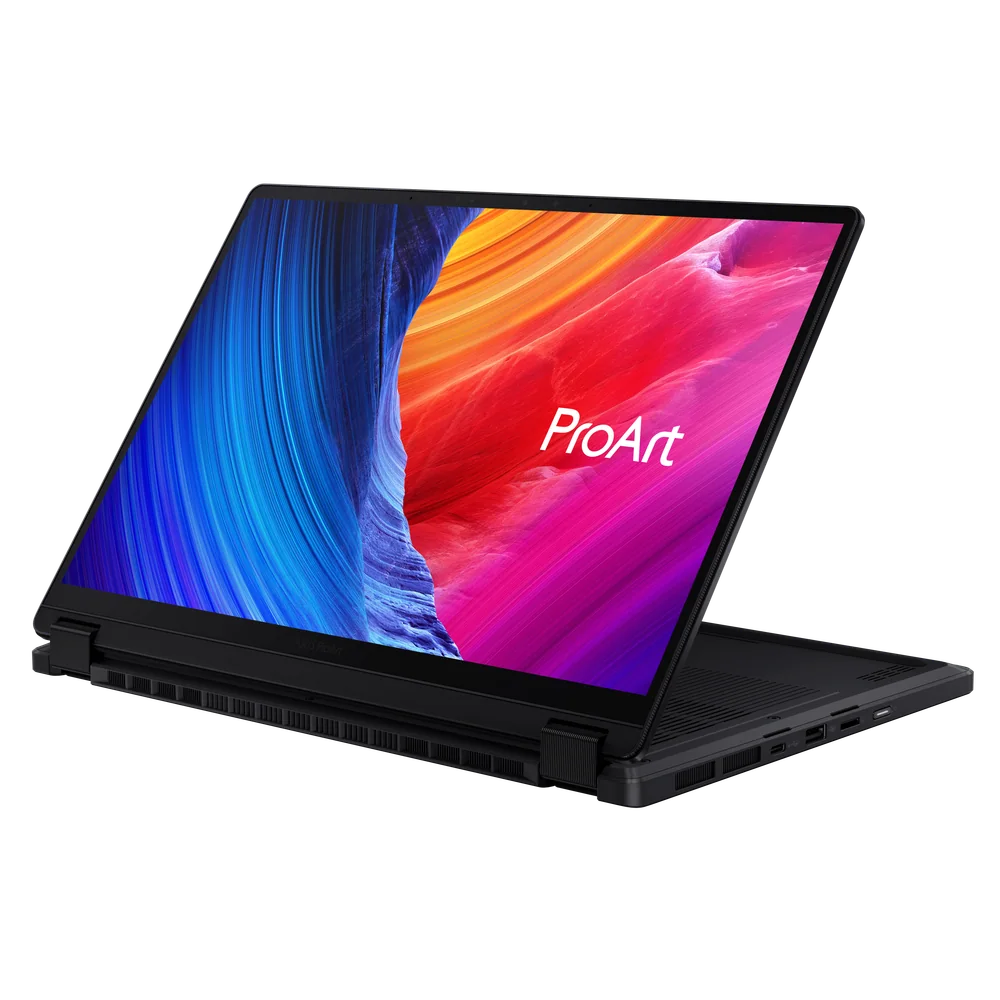
- If you want a convertible creator laptop, Asus has a ProArt option designed for that.
What the Asus ProArt Studiobook 16 OLED is
The Asus ProArt Studiobook 16 OLED is a Windows creator laptop aimed at people doing serious creative work who want a bigger, more workstation-style machine. Think: a 16-inch laptop you buy because you are spending hours in editing, design, or 3D apps and you want a setup that feels closer to a desktop replacement than a travel ultrabook.
The “OLED” part of the name matters because it tells you what Asus is prioritizing: a display style that is commonly chosen for color-focused work. If you are doing photo work, design, or video where you care about how color and contrast look on screen, OLED is often the reason you start shopping in this tier.
This model is also positioned around higher-end components, including configurations with a high-end CPU and a discrete GPU. In plain terms, it is meant for projects that can actually use that extra compute and graphics power, not just email and browser tabs.
Why it stands out
The biggest differentiator is the overall identity: a larger, workstation-leaning creator laptop with an OLED display. If you are editing video, building complex design files, or working in 3D, the combination of screen real estate and a creator-focused build is what makes a laptop like this feel easier to live on all day.
It is also aimed at heavier creative workloads, including 3D rendering and heavy video editing. That is the use case where paying for a bigger chassis and discrete graphics options can make sense, because you are not just opening apps. You are exporting, rendering, scrubbing, and stacking effects.
One important note: in our current evidence set, the strongest, most specific supporting details lean more toward other ProArt models than this exact Studiobook 16 OLED entry. That does not mean the Studiobook is a bad choice. It means it is best chosen by shoppers who already know they want this specific form factor and OLED approach, rather than shoppers who want the most clearly documented value story.
What it is like to own
Day to day, you are buying the Asus ProArt Studiobook 16 OLED for the way a 16-inch creator laptop changes your workflow. A larger screen can make a real difference if you keep a timeline open, park panels on the side, or compare assets while you work. It is simply less cramped than a smaller creator laptop.
The OLED display preference is also an ownership decision. If you are the kind of person who notices contrast, blacks, and color pop while you are editing, OLED is part of the experience every time you open the lid. It is not just a spec you forget about after checkout.
Because this is a workstation-style creator machine with high-end CPU and discrete GPU options, it is the sort of laptop you buy expecting it to be your main computer for demanding projects. If your creative work is occasional, you may not feel the benefit often enough to justify the size and cost of this class.
What to know before you buy
First, make sure you actually want a workstation-leaning 16-inch laptop. Bigger creator laptops can be great for getting work done, but they are not the easiest machines to carry around every day. If you are commuting, traveling, or working in tight spaces, a smaller creator laptop can be the smarter move.
Second, do not buy this model on vague “creator laptop” vibes alone. In our current set, the clearest, most detailed support points toward other ProArt models, not this exact Studiobook 16 OLED listing. If you are not specifically attached to the Studiobook form factor, it is important to compare against alternatives where the strengths are easier to pin down.
Third, be realistic about what you need. This laptop is aimed at heavier creative workloads. If you mostly do light photo edits, basic 1080p cuts, or general productivity, you can often step down to a more portable machine and still be happy.
The specs that matter
A 16-inch workspace is easier for editing timelines, managing layers, and keeping tool panels open without feeling cramped. It also tends to push you toward a bigger, less travel-friendly laptop.
If you care about how color and contrast look while you work, OLED is often the reason to pay more. It is a daily-use benefit, not a one-time benchmark number.
This is built for people who want creator performance and apps on Windows. If your workflow is tied to macOS, you should start with a MacBook Pro instead.
Discrete graphics and higher-end CPUs matter most when you are rendering, exporting, or working with heavier effects and 3D workloads. If you do not do that kind of work, you may not see the payoff.
A workstation-style laptop makes sense when your projects involve long renders, big exports, and complex scenes. The point is to reduce waiting and keep demanding creative work moving.
Who this product fits
You edit video for hours and hate cramped screens
The Asus ProArt Studiobook 16 OLED gives you a bigger canvas for your timeline and panels, plus an OLED display that is chosen specifically by people who care about how their footage looks while they work.
You do 3D work and need a Windows laptop that leans workstation
This model is positioned for heavier creative workloads like 3D rendering, with configurations that can include a high-end CPU and discrete graphics. It is meant to be your main machine for demanding projects.
You want a creator laptop, but you are not sure you want the Studiobook style
If you are not committed to the Studiobook form factor, you may be better served by another ProArt model or a different creator laptop where the strengths are clearer and better documented for that exact model.
What else to compare
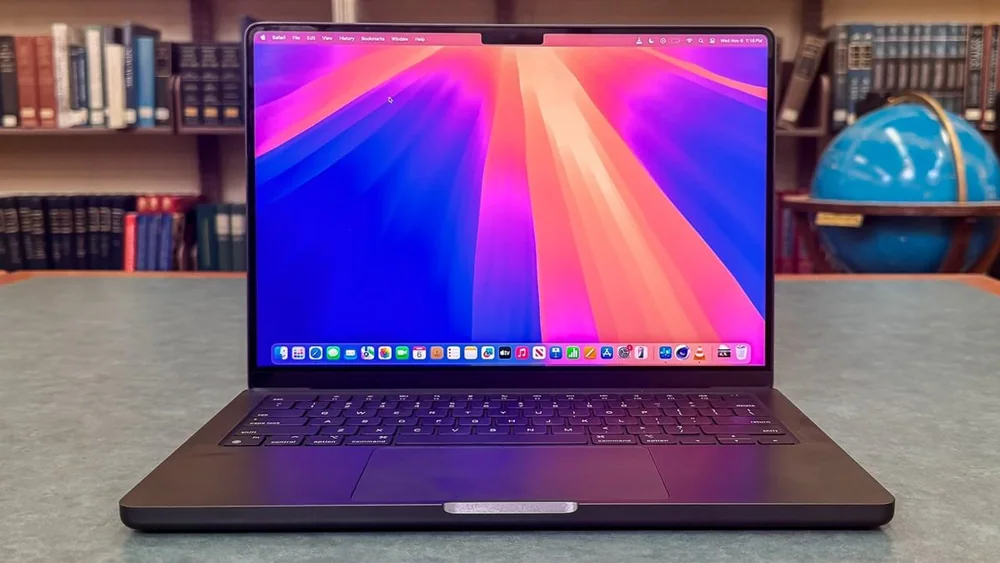
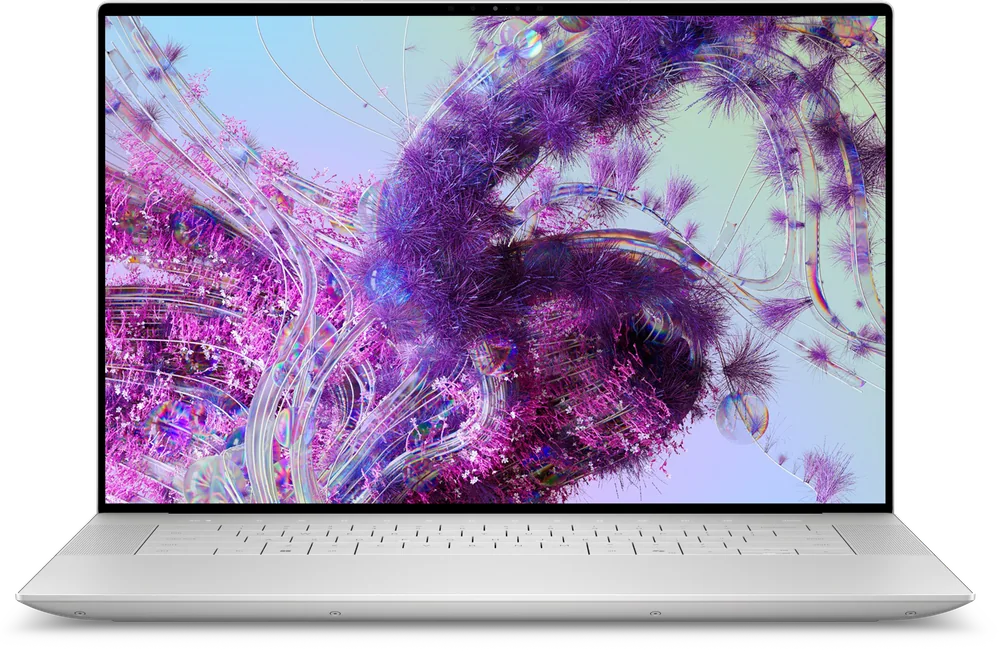
If the Asus ProArt Studiobook 16 OLED is close but not quite right, these are the creator-laptop directions I would consider next.
Asus ProArt Studiobook 16 OLED FAQ
Is the Asus ProArt Studiobook 16 OLED good for video editing?
It is aimed at heavier creative workloads, including heavy video editing. The larger 16-inch screen and the option for a high-end CPU and discrete GPU are the reasons it fits that job.
Who should buy the Asus ProArt Studiobook 16 OLED?
Buy it if you want a workstation-leaning Windows creator laptop with an OLED display and you expect to run demanding creative projects. It makes the most sense for people doing pro design, 3D work, or heavy video timelines.
Is OLED worth it on a creator laptop?
OLED is worth paying for when you care about how color and contrast look while you work. If your work is mostly documents, spreadsheets, and general productivity, OLED is nice but not usually the best place to spend your budget.
Should I get a 16-inch creator laptop or something smaller?
A 16-inch laptop is great when you want more room for timelines and tool panels and you do long sessions at a desk. If you carry your laptop everywhere, a smaller creator laptop is often easier to live with.
What should I buy instead of the Asus ProArt Studiobook 16 OLED?
If you want a creator-focused convertible, look at the ASUS ProArt PX13. If you want a different premium creator-laptop direction, consider the Apple MacBook Pro 14 (2024), Dell XPS 16, or Lenovo Yoga Pro 9i depending on your priorities.
Should you buy the Asus ProArt Studiobook 16 OLED?
Buy the Asus ProArt Studiobook 16 OLED if you want a big, workstation-style Windows creator laptop and you specifically want an OLED display for color-focused work. It is built for heavier creative workloads where screen space and higher-end components actually change how your day feels.
If you are still deciding what kind of creator laptop you want, or you want the clearest model-specific case before spending in this tier, I would compare it closely against the alternatives. The Studiobook 16 OLED makes the most sense when you already know you want the Studiobook form factor and OLED approach.