
What to know first
- Compact 13.3-inch 2-in-1 with a 2.8K OLED touch display (2,880 by 1,800).
- Strong creator-ready core specs: Ryzen AI 9 HX 370, 32GB RAM, 1TB SSD.
- Dedicated graphics: Nvidia GeForce RTX 4050 laptop GPU with 6GB VRAM for GPU-accelerated creative work.
- Wi-Fi 7 and Bluetooth for modern wireless connectivity.
- Measured battery rundown of 14:30, but real life will vary a lot with creative workloads and brightness.
What the ASUS ProArt PX13 is
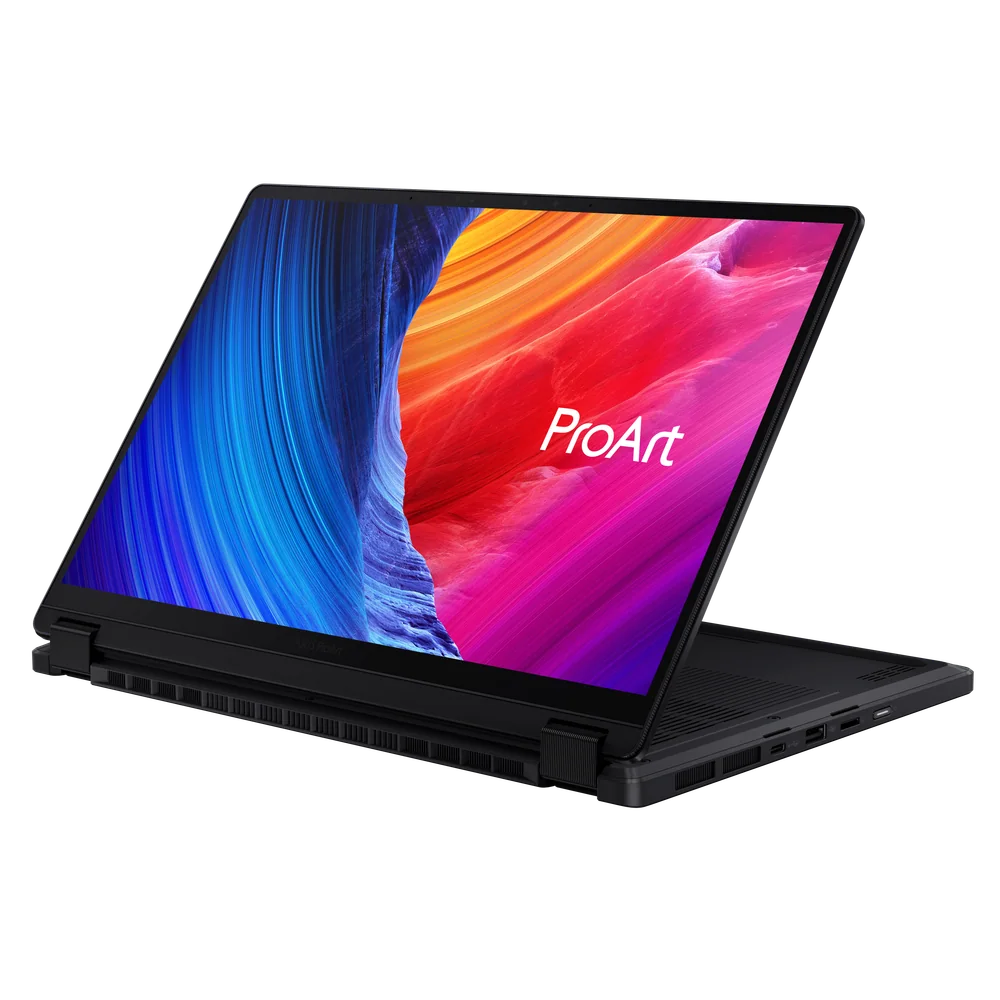
The ASUS ProArt PX13 is a premium convertible 2-in-1 laptop built for creative work in a smaller footprint. It uses a 360-degree hinge so you can use it as a standard laptop, fold it into a tablet shape for touch input, or stand it up in tent mode for review and playback.
The core idea is simple: give you a compact machine that still has the parts creators care about. In the configuration documented here, that means an AMD Ryzen AI 9 HX 370 processor, 32GB of RAM, a 1TB SSD, and Nvidia GeForce RTX 4050 laptop graphics with 6GB of VRAM.
The screen is a big part of the appeal. It is a 13.3-inch OLED touch panel at 2,880 by 1,800 resolution and a 60Hz refresh rate. For photo and design work, that high resolution on a small screen makes fine text and detailed edits easier to see without constantly zooming in.
Why it stands out
It packs mini-workstation components into a 13.3-inch convertible. A lot of small 2-in-1s lean on integrated graphics and lighter CPUs, which is fine for school and office work but can feel slow once you start exporting, rendering, or stacking effects. The ProArt PX13’s Ryzen AI 9 HX 370 plus RTX 4050 combo is aimed at those heavier creative moments.
The OLED touch display is the other standout. OLED panels are popular with creators because they can make contrast and color pop in a way many standard laptop screens do not. Here you also get a 2.8K-class resolution (2,880 by 1,800) in a compact size, which is a nice match for detailed photo work and timeline-heavy editing when you are traveling.
The 2-in-1 design is not just a gimmick on a creator laptop. If you like to tap, scrub, annotate, or simply change how the screen is propped up while you work, the flip-and-fold hinge can make the laptop feel more like a flexible workstation than a fixed clamshell.
There is also a creator-oriented touchpad feature called DialPad, designed to work with creator apps. If you use supported software, it can be a faster way to adjust settings or navigate than hunting through menus.
What it is like to own
Day to day, the ProArt PX13 is built around flexibility. In laptop mode, it is a straightforward Windows 11 Home machine. When you want to review a cut with someone across a table, tent mode is the quick move. When you want to work touch-first, you can fold the screen back and treat it more like a tablet, with the tradeoff that it is still a full Windows laptop in your hands.
Portability is a real part of the story. The chassis measures 0.7 by 11.7 by 8.3 inches and weighs 3.04 pounds. That is light enough to carry daily, and small enough to fit in bags that feel cramped with 14-inch and 16-inch creator laptops.
Battery life is always the question with powerful, thin creator laptops. A measured battery rundown has been recorded at 14 hours 30 minutes, but you should still plan around your workload. Bright OLED screens, video calls, and GPU-heavy creative apps can pull that number down quickly compared with light browsing.
Wireless is up to date, with Wi-Fi 7 and Bluetooth. If you work in crowded Wi-Fi environments or move large files over a fast network, that is a practical upgrade over older Wi-Fi generations.
What to know before you buy
The biggest buying decision is whether you truly want a 13.3-inch 2-in-1 for creative work. The portability is great, but a larger screen can still be easier for long editing sessions. If you mostly work at a desk and rarely use touch, a traditional clamshell creator laptop can be a simpler fit.
Do not buy it for the Copilot Plus or “AI PC” label alone. The Ryzen AI branding signals a newer platform with AI acceleration, but the day-to-day benefit depends on whether the apps you use actually take advantage of it locally.
If you need mobile broadband, this model line is not positioned for it. No mobile broadband option is noted, so if you rely on built-in cellular connectivity for travel, you will want a different laptop.
The specs that matter
This is the main engine for exports, heavy multitasking, and demanding creative apps. A higher-end CPU helps the laptop stay responsive when you are editing while other apps are open.
32GB gives you breathing room for big photo catalogs, layered files, and lots of browser tabs and creative apps open at once. It is the difference between smooth multitasking and constant slowdowns.
A 1TB SSD is a practical baseline for creator work. You can keep apps plus active projects locally without immediately juggling external drives.
Dedicated graphics can speed up GPU-accelerated effects and timelines in creative software. It also helps if your workflow includes anything beyond basic photo edits, like motion graphics or video work.
OLED is a strong match for color and contrast work, and the high resolution makes fine details easier to judge on a small screen. The 60Hz refresh rate is normal for creator laptops, but it is not aimed at high-refresh gaming.
This is what makes the PX13 different from many creator laptops. It is easier to carry every day, and it fits better on small café tables, airplane trays, and tight desks.
Wi-Fi 7 can improve performance on modern routers, especially in busy environments. It is also a nice future-proofing spec if you keep laptops for several years.
Who this product fits
You edit photos on the go and care about screen quality
The ASUS ProArt PX13 gives you a compact 13.3-inch laptop that still prioritizes an OLED display and high resolution. It is easier to travel with than many 15-inch and 16-inch creator machines, while still being built for real editing apps.
You want one device for laptop work and touch-first creation
If you switch between typing, tapping, and showing work to clients or teammates, the 2-in-1 hinge is the point. You can use laptop mode for writing and email, tent mode for review, and tablet mode when touch feels faster.
You do video work but refuse to carry a big laptop
The RTX 4050 and Ryzen AI 9 HX 370 are the kind of specs that make sense for demanding creative apps in a small chassis. It is a way to keep dedicated graphics in your bag without moving up to a larger, heavier workstation-style laptop.
What else to compare
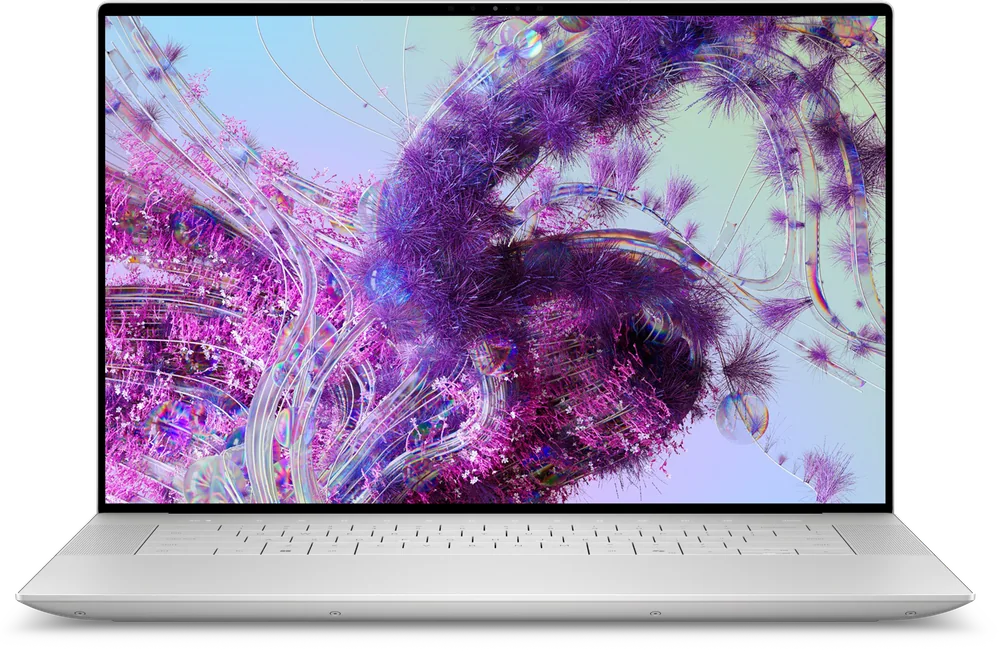
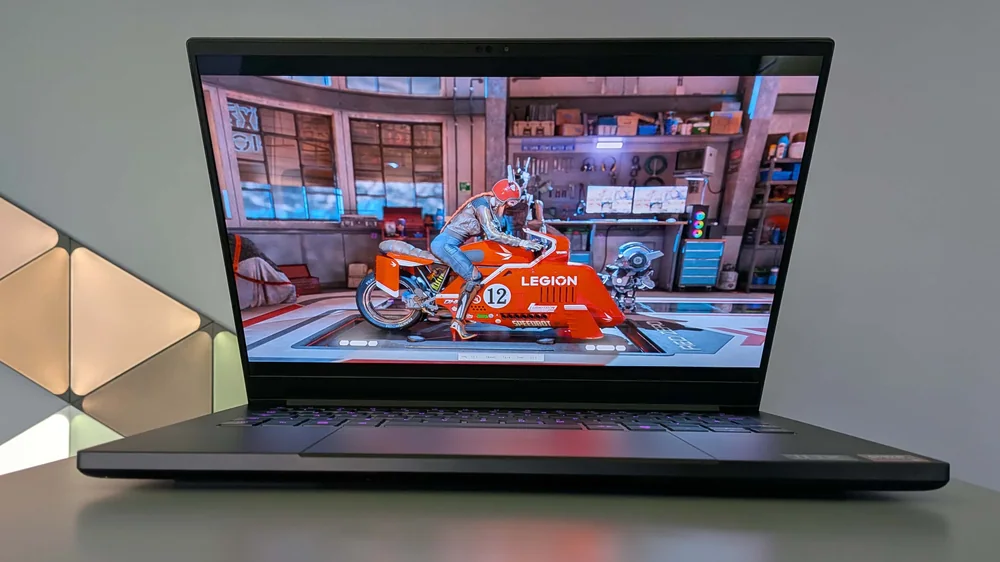
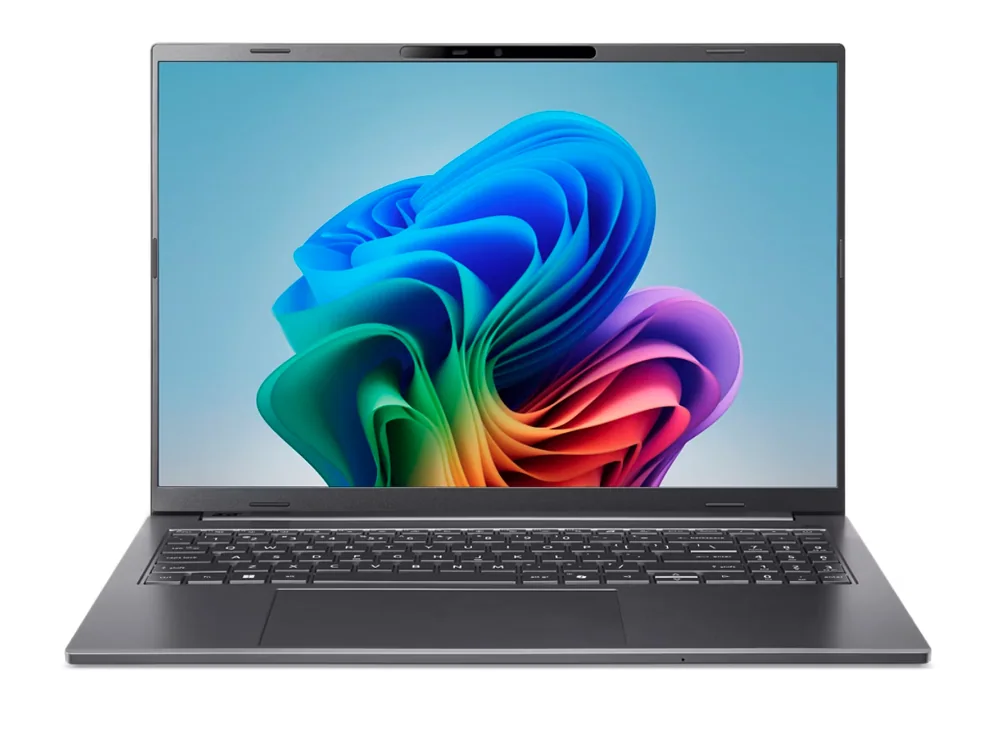
If the PX13’s compact 2-in-1 approach is not your ideal setup, these are the more straightforward directions to consider.

ASUS ProArt PX13 FAQ
Is the ASUS ProArt PX13 good for photo editing?
Yes, it is built for creator workflows, and the 13.3-inch 2,880 by 1,800 OLED touch display is a strong fit for color-sensitive work. The Ryzen AI 9 HX 370 and 32GB of RAM also help when you are working with large catalogs and layered edits.
Is the ASUS ProArt PX13 good for video editing?
It is a strong option for video editing in a compact size because it includes an Nvidia GeForce RTX 4050 laptop GPU with 6GB of VRAM, plus a high-end AMD processor and 32GB of memory. That said, the 13.3-inch screen is small for long timeline sessions, so screen size preference matters.
How portable is the ASUS ProArt PX13?
It is notably portable for a creator-focused Windows laptop. It weighs 3.04 pounds and measures 0.7 by 11.7 by 8.3 inches, which makes it easier to carry daily than many larger creator laptops.
What does the 2-in-1 design change in real life?
It lets you change how you work without changing devices. You can type in laptop mode, prop it up in tent mode for playback and review, or fold it back for touch-first work when tapping and swiping is faster than a trackpad.
Does the ASUS ProArt PX13 have good battery life?
A measured battery rundown has been recorded at 14 hours 30 minutes, which is a solid number on paper. Just do not treat it as a guarantee, because real battery life drops with higher brightness, video calls, and demanding creative apps.
Does the ASUS ProArt PX13 support mobile broadband?
No mobile broadband option is noted for this model. If you need built-in cellular connectivity for travel, you should plan on tethering or choose a laptop line that offers WWAN.
Should you buy the ASUS ProArt PX13?
Buy the ASUS ProArt PX13 if you want a genuinely portable 2-in-1 that does not treat creative performance like an afterthought. The combination of a 2.8K OLED touch display, Ryzen AI 9 HX 370, 32GB of RAM, and RTX 4050 graphics is exactly what makes it make sense.
Skip it if you do not care about touch or convertible modes, or if you need built-in mobile broadband. In that case, you will usually be happier with a more traditional clamshell laptop that focuses on the basics and keeps the day-to-day experience simpler.