
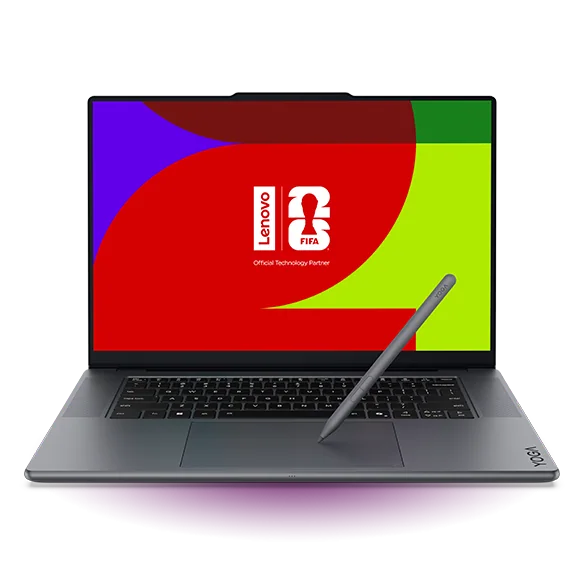
What to know first
- The OLED touchscreen is the main reason to buy it: sharp, high-contrast, and suited to color work.
- It is built for light to moderately demanding creator workloads, not workstation-class jobs.
- Port selection is a real advantage for creators (HDMI, USB-A, SD card reader are in the mix).
- Battery life can make it through a typical school or work day in lighter use.
- Memory is a limiting factor: configurations top out at 32 GB, and it is soldered.
What the Lenovo Yoga Pro 9i is
The Lenovo Yoga Pro 9i is a premium Windows laptop aimed at creators who care about the screen as much as the speed. Think photo editing, video timelines, and everyday work where you want a big, sharp display that makes your content look the way it should.
The big draw is that it pairs an OLED touchscreen with creator-friendly performance parts. In the configuration details we have, that includes an Intel Core Ultra 9 285H processor, Nvidia RTX 5050 graphics, 32 GB of memory, and a 1 TB SSD. That combination is meant to keep editing apps responsive and exports moving, without turning the laptop into a bulky gaming rig.
It is built to feel like a premium laptop in the basics that you touch all day. That includes a comfortable keyboard, a large touchpad, and a 1440p webcam, which matters when this is also your email, docs, and video-call machine between creative sessions.
Why it stands out
Start with the display. The Lenovo Yoga Pro 9i is associated with OLED configurations that are high resolution and high refresh (120 Hz is cited), and it is a display-first choice for photo and video work. OLED gives you deep blacks and strong contrast, which helps when you are grading darker footage, retouching shadows, or trying to judge an image without the screen washing everything out.
Touch support is a real workflow perk if you like interacting directly with what is on screen. Scrubbing a timeline, zooming into a photo, flipping through selects, or doing quick markups can feel more direct when you can tap and pinch instead of relying on trackpad gestures.
The port selection is another practical win for creators. The Yoga Pro 9i is described as having more variety than some premium competitors, including USB-A, HDMI, and an SD card reader. That is the difference between plugging in a camera card or external display immediately versus carrying adapters for basic tasks.
It is also portable enough for daily carry while still being creator-capable. The configuration details we have list it at 4.5 pounds. That is not featherweight, but for a 16-inch class editing laptop with discrete graphics, it is still in the bring-it-with-you range for most people.
What it is like to own
In day-to-day use, the Lenovo Yoga Pro 9i is set up to work as your main computer, not just your editing machine. A comfortable keyboard and a large touchpad matter when you are writing, managing files, and doing the unglamorous parts of creative work like naming folders and sending drafts.
For calls and remote work, a 1440p webcam is a standout spec. It is an immediate upgrade if you are coming from the typical 1080p laptop camera, especially in less-than-perfect lighting.
Battery life is strong enough to plan around. The information we have includes a web-browsing result of about 11 hours for a recommended configuration, and it is also described as lasting through a typical school or work day. Expect that number to drop with higher brightness, lots of video calls, and heavier editing.
Storage and expansion are mixed in a way that is common for thin premium laptops. The SSD is described as fast and user-replaceable, which is great because storage needs grow fast with RAW photos and video. Memory is the opposite story: it tops out at 32 GB and is soldered, so you need to buy the amount of RAM you will want for the life of the laptop.
What to know before you buy
The biggest limitation is headroom. The Lenovo Yoga Pro 9i is not a workstation-class machine, and the memory ceiling of 32 GB (soldered) is a real constraint for some creator workflows. If you regularly work with huge layered files, massive catalogs, or very heavy motion graphics projects, you can hit that ceiling sooner than you think.
OLED is beautiful, but it comes with two practical downsides. First, glossy OLED panels can be annoying with reflections in bright rooms or near windows. Second, OLED panels are susceptible to permanent burn-in over time. That does not mean it will happen to everyone, but it is a known risk with OLED technology, especially if you leave static UI elements up for long stretches at high brightness.
This is not the laptop to buy for high frame rates in demanding games. It has discrete Nvidia graphics in the configuration details we have, but the Yoga Pro 9i is built around creator work and a great screen, not around gaming performance.
The specs that matter
OLED contrast helps you judge shadows and highlights, and the high resolution makes fine detail and text look crisp. A higher refresh rate can make scrolling and timeline scrubbing look smoother.
A higher-end CPU helps keep creative apps responsive and speeds up tasks like exports and renders. It also helps when you have lots of apps open at once.
A discrete Nvidia GPU can accelerate parts of video editing and other creator workloads. It is there to help creation apps run better, not to turn the laptop into a dedicated gaming machine.
32 GB is enough for many photo and video workflows, but it is a hard ceiling. Because it is soldered, you cannot upgrade later, so buying the right amount up front matters.
1 TB is a practical starting point for creator files, and a replaceable SSD gives you a path to expand storage later without replacing the whole laptop.
These are the ports creators actually use. HDMI makes external monitors easy, USB-A supports older drives and accessories, and an SD card reader speeds up photo and video ingest.
If you are on calls often, a sharper webcam makes you look clearer and less muddy than a basic laptop camera.
Who this product fits
You edit photos and want a screen you can trust
The Lenovo Yoga Pro 9i makes sense if you spend hours in Lightroom or Photoshop and you care about contrast and color. The OLED touchscreen gives you a high-impact view of your work, and the rest of the laptop experience is strong enough that it still works as your everyday computer.
You cut video on the go and plug into different setups
If you bounce between home, school, and client spaces, the Yoga Pro 9i’s port selection makes life easier. HDMI for a monitor, USB-A for accessories, and an SD card reader for ingest means fewer adapters and fewer points of failure in your bag.
You want a Windows creator laptop with touch for review work
Touch is useful for reviewing edits, scrubbing, zooming, and quick markups. If you like interacting directly with your content instead of living entirely on keyboard shortcuts, the Yoga Pro 9i’s touchscreen fits that style.
You do creative work, but you also live in video calls and docs
With a 1440p webcam, a comfortable keyboard, and battery life that can cover a typical day in lighter use, the Yoga Pro 9i fits the full mix of modern work: meetings, writing, research, and then creative time after.
What else to compare
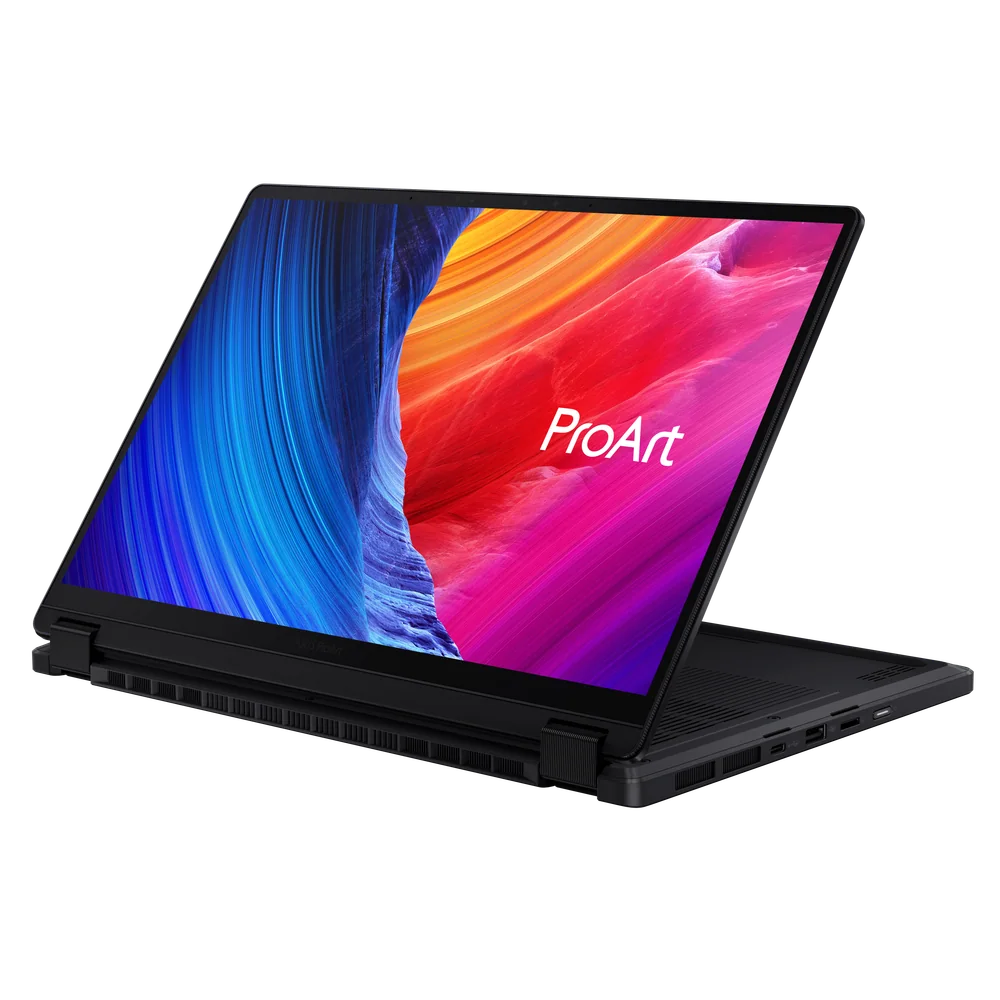
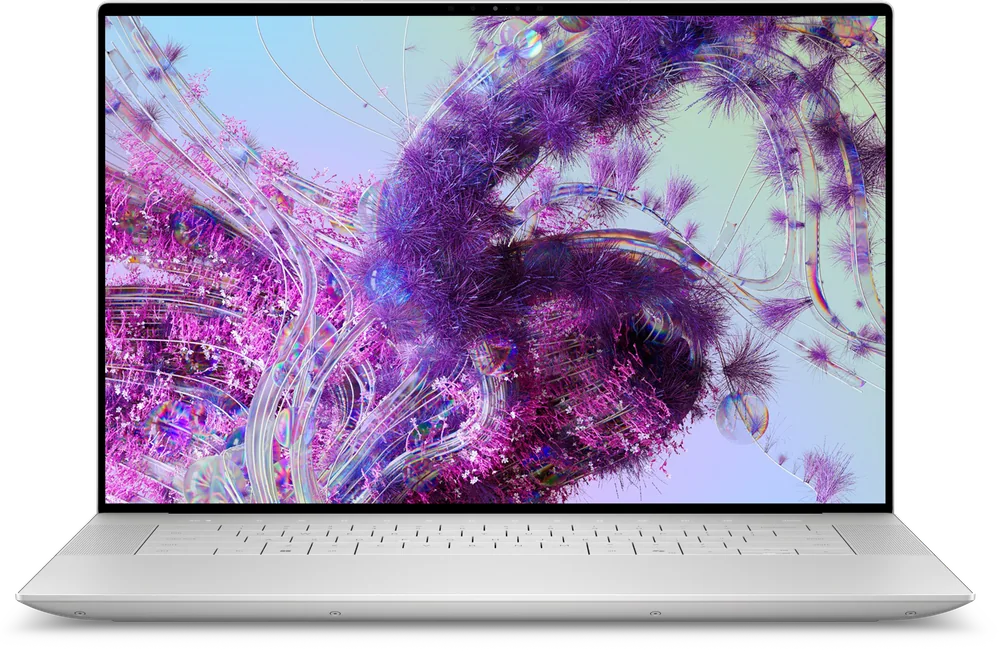
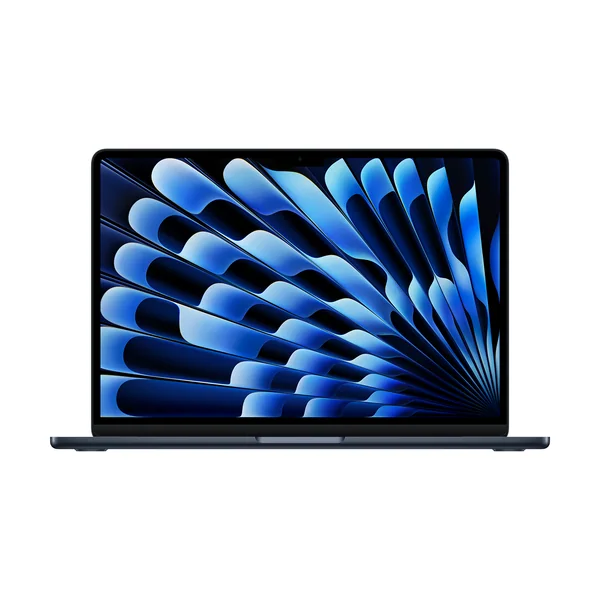
If the Lenovo Yoga Pro 9i is close but not quite right, these are the other models I would consider first.
Lenovo Yoga Pro 9i FAQ
Is the Lenovo Yoga Pro 9i good for photo editing?
Yes, if you care about the display. OLED configurations are a strong fit for image work, and the screen specs support color-focused tasks.
Is the Lenovo Yoga Pro 9i good for video editing?
It can be a strong fit for timeline-based editing on a portable Windows laptop. The configuration details we have include an Intel Core Ultra 9 processor and Nvidia RTX graphics, which are the kinds of parts that help in creator apps.
Can you upgrade the Lenovo Yoga Pro 9i later?
RAM is the main limitation because it is soldered and tops out at 32 GB. Storage is more flexible because the SSD is described as user-replaceable, so you can expand storage later if you need more space.
Does the Lenovo Yoga Pro 9i have the ports creators need?
Yes. It is described as having a useful variety of ports, including USB-A, HDMI, and an SD card reader, which are practical for external displays, accessories, and importing photos and video.
Is the Lenovo Yoga Pro 9i a good gaming laptop?
It is not the right choice if gaming is your main goal. It has discrete Nvidia graphics in the configuration details we have, but the Yoga Pro 9i is built around creator work and a great screen, not around pushing high frame rates in demanding titles.
Should I worry about OLED burn-in on the Lenovo Yoga Pro 9i?
OLED panels are susceptible to permanent burn-in over time, which is a known OLED risk. If you keep static UI elements on screen for long stretches at high brightness, it is worth being mindful of brightness settings and screen timeout habits.
Should you buy the Lenovo Yoga Pro 9i?
Buy the Lenovo Yoga Pro 9i if you want a Windows creator laptop where the screen is the star. The OLED touchscreen, creator-friendly performance parts, and genuinely useful ports add up to a laptop that fits real photo and video workflows without making daily life annoying.
Skip it if you need workstation-level headroom or upgradeable memory. The 32 GB soldered RAM ceiling is the clearest line in the sand. If that does not bother you, the Lenovo Yoga Pro 9i is a smart, polished choice for creators who want their work to look great on screen and still need a laptop that behaves like a normal laptop the rest of the day.