Pickori

9 Best Laptops for Photo Editing of 2026

Published

These are Pickori’s recommendations for the best laptops for photo editing in 2026, covering everything from color-critical Lightroom and Photoshop work to travel-friendly editing and big-screen creator machines. If you want a laptop that makes it easy to trust what you’re seeing on screen and still feels fast when you’re pushing big RAW files, start here.

9 Products ResearchedIndependent ResearchClear Buying Guidance
1
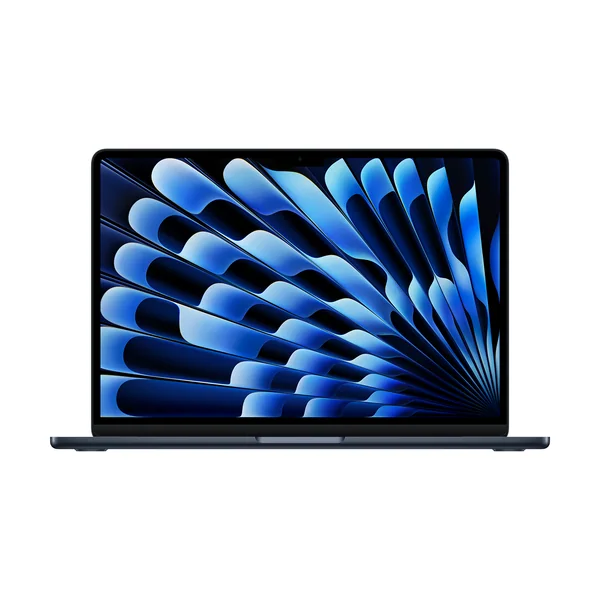
Apple MacBook Air 13-inch (M5)
Best Overall

Apple MacBook Air 13-inch (M5)

Apple MacBook Air 13-inch (M5) is the easiest laptop to recommend for most photo editors who want a fast, quiet machine with a display you can actually edit on confidently. It has the kind of performance that fits real Lightroom and Photoshop workflows without turning your laptop into a loud, hot project. If you want a Mac that feels premium for editing but still stays simple and portable, this is the cleanest buy in the group.

  • Strong, color-accurate screen for editing decisions you can trust
  • High-end performance for Lightroom and Photoshop workflows
  • Quiet operation that stays pleasant for long editing sessions
Check price on Amazon Read the full Apple MacBook Air 13-inch (M5) review →
2
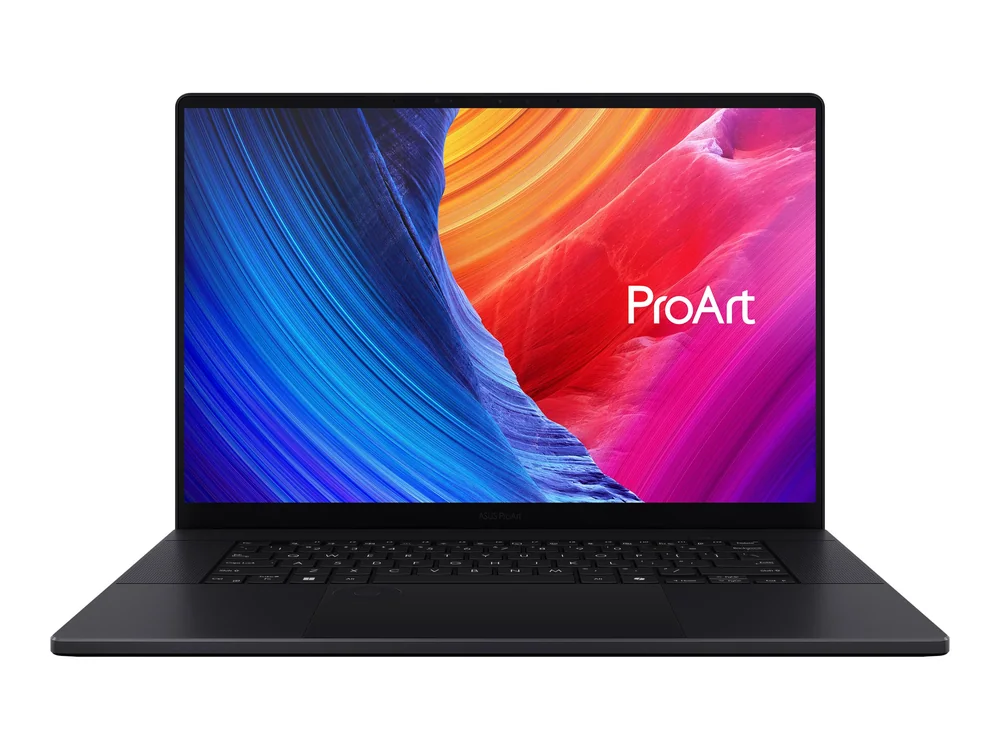
ASUS ProArt P16
Best Windows Creator Laptop

ASUS ProArt P16

ASUS ProArt P16 is for Windows-based photo editors who want a creator-first laptop with a sharp 16-inch OLED screen and the processing power to keep demanding work moving. It’s a comfortable daily driver too, thanks to a tactile keyboard, a large touchpad, and plenty of ports for peripherals and external displays. If you want a Windows machine that feels purpose-built for creative work, this is the one to beat here.

  • Sharp, colorful 16-inch OLED display that suits photo work and media review
  • Comfortable to use for long sessions (tactile keyboard, large responsive touchpad)
  • Plenty of ports for peripherals and external displays
  • Glossy screen can be distracting in bright, reflective environments
  • Battery life can lag some competing Windows creator laptops by about 45 minutes
Check price on Amazon Read the full ASUS ProArt P16 review →
3
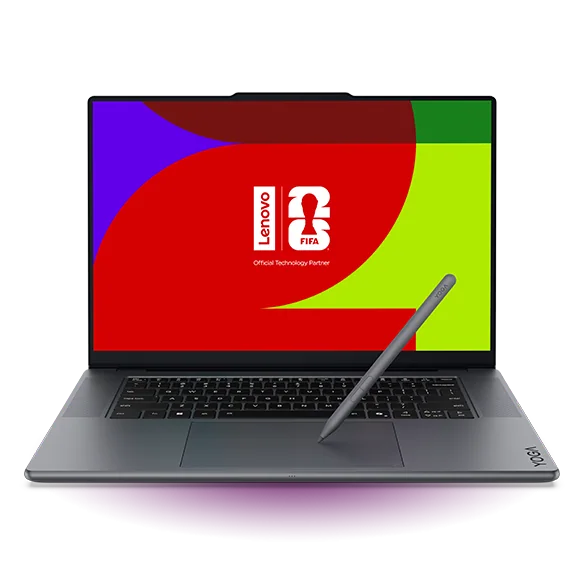
Lenovo Yoga Pro 9i
Best Display-Focused Windows Pick

Lenovo Yoga Pro 9i

Lenovo Yoga Pro 9i makes sense for editors who prioritize a great-looking screen and a polished, portable Windows experience for everyday photo work. It’s also a strong fit if you want touch and pen input in the mix, since the overall user experience is built around that. Skip it for heavy workstation-style workloads, though, because it’s aimed at light to moderately demanding tasks and tops out at 32GB of soldered RAM.

  • Excellent overall user experience with touch and pen input support
  • Portable design that’s easy to carry day to day
  • Battery life that can last through a typical school or work day
  • Not a workstation-class machine (limited to light to moderately demanding tasks, up to 32GB soldered RAM)
Check price on Amazon Read the full Lenovo Yoga Pro 9i review →
4
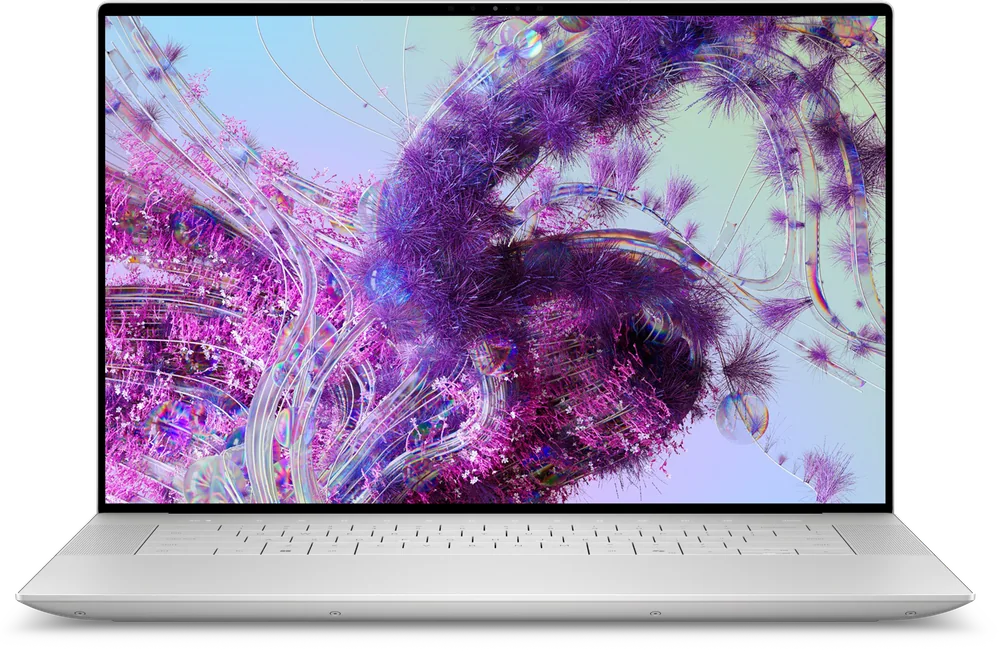
Dell XPS 16
Best Windows Premium Choice

Dell XPS 16

Dell XPS 16 is for shoppers who want a premium Windows laptop experience first and a photo-editing machine second, with the kind of build and design that fits a high-end daily computer. It’s on this list because it represents the upscale XPS approach in a larger format, which many editors prefer for reviewing and working on images. If your priority is a creator-focused design with clearly documented editing-specific strengths, the ASUS ProArt P16 is the safer bet.

  • Premium XPS design language for a high-end Windows daily laptop
  • A sensible direction if you want a larger-screen XPS-style machine for creative work
  • Less clearly established as an editing-first choice than the creator-focused models above
Check price on Amazon Read the full Dell XPS 16 review →
5
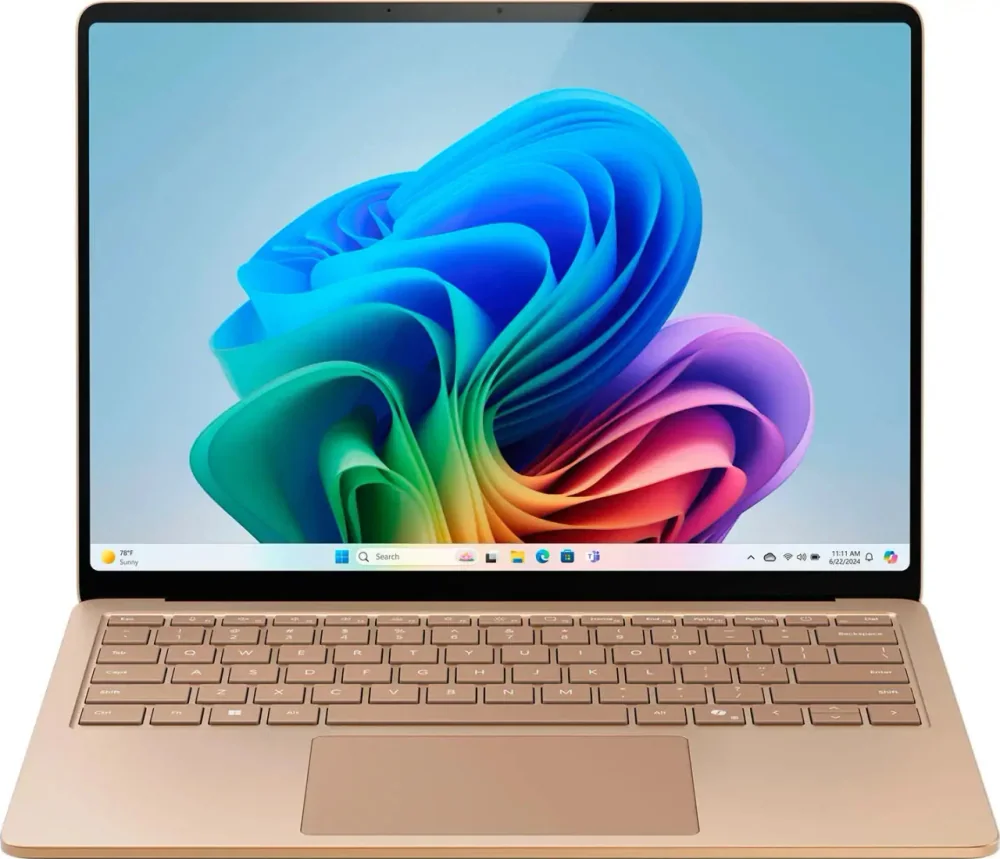
Microsoft Surface Laptop with Snapdragon X Elite
Best Windows Travel Choice

Microsoft Surface Laptop with Snapdragon X Elite

Microsoft Surface Laptop with Snapdragon X Elite is for photo editors who travel a lot and want a compact, well-built 15-inch Windows laptop that can go all day. Battery life is the headline here, and the display is described as sharp and well-calibrated, which matters when you’re doing quick selects and edits away from your main setup. It’s not the right tool for GPU-heavy creative work, and ARM app compatibility can affect performance depending on what you run.

  • Very compact for a 15-inch laptop, with a remarkably well-built feel
  • Excellent battery life (around 17 hours of light use, around 16 hours of video playback)
  • Sharp, well-calibrated display that gets bright enough for typical on-the-go use
  • Not designed for gaming or GPU-heavy workloads (weak integrated GPU)
  • ARM processor means some apps and games may not run natively, so performance can vary
Check price on Amazon Read the full Microsoft Surface Laptop with Snapdragon X Elite review →
6
MSI Raider 18 HX AI
Best Ultra-High-Power Option

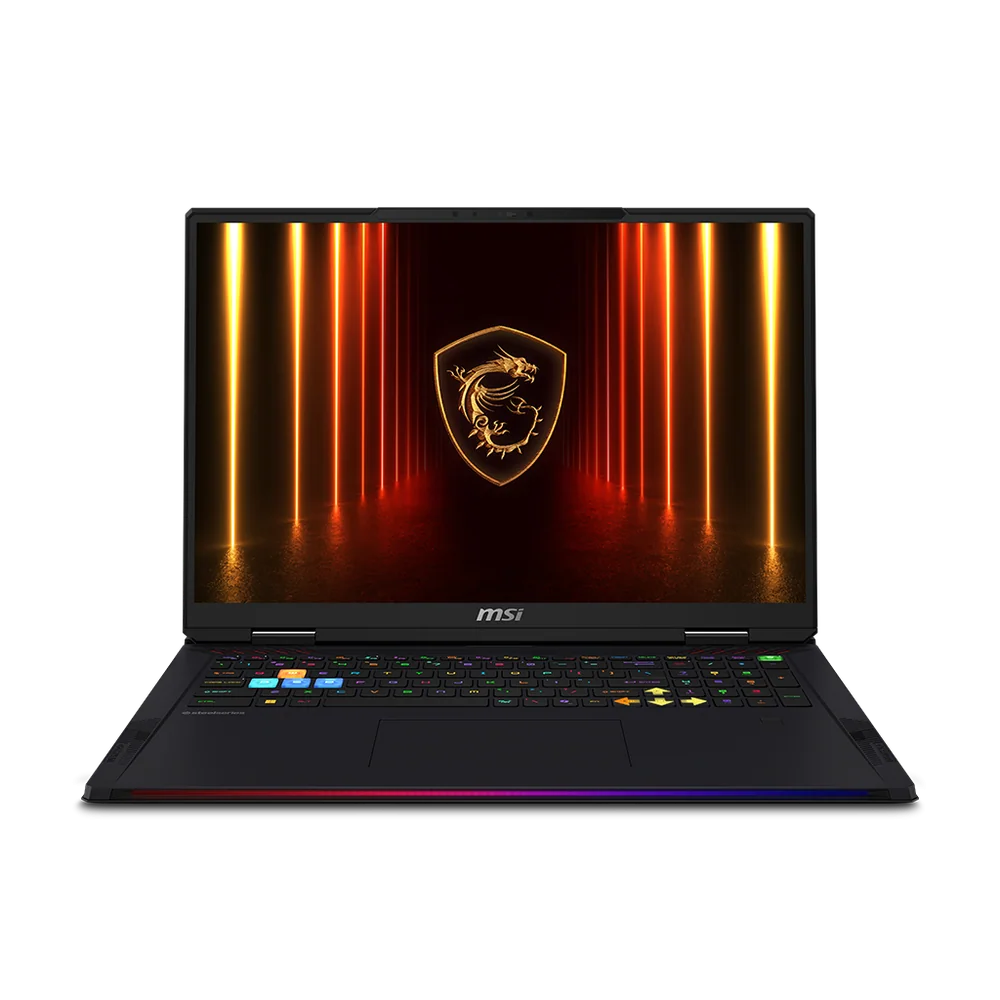
MSI Raider 18 HX AI

MSI Raider 18 HX AI is for power users who want a strictly high-performance laptop that can double as a serious creator machine when your projects are more than just photo edits. The appeal is simple: big, high-end hardware headroom in a large format. If you mainly edit photos and care more about portability and a creator-tuned design, the ProArt models are a better fit.

  • Built around strictly high-performance configurations
  • Large format that suits heavy multitasking and big creative projects
  • Better suited to power-first buyers than travel-first editors
Check price on Amazon Read the full MSI Raider 18 HX AI review →
7
Razer Blade 18
Best Large-Screen Performance Pick

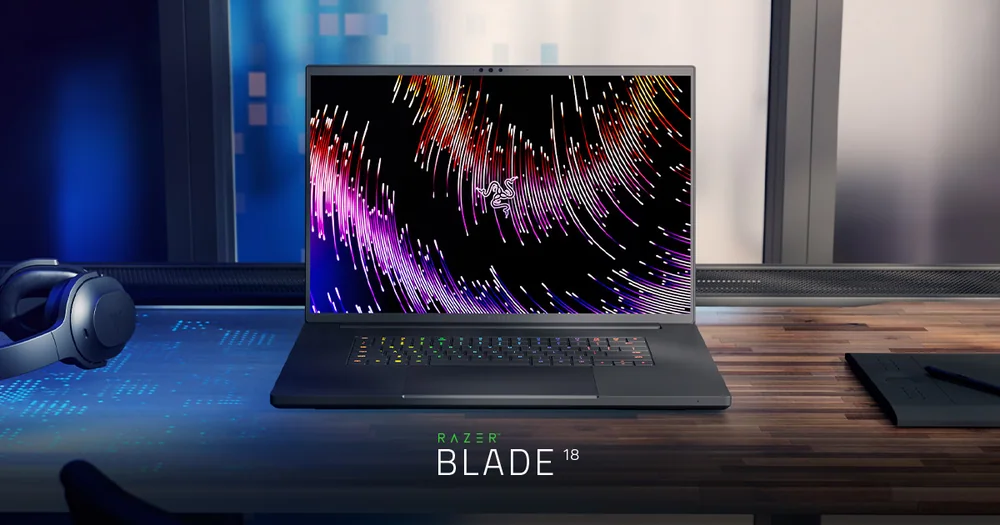
Razer Blade 18

Razer Blade 18 is for creators who want a big-screen laptop with fiery performance and are willing to treat it like a premium desktop replacement. It’s unusually compelling if you also game, thanks to its dual-mode display concept, but the real photo-editing benefit is the combination of a large 18-inch canvas and serious speed. Performance can vary depending on the benchmark and workload, so it’s best for buyers who value the overall high-end package more than chasing one specific score.

  • Slim, premium 18-inch chassis built around high performance
  • Large display is great for detailed creative work and multitasking
  • Strong battery life for an 18-inch performance laptop
  • Dual-mode display concept can appeal to creators who also game
Check price on Amazon Read the full Razer Blade 18 review →
8
ASUS ProArt PX13
Best Compact Creator Pick

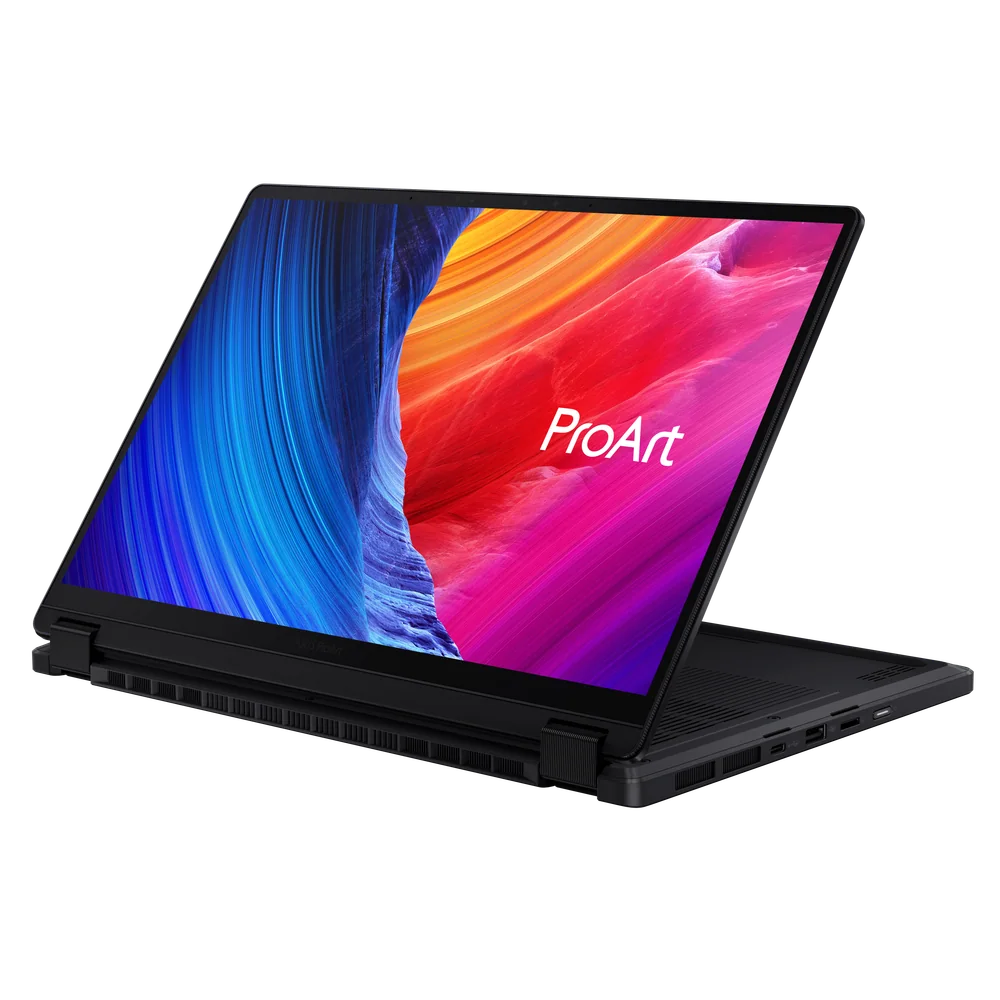
ASUS ProArt PX13

ASUS ProArt PX13 is for editors who want a compact convertible that still takes creative performance seriously. It’s positioned as a strong fit for Adobe and other creative applications, and the flip-and-fold design is genuinely useful if you like working with touch or changing how you prop the screen while you edit. If battery life is your top priority, be aware that some competing Windows laptops can last longer.

  • Premium convertible design (flip-and-fold) for flexible editing setups
  • Strong performance for Adobe and other creative applications
  • Compact size compared with many other premium 2-in-1 laptops
  • Battery life can fall behind some competing Windows laptops
Check price on Amazon Read the full ASUS ProArt PX13 review →
9
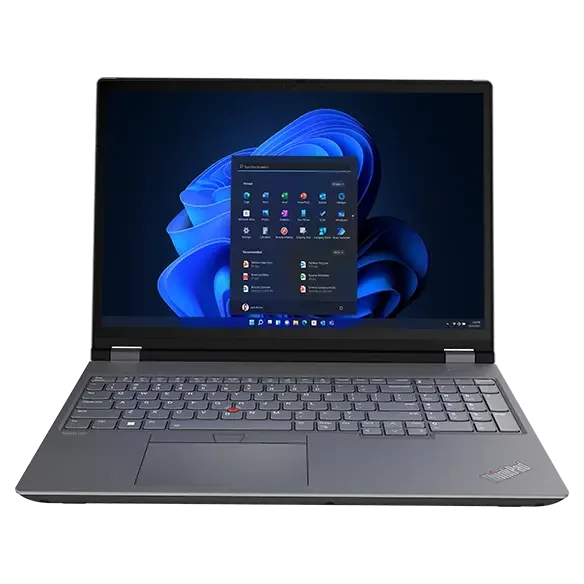
Lenovo ThinkPad P16
Best Workstation-Class Windows Option

Lenovo ThinkPad P16

Lenovo ThinkPad P16 is for buyers who want a workstation-style Windows laptop as the foundation of a heavier-duty photo production setup. It earns its place here as the more professional, large-screen direction, especially if you’re building around a desk workflow rather than carrying your laptop everywhere. The downside is that the editing-specific strengths are less clearly established than the top creator laptops on this list, so most shoppers should start with the ProArt P16 instead.

  • Workstation-class direction for a more production-oriented setup
  • Large-screen platform that suits desk-based editing workflows
  • Less clearly defined photo-editing advantage than the creator-focused laptops above
Check price on Amazon Read the full Lenovo ThinkPad P16 review →

FAQ

Is a Mac or a Windows laptop better for photo editing?

Both can be excellent. If you want the simplest path to a fast, quiet editing laptop with a color-accurate screen, the Apple MacBook Air 13-inch (M5) is the cleanest recommendation here. If you prefer Windows or need Windows-specific apps, the ASUS ProArt P16 is the most editing-focused Windows choice in this list.

What matters more for photo editing: the display or raw performance?

For most photo editors, the display matters first because it affects every color and exposure decision you make. After that, performance matters for keeping Lightroom and Photoshop responsive when you’re working with big RAW files, lots of layers, or heavy exports.

Which laptop here is best for editing photos while traveling?

The Microsoft Surface Laptop with Snapdragon X Elite is the travel-first choice because it’s compact for a 15-inch laptop and is rated for very long battery life. If you want a smaller creator-style machine with a convertible design, the ASUS ProArt PX13 is the more editing-focused alternative.

Do I need a workstation-class laptop for photo editing?

Not usually. A workstation-style model like the Lenovo ThinkPad P16 makes more sense when your photo work is part of a heavier production workflow and you want a more desk-based, professional platform. For most people, a creator laptop like the ASUS ProArt P16 is the more practical buy.

Is an 18-inch performance laptop worth it for photo editing?

It can be, if you want a big screen and don’t mind the size. The Razer Blade 18 and MSI Raider 18 HX AI are aimed at buyers who want desktop-replacement power and a large canvas for multitasking. If portability matters, you’ll be happier with a 13- to 16-inch creator laptop.