
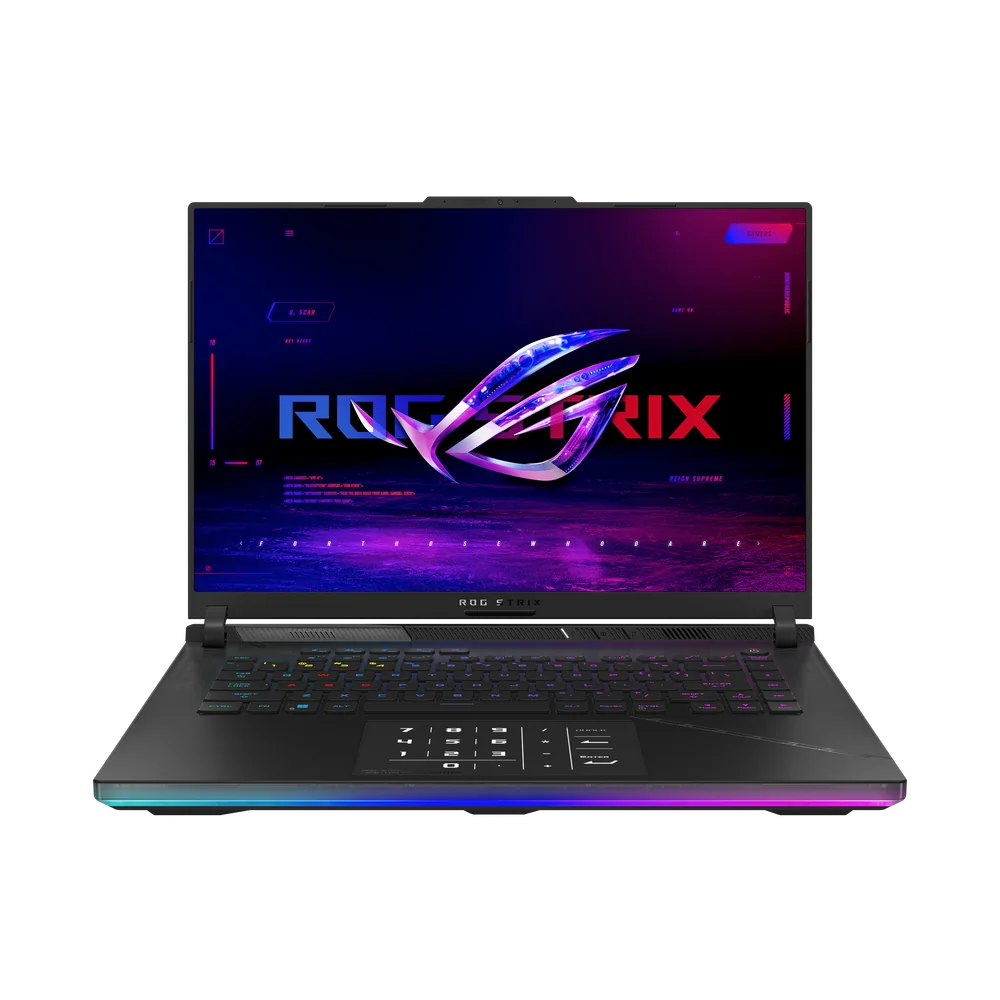
What to know first
- High-end configurations pair Intel Core Ultra 9 275HX with RTX 5080 Laptop GPU (16GB GDDR7).
- 240Hz mini-LED display is built for smooth motion and sharp detail.
- Cooling is a core part of the design, aimed at keeping performance steady in longer sessions.
- Tool-free access for RAM and SSD upgrades makes ownership easier over time.
- Performance is firmly high-end, but it is not guaranteed to lead every benchmark chart.
- Fans can get loud when the laptop is pushing hard.
What the Asus ROG Strix Scar 16 is
The Asus ROG Strix Scar 16 is a premium 16-inch Windows gaming laptop built to act like a desktop replacement. The goal is straightforward: high-end laptop parts, a high refresh display, and a chassis designed to keep that performance available for more than a quick burst.
The configuration covered here uses an Intel Core Ultra 9 275HX processor, an Nvidia GeForce RTX 5080 Laptop GPU with 16GB of GDDR7 video memory, and 32GB of DDR5 system memory. In plain terms, that is the kind of hardware you buy for demanding modern games, high frame rate competitive play, and heavy non-gaming work like media editing.
This is not a subtle, ultraportable machine. It is meant to live on a desk most of the time, then move when you need it to, not because it is fun to carry.
Why it stands out
The Scar 16 earns its price with the full package, not one headline part. You are getting a high-end CPU and GPU tier paired with a mini-LED display that runs at 240Hz. That refresh rate matters when your frame rates are high enough to match it, and it also makes everyday motion like scrolling and camera movement look cleaner.
Cooling is a big part of the story at this performance level. A powerful GPU on paper is only useful if the laptop can keep it running hard without constantly pulling back because of heat. The Scar 16 is built around strong cooling for sustained load, which is exactly what you want for long gaming sessions or long creator workloads.
It is also set up for longer-term ownership. Tool-free access for RAM and SSD upgrades is a practical feature that makes it easier to add storage later or adjust memory as your needs change.
What it is like to own
Day to day, the Scar 16 makes the most sense as a plug-in-and-play desk laptop. Open it, plug it in, and let the hardware run. That is where the 240Hz display pays off most, because you can actually see the benefit when games are running fast, and the whole system feels more responsive in motion.
When you push it, expect fan noise. That is part of the deal with a high-powered 16-inch gaming laptop that is trying to keep temperatures under control while holding performance steady. If you play with speakers, it is usually manageable. If you care a lot about a quiet room, plan on headphones.
One quirk to know about is the touchpad number pad overlay. It can be useful if you want a numpad, but it can also be triggered accidentally, which is frustrating if you never use it.
If you like to upgrade your machines, the Scar 16 is friendlier than many premium laptops. Tool-free RAM and SSD access means storage and memory are things you can change later, not permanent decisions.
What to know before you buy
Do not buy the Asus ROG Strix Scar 16 if your only goal is to own the single fastest laptop in every benchmark. It is clearly high-end overall, but it does not always land at the very top of every performance ranking. Buy it because you want the complete package: premium screen, strong cooling, upgrade access, and elite parts.
This is still an expensive laptop. If you are shopping mainly for frames per dollar, stepping down a tier or choosing a more value-focused model can make more sense.
Also keep expectations realistic about unplugged use. Like most gaming laptops, it is built to deliver full performance when plugged in, not to game at full tilt on battery.
The specs that matter
This is a high-end mobile processor class meant for heavy workloads. It helps with high frame rates in CPU-heavy games and speeds up demanding creator tasks like encoding and rendering.
The GPU is the main driver of gaming performance. An RTX 5080-class laptop GPU is built for high settings in demanding games and gives you more headroom for higher resolutions and effects.
More VRAM helps when games use large texture packs, higher resolutions, and heavier effects. It can also help certain creator workflows that lean on the GPU.
32GB is a comfortable amount for modern gaming plus multitasking, and it is a practical baseline for heavier media projects where 16GB can feel tight.
240Hz can make fast games feel more responsive and smooth if your frame rates are high enough. Mini-LED is a premium display tech, which is part of what you are paying for in this class.
Cooling is what lets a high-end CPU and GPU keep running hard in longer sessions. Better cooling usually means steadier performance, but it can also mean louder fans when the system is working.
This makes it easier to add storage later or extend the useful life of the laptop without paying for a whole new machine.
Who this product fits
You want a 16-inch desktop replacement for AAA games
The Asus ROG Strix Scar 16 is built for that job: a Core Ultra 9 275HX and RTX 5080-class graphics paired with a 240Hz mini-LED display and cooling designed for longer sessions.
You play competitive games and care about motion clarity
A 240Hz screen gives you the chance to actually see and feel the benefit of high frame rates. If you already use a high refresh external monitor, the Scar 16 also makes sense as the laptop that can drive those frame rates.
You game and also do heavy creative work
With a high-end CPU, RTX 5080 Laptop GPU, and 32GB of RAM in the configuration covered here, the Scar 16 has the horsepower for demanding media tasks alongside gaming.
You keep laptops for years and upgrade along the way
Tool-free access for RAM and SSD upgrades makes it easier to add storage when your game library grows or adjust memory later without a complicated teardown.
What else to compare
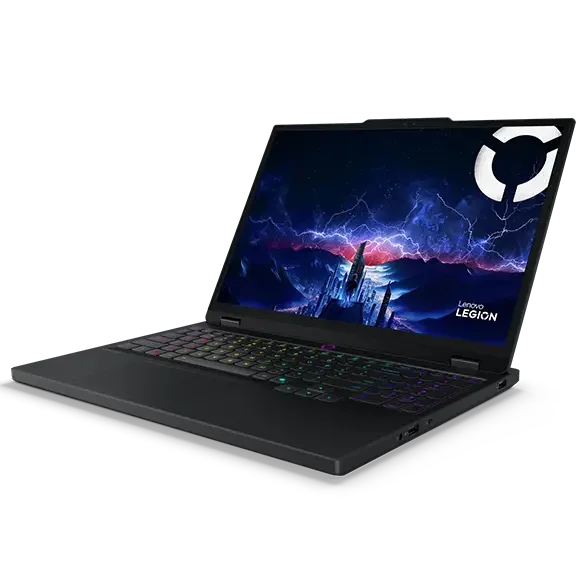
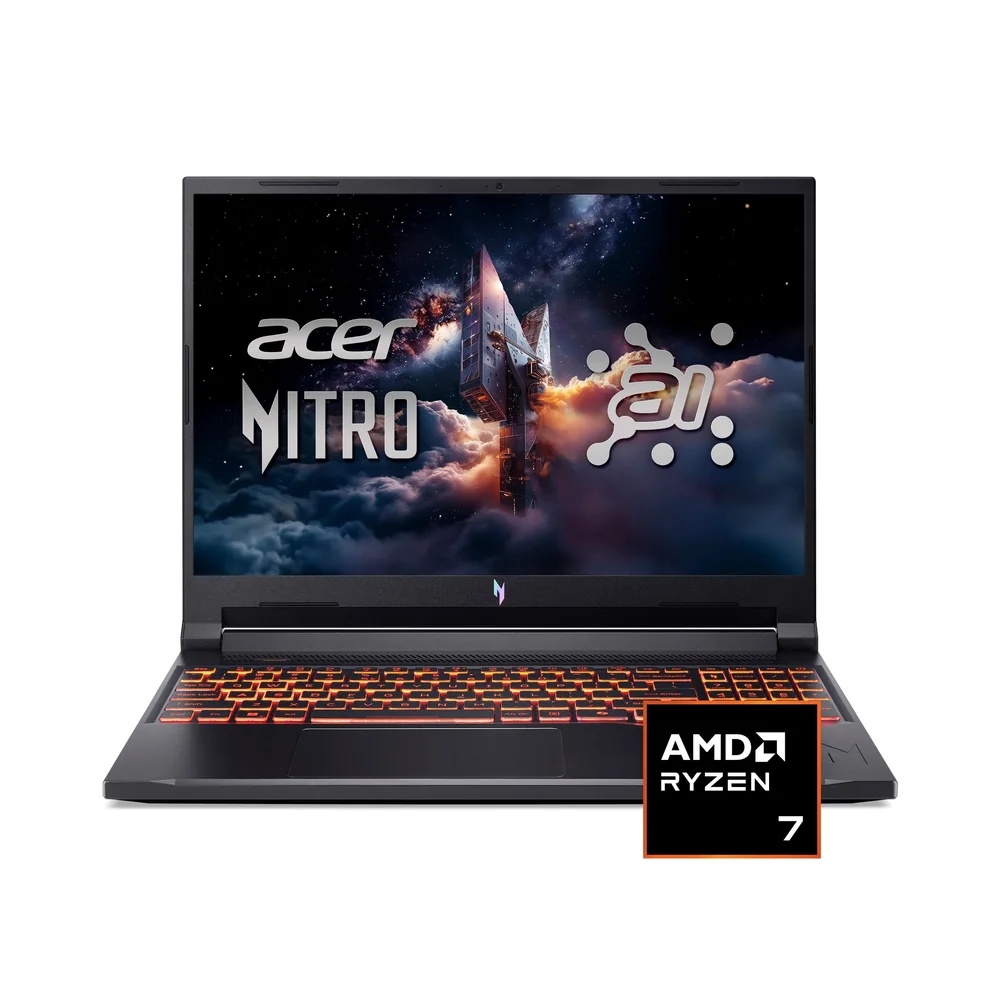
If the Scar 16 feels like too much laptop for your life, these are the directions I would look next.


Asus ROG Strix Scar 16 FAQ
Is the Asus ROG Strix Scar 16 good for AAA gaming?
Yes. With a Core Ultra 9 275HX, RTX 5080 Laptop GPU, and a 240Hz mini-LED display in the configuration covered here, it is built for demanding modern games. For best performance, plan to play plugged in.
Is the Asus ROG Strix Scar 16 good for content creation too?
It can be a strong choice if you want one laptop for gaming and heavy media work. The high-end CPU and RTX 5080-class graphics are well suited to demanding creator workloads. It is not a workstation-branded machine, but it has the raw performance for serious projects.
Does the Asus ROG Strix Scar 16 have a 240Hz display?
Yes. The configuration covered includes a 240Hz mini-LED display. You will notice it most in competitive games and anything with fast motion.
Are the fans loud on the Asus ROG Strix Scar 16?
They can get loud under load. That is common for high-performance gaming laptops that are prioritizing cooling and sustained performance. If noise bothers you, headphones help a lot.
Can you upgrade the Asus ROG Strix Scar 16 later?
Yes. Tool-free access for RAM and SSD upgrades is noted, which makes it easier to expand storage or adjust memory over time without a complicated teardown.
Is the Asus ROG Strix Scar 16 the fastest gaming laptop you can buy?
Not guaranteed. It is firmly in the elite class, but it does not always land at the very top of every benchmark ranking. If your main goal is to chase the single highest score, compare a few flagship competitors.
Should you buy the Asus ROG Strix Scar 16?
Buy the Asus ROG Strix Scar 16 if you want a premium 16-inch gaming laptop that is built around the things you will actually notice: a high-end CPU and GPU tier, a 240Hz mini-LED display, and cooling meant to hold up in long sessions.
Skip it if you want a lighter machine you will carry every day, or if you are shopping mainly for value. The Scar 16 makes the most sense when you want a desktop-replacement style laptop and you are willing to pay for the screen, the performance tier, and upgrade-friendly access.