
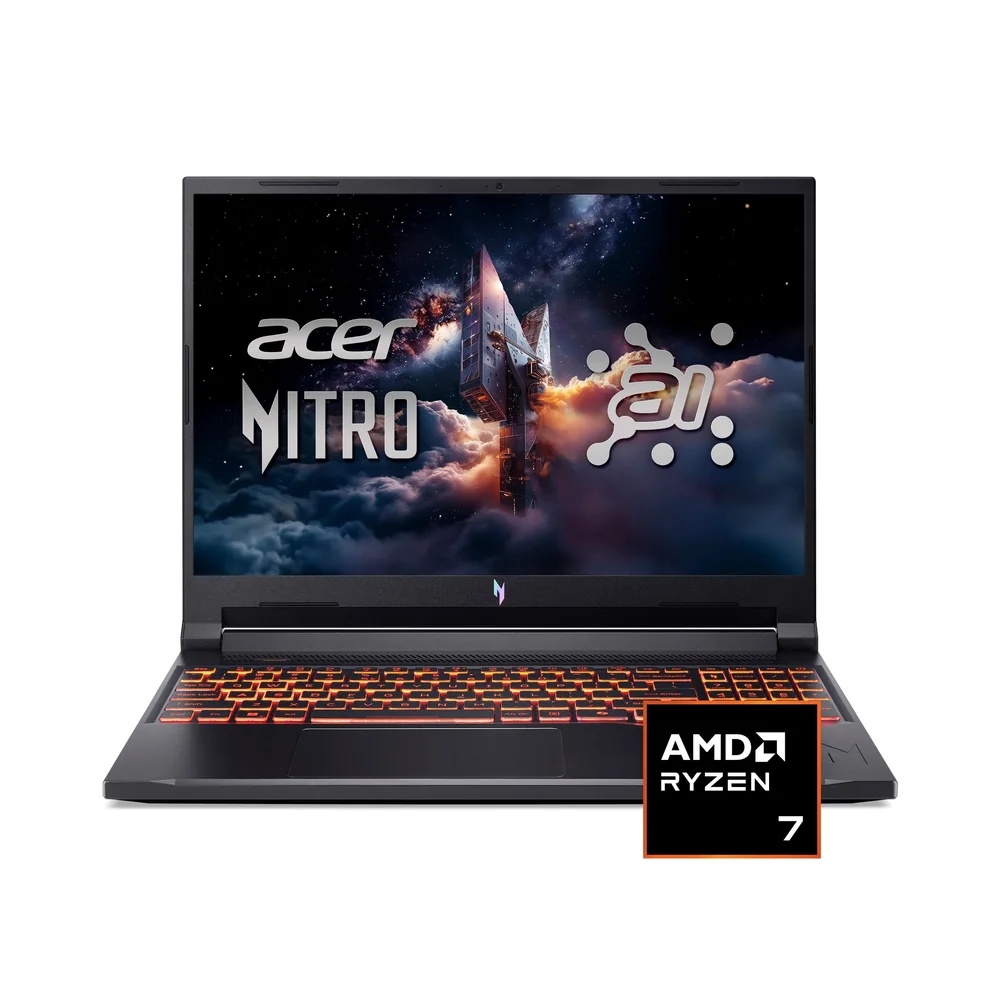
What to know first
- Strong value for 1080p gaming, with enough headroom to dabble in 1440p depending on the game and settings
- 16-inch 1920 x 1200 (16:10) screen gives you more vertical space than a typical 1080p panel
- Fast-refresh display (documented at 180Hz) helps games feel smoother and more responsive
- Battery life can be unusually long for a gaming laptop (documented at 12:07 in one configuration)
- Expect budget-laptop compromises: limited display color, a so-so touchpad, and a 512GB SSD that fills quickly
What the Acer Nitro V 16 AI is
The Acer Nitro V 16 AI is a 16-inch Windows 11 gaming laptop built to hit a lower price tier without feeling like a toy. It’s part of Acer’s Nitro line, which focuses on giving you a real GPU and a high refresh screen for the money, then saving costs on the “nice to have” stuff like premium materials and high-end touchpads.
In the configuration with the clearest published specs, you’re looking at an AMD Ryzen 5 240, an Nvidia GeForce RTX 5050 Laptop GPU, 16GB of RAM, and a 512GB SSD. The display is a 16-inch IPS panel at 1920 x 1200 with a 180Hz refresh rate. That 1200p resolution matters because it’s still easy for an entry-level GPU to drive, but it looks sharper than plain 1080p and gives you extra vertical room for web pages, docs, and timelines.
If you’re shopping for a laptop that can handle modern games at 1080p smoothly and also do normal life stuff (schoolwork, streaming, light editing), this is exactly the lane the Acer Nitro V 16 AI is meant to fill.
Why it stands out
The big win here is the screen and performance pairing. A fast-refresh 16-inch 1200p display is a great match for entry-level RTX graphics because you get a responsive feel in motion-heavy games without demanding a ton of GPU horsepower. In practice, this class of hardware is positioned for smooth 1080p gaming, and it can also handle 1440p in many situations if you’re realistic about settings.
The display experience is helped by quick pixel response (so motion stays clearer) and variable refresh support on many configurations (G-SYNC support is called out for 165Hz display options). Variable refresh reduces tearing and makes frame rate dips feel less distracting, especially in fast shooters and open-world games.
Cooling and sustained performance are another reason it works as a gaming laptop instead of a spec sheet special. Evidence indicates the CPU and GPU can maintain performance without thermal throttling during extended gaming sessions, which is what you want if you actually play for hours at a time.
Battery life can also be a pleasant surprise for this category. One documented result shows 12:07 of battery life. You still shouldn’t expect to game unplugged for long, but it’s the difference between needing an outlet constantly and being able to get through classes or meetings on battery.
What it is like to own
Day to day, the Acer Nitro V 16 AI is more big practical laptop than sleek commuter machine. It’s not especially portable, and the documented weight is 5.38 pounds. That’s fine if it mostly lives on a desk and occasionally goes to a friend’s house, but it’s a commitment if you carry it all day.
The keyboard is described as comfortable, which matters more than people think on a gaming laptop. It’s the part you touch the most, whether you’re grinding ranked matches or typing a paper. The touchpad is the opposite story: it’s considered middling, and the surface could be smoother. If you’re used to a MacBook-level trackpad, plan on using a mouse at your desk.
For media and general use, the 16-inch screen is sharp and bright enough for most indoor environments. Outdoors in broad daylight is where it can come up short. Also, because it’s IPS with a relatively low contrast ratio, blacks can look gray in dim rooms. That’s not a dealbreaker for gaming, but it’s not the inky-black look you’d get from OLED.
Audio is serviceable but not a highlight. The speakers can get reasonably loud, but the sound is described as muddy and can distort at max volume. For games and movies, you’ll get a better experience with headphones or external speakers.
What to know before you buy
Don’t buy the Acer Nitro V 16 AI for color-critical work. Evidence points to limited display color coverage in some configurations, and while one assessment notes 100% sRGB coverage (good for typical web content), it also notes weaker coverage for wider color spaces used in HDR video and print workflows. If your income depends on accurate color, step up to a higher tier.
Storage is the other easy-to-miss issue. A 512GB SSD sounds fine until you install a few big games and realize you’re out of room. If you go with a 512GB configuration, assume you’ll be managing installs or upgrading storage. The good news is that RAM and storage are described as user-replaceable, so you’re not locked in forever.
Expect the fans to be noticeable when you’re gaming or doing other heavy work. If you share a room, use an open mic, or just hate hearing a laptop ramp up, this is a real comfort factor to think through before you buy.
The specs that matter
This is the “get the job done” tier for gaming and everyday work. It’s enough for modern games paired with an RTX 5050, plus school and basic creator tasks, but it’s not aimed at heavy workstation workloads.
An entry-level RTX GPU is the difference between “can run modern games smoothly at 1080p” and “integrated graphics only.” It also gives you a realistic path to trying ray tracing in supported games, usually with settings compromises.
The 16:10 shape gives you more vertical space for browsing, documents, and editing timelines. 1200p is also easier for a budget GPU to drive than higher-res panels, so you get better frame rates.
High refresh makes fast games look smoother and feel more responsive, especially when your GPU can push high frame rates at 1080p class settings.
16GB is a comfortable baseline for modern gaming and multitasking. It helps when you have a game open plus Discord, a browser, and streaming tools.
It keeps the system snappy, but it can fill quickly with today’s large game installs. If you rotate through big titles, plan on upgrading or adding storage.
This is more of a desk-first gaming laptop than a daily carry. If you commute with it, you’ll feel it in your bag.
Wi-Fi 6 is a solid modern baseline for home networks, and Bluetooth 5.3 is useful for controllers and headphones.
Who this product fits
You want a first real gaming laptop for 1080p
The Acer Nitro V 16 AI is built for exactly this. The RTX 5050 class GPU and fast-refresh 1200p screen are aimed at smooth, responsive play in modern games without paying for a premium build.
You play shooters and care about motion clarity
A high refresh rate display (documented at 180Hz) plus quick response helps reduce blur in fast camera pans. If you’re coming from a 60Hz laptop, it’s a noticeable upgrade in feel.
You need one laptop for school plus gaming at night
The 16-inch 16:10 screen is roomy for multitasking, and battery life can be unusually long for a gaming laptop in light use. Just don’t expect a premium touchpad experience.
You want to buy now and upgrade later
RAM and storage are described as user-replaceable. That means you can start with a cheaper configuration and add more space later when your game library grows.
What else to compare
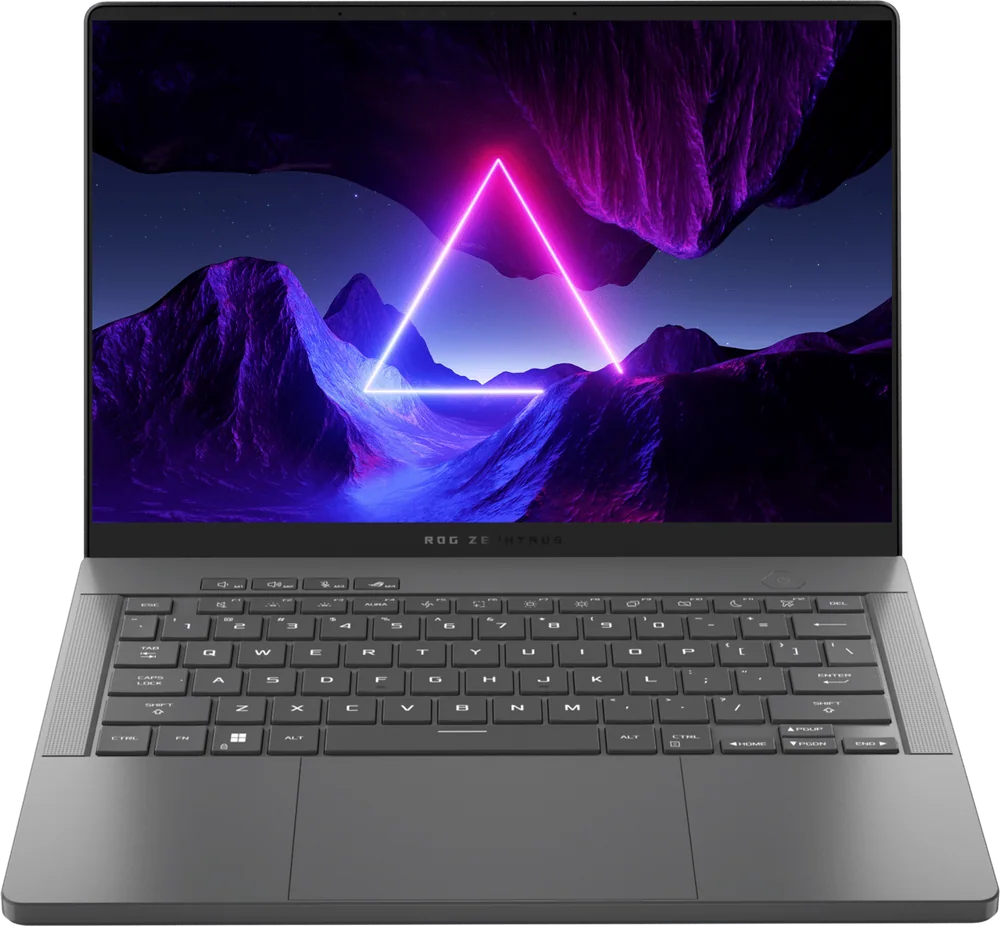
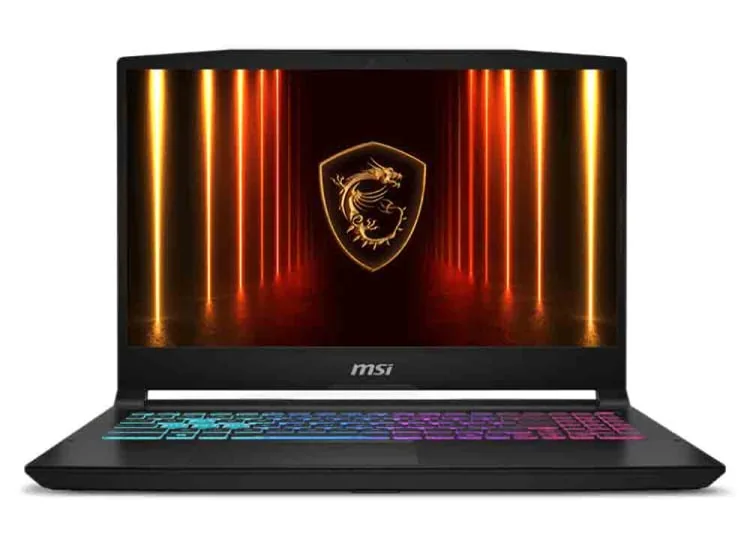
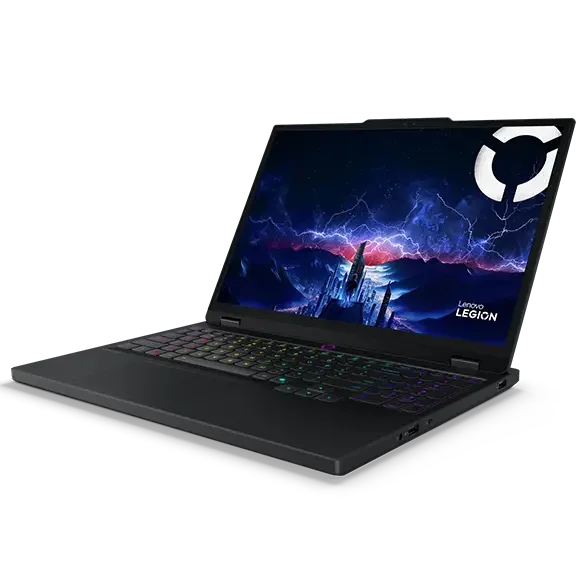
If the Acer Nitro V 16 AI isn’t the right fit, these are the models I’d look at next depending on what you care about most.
Acer Nitro V 16 AI FAQ
Is the Acer Nitro V 16 AI good for 1080p gaming?
Yes. With an AMD Ryzen CPU and an Nvidia RTX GPU (including documented RTX 5050 configurations), it’s positioned to deliver smooth 1080p gaming, and it can also handle 1440p in many games with sensible settings.
Does the Acer Nitro V 16 AI support G-SYNC?
Many configurations are described as having 165Hz display options with G-SYNC support, which helps reduce screen tearing. Not every panel option is identical, so it’s worth confirming the exact display in the listing you’re buying.
Is the Acer Nitro V 16 AI good for school or office work?
It can handle everyday tasks easily, and the large 16-inch screen is great for multitasking. The overall productivity experience is described as mediocre mainly because of things like the webcam, keyboard layout learning curve, battery expectations (depending on settings), and portability.
Can you upgrade the RAM or SSD in the Acer Nitro V 16 AI?
Yes. RAM and storage are described as user-replaceable, which is a big deal at this price because it lets you extend the laptop’s useful life.
Is the Acer Nitro V 16 AI display good for photo or video editing?
It’s fine for casual editing and web-focused work, and one assessment notes 100% sRGB coverage. It’s not the right choice for color-critical workflows that rely on wider color spaces like DCI-P3 or Adobe RGB.
Is the Acer Nitro V 16 AI loud when gaming?
Fan noise can be noticeable when the laptop is under heavy load. If you’re noise-sensitive or you play with an open microphone in a quiet room, plan on using headphones, adjusting performance modes if available, or choosing a quieter laptop.
Should you buy the Acer Nitro V 16 AI?
Buy the Acer Nitro V 16 AI if your goal is straightforward: play modern games smoothly at 1080p on a big, fast screen, and keep the budget under control. The 16-inch 1200p display and high refresh rate are the features you’ll notice every time you open a game.
Skip it if you’re shopping for a polished everyday laptop first and a gaming laptop second. The touchpad and display color limitations are real, and fan noise can be a deciding comfort factor. But if you want maximum gaming experience per dollar, the Acer Nitro V 16 AI makes sense.