

What to know first
- The configuration that makes sense: RTX 5060 (8GB VRAM) plus 32GB RAM and a 1TB SSD.
- 16-inch 1920×1200, 165Hz display is a practical sweet spot for smoother gameplay at this price tier.
- Battery life is a weak point (about 5 hours in a web-browsing style rundown).
- Fans can get noisy under load, and the cooling is designed to keep the internals and most-touched surfaces from overheating during gaming.
- Cheaper A16 configurations exist, including one with RTX 4050 (6GB VRAM), 16GB RAM, and a 512GB SSD. That is a different performance tier.
What the Gigabyte Gaming A16 is
The Gigabyte Gaming A16 is a budget-focused 16-inch Windows gaming laptop built around modern Nvidia graphics. The configuration worth shopping for pairs an Intel Core i7-13620H with an Nvidia GeForce RTX 5060 laptop GPU (8GB of VRAM), plus 32GB of memory and a 1TB SSD.
It is for people who want to play current games smoothly without paying for premium materials, an OLED panel, or a thinner and lighter design. You are paying for the GPU and enough RAM to keep the laptop feeling comfortable in daily use.
Gigabyte also sells lower-cost A16 configurations, including one with an RTX 4050 (6GB of VRAM), 16GB of RAM, and a 512GB SSD. That can fit lighter gaming and older titles, but it is not the same hardware level as the RTX 5060 model.
Why it stands out
The Gigabyte Gaming A16 earns its spot on specs that actually change your day to day experience. An RTX 5060 with 8GB of VRAM is the main reason to buy it, and 32GB of RAM gives you breathing room for Windows, modern games, and the usual pile of background apps.
The screen is also set up for gaming. A 16-inch 1920×1200 panel at 165Hz can look and feel noticeably smoother than a basic 60Hz display when your game performance is high enough. The 16:10 shape also gives you extra vertical space for documents and web pages compared with 1080p.
Cooling is where budget gaming laptops can fall apart, because the same GPU name can behave very differently depending on how well the laptop manages heat. The A16 is built to run demanding games without overheating, which matters if you actually play for long sessions.
It is also a practical choice if you care about upkeep. The A16 is associated with simpler internal access, which helps if you plan to open it for cleaning or basic maintenance over time.
What it is like to own
Day to day, the Gigabyte Gaming A16 is a plug-in gaming laptop. Like most models in this category, it performs best on wall power, where the CPU and GPU are not held back by battery-focused power limits.
Battery life is the big ownership reality. Expect roughly 4.9 to 5 hours in a light, web-browsing style rundown. That can cover a few classes or meetings, but it is not an all-day laptop, and gaming will drain it much faster.
Fan noise comes with the territory when you push a gaming laptop, and the A16 can get loud under load. The payoff is that the cooling approach is aimed at keeping the internals and the surfaces you touch during gaming from getting dangerously hot.
If you clean dust out once in a while, the A16’s easier internal access is a real quality of life feature. It makes basic upkeep less of a hassle than laptops with fussy bottom panels.
What to know before you buy
Shop the exact configuration. “Gigabyte Gaming A16” can mean very different hardware. The RTX 5060 model with 32GB of RAM and a 1TB SSD is the one that makes the strongest case if you want a more comfortable experience in newer games.
Do not buy this laptop for battery life. Around 5 hours in a web-browsing style rundown is not enough for a full day away from an outlet, and gaming will cut that down quickly. Plan on carrying the charger.
Set expectations for build feel. The keyboard deck can flex under pressure, so if you want a rigid chassis and a more premium feel, you will likely be happier stepping up to a higher-end line.
The specs that matter
This is the processor paired with the RTX 5060 configuration. In everyday use, it is the part handling general Windows responsiveness, game logic, and background tasks while the GPU handles graphics.
This is the core of what you are paying for. It is modern Nvidia graphics with enough VRAM to stay comfortable in newer games at 1080p and 1200p without immediately running into memory limits.
32GB helps keep gaming smooth when you have Discord, a browser, launchers, and background apps open. It also makes the laptop feel less cramped in everyday multitasking.
Modern game installs are huge. A 1TB SSD means you can keep a real rotation of games installed without constantly juggling downloads.
1920×1200 is essentially 1080p with extra vertical space, and 165Hz can make motion look smoother when your frame rates are high enough. Together, it is a good fit for both gaming and schoolwork.
This is the difference between leaving the charger at home and planning your day around outlets. With the A16, you should plan to bring the charger.
Who this product fits
You want a straightforward 1080p gaming laptop for current games
Get the Gigabyte Gaming A16 in the RTX 5060 and 32GB RAM configuration. It is built around modern graphics and enough memory to keep newer games and everyday multitasking feeling comfortable.
You play shooters and care about smooth motion
The 165Hz 16-inch display is the spec you will notice every time you pan the camera or track movement. If your games can run at high frame rates on the RTX 5060, the screen can actually show that smoothness.
You need one laptop for school or work and gaming at night
The 16:10 1920×1200 screen gives you extra vertical space for documents and browsing, and the hardware is strong enough for modern games. Just expect to carry the charger because battery life is short.
What else to compare
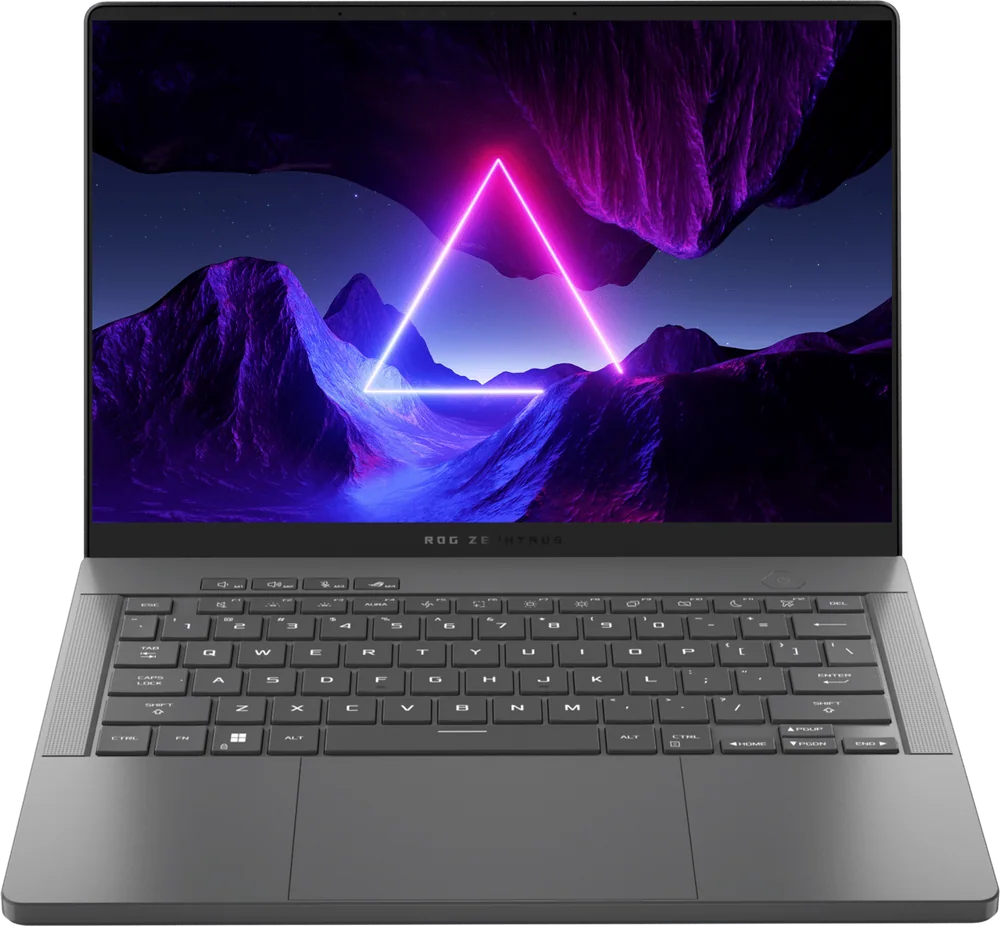
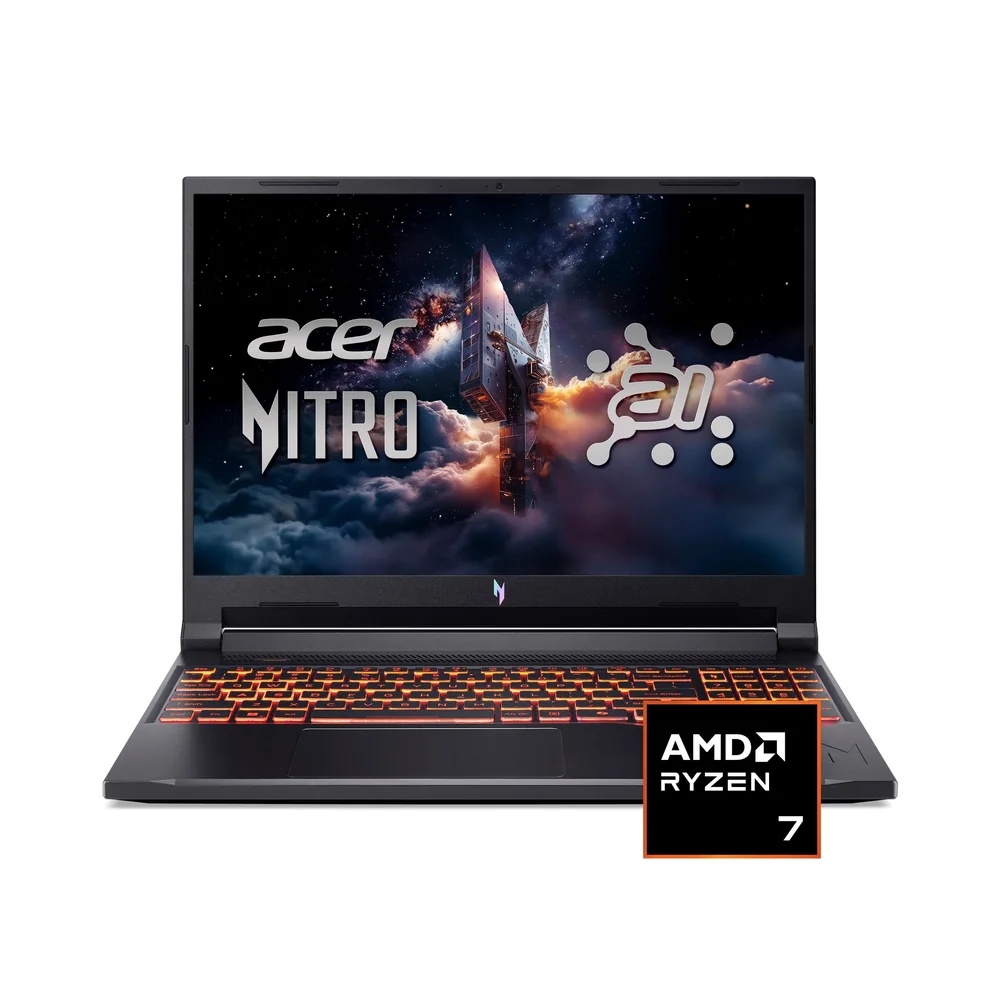
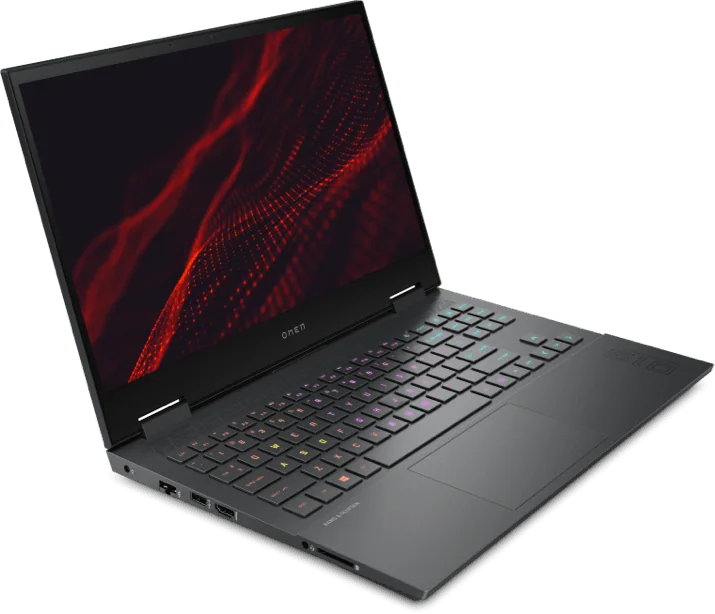
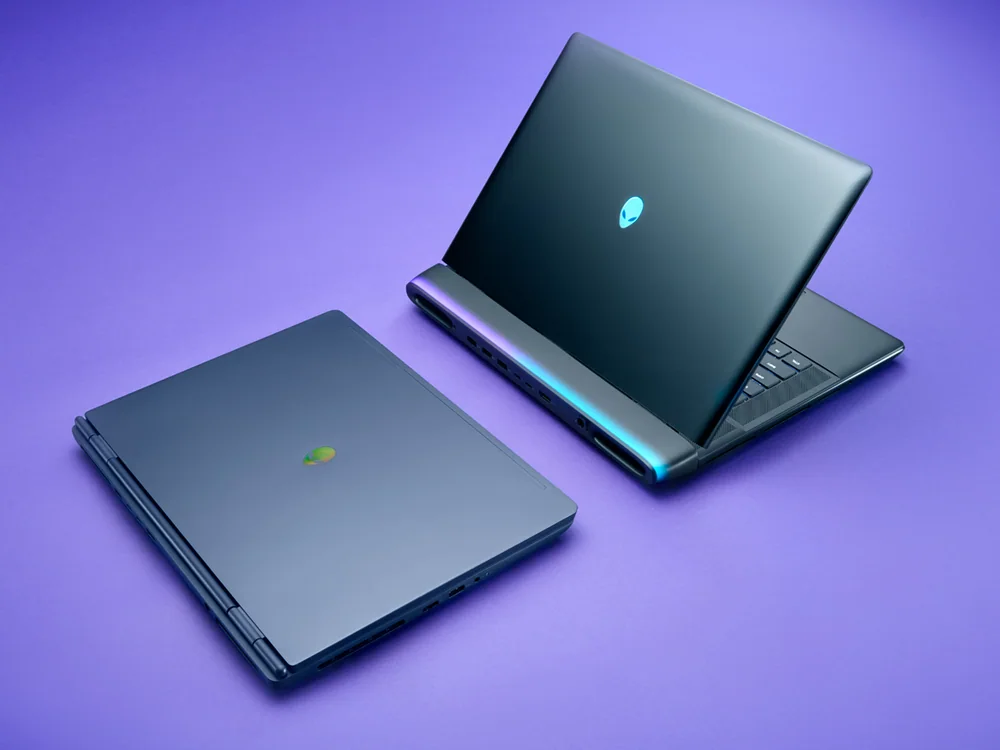
If you like the Gigabyte Gaming A16’s value but want a different balance of portability, screen priorities, or build feel, consider these next.
Gigabyte Gaming A16 FAQ
Which Gigabyte Gaming A16 configuration should I buy?
Look for the configuration with an Nvidia GeForce RTX 5060 (8GB VRAM) and 32GB of RAM, plus a 1TB SSD. There is also a cheaper A16 configuration with an RTX 4050 (6GB VRAM), 16GB of RAM, and a 512GB SSD, but it is a lower performance tier.
Is the Gigabyte Gaming A16 good for competitive gaming?
It can be, mainly because it has a 165Hz display. If the games you play can run at high frame rates on the RTX 5060, the higher refresh rate will look smoother than a 60Hz screen.
How is the battery life on the Gigabyte Gaming A16?
Battery life is short. Expect around 4.9 to 5 hours in a light, web-browsing style rundown, and much less if you are gaming.
Does the Gigabyte Gaming A16 overheat during gaming?
It is built to run demanding games without overheating. Fan noise can ramp up under load, which is part of how it keeps temperatures under control.
Is the Gigabyte Gaming A16 an OLED gaming laptop?
No. If OLED contrast and color are your top priority, you should shop an OLED-focused model instead. The A16 is a budget performance laptop with a fast-refresh display.
Should you buy the Gigabyte Gaming A16?
Yes, if you want modern gaming hardware for the money and you are fine treating it like a mostly plugged-in laptop. In the RTX 5060 and 32GB RAM configuration, the Gigabyte Gaming A16 gives you the parts that matter most for mainstream gaming, plus a 165Hz 16-inch screen that can show smoother motion when your frame rates are high enough.
Skip it if you need long unplugged time or you are picky about a rigid chassis and a firm keyboard deck. But if your priority is getting a current Nvidia GPU, enough RAM, and a fast-refresh screen without paying for premium extras, the Gigabyte Gaming A16 makes sense in its best configuration.