Explore Gaming Laptops for more buying guides, in-depth reviews, comparisons, and practical advice.
These are Pickori’s recommendations for the best gaming laptops for ray tracing in 2026, covering portable premium gaming, high-refresh AAA play, budget RTX laptops, and big-screen desktop replacements. If you want ray tracing without buying the biggest laptop you can carry, start at the top and work down based on how much portability you need.
Pickori may earn a commission from affiliate links.
1
Best Portable Premium
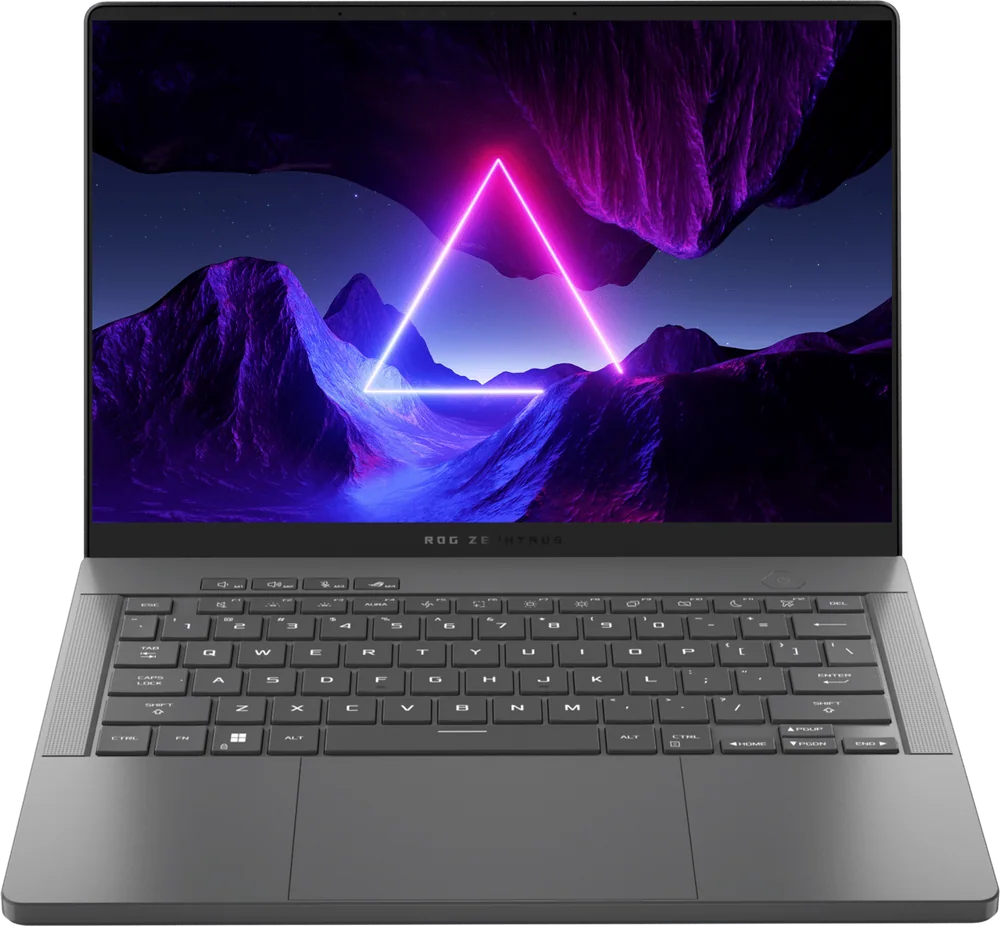
ASUS ROG Zephyrus G14 (2024)
ASUS ROG Zephyrus G14 (2024) fits the buyer who wants ray tracing-capable gaming in a smaller, easier-to-carry laptop without giving up the premium feel. It earns the top spot here because it hits the sweet spot for portable gaming: compact chassis, strong RTX configurations, and the kind of performance that makes ray-traced games a realistic daily-driver use case instead of a special occasion.
Best choice when portability matters but you still want modern RTX ray tracing support
Compact premium design that makes sense for commuting, travel, and smaller desks
Strong RTX configurations keep it relevant for ray-traced AAA games
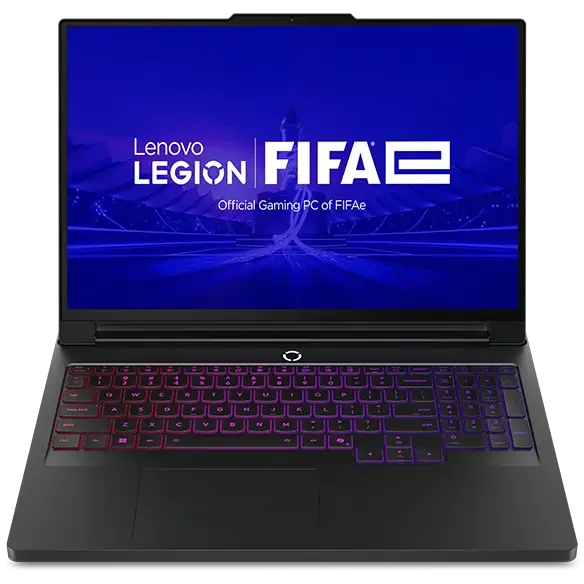
Lenovo Legion Pro 7i Gen 10 makes the most sense for players who care more about raw in-game performance than a slim profile. This is the laptop to prioritize for high-refresh AAA gaming with ray tracing, thanks to its performance-first design and the way it is commonly configured in the upper RTX tier.
Built for high-refresh AAA gaming where ray tracing can punish weaker laptops
Performance-first design for shoppers who want speed over thin-and-light styling
A strong fit when you are shopping the higher RTX configurations
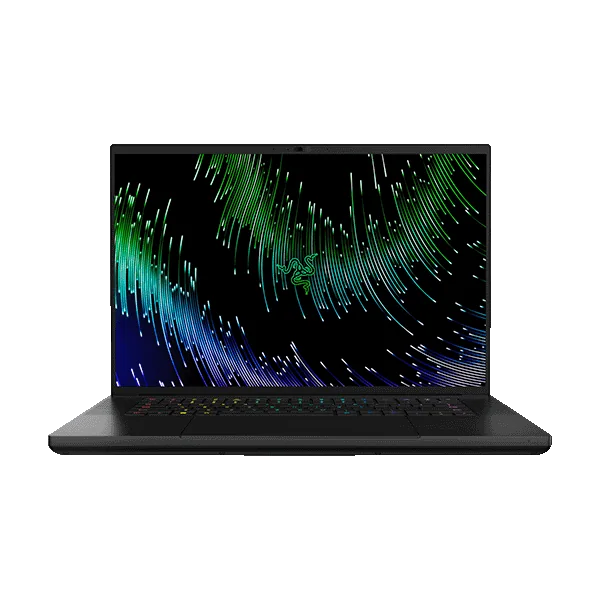
Razer Blade 16 is for the buyer who wants premium materials and serious ray tracing performance in a comparatively slim, polished package. It is the upgrade that makes sense when you care about build quality as much as frame rates and you want access to very high-end RTX configurations. Expect to pay for that metal build and premium positioning, even within an already expensive category.
Premium, slim design for people who carry their gaming laptop often
Available in very high-end RTX configurations for demanding ray-traced games
A better fit than bulkier machines when you want power without a huge chassis
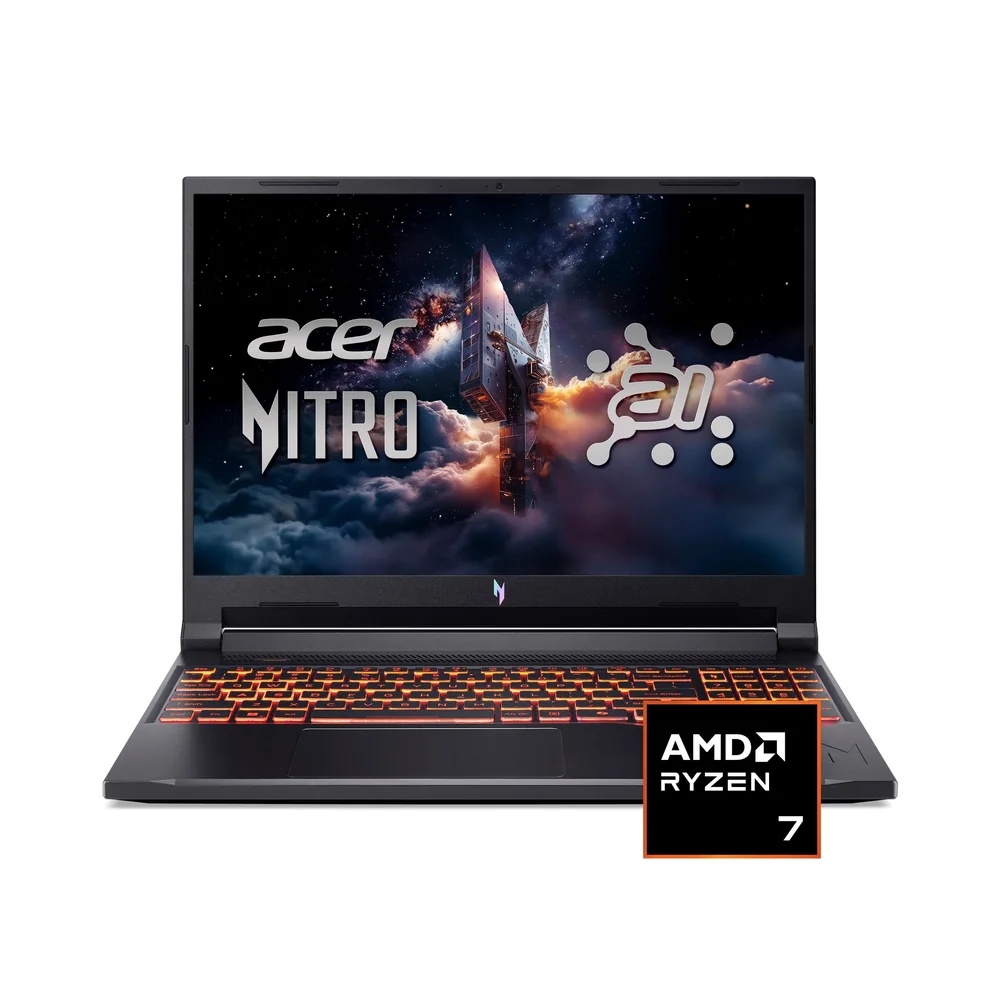
Acer Nitro V 16 AI is for shoppers who want mainstream ray tracing gaming in a practical 16-inch size without paying for a luxury build. The 16-inch format balances screen space and portability, and the typical RTX pairing keeps it in the conversation for modern ray-traced titles. If you are sensitive to fan noise, note that related Nitro models have drawn complaints for loud fans, which can be a deal-breaker in quiet rooms.
Mainstream 16-inch size that balances portability and screen space
Targets modern RTX performance without the ultra-premium price tier
Consider carefully if loud fans would bother you during everyday use
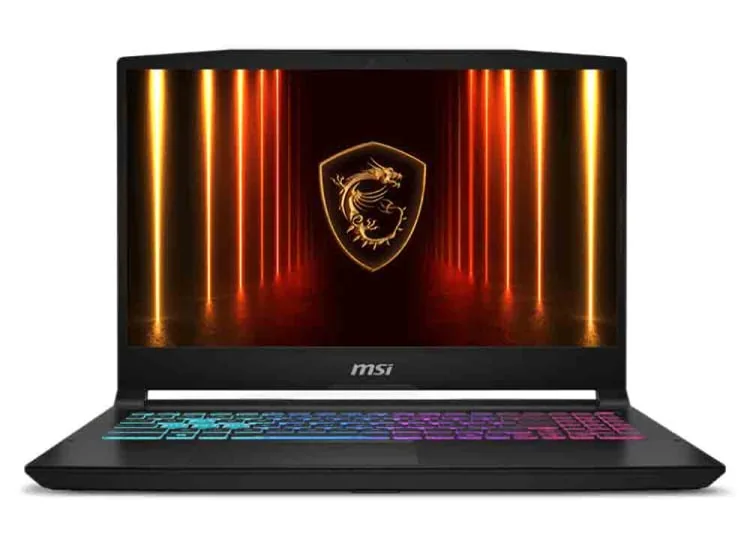
MSI Katana 15 HX is the straightforward budget entry for ray tracing features without paying for a high-end GPU tier. It is a good fit for most shoppers who want smooth, modern gaming with DLSS support and are fine treating ray tracing as a feature you can enable selectively depending on the game. Plan on managing storage more actively than you would on pricier machines, especially if you install a lot of large AAA titles at once.
Budget-friendly way into RTX features like ray tracing and DLSS
Targets smooth 60fps-class gaming with or without DLSS 4
Storage may require juggling if you keep many big games installed
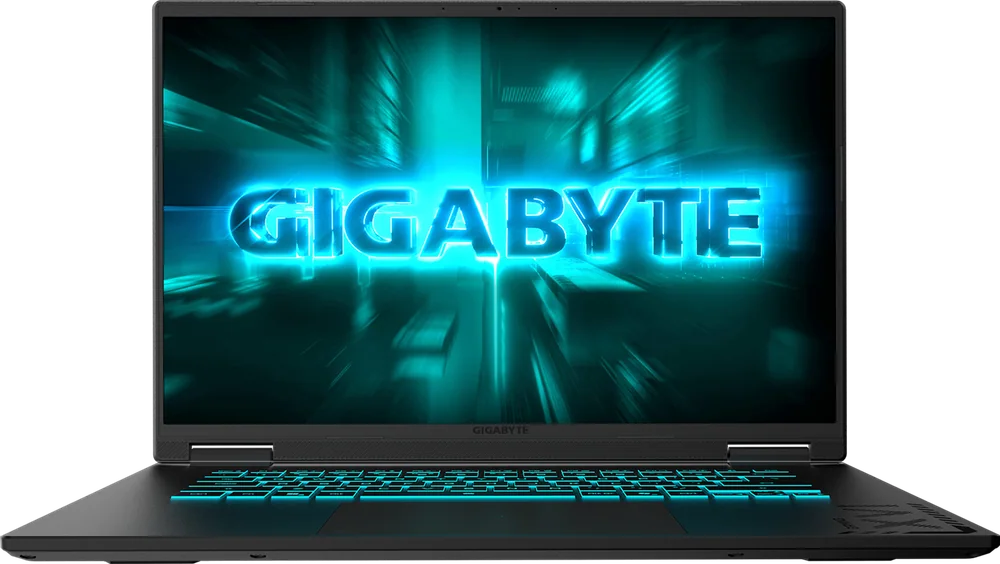
Gigabyte Gaming A16 is for value-focused buyers who want a modern Nvidia GPU and ray tracing support while keeping the overall spend down. With an RTX 5060 configuration in play, it is a sensible way to get current-gen features for newer games on higher settings than older budget laptops can manage. If you want more performance and a better-looking display, stepping up to a faster 16-inch competitor can deliver it, but heat can become a real comfort issue on those faster machines.
Strong value for ray tracing-capable gaming with a modern RTX 5060 configuration
A practical choice for newer games on higher settings without jumping to premium pricing
Good fit when you want current GPU features more than luxury materials
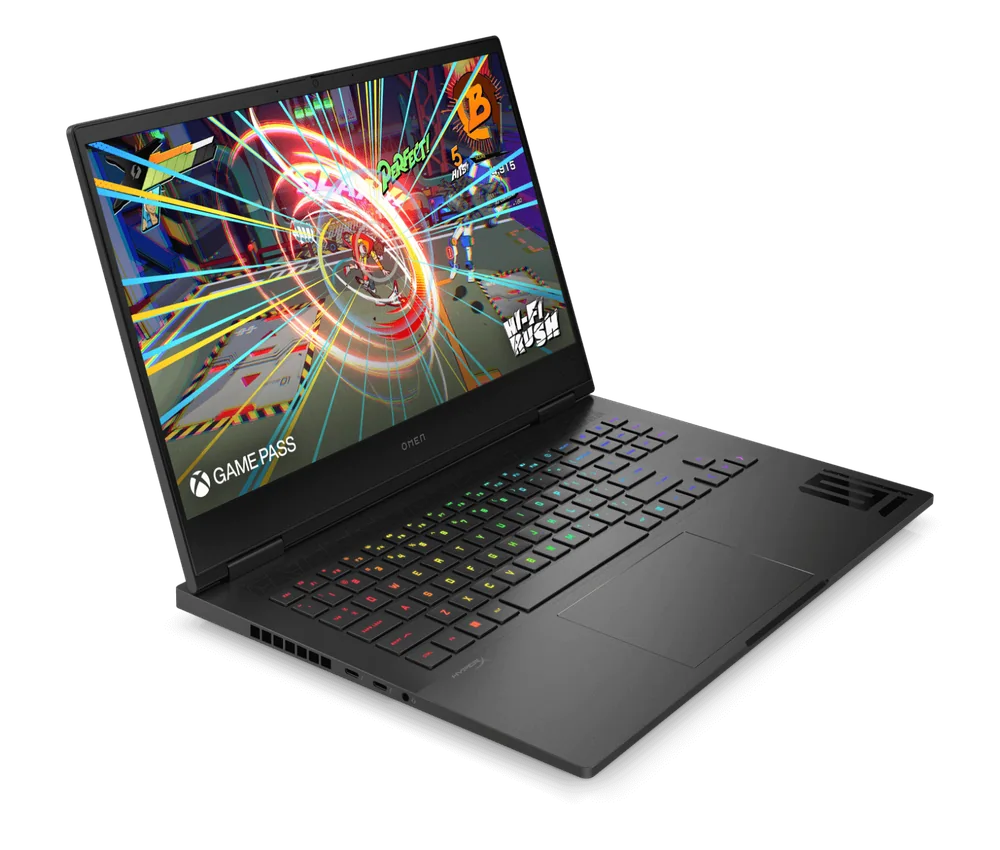
HP Omen 16 works best for someone who wants a well-rounded 16-inch gaming laptop that can also handle everyday laptop duties. The available Intel CPUs and Nvidia 50-series GPU configurations make it a strong platform for demanding AAA gaming, including ray tracing, and the display choices give you room to prioritize refresh rate or image quality. As a general-purpose laptop, the experience can feel just okay, so it is a better buy when gaming performance is the priority.
Great 16-inch gaming platform with configurations built for demanding AAA titles
Multiple display options, including high-refresh panels and higher-end QHD+ choices
Also capable for productivity and media, though the overall everyday experience can be so-so
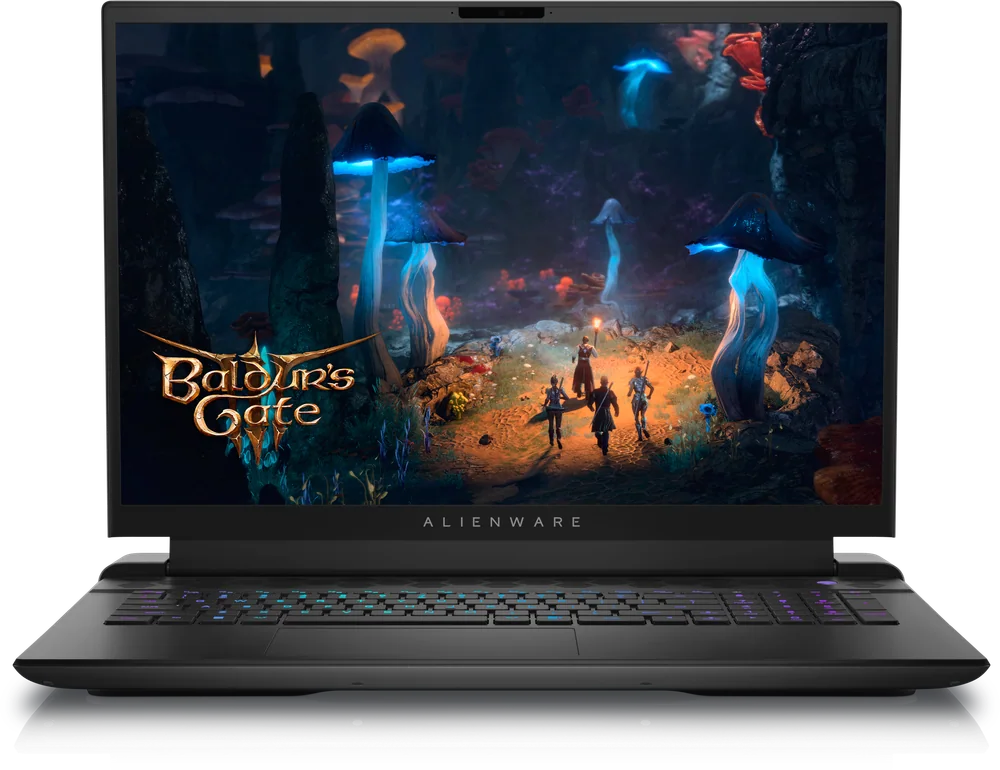
Alienware m18 R2 is the right call for shoppers who want a desktop-replacement gaming laptop and care most about performance headroom for ray tracing. The large-screen design suits long sessions in visually heavy games where ray-traced lighting and reflections are part of the appeal. Choose it when portability is secondary to getting a big, immersive gaming setup in one machine.
Desktop-replacement approach for buyers who prioritize performance over portability
Large-screen format suits immersive ray-traced games
A strong fit when you want a single machine to function like a gaming desktop
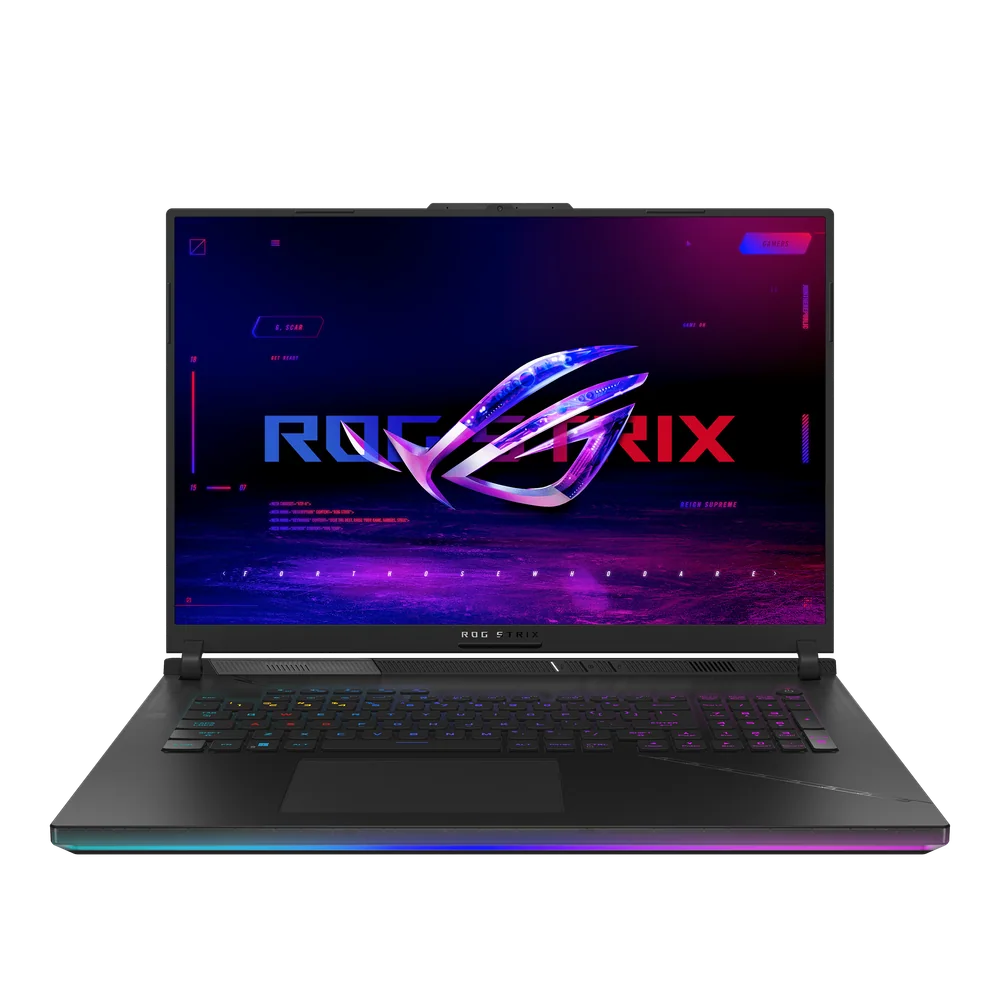
Asus ROG Strix Scar 18 is for enthusiasts chasing top-tier ray tracing and path-tracing performance in an 18-inch class laptop. The appeal is simple: flagship-level power and a big display that makes high-end graphics features feel worth turning on. It is overkill for casual play, but it makes sense when you buy a gaming laptop specifically to run the most demanding visual settings.
Flagship-class choice for ultra-high-end ray tracing and path tracing
Configurable up to very high-end RTX graphics for maximum headroom
18-inch class design favors immersion and sustained performance over portability
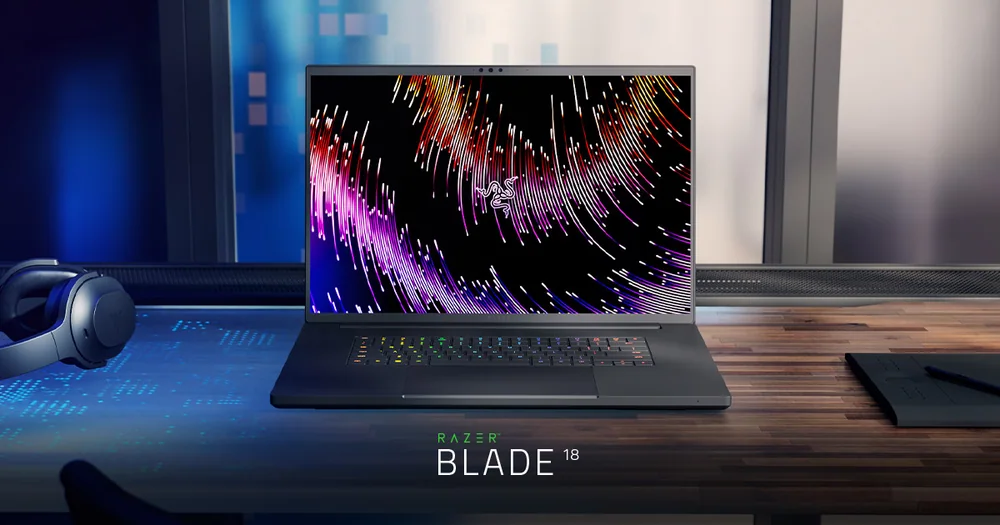
Razer Blade 18 is for the buyer who wants a big-screen gaming laptop that still feels premium and pushes into true desktop-replacement territory. It pairs a large display with the kind of performance that can run alongside the biggest gaming rigs, and it stands out for combining that power with strong battery life for its class. This is the one to choose when you want maximum immersion and performance without giving up a sleek, high-end build.
Big-screen premium desktop replacement for immersive ray-traced gaming
Performance built to compete with the largest, fastest gaming laptops
What matters most for ray tracing on a gaming laptop?
The GPU tier matters most. Ray tracing is GPU-heavy, so moving up the RTX stack typically does more for ray-traced performance than small CPU upgrades.
Is a 14-inch gaming laptop realistic for ray tracing?
Yes, if it has a strong RTX configuration. A compact model like the ASUS ROG Zephyrus G14 (2024) is built for portable gaming while still keeping ray tracing on the table for modern titles.
Should I prioritize a bigger laptop for ray tracing?
Often, yes. Larger 16-inch and 18-inch laptops can be better suited to sustained performance and immersion, which helps when ray tracing pushes heat and power limits.
Can a budget RTX laptop handle ray tracing well?
Budget RTX laptops support ray tracing features, but you may need to be selective with settings. The MSI Katana 15 HX is a sensible entry point when you want modern Nvidia features and smooth gameplay, with ray tracing used more strategically.
Which laptop here is best for a desktop-replacement setup?
If you want a large-screen performance-first machine, Alienware m18 R2 is the clearest desktop-replacement style choice. If you want that same concept with a more premium, sleek build, Razer Blade 18 is the upgrade.