
What to know first
- RTX 5050 Laptop GPU (8GB) targets smooth 1080p gaming, with DLSS 4 as a performance lever.
- Intel Core i7-14650HX and 16GB RAM make it a capable everyday productivity machine, not just a game box.
- 15.6-inch 1080p IPS at 144Hz is a good spec on paper for esports, but the panel can look dim.
- 512GB SSD is the main day-to-day annoyance: you’ll juggle installs or plan a storage upgrade.
- No variable refresh support listed, so you do not get VRR to help smooth out frame rate swings.
- At 5.29 pounds, it’s portable, but not “light.”
What the MSI Katana 15 HX is
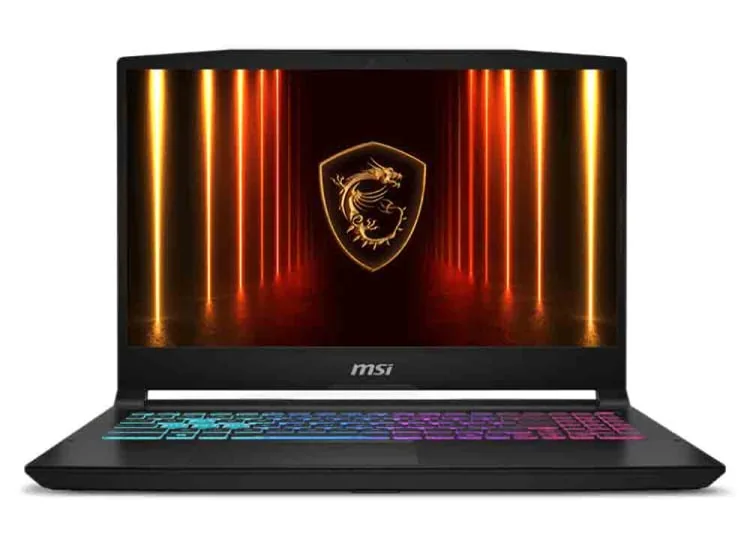
The MSI Katana 15 HX is a 15.6-inch Windows 11 Home gaming laptop built around mainstream performance, not luxury. In the configuration documented here, it pairs an Intel Core i7-14650HX with an Nvidia GeForce RTX 5050 Laptop GPU (8GB VRAM), 16GB of memory, and a 512GB SSD.
In plain terms, it’s meant to be your entry point into modern PC gaming on a budget. You’re buying it to play current games smoothly at 1080p, to get access to Nvidia’s RTX features (including ray tracing support), and to have DLSS 4 available when you’d rather keep the game looking good than drop settings into the basement.
It’s also a “real laptop” outside of games. The i7-14650HX is a high-performance CPU for this tier, so day-to-day work like lots of browser tabs, schoolwork, and general productivity is part of the appeal, not an afterthought.
Why it stands out
The Katana 15 HX stands out because MSI put the money where it matters for most budget gamers: the GPU. The GeForce RTX 5050 Laptop GPU is an entry-level RTX 50-series chip, but it’s positioned to handle mainstream AAA and competitive games at 1080p without you needing to chase ultra settings.
DLSS 4 is a big part of the value. When a new release is heavier than expected, DLSS can reduce the rendering workload and help you keep frame rates smoother. That matters more on a budget laptop than on a high-end rig, because it gives you options: you can prioritize visuals, prioritize frame rate, or find a middle ground without the game turning into a stuttery mess.
The CPU choice helps the Katana feel less like a “cheap gaming laptop” in everyday use. The Intel Core i7-14650HX is paired with 16GB of RAM, which is enough for gaming plus typical multitasking. If you’re buying one machine for school and games, that balance is the point.
Connectivity is described as varied, and wireless includes Wi-Fi 6E and Bluetooth. For a lot of buyers, that means it slots into a normal desk setup easily: headset, controller, mouse, and fast Wi-Fi without needing to replace your router just to get decent wireless performance.
What it is like to own
Day to day, the Katana 15 HX is a practical, no-nonsense gaming laptop. It runs Windows 11 Home, and the keyboard is described as comfortable with RGB lighting (including four-zone RGB lighting noted for this model). That’s the kind of thing you notice immediately, because a cramped or mushy keyboard can ruin the whole experience even if the GPU is good.
The screen is a 15.6-inch 1920 by 1080 IPS panel at 144Hz. For esports and fast shooters, 144Hz is the right neighborhood, since it can make motion feel smoother than a standard 60Hz panel. Just don’t buy it expecting a premium display experience. The panel is called out as dim, which is the sort of flaw you’ll feel every time you play near a window or try to use it in a bright room.
Storage is the other daily reality check. The SSD is 512GB, and modern games can eat that alive. If you keep a rotating library, you’ll be uninstalling and reinstalling more than you want. If you like having lots of big games ready to go, plan on a storage upgrade or very intentional install management.
Portability is fine, but it’s not sleek. The laptop weighs 5.29 pounds and is described as chunky for a 15-inch system. It’s absolutely something you can take to class or a friend’s house, but it’s not the kind of laptop you forget is in your bag.
What to know before you buy
Don’t get distracted by the 144Hz number and assume the display is “good.” The Katana 15 HX’s screen is an IPS 1080p panel, but it’s also described as dim. If you’re sensitive about screen quality, or you play in bright spaces, that alone can be a dealbreaker. This is one of those specs that looks great in a listing and feels different in real life.
The 512GB SSD is the other big limiter. It’s enough to get started, but it’s not enough to be carefree. A handful of modern AAA installs plus a few big multiplayer titles can put you in storage triage quickly.
Finally, this configuration lists no variable refresh support. If you care about VRR for smoother gameplay when frame rates bounce around, you’ll want to look at other models that explicitly support it.
The specs that matter
This is the main reason to buy the Katana 15 HX. It’s aimed at smooth 1080p gaming and gives you access to RTX features like ray tracing and DLSS support.
DLSS can help you keep frame rates up in demanding games without dropping every setting. On a budget GPU, that flexibility is often the difference between “plays fine” and “feels rough.”
A fast CPU helps with more than gaming. It makes the laptop feel snappy for schoolwork, multitasking, and general use, and it helps in CPU-heavy games.
16GB is a practical baseline for modern gaming plus everyday multitasking. It’s enough to run games while keeping Discord, browsers, and other apps open.
It’s fast storage, but the capacity is tight for modern game libraries. Expect to manage installs or plan an upgrade if you play multiple big games.
1080p at 144Hz is a good match for the performance tier, especially for esports. The lack of variable refresh support and the dim panel are the reasons some shoppers should step up to a better screen.
This is not an ultralight. It’s portable enough, but you’re trading slim-and-light convenience for a more traditional, chunky gaming-laptop build.
Wi-Fi 6E helps if you have a compatible network and want more stable, higher-performance wireless. Bluetooth is essential for headsets, controllers, and accessories.
Who this product fits
You want a budget laptop that can play new AAA games at 1080p
The MSI Katana 15 HX is built for exactly that. You’ll aim for smooth gameplay at 1080p, and when a game gets heavy, DLSS 4 is there to help you keep performance comfortable without making everything look awful.
You’re a student who games at night
The Core i7-14650HX and 16GB of RAM make it a capable schoolwork machine during the day, and the RTX 5050 gives you real gaming performance after hours. Just be ready to manage the 512GB SSD.
You play competitive games and care about smooth motion
The 144Hz screen can make fast games feel smoother than a 60Hz panel, which is what you want for shooters and esports. The catch is the screen can look dim, so your room lighting matters more than you’d like.
You want to try ray tracing without buying a high-end laptop
The RTX 5050 supports ray tracing features, but in this tier you should treat ray tracing as something you turn on selectively depending on the game and settings. DLSS support is part of making that workable.
What else to compare
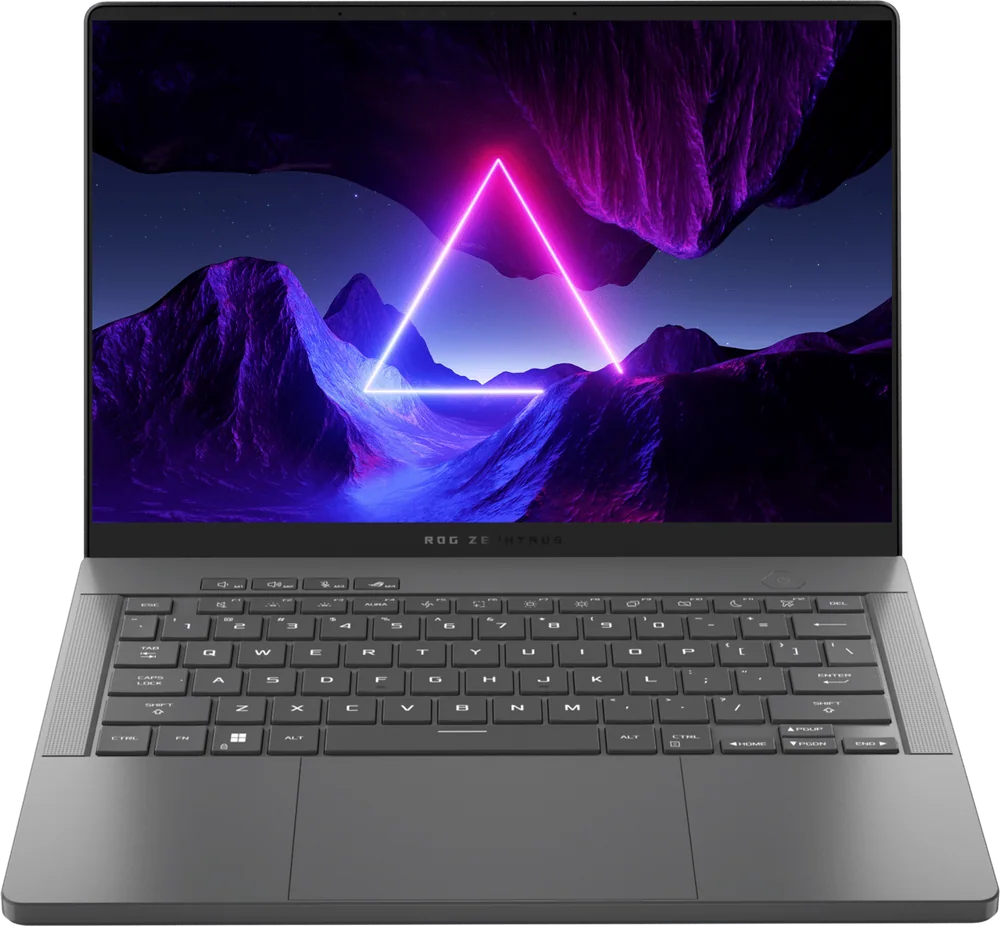
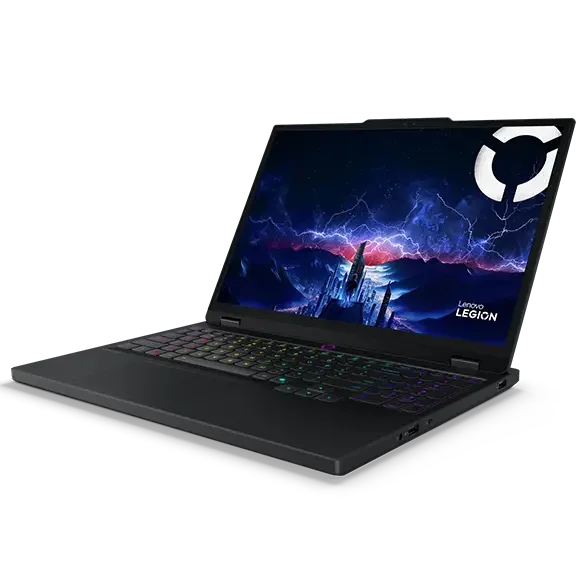
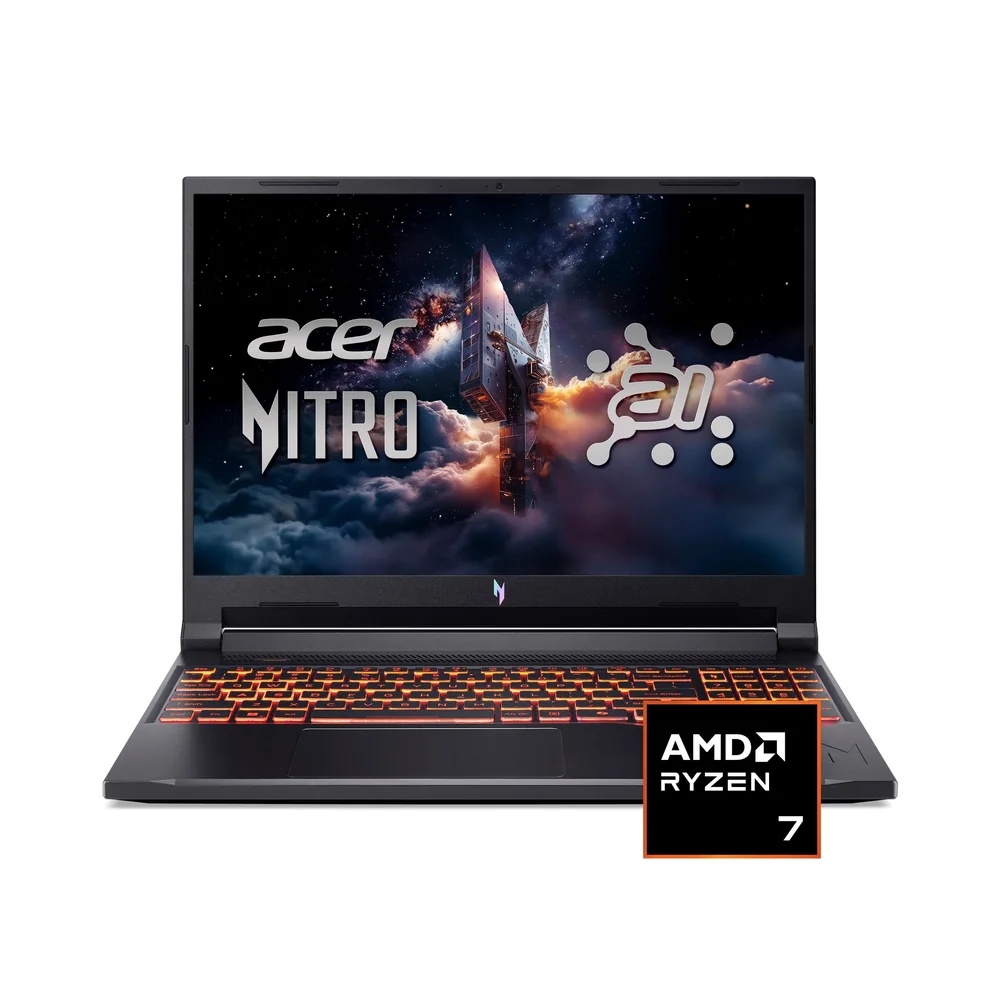
If the Katana 15 HX’s dim screen, weight, or 512GB SSD sound annoying, these are the models I’d look at next.
MSI Katana 15 HX FAQ
Is the MSI Katana 15 HX good for 1080p gaming?
Yes. With an RTX 5050 Laptop GPU and a 1080p display, it’s aimed squarely at smooth 1080p play in mainstream AAA and competitive games, with DLSS 4 available when you need extra performance.
Does the MSI Katana 15 HX support DLSS 4?
Yes. DLSS 4 support is part of the appeal here, since it can help boost frame rates in supported games when the RTX 5050 needs a hand.
Is 512GB enough storage for gaming on the MSI Katana 15 HX?
It’s enough to start, but it’s easy to outgrow. Modern game installs can be huge, so you’ll likely end up uninstalling and reinstalling titles, or planning a storage upgrade if you want a bigger always-installed library.
Is the MSI Katana 15 HX display good?
It’s a 15.6-inch 1080p IPS panel with a 144Hz refresh rate, which is a solid spec for the price. The problem is brightness: the display is described as dim, which can be frustrating in bright rooms.
Does the MSI Katana 15 HX have variable refresh rate (VRR)?
No variable refresh support is listed for this model. If VRR is important to you for reducing tearing and smoothing out frame rate swings, you should shop for a laptop that explicitly includes it.
How portable is the MSI Katana 15 HX?
It’s portable in the sense that it’s a 15.6-inch laptop, but it’s not light. It weighs 5.29 pounds and is described as chunky for its size, so it’s better for occasional travel than daily commuting.
Should you buy the MSI Katana 15 HX?
Buy the MSI Katana 15 HX if your priority is simple: smooth 1080p gaming on a budget, with modern Nvidia features like DLSS 4 available to stretch performance. The RTX 5050 plus Core i7-14650HX combo is the right kind of practical for most shoppers who want to play current games and still have a fast everyday laptop.
Skip it if you know you’ll hate a dim display or you want to install a big library without thinking about storage. The 512GB SSD and the screen are the two things that will shape your day-to-day experience more than any spec sheet bullet. If those don’t bother you, the MSI Katana 15 HX is a smart buy in the budget performance lane.