
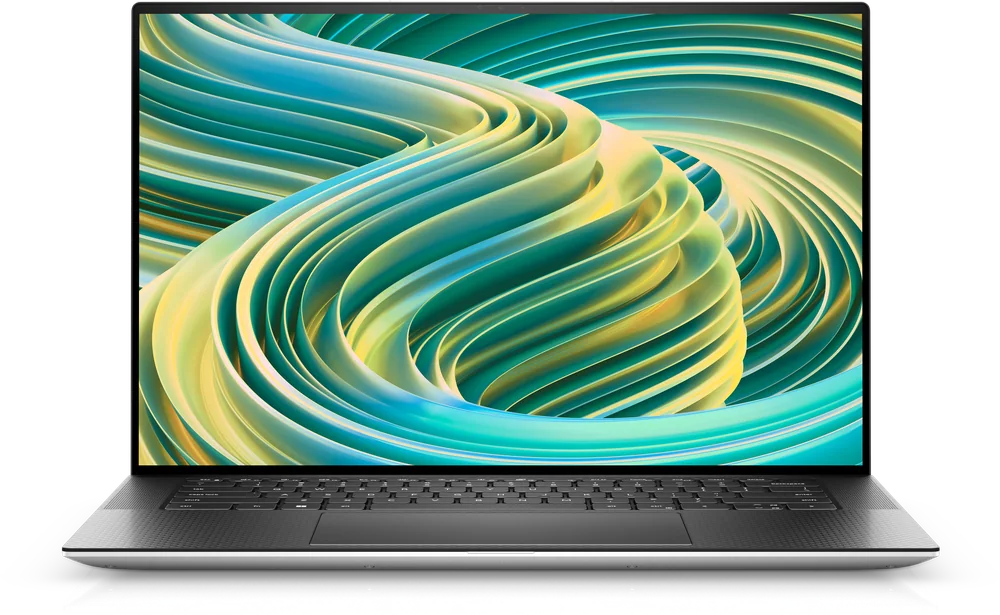
What to know first
- Positioning: a thin-and-light, premium Windows creator option with an emphasis on portability.
- Best use: portable photo and video editing, plus everyday work, when you are carrying it a lot.
- What you are paying for: premium chassis feel and mobility more than maximum, clearly established creator performance.
- Discrete GPU options are part of the appeal, but you need to confirm the exact configuration you are buying.
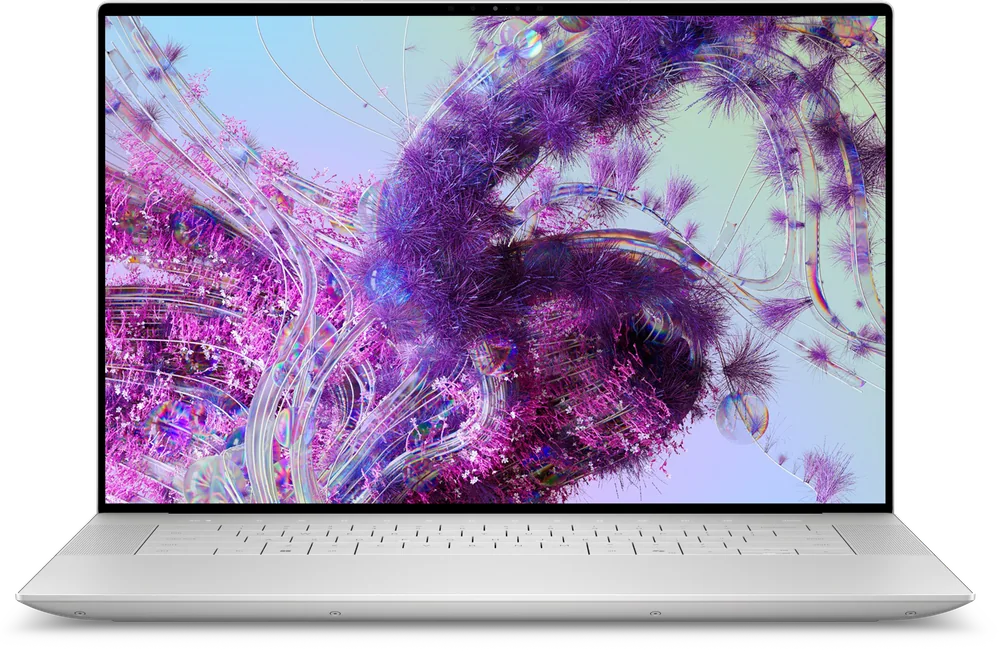
- If display is your top priority, Dell XPS 16 is the clearer fit in this set.
What the Dell XPS 15 is
The Dell XPS 15 is a premium Windows laptop built around a simple idea: you can have a nicer, slimmer machine and still buy it with creative work in mind. It is meant to be realistic for everyday carry, not a bulky laptop that mostly lives on a desk.
In practical terms, it is trying to cover two lives at once. It should feel like a high-end everyday laptop for email, docs, and lots of browser tabs, while also being the machine you open when you need to do photo and video editing away from your main setup.
If you are shopping because you want a Windows laptop that feels premium in your hands and bag, the Dell XPS 15 is in the right lane. If you are shopping because you want the most proven creator horsepower for the money, you should compare it to more performance-forward options.
Why it stands out
The main reason to consider the Dell XPS 15 is portability without giving up the “creator laptop” intent. It is for people who do not want to jump to a bulkier machine just to get into photo and video work.
It also targets a more premium chassis experience than many Windows creator-leaning laptops. If you care about how a laptop feels to carry, open, and use all day, that matters as much as raw specs.
Discrete GPU options are part of the appeal. That can matter for creative apps that lean on the GPU for effects and smoother playback, but it is configuration dependent, so you need to confirm what the specific model includes.
The clean way to buy the Dell XPS 15 is to choose it for the slim, premium, carry-everywhere experience, then pick the configuration that matches your workload.
What it is like to own
Day to day, the Dell XPS 15 is built for people who move. If you bring your laptop to work, to class, to a coffee shop, and back home, the point is that it feels like a premium Windows laptop in that routine while still being aimed at creative tasks when you need them.
Workflow-wise, it fits best as a do-everything personal laptop that also happens to be your editing machine. That is a different mindset from a dedicated creator workstation, where you accept extra size and weight because you want maximum headroom for long renders and heavy timelines.
Because “Dell XPS 15” can refer to very different configurations, the most important ownership step happens before you click buy. Confirm the exact CPU, RAM, storage, display, and GPU in the listing you are considering, since those choices change how it feels every day.
What to know before you buy
First, do not treat the Dell XPS 15 as the automatic best value for video editing speed. If your purchase is mainly about editing performance, compare it directly to models that are more clearly positioned around creator performance.
Second, the name “Dell XPS 15” is not a single spec sheet. The CPU, RAM, storage, display, and whether it includes a discrete GPU can vary a lot, and those differences can be the difference between “great daily laptop” and “why does this feel slow in my editing app?”
Finally, be careful with broad laptop promises like “up to” battery life. Battery life can drop quickly with higher brightness, video calls, and heavier creative apps, so it is smart to look for model-specific battery information when it is available.
The specs that matter
If you rely on Windows-only apps or prefer Windows workflows, the Dell XPS 15 fits naturally. It is also the more direct choice if your creative tools and plug-ins are built around Windows.
A slimmer laptop is easier to carry daily, fits better in smaller bags, and is more likely to come with you. That matters if you edit or create away from your desk.
It is meant to handle creative tasks in addition to everyday work. If you mostly do office tasks and lighter editing, this positioning makes sense. If you do heavy editing all day, a more performance-forward model can be a better fit.
A discrete GPU can help in creative apps that use the GPU for effects and playback. The key is to verify the exact GPU in the configuration you are buying, since “options” does not guarantee a specific level of graphics performance.
Two laptops with the same name can feel very different. Confirming the exact configuration is how you avoid paying premium-laptop money for a setup that does not match your workload.
Who this product fits
You edit photos and short videos between classes or meetings
The Dell XPS 15 makes sense when your laptop is always in your bag and you still want a premium Windows machine that is aimed at creative work. You get a more carryable laptop that can still handle editing as part of your normal week.
You want one Windows laptop for work and creative side projects
If you do normal productivity all day and creative work at night, the Dell XPS 15 is a balanced direction. You are paying for a premium, portable laptop that is still meant to take on photo and video tasks.
You are tempted by a bigger performance laptop but you know you will not carry it
If a bulky machine will stay home, a slimmer premium laptop you actually bring with you can be the better real-world tool. The Dell XPS 15 is built for that reality.
What else to compare
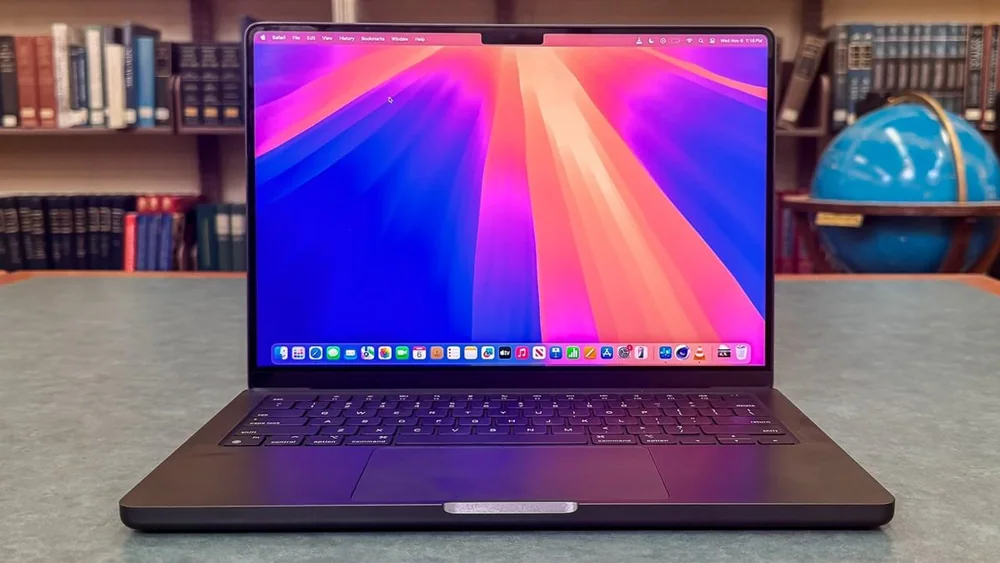
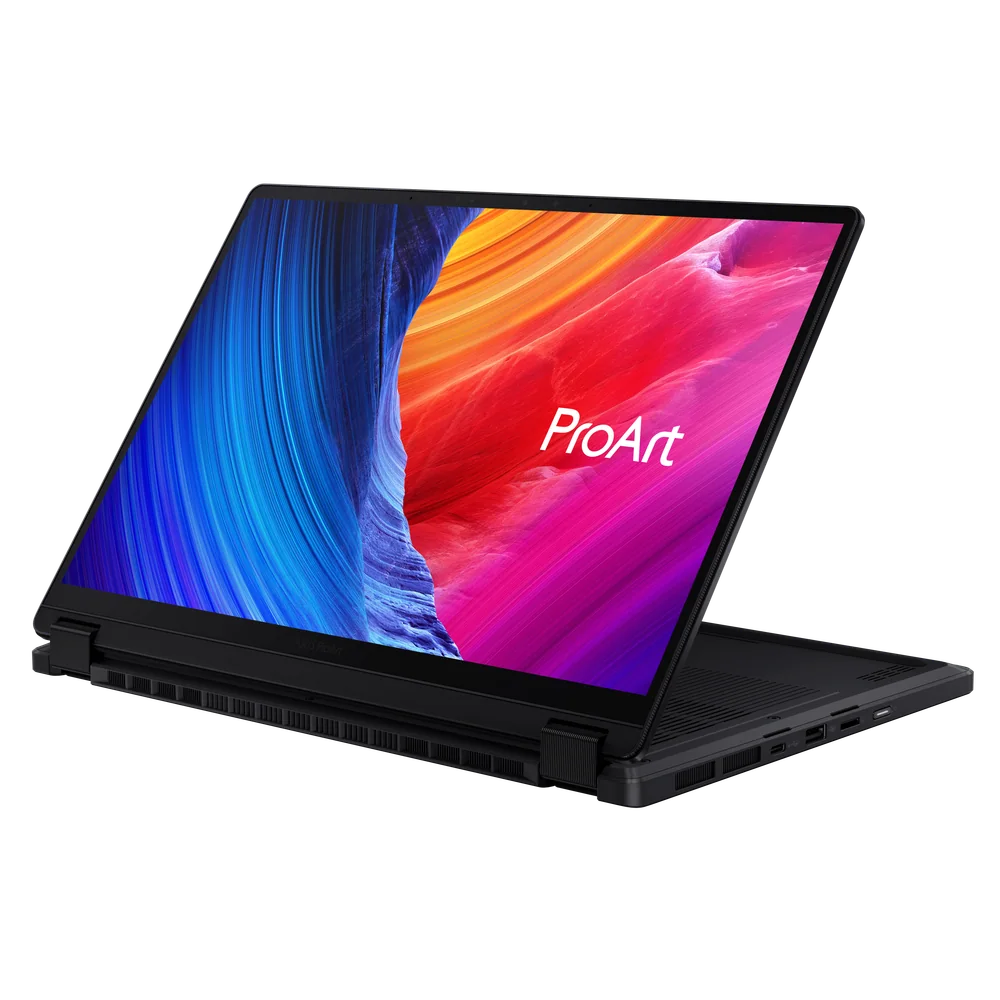
If you want a clearer match for a specific creator priority, these options make more sense than forcing the Dell XPS 15 to be everything.
Dell XPS 15 FAQ
Is the Dell XPS 15 good for content creators?
Yes, if your version of “creator laptop” includes carrying it around a lot. The Dell XPS 15 is a premium, portable Windows laptop that is meant to handle photo and video work, but you should choose your exact configuration carefully.
Should I buy the Dell XPS 15 or Dell XPS 16?
Choose the Dell XPS 15 when you want a slimmer, carry-everywhere creator-leaning Windows laptop. Choose the Dell XPS 16 if your top priority is an OLED display, since that is the clearer stated advantage for the XPS 16 in this set.
Do all Dell XPS 15 models have a discrete GPU?
No. Discrete GPU availability depends on the configuration. Before you buy, confirm the exact GPU listed for the model you are considering.
What specs matter most for photo and video editing on a laptop like the Dell XPS 15?
CPU, RAM, storage (SSD), and the display are the big ones for daily editing comfort. If your apps use GPU acceleration, the presence and level of a discrete GPU can matter too, so verify the exact configuration.
Is the Dell XPS 15 a good choice if I care most about battery life?
It can be, but you should shop with model-specific battery expectations when you can. Battery life varies a lot with brightness, video calls, and heavier creative apps, so do not assume a thin, powerful laptop will last the same way it does in light use.
Should you buy the Dell XPS 15?
Buy the Dell XPS 15 if your real goal is a premium Windows laptop you will happily carry every day, and you want that laptop to also cover portable photo and video editing. That portability-first approach is the reason it belongs on a creator shortlist.
Skip it if you are trying to make the most defensible performance purchase for serious editing work. In that case, pick an option that is more clearly optimized for creator performance or for the specific feature you care about most, like an OLED-focused model or a creator convertible.