
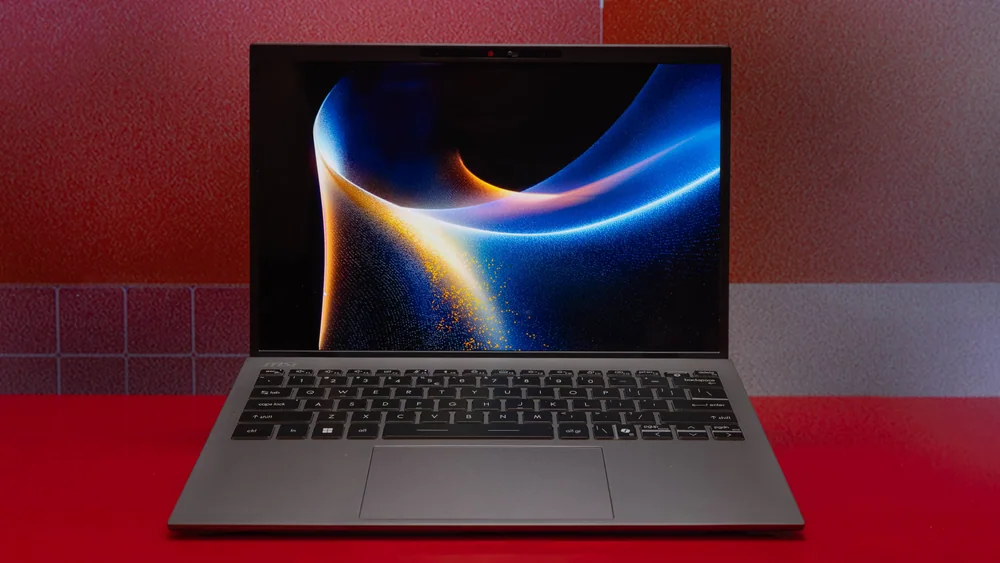
What to know first
- A 14-inch convertible 2-in-1 built around extreme battery life
- Recorded 42:06 on a battery rundown result (an outlier number for any laptop)
- Intel Core Ultra X7 358H with Intel Arc B390 integrated graphics
- 14-inch 1920 x 1200 touch OLED, 60Hz refresh rate
- 32GB RAM and 1TB SSD in the configuration described
- Wi-Fi 7 and Bluetooth 6 for newer routers and accessories
What the MSI Prestige 14 Flip AI+ is
The MSI Prestige 14 Flip AI+ is a 14-inch convertible Windows laptop. The “Flip” part matters because the hinge lets you use it like a traditional laptop, fold it into a tablet, or prop it up in tent mode for watching video or presenting. It is also a touch-screen machine, which is what makes the 2-in-1 design actually useful instead of just a hinge trick.
The big reason to consider it is battery life. One published battery rundown result puts it at 42 hours and 6 minutes, which is far beyond what most ultraportables manage. If you are the person who plans your day around outlets, carries a charger everywhere, or works in places where power is not guaranteed, this is the laptop that changes that routine.
Under the hood, the configuration described pairs an Intel Core Ultra X7 358H processor with 32GB of RAM and a 1TB SSD. Graphics are handled by Intel Arc B390 integrated graphics. It runs Windows 11.
Why it stands out
The MSI Prestige 14 Flip AI+ stands out because its battery result is not just “good.” It is record-setting in the context it was measured in, and it is the kind of number that makes a laptop feel like a different category. For a lot of people, that means you can leave the charger at home for a day out, or go through a full workday plus evening streaming without watching the battery meter.
It also does the practical stuff right for a portable 2-in-1. The spec set includes Wi-Fi 7 and Bluetooth 6, which is what you want if you have a newer router or you are building a setup around wireless accessories. It is also called out for having lots of ports for its size, which matters because many thin 14-inch laptops force you into a USB-C only life.
Performance is described as speedy overall for a compact 2-in-1. That is the right expectation to have: it is built to be a thin, efficient machine that feels responsive for everyday work, not a bulky workstation.
Finally, the included stylus makes the 2-in-1 format more than a nice-to-have. If you are buying a convertible for handwritten notes, marking up PDFs, or sketching ideas, having the pen in the box is a real part of the value.
What it is like to own
Day to day, the main “ownership” benefit is mental. With battery life this high, you stop managing your laptop like a fragile device that needs constant topping off. That is especially helpful if you bounce between meetings, classes, coffee shops, or flights where you cannot count on a plug.
The 14-inch 1920 x 1200 touch OLED display gives you a little more vertical space than a 16:9 1080p screen, which is nice for documents and web pages. The 2-in-1 hinge adds flexibility for reading and note-taking, and the stylus support is there for people who actually use pen input instead of just thinking they might.
There are a couple of “live with it” details to keep in mind. Pen storage is described as tricky, which usually means you need a plan so it does not end up lost in a bag. And if you push the laptop hard, it can run hot, including the bottom panel getting hot during games. That is the kind of thing you notice on your lap or if you are using it folded in tablet mode.
What to know before you buy
The biggest surprise is the display. Even though it is an OLED panel, it is described as lacking for an OLED. If you are shopping specifically for OLED because you want rich contrast and a premium look, this is the part of the laptop that may not meet your expectations.
It is also a 60Hz screen with no variable refresh support listed. That is fine for office work and video, but it is not the smoothest experience for fast scrolling, animation-heavy work, or gaming. If you are sensitive to motion smoothness, you will notice.
Heat is the other big consideration. Under heavy loads, it can run hot, and the bottom panel can get hot during games. If your workload includes long, sustained CPU or GPU tasks, or you want a cool-running machine on your lap, you should take that seriously.
The specs that matter
This is the difference between “bring your charger” and “forget about charging for a while.” For travel, long class days, or working away from outlets, it changes your routine.
You can use it as a normal laptop, fold it into a tablet for reading and note-taking, or prop it up in tent mode for video and presentations.
The 16:10 resolution gives you more vertical room for documents. The 60Hz refresh rate is fine for everyday work, but it is not aimed at smooth high-refresh visuals.
This is the main chip that drives responsiveness in daily tasks. Here, it is paired with the laptop’s standout efficiency story, which is a big part of how it reaches such long runtimes.
More RAM helps when you keep lots of browser tabs open, run big spreadsheets, or multitask across multiple apps without slowdowns.
A 1TB SSD gives you more breathing room for files and apps before you have to manage space. SSD storage also keeps everyday loading and launching feeling snappy.
If you have a newer router, Wi-Fi 7 can help with faster, more reliable wireless performance. Bluetooth 6 is useful for modern headphones, mice, and other accessories.
Who this product fits
You travel for work and hate hunting for outlets
The MSI Prestige 14 Flip AI+ is built for the person who wants to get through flights, layovers, and long workdays without packing their day around charging. That 42+ hour battery result is the headline, and it is the reason to pay for this model.
You want a Windows 2-in-1 for school notes and PDFs
The 2-in-1 hinge plus touch screen makes it easy to flip into tablet mode for reading and handwriting. The included stylus means you can start taking notes right away, without shopping for a separate pen.
You want a compact laptop but do not want a dongle life
This model is called out for having lots of ports for its size. If you regularly plug into displays, USB accessories, or other gear, that can be the difference between a clean setup and carrying adapters everywhere.
You want light gaming or graphics without a dedicated GPU
It uses Intel Arc B390 integrated graphics, and it is described as capable of playable frame rates from that integrated graphics setup. Just keep expectations realistic and be aware the bottom panel can get hot during games.
What else to compare
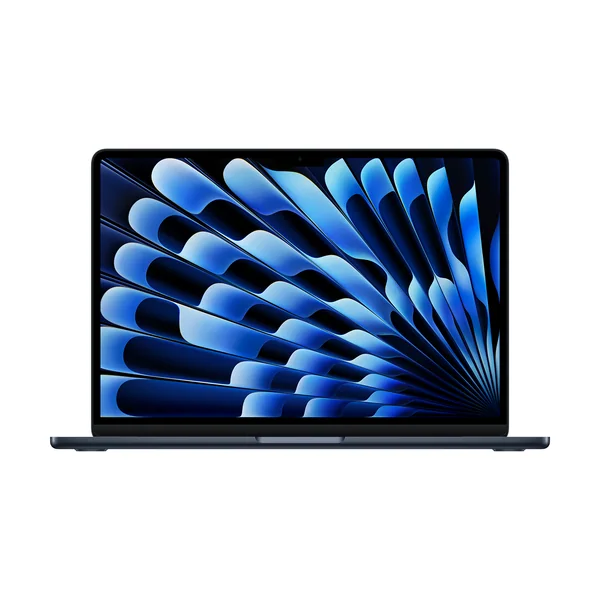
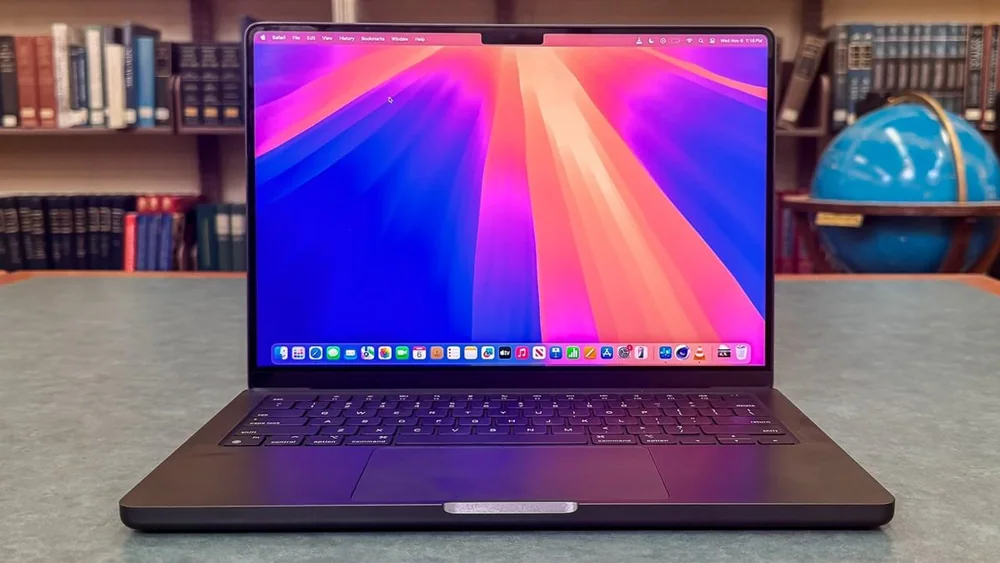
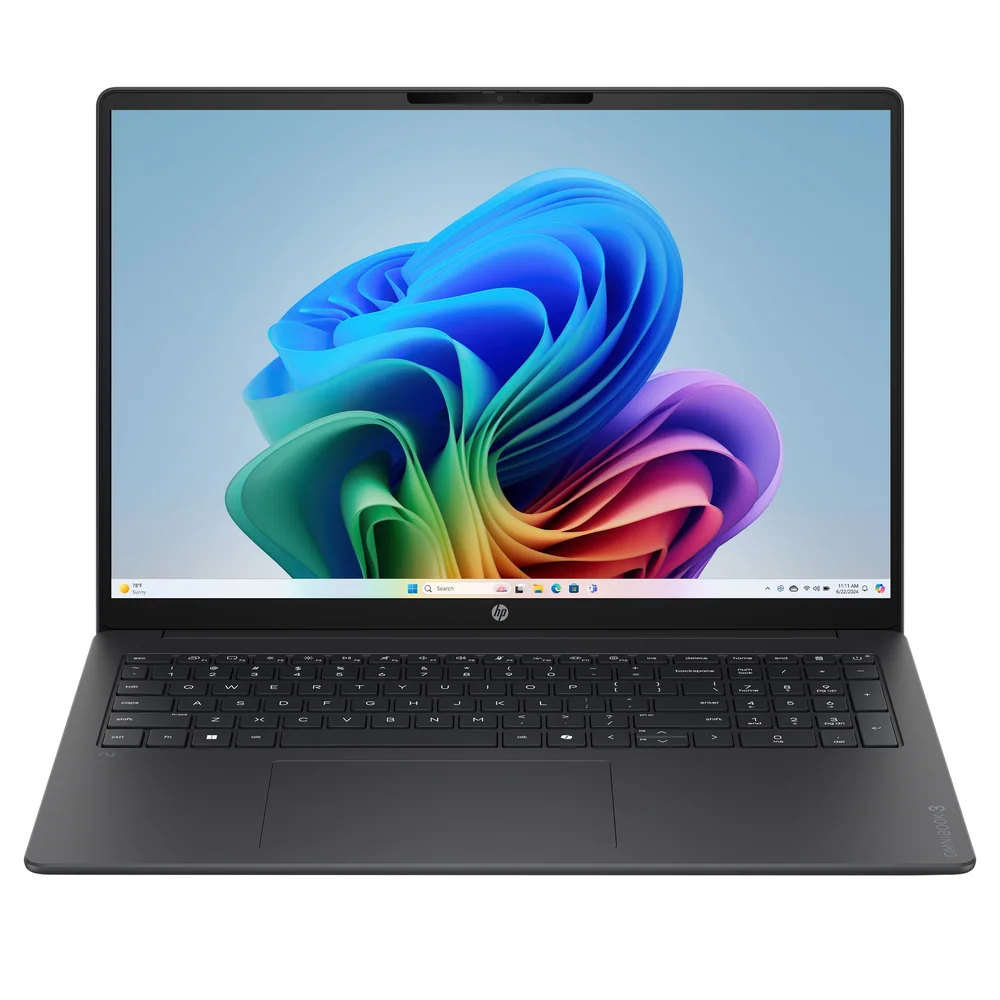
If the MSI Prestige 14 Flip AI+ is not the right fit, these are the models I would look at next.
MSI Prestige 14 Flip AI+ FAQ
Is the MSI Prestige 14 Flip AI+ actually a 2-in-1?
Yes. It is a convertible 2-in-1, so the screen folds around to support laptop, tent, and tablet-style use. It also has a touch screen, which is what makes the format practical.
How good is the battery life on the MSI Prestige 14 Flip AI+?
A published battery rundown result lists it at 42 hours and 6 minutes, which is an extreme outlier for laptops. Real life battery will vary with brightness, video calls, and heavier apps, but this model is clearly built around endurance.
Does the MSI Prestige 14 Flip AI+ come with a stylus?
Yes, it is described as including a stylus. The one ownership annoyance mentioned is that pen storage can be tricky, so you will want a plan for where the pen lives when you are not using it.
Is the MSI Prestige 14 Flip AI+ display good?
It has a 14-inch 1920 x 1200 touch OLED panel, but the display is described as underwhelming for an OLED. It is also limited to a 60Hz refresh rate, which is fine for everyday work but not aimed at high-refresh smoothness.
Does the MSI Prestige 14 Flip AI+ run hot?
It can. Under heavy loads it is described as running hot, and the bottom panel can get hot during games. If you do sustained heavy work or want a cool laptop on your lap, that is a meaningful consideration.
What wireless connectivity does the MSI Prestige 14 Flip AI+ support?
It supports Wi-Fi 7 and Bluetooth 6. That is a good match for newer routers and modern wireless accessories.
Should you buy the MSI Prestige 14 Flip AI+?
Buy the MSI Prestige 14 Flip AI+ if you want the longest-running laptop you can reasonably get in a compact Windows 2-in-1. The 42+ hour battery result is not a rounding error. It is the feature that changes how you use a laptop day to day, and you still get a touch convertible design, an included stylus, modern wireless, and a strong spec set (including 32GB RAM and a 1TB SSD in the configuration described).
Skip it if your top priority is a great OLED experience or a smoother-than-60Hz screen, or if you know you will push heavy workloads for long stretches and you are sensitive to heat. In those cases, you will be happier with a laptop that puts more of the budget into the display and cooling instead of chasing a battery record.