A specific section heading
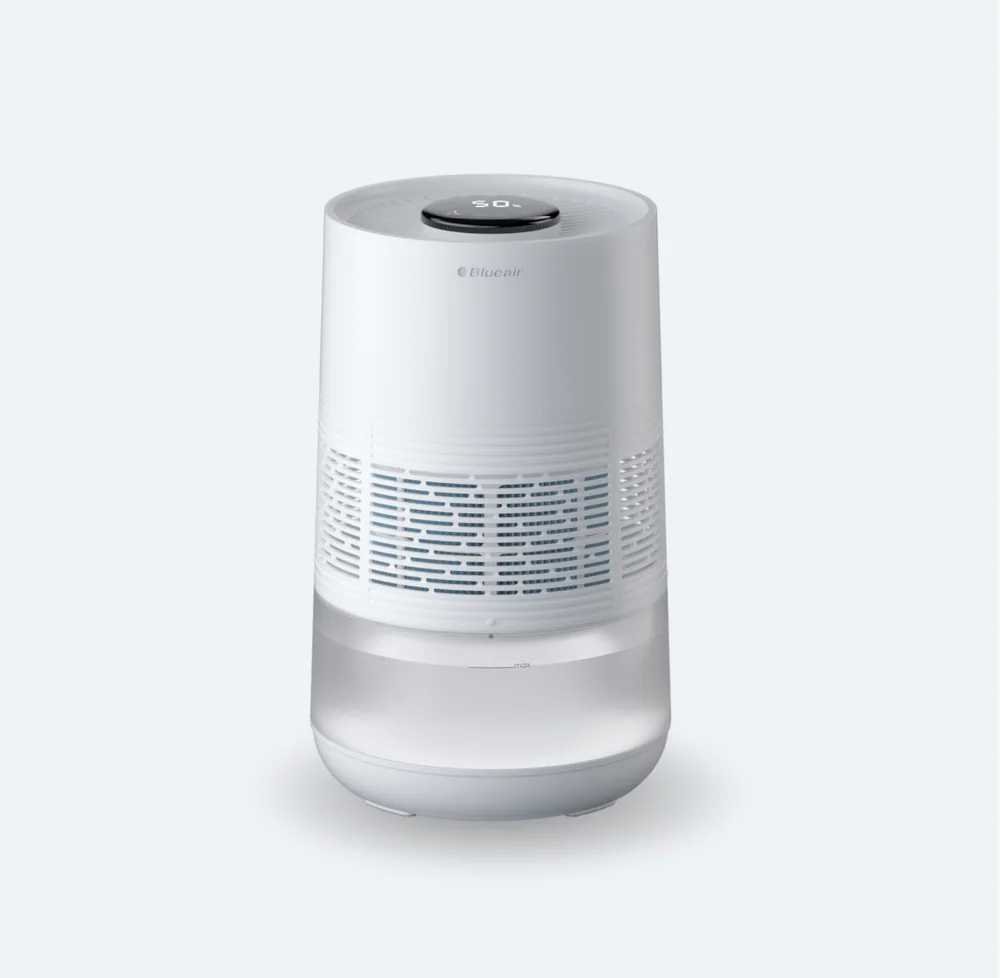
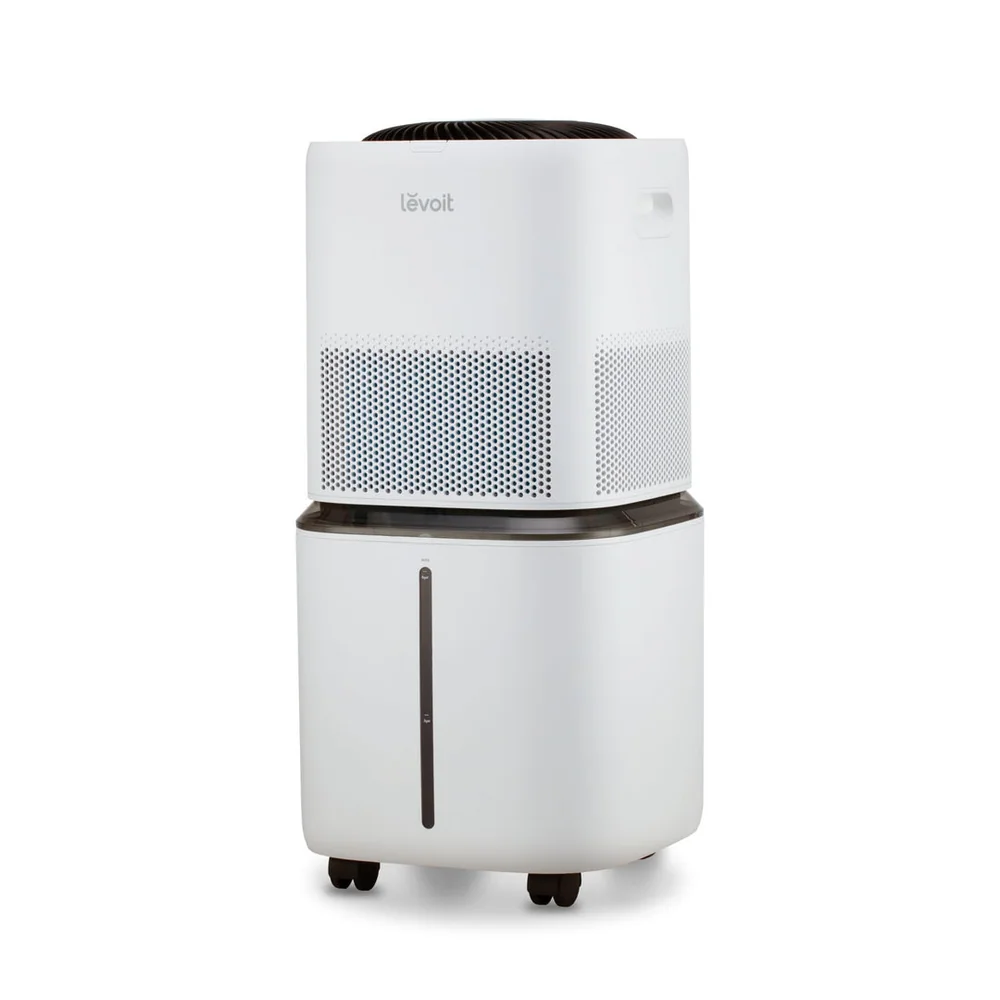
A humidifier's humidistat usually sits inside the unit, so it measures the air right around the machine. That air can be wetter than the rest of the room because mist is being produced inches away. If the sensor is "seeing" higher humidity than the bed area, the humidifier may shut off early and the room can still feel dry. The opposite can happen if the sensor is in a drafty spot inside the housing, it may keep running even when the room is already humid.
A separate hygrometer helps you judge the room where people actually breathe. Place it away from the humidifier's direct mist plume, away from windows, and away from supply vents. A good starting point is across the room at about head height when you are sitting or sleeping. If you want to be thorough, move it for a day: one night near the bed, another night near the window. You will quickly learn where your home tends to be driest or most condensation prone.
A specific section heading
Target numbers are useful, but they are not magic. Comfort often improves as humidity rises from very dry levels, but too much moisture can show up as fogged windows, damp sills, or a clammy feeling. Those are practical warning signs that matter more than chasing a specific display reading. If you see condensation, lower the target or run the humidifier less, even if the screen says you are still below your goal.
Accuracy claims can be marketing-heavy because the sensor is small and the environment is messy. What matters is repeatability and control behavior. If you set a target and the humidifier cycles in a steady pattern, that is usually more valuable than a perfect number. Use your hygrometer as the tie breaker. If the humidifier says 45 percent but the room meter says 35 percent, treat the room meter as your comfort reference and adjust the humidifier target until the room meter lands where you want it.
A specific section heading
Cycling is the on and off pattern a humidifier uses to maintain a target. Some units run continuously at a chosen speed and only stop when they hit the set point. Others pulse on and off frequently. Frequent cycling can be annoying at night if it changes fan noise, makes beeps, or causes the tank to gurgle. It can also create bigger humidity swings if the humidifier overshoots and then stays off for a long time.
To judge cycling, watch the hygrometer over a few hours, not just the humidifier display. If the room humidity climbs quickly and then drops quickly, try a lower fan or mist setting, or a lower target, so the machine runs more steadily. If your humidifier has an "auto" mode, check whether it is actually using the humidistat or just changing fan speed on a timer. A true humidistat-based auto mode should respond to the room getting drier or wetter.
A specific section heading
Some humidifiers measure humidity but do not control it. They show a number, but you still choose the output and the machine keeps running until the tank is empty. That is fine if you are willing to monitor with a hygrometer and adjust manually. It is risky if you tend to forget it overnight, because humidity can creep up, especially in small bedrooms with closed doors.
If you want hands-off control, look for a humidifier that lets you set a target humidity and that can actually shut off mist production when it reaches it. Then confirm the behavior in your room. A practical routine is to set a conservative target for the first week, watch for window fogging, and only raise the target if the room stays dry and comfortable. This approach prevents the common pattern of buying a powerful unit and accidentally running it like a constant-output fog machine.