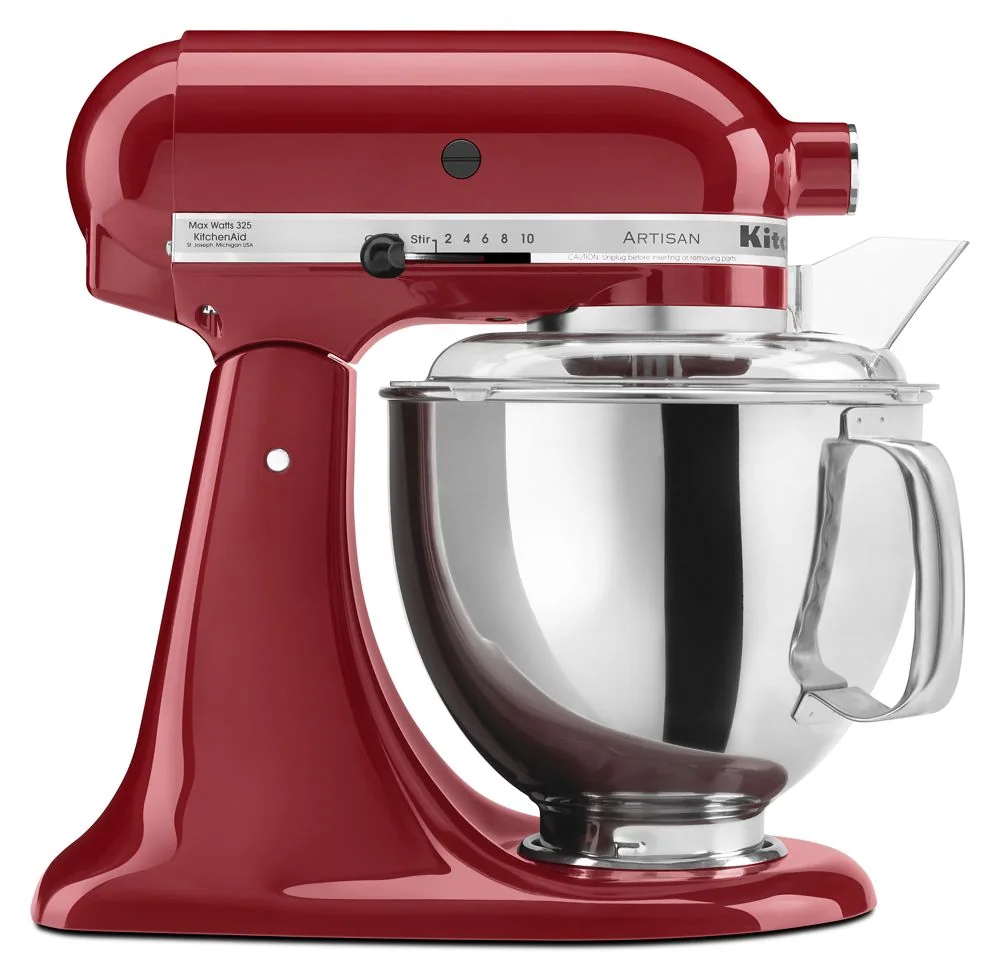
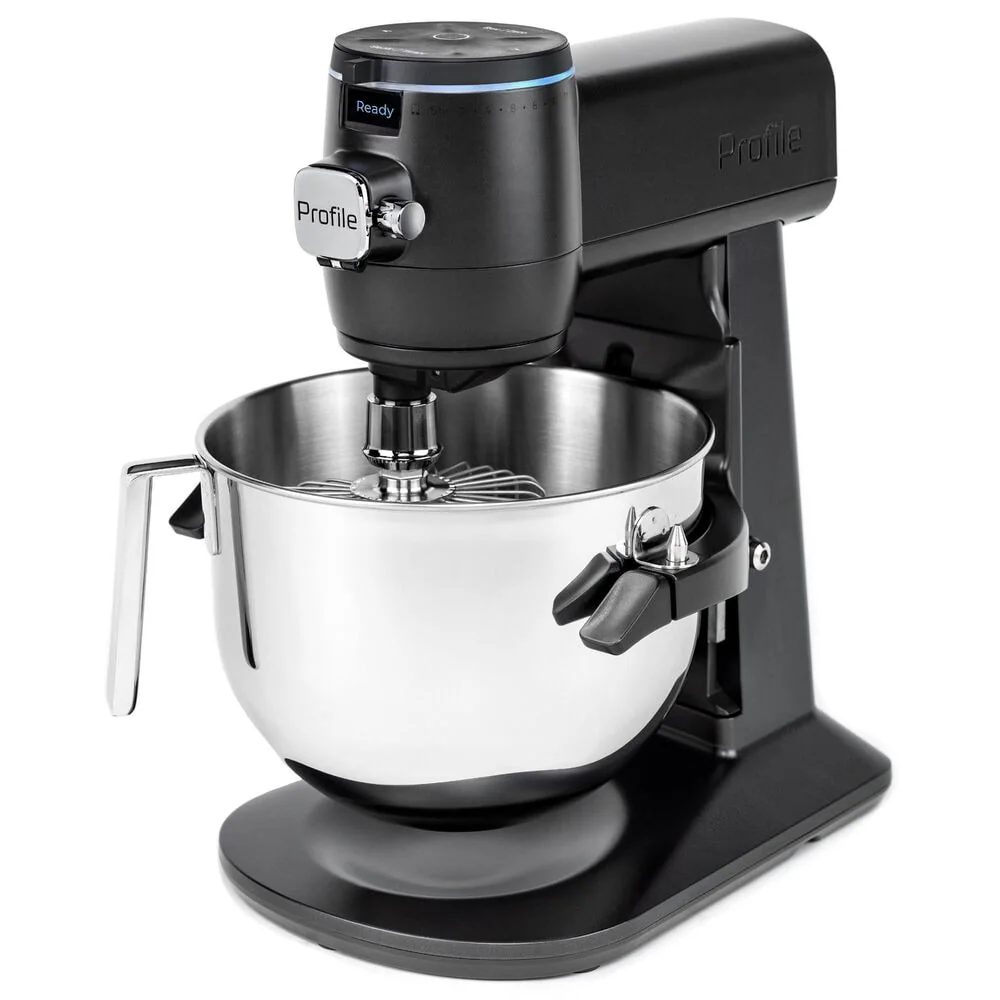
Power down before disassembly
Set the control to off, wait for every part to stop, and unplug. Lower the bowl or unlock the head as directed, then remove the tool and bowl in the manual's sequence.
Do not pull sticky dough from a connected hook or reach around the shaft while the mixer can start.
Wash each part by its own rule
Check whether the exact bowl and tool are dishwasher safe and whether a rack position is specified. Many wire whips and uncoated metal tools require hand washing and immediate drying.
Inspect coatings for chips, glass for cracks, and metal tools for bends. Replace damaged parts rather than continuing to mix food with them.
Wipe the base and shaft
Use a soft damp cloth on the housing, controls, head, bowl supports, and beater shaft. Remove flour and batter from seams before it hardens.
Never immerse the motor base or direct water, spray cleaner, or compressed debris into gears, vents, or electrical openings.
Record changes
Listen for a new knock, scrape, squeal, or speed fluctuation and check the bowl and tool setup first. Consult official support for adjustment and service instructions.
Keep the model and serial information with a maintenance note. Correct parts and current manuals are easier to find before a failure interrupts a baking day.