
Pickori

Practical guide

Planetary Mixing and Beater Clearance Explained

Understand bowl coverage, the dime-test concept, scraping, and when an adjustment belongs in the manual or service center.

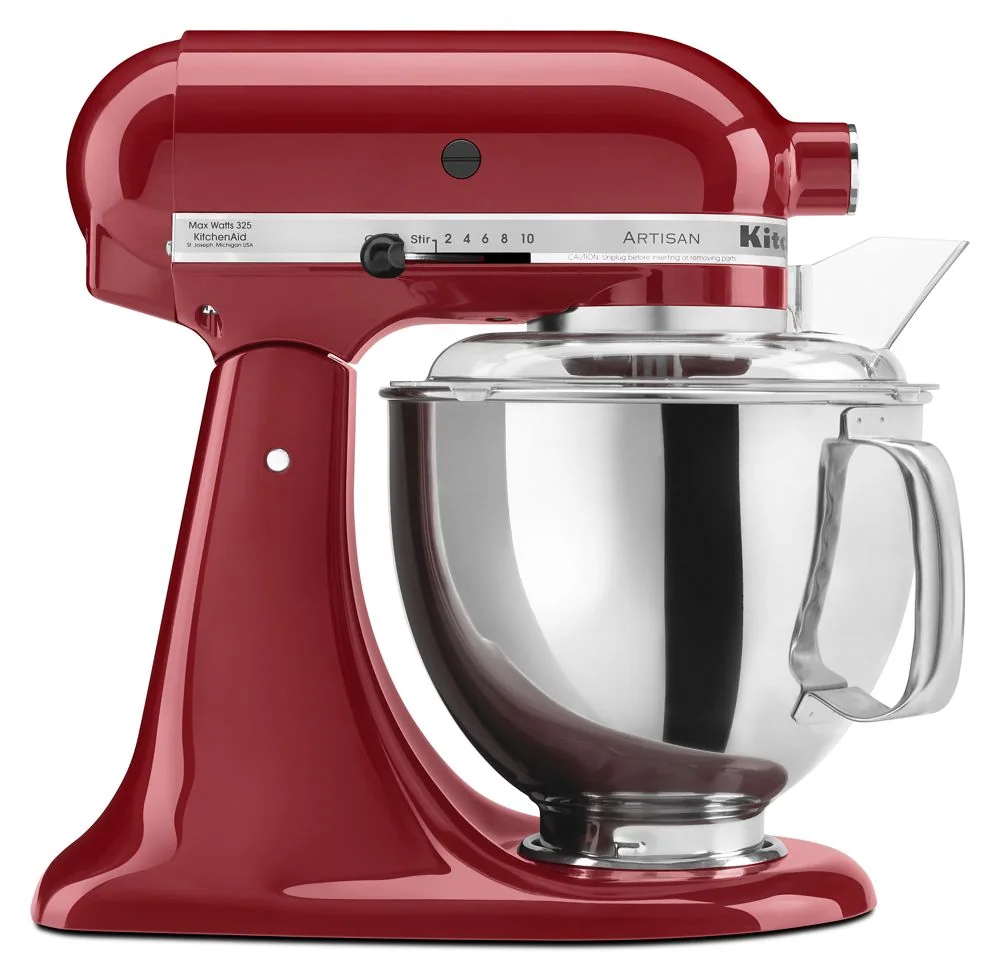
KitchenAid Artisan Series 5-Quart Stand Mixer

What planetary action changes

The attachment travels around the bowl while turning, passing through different zones instead of spinning in one fixed spot. This improves coverage but does not guarantee a scrape-free bowl.

Sticky butter, tiny batches, and ingredients clinging above the tool path can still require pauses and scraping with the mixer off.
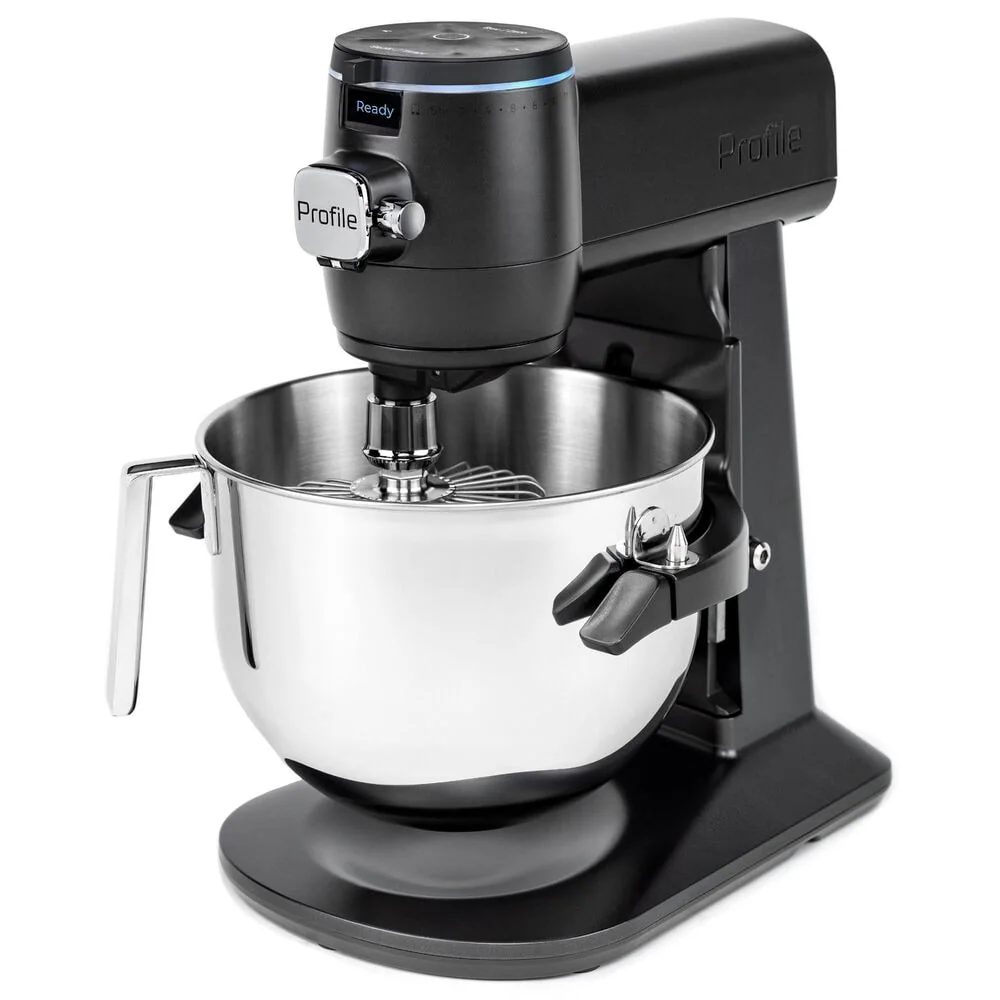
Recognize incorrect clearance

A beater that sits too high may leave ingredients at the bottom; one that sits too low may strike the bowl or wear the tool. Use only the manufacturer's test and adjustment instructions for the exact mixer.

Do not bend a beater or improvise a spacer. Some models are not user-adjustable, and an impact sound calls for stopping the machine.

Scrape safely

Turn the control off, wait for movement to stop, and unplug when the manual requires it before placing a spatula near the bowl or tool. Scrape the bottom, sides, and any dry pocket deliberately.

A pouring shield is not permission to insert a utensil while the attachment moves. Add ingredients through the approved opening and at the recommended speed.

Use the correct matched parts

Bowls and beaters that look similar can have different heights, mounts, and sweep diameters. Match the accessory number to the mixer model and bowl.

Inspect coated tools for chips and metal tools for deformation. Replace damaged or contacting parts before the next batch.

Products that fit this practical guide

As an Amazon Associate I earn from qualifying purchases.

More from Stand Mixers

← Back to Stand Mixers