
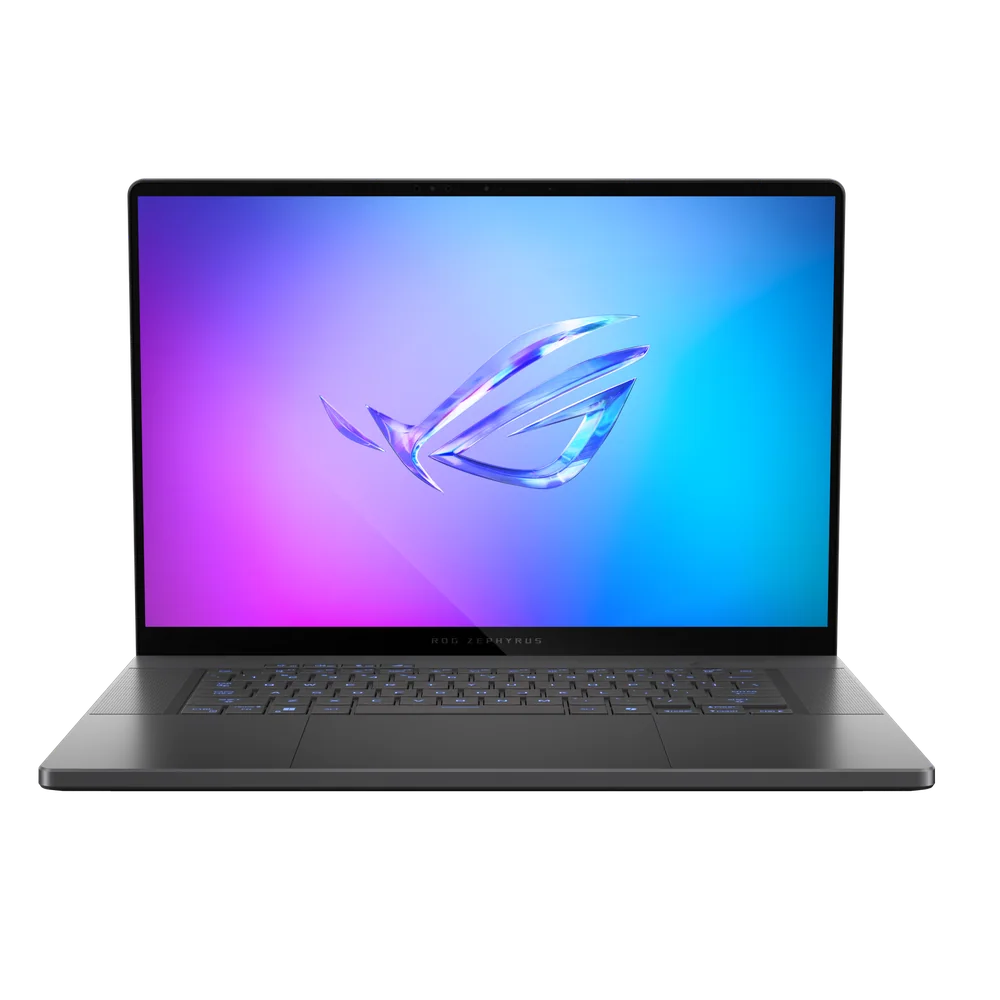
What to know first
- The 16-inch 2560 x 1600 240Hz OLED is the main reason to buy it. It is sharp, fast, and built for both gaming and creator work.
- It targets a mix of performance and battery life that is better than most gaming laptops, rather than chasing the thickest, loudest max-power design.
- Configurations can reach high-end Nvidia GPUs (documented RTX 4080 in a reviewed configuration, and RTX 5080 class configurations commonly offered).
- It is a strong streamer setup because the big screen helps multitasking and it is positioned with a good port selection for peripherals.
- Expect some heat in the bottom and hinge area under load, and plan on using the included large power brick when you want full performance.
What the ASUS ROG Zephyrus G16 (2025) is
The ASUS ROG Zephyrus G16 (2025) is a premium-leaning 16-inch gaming laptop designed to feel more portable and more “normal laptop” than the chunky desktop-replacement crowd. The point of the Zephyrus line is balance: strong gaming performance, a nicer build, and better unplugged usability than most gaming laptops.
In practice, it is the model you pick when a 14-inch gaming laptop feels too small for real work, but you still do not want a big, heavy machine that lives on a desk. The 16-inch class gives you room for timelines, IDE panels, and streaming layouts, and it is simply more comfortable for long sessions.
A big part of the identity here is the display. Documented configurations include a 16-inch OLED panel at 2560 x 1600 with a 240Hz refresh rate, which is a high-end spec for a laptop that is trying to stay relatively slim and premium.
Why it stands out
The OLED screen is the clearest reason to pay for the ASUS ROG Zephyrus G16 (2025). A 16-inch, 2560 x 1600 OLED panel gives you crisp detail for work and a more dramatic look in games, and the 240Hz refresh rate is there for smooth motion in fast shooters and action games. It is the kind of screen upgrade you notice every time you open the lid, not just in one benchmark chart.
It also stands out because it aims for high performance without turning into a brick. In documented configurations, it has been paired with an Intel Core Ultra 9 185H, 32GB of LPDDR5x memory, a 1TB SSD, and an Nvidia GeForce RTX 4080. The broader market positioning for this model also includes configurations in the RTX 5080 class, which is the tier many shoppers target when they want a laptop that can handle demanding modern games and GPU-heavy creative workloads.
For streaming and multitasking, the formula makes sense: a large screen, a powerful GPU focus, and a port selection positioned for peripherals and streaming gear. If you have ever tried to manage a game, chat, and streaming controls on a smaller screen, the extra space here is not a luxury. It changes how comfortable the setup feels.
Finally, this model is repeatedly designed as a “bigger than a G14” option. If you like the Zephyrus approach but want more screen for immersion and productivity, the G16 is the natural step up.
What it is like to own
Day to day, the ASUS ROG Zephyrus G16 (2025) is meant to be the gaming laptop you can actually carry and use like a regular computer. The 16-inch size is still a commitment, but it is aimed at a thinner, premium direction rather than a bulky chassis that screams “desktop replacement.”
You should plan on using it plugged in when you want full gaming performance. Like most gaming laptops, it comes with a large power brick, and that is part of the deal if you want the GPU to run at its best. Unplugged time is a priority for this model compared to typical gaming laptops, but gaming on battery is still a different, more limited experience than gaming on wall power.
Heat management is part of ownership. Under load, the bottom and hinge area can get hot, which is a practical reminder that this is a high-performance machine in a relatively portable shape. If you game on your lap, this is not the style of laptop that stays cool like a low-power ultrabook.
Software control is also part of the workflow. Performance and fan behavior are managed through ASUS’s Armoury Crate, and the settings can feel confusing at first. If you like to set a profile once and never think about it again, expect a little learning curve.
What to know before you buy
Configuration matters a lot with the Zephyrus G16. The same product name can be sold with very different GPUs and internal parts, and that changes what games you can run comfortably and how long the laptop stays relevant. If you are shopping for VR or demanding AAA games, prioritize configurations in the RTX 5060 and up neighborhood, and understand that higher tiers like RTX 4080 class and RTX 5080 class are aimed at shoppers who want more headroom.
Do not buy it expecting “desktop-level performance” in the literal sense. Thin gaming laptops can be extremely fast, but sustained performance depends on power limits and cooling. This model is designed around balance, not around being the thickest chassis that can brute-force the highest sustained wattage.
Also, be honest about size. This is a 16-inch laptop, and while it is portable for its class, it is still larger than a 14-inch model. If you commute daily and want the easiest carry, the smaller Zephyrus option is the better fit.
The specs that matter
OLED is the “wow” feature here. It is the difference between a screen that looks fine and a screen that makes games and video look rich and high-contrast, even before you tweak any settings.
This is sharper than 1080p-class panels and gives you more usable workspace. For work, it means less scrolling and more room for side-by-side windows. For games, it looks cleaner at native resolution.
A high refresh rate makes motion look smoother when your game can push high frame rates. It is most noticeable in competitive shooters and fast action games.
A strong CPU helps with game performance consistency and matters a lot for creator tasks like compiling code, running tools while streaming, and heavy multitasking.
This is a high-end GPU tier for a laptop. It is the kind of graphics power you buy when you want demanding games to feel smooth at higher settings and you also want real GPU throughput for creator and dev workloads.
32GB is the difference between “fine for gaming” and “comfortable for gaming plus streaming plus a bunch of apps open.” It is also a practical baseline for heavier dev and creator workflows.
Modern games are huge, and a 1TB SSD is a realistic starting point if you want multiple big titles installed alongside work files without immediately juggling space.
Who this product fits
You want a 16-inch OLED laptop for single-player games
The ASUS ROG Zephyrus G16 (2025) gives you a large OLED panel with a sharp 2560 x 1600 resolution, so story-driven games and anything cinematic look richer and more immersive than they do on typical IPS gaming screens.
You stream and need room for your layout
With a 16-inch screen, you can keep your game, chat, and streaming controls visible without feeling cramped. The model is also positioned with a good port selection for plugging in the peripherals streamers actually use.
You do game development or GPU-heavy creative work
This laptop is a strong middle ground when a 14-inch machine feels limiting. Higher-end GPU configurations (including documented RTX 4080 class) are built for graphics-heavy workflows and frequent playtesting without forcing you into a bulky chassis.
You want a portable desktop-replacement style laptop, but you still care about battery life
The Zephyrus G16 is aimed at better unplugged usability than most gaming laptops, while still delivering serious performance when plugged in. It is a practical choice if you move between rooms, offices, or travel, and do not want a giant machine.
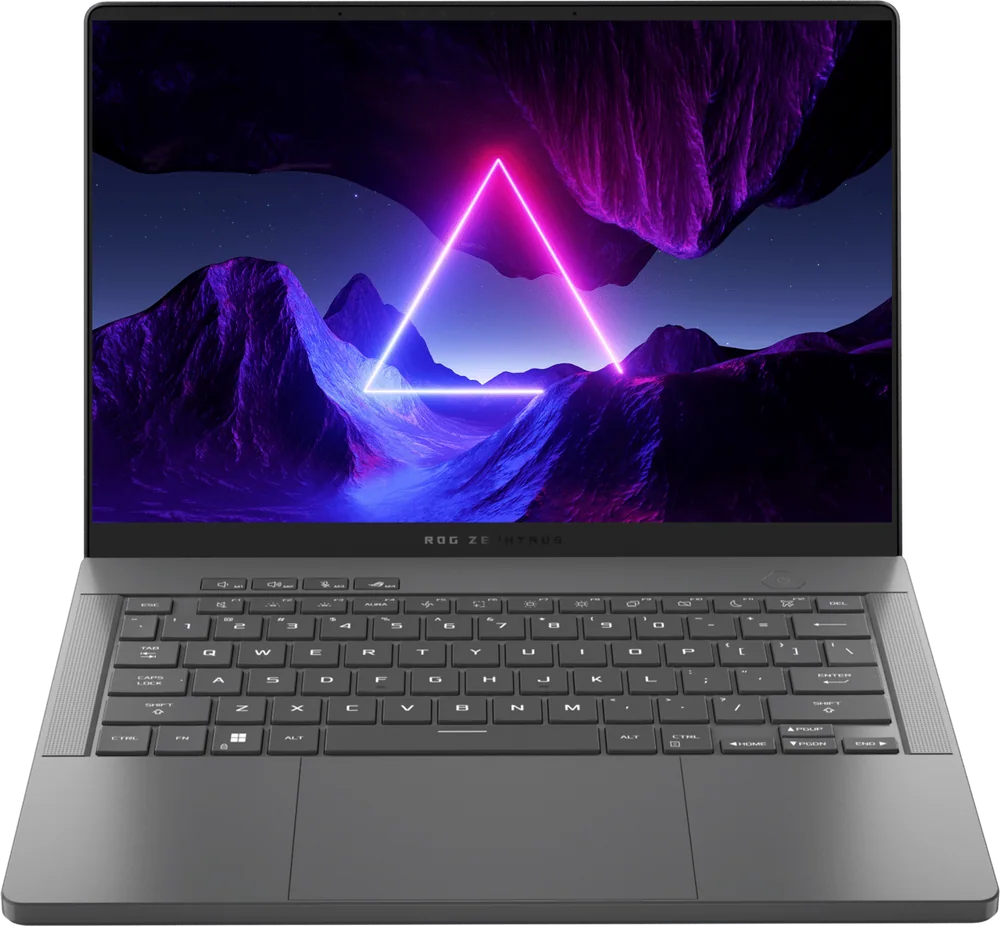
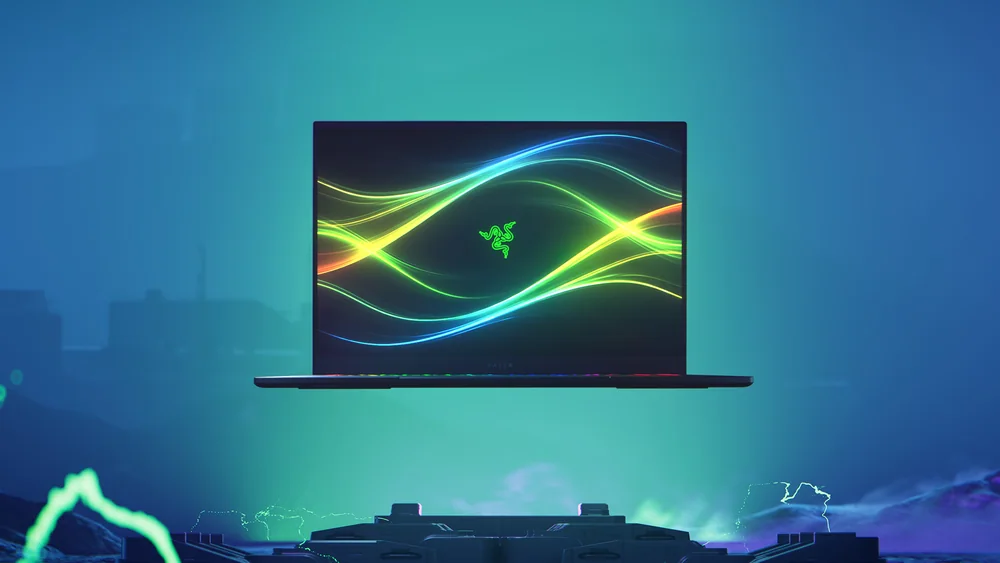
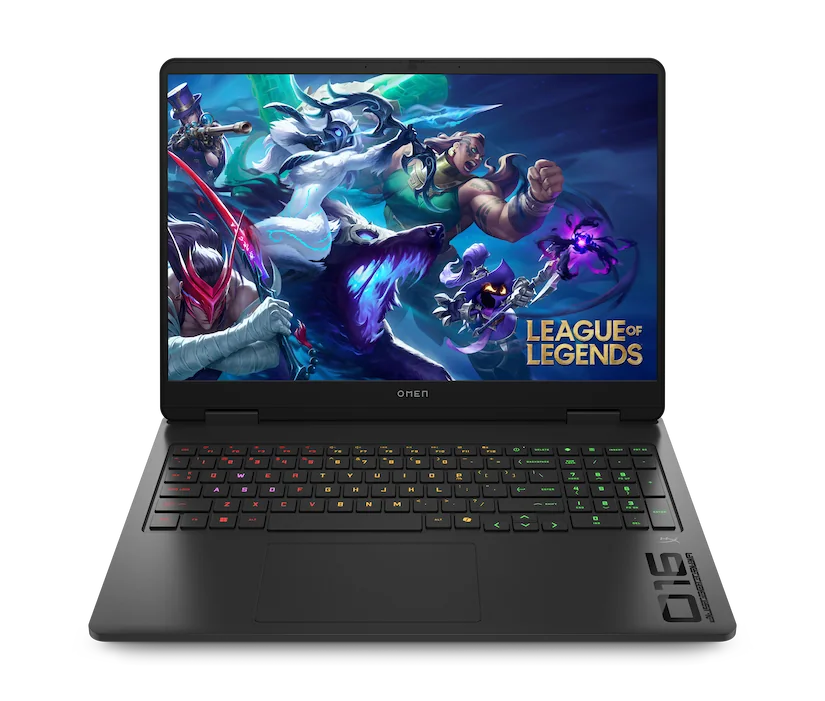
What else to compare
If the Zephyrus G16 (2025) is close but not quite right, these are the clearer forks in the road.
ASUS ROG Zephyrus G16 (2025) FAQ
Is the ASUS ROG Zephyrus G16 (2025) good for streaming and gaming?
Yes. Its larger 16-inch screen is well suited to streaming layouts and multitasking, and it is positioned with a powerful GPU focus and a good port selection for peripherals and streaming gear.
Is the ASUS ROG Zephyrus G16 (2025) better than a 14-inch Zephyrus model?
It is better if you want more screen space for work, streaming tools, or immersion in games. If your top priority is portability and the smallest carry, the 14-inch option makes more sense.
What is the screen spec on the ASUS ROG Zephyrus G16 (2025)?
Documented configurations include a 16-inch OLED display at 2560 x 1600 resolution with a 240Hz refresh rate. That combination is aimed at both sharp everyday use and smooth gaming.
Does the ASUS ROG Zephyrus G16 (2025) run hot?
Under load, the bottom and hinge area can get hot. That is common for high-performance laptops, especially in slimmer designs, and it is worth factoring in if you plan to game on your lap.
Do I need to pay attention to GPU power limits on this laptop?
Yes. Two laptops can share the same GPU name but perform differently depending on how much sustained power the laptop allows and whether cooling can keep up. With the Zephyrus G16, configuration details matter, so compare the exact model you are buying.
Should you buy the ASUS ROG Zephyrus G16 (2025)?
Buy the ASUS ROG Zephyrus G16 (2025) if you want a premium-feeling 16-inch gaming laptop where the screen is a real upgrade and the overall package is built for more than just gaming at a desk. The 16-inch 240Hz OLED is the daily-use feature that justifies the category price, and the performance ceiling is high in the better GPU configurations.
Skip it if you are shopping purely on value or you want the smallest, easiest carry. In those cases, a budget-focused 16-inch model or a 14-inch Zephyrus-style laptop will fit the job better. But if you want one machine that can game, stream, and work without feeling like a plastic tank, the ASUS ROG Zephyrus G16 (2025) is a smart buy.