

What to know first
- A practical budget gaming laptop aimed at typical 1080p play and general Windows use.
- The ASUS TUF Gaming A15 name covers multiple configurations, so the exact SKU matters.
- For gaming performance, the GPU model and its allowed power level are the big swing factors.
- Plan on playing plugged in for the experience you are paying for.
- If you are chasing the newest-parts value, compare against Lenovo LOQ 15 or Gigabyte Gaming A16 first.
What the ASUS TUF Gaming A15 is
The ASUS TUF Gaming A15 is a budget gaming laptop built around the standard 15-inch formula: a Windows laptop that can handle everyday tasks and also run popular PC games at 1080p without needing a desktop tower.
In daily life, it is meant to be your one-laptop solution. You can do normal laptop stuff during the day, then switch to gaming at night. You are paying for a dedicated gaming setup and the kind of hardware and cooling approach that is built for longer gaming sessions, not just opening a game once.
One important thing: “ASUS TUF Gaming A15” is a platform name, not one fixed spec sheet. It comes in multiple configurations, and the exact parts matter a lot.
Why it stands out
The ASUS TUF Gaming A15 works because it sticks to the basics. It is a mainstream gaming size with mainstream gaming intent, and it is easy to understand as a purchase if you want a budget gaming laptop that behaves like a budget gaming laptop.
It makes sense for typical 1080p gaming, which is where this category is supposed to land. At 1080p, you can play a wide range of games without paying for a higher-tier GPU that is really there to push higher resolutions.
The main reason to slow down before you buy is configuration. Two listings that both say “TUF A15” can feel like different laptops if the GPU changes, or if the same GPU is allowed to run at different sustained power levels.
What it is like to own
Day to day, the ASUS TUF Gaming A15 is meant to be a normal Windows laptop when you want it to be, and a gaming machine when you plug it in. That plugged-in part matters. Gaming laptops typically deliver their best performance on the charger, and gaming on battery is usually limited by power caps and drains fast.
If you plan to use an external monitor, think about ports early. A gaming laptop can be the center of a desk setup, but the exact port mix can vary by configuration, so you want to confirm what the specific A15 you are buying actually includes.
Also remember that sustained performance in a gaming laptop is tied to cooling and power limits. A laptop can feel fast in short bursts and then settle into a lower steady state once heat builds. With the A15, buying the exact configuration you want matters more than buying the name.
What to know before you buy
The biggest catch is configuration confusion. The same laptop name can be sold with different GPUs, and even the same GPU name can perform differently depending on the laptop’s power limit and cooling. Before you buy, confirm the exact GPU model and any stated power limit details in the listing or spec sheet.
Be skeptical of broad claims like “desktop-level performance” or big battery-hour numbers. Those claims usually describe best-case or light-use scenarios. For gaming, expect to play plugged in, and expect performance to be shaped by heat and power limits over longer sessions.
If your whole reason for buying is to get the newest generation of parts for the money, the ASUS TUF Gaming A15 is not the automatic answer. In that case, start with newer-value models like the Lenovo LOQ 15 and only come back to the A15 if the specific configuration and price are right.
The specs that matter
“TUF A15” is not one fixed spec sheet. The CPU, GPU, and ports can change, so you should shop the specific configuration, not just the name.
1080p is the practical target for budget gaming laptops. It is where you can get smooth play in a wide range of games without paying for a higher-tier GPU.
This is the performance neighborhood many shoppers want for modern 1080p gaming. Still, you need to verify the exact GPU in the listing you are buying.
Two laptops with the same GPU name can perform very differently if one allows higher sustained wattage. If the listing does not clearly state it, you are buying with less certainty about gaming performance.
If you want an external monitor setup, the wrong mix of HDMI and USB-C video output can limit resolution or refresh rate. Confirm the ports on the exact configuration you are buying.
If you plan to game away from an outlet, a gaming laptop is usually a frustrating fit. Plan on plugged-in play for the experience you are paying for.
Who this product fits
You want a simple budget gaming laptop for 1080p
The ASUS TUF Gaming A15 fits if you want a familiar gaming laptop setup that can handle everyday 1080p gaming and normal Windows tasks, as long as you pick the configuration with the GPU you actually want.
You need one laptop for school and games
If you want a single Windows laptop for documents, browsing, and apps, plus gaming after class, the TUF A15’s all-in-one approach makes sense. Just plan to bring the charger for gaming.
You are building a desk setup with an external monitor
The A15 can be the center of a budget gaming desk. Before you buy, confirm the exact ports on the specific configuration so your monitor can run at the resolution and refresh rate you want.
What else to compare
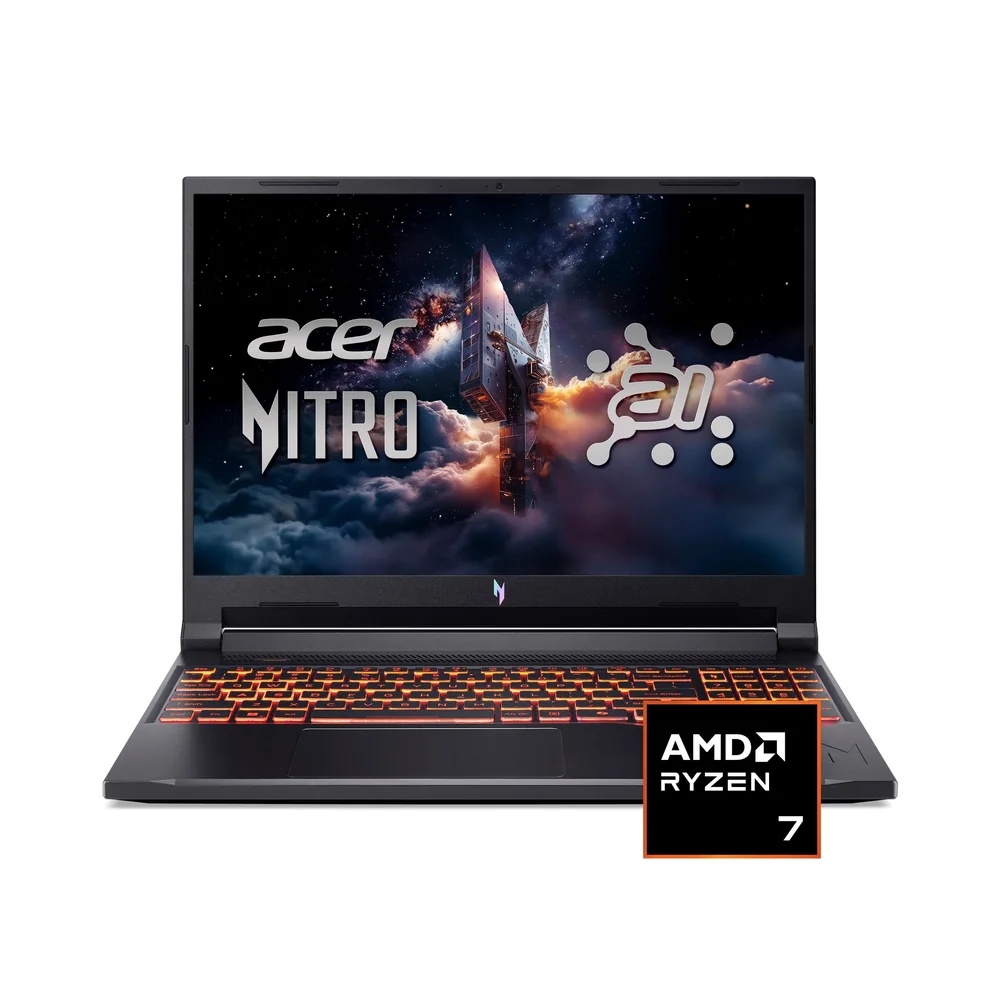
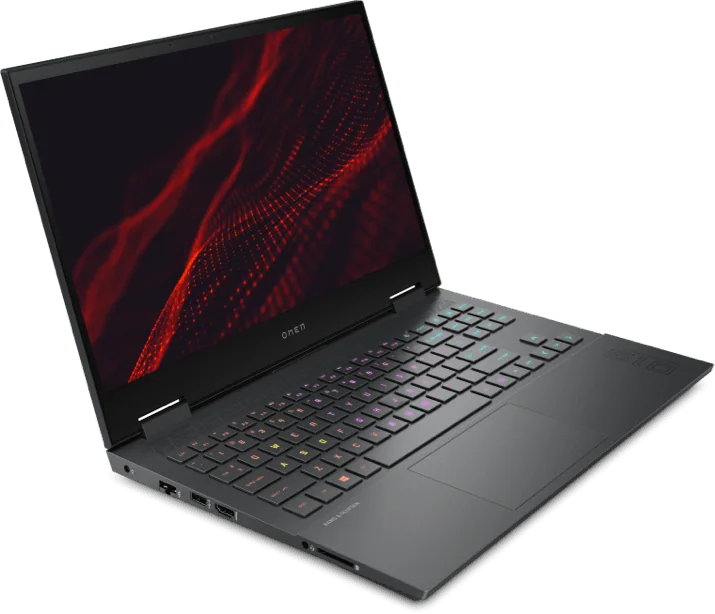
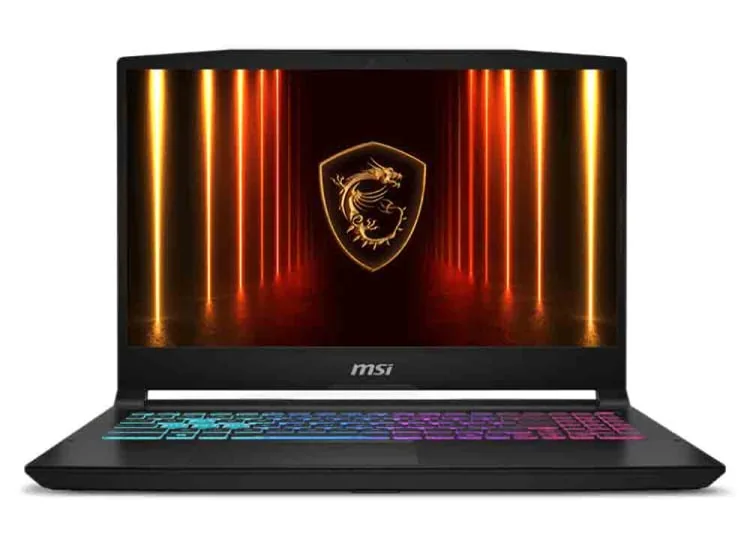
If the ASUS TUF Gaming A15 isn’t the best fit, these are the models to consider next.

ASUS TUF Gaming A15 FAQ
Is the ASUS TUF Gaming A15 good for 1080p gaming?
Yes. It is a budget gaming laptop that makes sense for typical 1080p play. Just make sure you are looking at the exact configuration, since performance depends heavily on the GPU and its allowed power level.
Can the ASUS TUF Gaming A15 replace a desktop for gaming?
It can cover a lot of the same games and use cases, but it is not a simple one-to-one swap. Laptop gaming performance is shaped by power limits and heat over longer sessions, so the exact configuration matters.
Should I buy the ASUS TUF Gaming A15 or Lenovo LOQ 15?
Choose the ASUS TUF Gaming A15 if you want a familiar, no-nonsense gaming laptop and you are happy shopping by the exact configuration in front of you. Choose the Lenovo LOQ 15 if you are prioritizing newer-generation hardware value and want to start there.
Does the ASUS TUF Gaming A15 support external monitors well?
It can work well with an external monitor, but you need to confirm the ports on the exact configuration you are buying. If you care about a specific resolution or refresh rate, check the listing’s HDMI and USB-C video output details before you commit.
Can you game on battery with the ASUS TUF Gaming A15?
You can launch games on battery, but gaming laptops are typically power-capped on battery and drain fast. For the performance you are paying for, plan to play plugged in.
Should you buy the ASUS TUF Gaming A15?
Buy the ASUS TUF Gaming A15 if you want a dependable budget gaming laptop that sticks to the basics. It is well suited to everyday 1080p gaming and general laptop use, and it fits people who want one machine for work or school plus gaming.
Skip it if your main goal is newer-generation value or you need specific, confirmed details about GPU power limits and port capabilities before you buy. In those cases, start with the Lenovo LOQ 15 (or another newer-value option), then come back to the ASUS TUF Gaming A15 only if the exact configuration matches what you need.